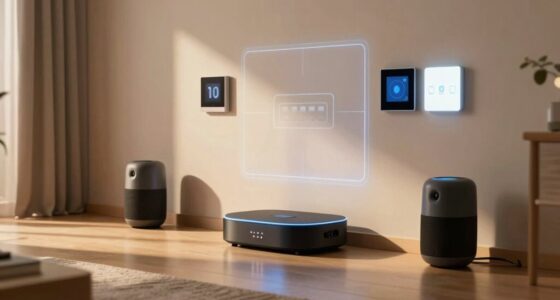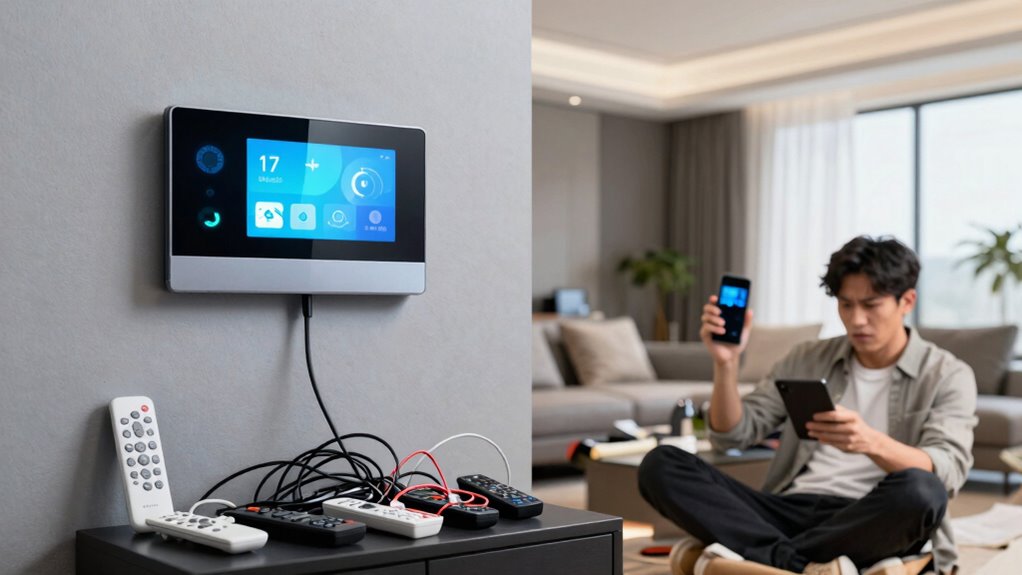

Smart home convenience happens when you properly set up and manage your devices, automating routines and controlling everything remotely for a simpler life. But chaos occurs if devices malfunction, security isn’t tight, or automation causes unintended actions. Paying attention to compatibility, privacy, and regular updates helps keep things smooth. If you want to discover how to strike the right balance, there are essential tips to guarantee your smart home truly benefits you without causing frustration.

Get the latest gadgets delivered free with Prime
- Fast, free delivery on millions of items
- Prime Video, Amazon Music and more included
- Member-only deals all year
Key Takeaways
- Smart home convenience offers automation that simplifies routines, while chaos arises from device malfunctions or poor configuration.
- Proper device setup and regular maintenance prevent automation errors that can lead to system chaos.
- Security and privacy safeguards help maintain convenience by protecting personal data from cyber threats.
- Compatibility and system stability are essential; mismatched devices can cause unpredictable behavior and disrupt routines.
- Ongoing management and updates ensure a seamless experience, reducing the risk of smart home chaos.
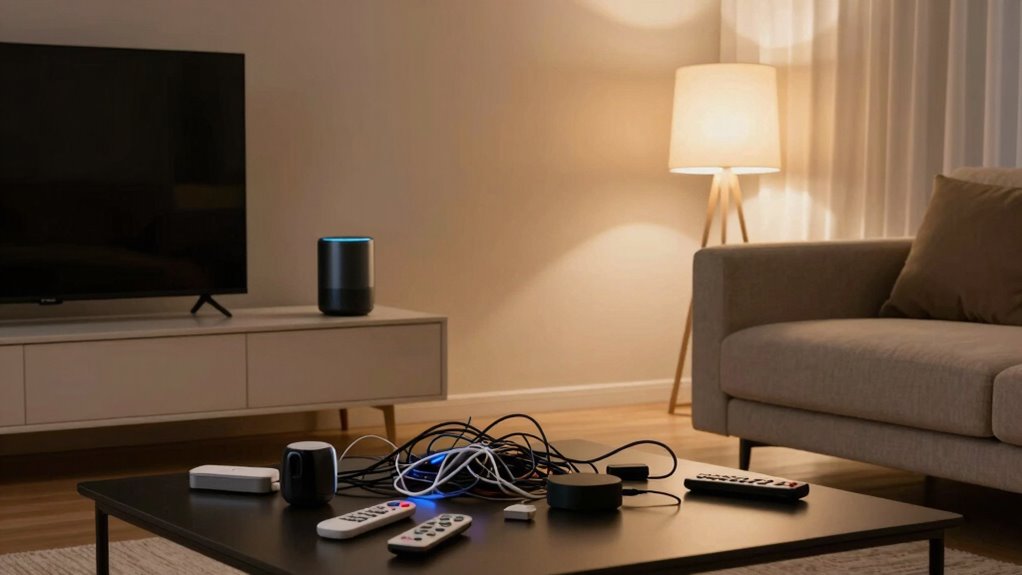
Have you ever wondered if the convenience of a smart home outweighs the potential chaos it can bring? It’s a question many people grapple with as they consider upgrading their living spaces. Smart homes promise to make life easier by automating routines, controlling devices remotely, and providing real-time updates. But with these benefits come complexities—like managing energy efficiency and privacy concerns—that can quickly turn a seamless experience into a frustrating ordeal if not handled carefully.
Smart homes offer convenience but require careful management of energy and privacy to avoid chaos.
When your home is equipped with smart devices, you can optimize energy usage effortlessly. For example, smart thermostats learn your schedule, adjusting temperatures to save energy when you’re away or asleep. This not only reduces utility bills but also helps you contribute to environmental sustainability. However, achieving true energy efficiency requires ongoing attention. If your devices aren’t correctly configured or if they malfunction, you might end up wasting energy instead of conserving. Sometimes, overly aggressive automation leads to unnecessary power consumption, creating more chaos than convenience.
Privacy concerns are another major factor that separates a well-managed smart home from a chaotic one. With many devices constantly connected to the internet, your personal data—such as habits, routines, and even voice recordings—becomes vulnerable. If you don’t secure your network properly, hackers could potentially access sensitive information or even manipulate your devices. This can lead to uncomfortable situations where your privacy feels compromised, turning what should be a helpful setup into a source of stress. Without proper safeguards, your smart home could become a target for cyberattacks, making you question whether the convenience is worth the risk. Proper security measures are essential to protect your data and maintain confidence in your system. Regularly reviewing your security protocols and understanding potential vulnerabilities can significantly reduce these risks. Additionally, understanding privacy settings and how to customize them is crucial to maintaining control over your personal information.
Managing a smart home requires a balance. You’ll need to stay vigilant about software updates, security settings, and device compatibility. Sometimes, the chaos stems from inconsistent device interactions, causing routines to fail or devices to behave unpredictably. For example, a smart light might turn on unexpectedly or a security camera might lose connection at critical moments. These glitches can turn a seemingly perfect system into a source of frustration, disrupting your daily routine and undermining your confidence in the technology. Additionally, understanding device compatibility is crucial to ensure all components work together smoothly. Proper setup and ongoing troubleshooting can help prevent these issues from escalating into full-blown chaos.
In the end, the difference between smart home convenience and chaos hinges on how much effort you put into setting up and maintaining your system. When you prioritize energy efficiency and address privacy concerns proactively, your smart home can serve as a real asset—making everyday life simpler and more sustainable. But neglect these aspects, and what should be a seamless experience can quickly become overwhelming. Staying informed about best practices can help you keep your smart home functioning optimally and securely.
smart home device compatibility kit
As an affiliate, we earn on qualifying purchases.
As an affiliate, we earn on qualifying purchases.
Frequently Asked Questions
How Do I Ensure My Smart Home Devices Are Secure?
To keep your smart home devices secure, you should regularly update their firmware to patch security vulnerabilities. Use strong, unique passwords for each device and enable two-factor authentication where possible. Be aware of privacy concerns and limit data sharing. Avoid connecting devices to public Wi-Fi networks, and consider setting up a separate network for your smart devices to prevent device hacking from affecting your main network.
What Is the Cost Difference Between Basic and Advanced Smart Home Systems?
Oh, the joy of choosing between basic and advanced smart home systems—your wallet’s new best friend. Basic setups typically cost less upfront, saving you money on installation costs, but might lack energy savings features. Advanced systems, while pricier with higher installation costs, offer superior energy efficiency and automation. So, if you want to splurge for convenience or save for energy savings, just remember: your decision shapes your smart chaos or peace.
Can Smart Home Devices Work Without Internet Connectivity?
Yes, some smart home devices can work without internet connectivity through offline functionality and local control. Devices like smart locks, security cameras, and hubs often operate locally, allowing you to control them directly via your smartphone or control panel without relying on the internet. However, many features, updates, and remote access depend on an internet connection, so offline functionality varies based on the device and its capabilities.
How Do I Troubleshoot Connectivity Issues in My Smart Home?
When your smart home connectivity falters, don’t panic—start troubleshooting. First, check for wireless interference; other devices or thick walls might be blocking signals. Then, confirm your device firmware is up to date, as outdated software can cause issues. Restart your router and smart devices, and reposition them if needed. These simple steps can reveal hidden problems and restore seamless connectivity, bringing back your smart home’s convenience.
Are Smart Home Devices Compatible Across Different Brands?
You might find that smart home devices often face interoperability challenges, making brand compatibility tricky. To guarantee seamless operation across different brands, look for devices that support common standards like Zigbee or Z-Wave. Double-check compatibility lists before purchasing, and consider hubs or platforms like Apple HomeKit, Google Home, or Amazon Alexa, which help bridge brand compatibility gaps. This way, you’ll avoid chaos and enjoy smooth, integrated smart home experiences.
As an affiliate, we earn on qualifying purchases.
Conclusion
As you navigate the world of smart homes, remember it’s a double-edged sword—like walking a tightrope between convenience and chaos. With a little care, your smart home can be a symphony of seamless harmony, where technology plays a sweet melody. But if you’re not careful, it’s easy to get lost in a maze of tangled wires and relentless alerts. So, steer wisely, and let your smart home be a trusted ally, not a wild beast.
smart thermostat with energy saving features
As an affiliate, we earn on qualifying purchases.
As an affiliate, we earn on qualifying purchases.
As an affiliate, we earn on qualifying purchases.
Fall Picks
fall essentials
As an affiliate, we earn on qualifying purchases.