
When your smart home goes offline, your devices stop responding properly, leading to disrupted routines and potential security gaps. Thermostats may stop adjusting, lights could stay on longer, and appliances might draw more power, raising energy bills. Security systems like cameras and locks become unresponsive, leaving your home vulnerable. Manual control becomes necessary until connectivity is restored. Understanding what causes these issues can help you better prepare—stick around to learn how to safeguard your home during outages.
Listen free for 30 days with Audible
Thousands of audiobooks and originals — cancel anytime.
As an affiliate, we earn on qualifying purchases.
Key Takeaways
- Devices may become unresponsive or revert to basic functions, disrupting automation routines.
- Security systems like cameras and locks may cease functioning, creating safety gaps.
- Energy management features, such as thermostats and lighting, may stop working, increasing energy use.
- Manual controls become essential as automated features lose connectivity.
- Connectivity issues often result from internet outages, power failures, or software glitches.

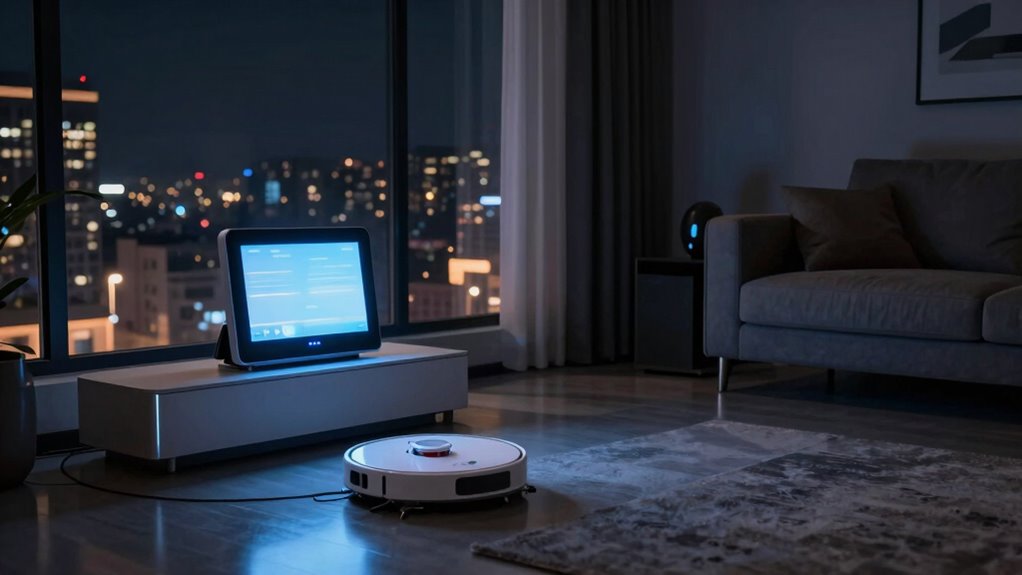
Have you ever wondered what happens when your smart home devices suddenly go offline? When your connected devices lose their link to the internet or their control hubs, it can feel like losing your home’s heartbeat. Without that connectivity, systems like smart thermostats, lighting, security cameras, and locks become unresponsive or revert to basic functions. This disruption doesn’t just inconvenience you; it can lead to energy disruption, where your energy-efficient routines are thrown off course. For example, your smart thermostat might stop adjusting temperatures based on your schedule, causing unnecessary energy consumption or even leaving your home too cold or hot. Lights might stay on longer than needed, and appliances could draw more power than usual, increasing your energy bills.
When smart home devices go offline, your energy routines and security can be disrupted, leaving your home unresponsive and vulnerable.
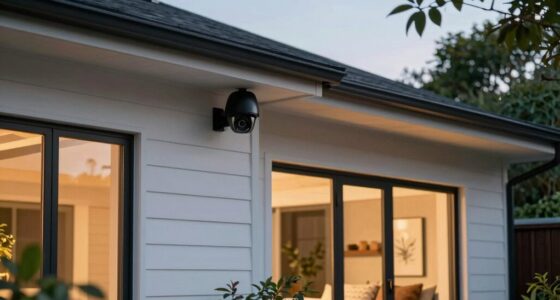
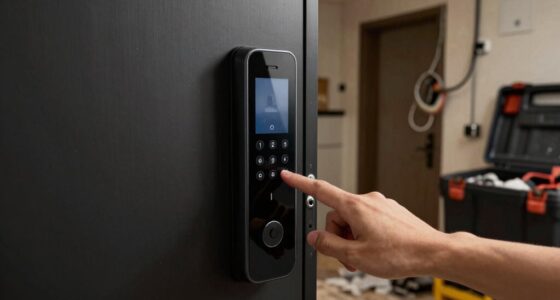
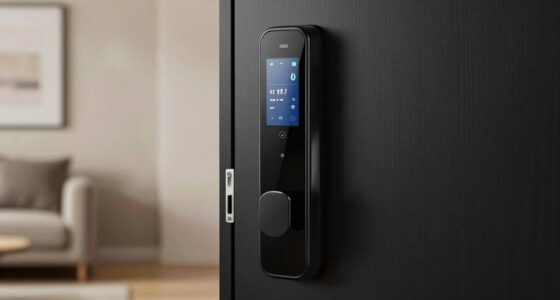
Beyond the inconvenience, going offline exposes your home to security vulnerabilities. Many smart security systems rely on constant connectivity to monitor your home and alert you to intrusions. When they go offline, you lose real-time surveillance and remote control, which could give intruders an opening. Cameras may stop recording, door locks might become unresponsive, and motion detectors won’t trigger alerts. This gap in security can be alarming, especially if you’re away or asleep. You might not realize your home’s compromised until you regain control or check your system later, leaving you vulnerable during that offline period. Additionally, understanding the role of connectivity in maintaining security can help you better prepare for potential disruptions. Ensuring your devices are configured with redundant connections can provide extra layers of safety during outages. Recognizing the importance of network stability can also help you take proactive steps to minimize downtime. Furthermore, awareness of potential causes of outages can assist you in troubleshooting or preventing future issues. Incorporating backup power sources like generators or UPS units can further safeguard against unexpected power failures that lead to disconnections.
The reasons for these outages vary, from internet service disruptions to power failures or technical glitches in the devices themselves. Sometimes, software updates or server outages on the provider’s end can cause widespread disconnections. Whatever the cause, being offline interrupts your home’s smart ecosystem, forcing you back to manual controls. This interruption can be frustrating, especially if you’ve grown accustomed to seamless automation and remote management. During these times, you might find yourself manually turning lights on or off, adjusting the thermostat, or verifying security manually—tasks that your smart system was designed to handle automatically.
To minimize these issues, many smart homeowners invest in backup systems like uninterruptible power supplies (UPS) or cellular connectivity options. These measures can keep critical functions running during outages. Still, it’s essential to remember that no system is foolproof. When your smart home goes offline, you need to be prepared for the temporary loss of convenience and security, understanding that reliance on these systems also means vulnerability when they’re not working. Staying proactive and having manual backups ensures your home remains safe and energy-efficient, even when the digital connection falters.
As an affiliate, we earn on qualifying purchases.
Frequently Asked Questions
Can Smart Home Devices Still Be Used Without Internet?
Without internet, your smart home devices can still work, but their functionality is limited. Voice control may not operate, and remote access becomes impossible. However, many devices with local controls can still manage basic functions like adjusting lights or thermostats. Keep in mind, offline operation might reduce energy efficiency benefits, but some devices will still perform essential tasks. For maximum use, guarantee your devices support local control features.
How Long Can a Smart Home Operate Offline?
A smart home can operate offline for a limited time, depending on device autonomy and local network setup. If your devices have local control and stored settings, they can function for days or weeks without internet. However, if they rely on cloud services, functionality drops immediately when offline. Regular updates and local network stability are vital to guarantee continued operation during internet outages, keeping your smart home reliable and secure.
Will Offline Smart Devices Still Record Data?
When your smart devices go offline, they typically stop recording data temporarily because they can’t transmit or sync information with servers. However, some devices may still log local data for future synchronization once they’re back online. This situation raises concerns about data privacy, as stored data could be vulnerable. Always check your device’s settings to understand how offline modes impact data privacy and the device’s ability for synchronization.
Are Offline Smart Homes More Vulnerable to Security Risks?
When your smart home goes offline, it’s like a fortress losing its walls—more vulnerable to cybersecurity vulnerabilities and unauthorized access. Without active monitoring, hackers can slip through the cracks more easily, turning your haven into an open book. Staying offline temporarily increases risks, so it’s crucial to guarantee your security protocols are robust and your devices are protected, even when connectivity falters.
Can I Manually Control All Smart Home Functions Offline?
Yes, you can manually control all smart home functions offline through manual override and local control options. Many smart devices feature physical buttons or switches, allowing you to operate lights, thermostats, and locks without internet. This setup guarantees you maintain control even during outages. By setting up manual override and local control, you avoid reliance on remote access or cloud services, keeping your smart home functional and secure at all times.
smart home offline security system
As an affiliate, we earn on qualifying purchases.
As an affiliate, we earn on qualifying purchases.
Conclusion
Imagine your smart home as a bustling city, lights flickering in harmony and doors opening with a gentle tap. When it goes offline, it’s like the city falling silent—lights dim, doors stay shut, and life slows down. You realize how much you relied on this digital metropolis. Though it’s temporary, this pause reminds you that, sometimes, the simplest moments—like flipping a switch—bring comfort and control back into your hands.
As an affiliate, we earn on qualifying purchases.
As an affiliate, we earn on qualifying purchases.
NFL season / tailgating Picks
team gear
As an affiliate, we earn on qualifying purchases.