
To customize your Android device, start by choosing a launcher like Nova for better personalization options. Add widgets such as weather or calendar, and apply themes to match your style. Make sure to download apps from trusted sources and keep your device updated to stay secure. Adjust settings for gestures, icon packs, and layout to enhance usability. Keep exploring these options, and you’ll open a truly personalized Android experience that fits your needs perfectly.

Get the latest gadgets delivered free — and shop member deals
- Fast, free delivery on millions of items
- Access to Prime Big Deal Days deals on October 6–7
- Prime Video, Amazon Music and more included
Key Takeaways
- Choose a trusted launcher to personalize home screen layouts, icons, gestures, and themes for a unique look.
- Add and resize widgets like weather, calendar, or music controls to enhance functionality and quick access.
- Apply themes and icon packs to harmonize wallpapers, fonts, and color schemes, creating a cohesive visual style.
- Ensure device safety by downloading apps from reputable sources, reviewing permissions, and keeping software updated.
- Optimize performance with cloud solutions, automation, and tailored launcher settings for a smoother, personalized experience.
As an affiliate, we earn on qualifying purchases.
Exploring Different Types of Launchers and Their Features

Android launchers come in various types, each offering different levels of customization and functionality to suit your needs. Default launchers provide a straightforward setup with basic icons, app drawers, and standard features that most users are familiar with. Third-party launchers, like Nova or Mur Launcher, give you more control, allowing you to change home screen layouts, add gestures, and support widgets. Some launchers include advanced features like live tiles, interactive controls, and multiple scrolling options. Gesture customization lets you assign specific actions, such as swiping or double-tapping, to launch apps or functions quickly. Many also support themes and icon packs, letting you craft a unique look. Overall, choosing the right launcher enhances your device’s usability and aesthetic, making your Android experience truly personalized. Utilizing innovative cloud solutions can further optimize your device’s performance and security.
As an affiliate, we earn on qualifying purchases.
Personalizing Your Home Screen With Widgets and Themes

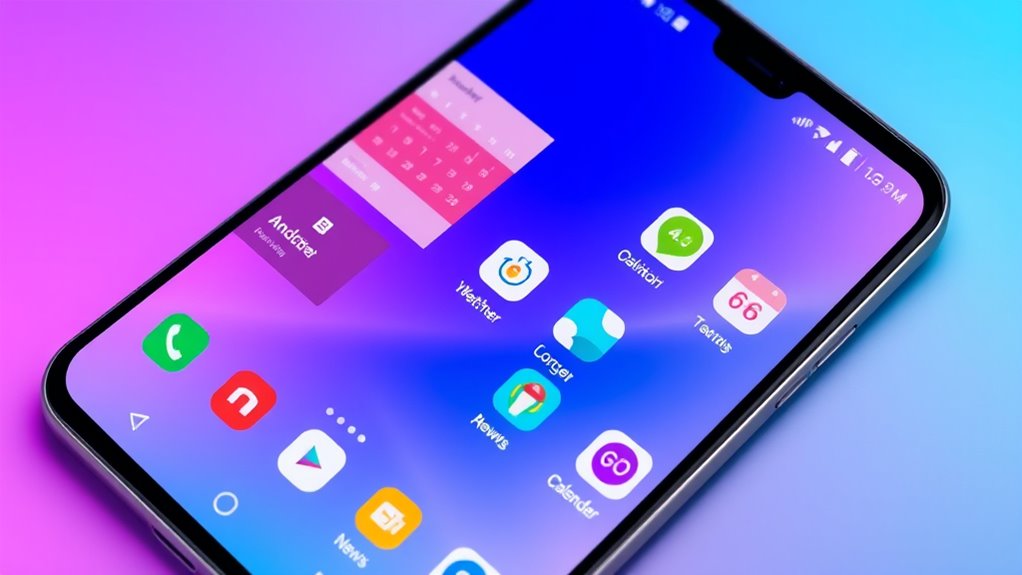
Personalizing your home screen with widgets and themes allows you to create a more functional and visually appealing interface. Widgets provide quick access to tools like weather, calendars, music controls, and email previews, making your device more efficient. You can resize, move, or remove widgets to best suit your workflow and aesthetic. Themes enhance your overall look by changing wallpapers, icon styles, fonts, and color schemes. Many launchers support theme packs or allow you to customize individual elements, ensuring your home screen reflects your personality. Combining widgets and themes lets you craft a cohesive, personalized environment that’s both beautiful and practical. Experimenting with these options helps you make your Android device truly your own, balancing style and usability effortlessly. Maximize Your Device’s Potential by exploring different customization options tailored to your needs. Additionally, incorporating local automation features can further streamline your daily routines and enhance your user experience, especially when paired with custom launcher settings that optimize performance and aesthetics. Customization also involves understanding how user interface design impacts your overall experience, so exploring these options can help you create a more intuitive and enjoyable device environment.
As an affiliate, we earn on qualifying purchases.
Optimizing Settings and Practices for Safe Customization
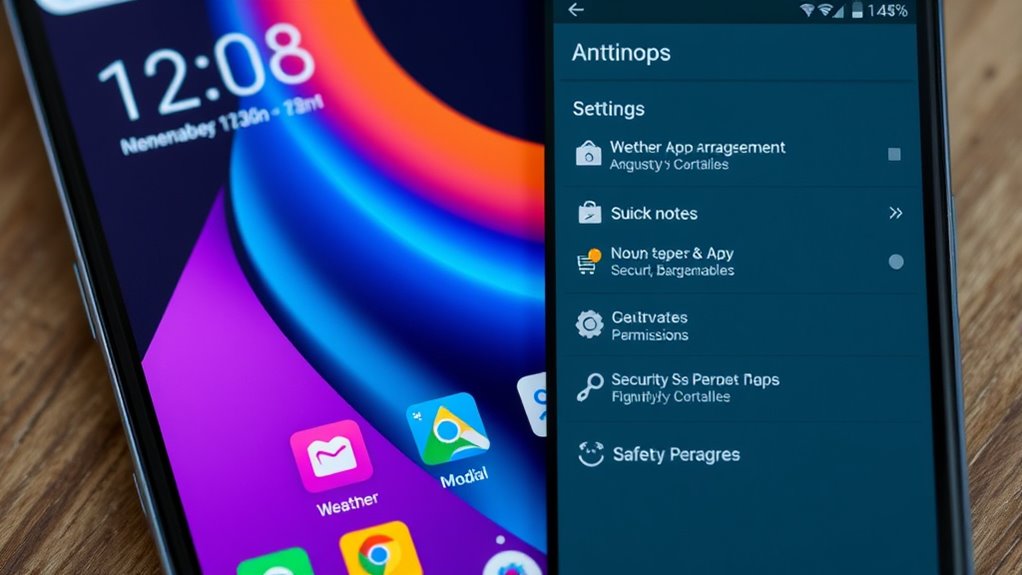
To make certain your device remains secure and stable while customizing, it’s vital to follow best practices that minimize risks. Always download launchers and apps from trusted sources like the Google Play Store, and check user reviews and permissions before installation. Keep your device’s software up to date to guarantee compatibility and security patches. Avoid rooting or jailbreaking your device unless you fully understand the risks, as these can void warranties or brick your device. Regularly back up your settings and data, so you can restore your preferred setup if needed. Be cautious with excessive permissions or unverified apps, which may compromise your privacy. Additionally, understanding privacy policies and how cookies are managed can help you make informed decisions about your online security. By practicing these safety measures, you enjoy a personalized experience without sacrificing device stability or security.
As an affiliate, we earn on qualifying purchases.
Frequently Asked Questions
Can I Switch Launchers Without Losing My App Data?
Yes, you can switch launchers without losing your app data. When you change launchers, your app data remains stored on your device, not in the launcher itself. The new launcher simply replaces your home screen setup and icons. However, some launcher-specific settings or customizations may need to be reapplied. To guarantee safety, back up your current launcher settings if the option is available, just in case.
Are Third-Party Launchers Secure for My Device?
Yes, third-party launchers are generally secure for your device when downloaded from trusted sources like the Google Play Store. They don’t access your personal data beyond what’s necessary for customization, and reputable ones regularly update to fix security issues. Just make sure to read reviews, check permissions, and keep your launcher updated to avoid potential risks. Avoid sideloading APKs from unknown sources to stay safe.
How Do I Update or Uninstall Custom Launchers Easily?
Think of updating or uninstalling your launcher as hitting two birds with one stone. To update, go to the Google Play Store, find your launcher, and tap ‘Update’ if available. To uninstall, press and hold the launcher icon or go to Settings > Apps, select your launcher, then choose ‘Uninstall.’ These steps make it a breeze to keep your device fresh or revert to default, no sweat.
Do Launchers Drain More Battery or Slow Down My Phone?
Launchers can sometimes drain your battery or slow down your phone, especially if they’re loaded with animations, live wallpapers, or lots of widgets. However, if you choose a lightweight launcher and customize settings like disabling unnecessary animations or background processes, you’ll minimize impact. Regular updates and managing background apps also help keep your device running smoothly. Overall, a well-optimized launcher shouldn’t substantially affect your phone’s performance.
Can I Customize Launcher Gestures for Specific Apps?
Absolutely, you can assign gestures to launch specific apps—because who doesn’t want to turn their phone into a personal butler with a swipe? Most third-party launchers like Nova or Mur Launcher let you customize gestures such as double-taps, swipes, or pinches to open your favorite apps instantly. It’s like giving your phone a secret handshake, making your daily routine smoother and way more fun.
Conclusion
Customizing your Android can make your device truly yours, and with over 70% of Android users customizing their home screens, you’re in good company. By exploring different launchers, widgets, and settings, you can enhance both functionality and style. Just remember to stay safe by backing up your data and avoiding risky tweaks. With a little creativity, your Android experience becomes more personalized and enjoyable every day.
Evergreen bestsellers Picks
bestsellers
As an affiliate, we earn on qualifying purchases.