You can design professional-quality graphics without Photoshop by using free tools like GIMP for raster editing, Inkscape for vector designs, and Photopea for quick online edits. These programs offer advanced features such as layers, masks, and plugins, giving you control over your creative process. Platforms like Canva and Vectr simplify layouts and compositing, while tutorials help sharpen your skills. Keep exploring these options to reveal your design potential and create stunning visuals you’ll love.
Key Takeaways
- Utilize free raster editors like GIMP and Krita for advanced photo editing and digital artwork creation.
- Leverage vector tools such as Inkscape and Vectr for scalable logo, icon, and illustration design.
- Access online tutorials, community forums, and documentation to master features and techniques of free software.
- Incorporate templates and design principles like balance and contrast to craft professional-quality graphics easily.
- Enhance your workflow with free plugins and resources for effects, color correction, and layout optimization.
Exploring Top Free Raster Editing Software
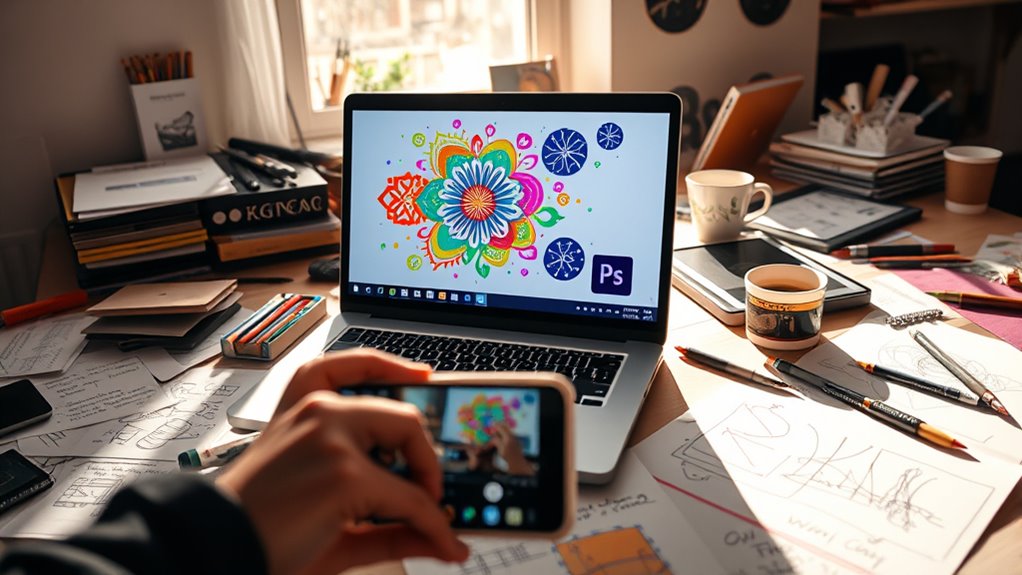
Are you looking for powerful yet free raster editing tools to bring your creative ideas to life? GIMP is a top choice, offering advanced features like layer masking, custom brushes, and extensive plugin support. Krita specializes in digital painting and seamless pattern creation, perfect for artists. Photopea closely mimics Photoshop’s interface and supports PSD files, making it ideal for those familiar with Adobe’s environment. Paint.NET is lightweight and straightforward, suited for simple photo edits without fuss. RawTherapee focuses on RAW photo processing and color management, perfect for photographers. These tools support common formats like JPG, PNG, and GIF, giving you flexibility. Additionally, European cloud innovation emphasizes sustainable and secure cloud solutions that can support your creative workflows. Utilizing color accuracy in your editing process can significantly enhance your final images, ensuring vibrant and true-to-life colors. Incorporating digital artistry techniques can help you elevate your work and achieve more professional results. Whether you’re editing photos or creating digital art, these free raster editors provide professional capabilities without any cost.
Mastering Vector Graphics With Free Tools
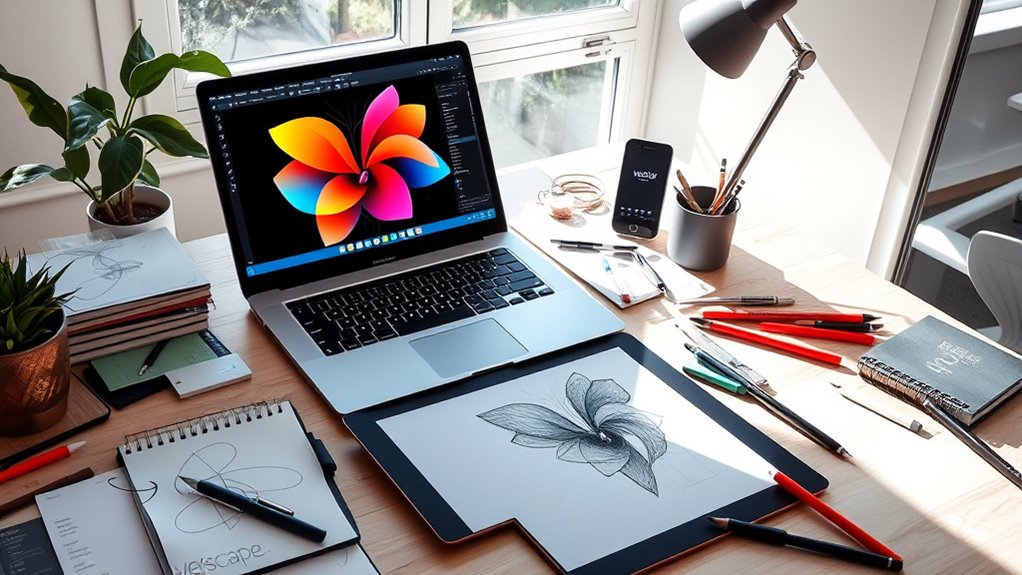
Mastering vector graphics with free tools opens up endless creative possibilities without the need for expensive software. You can create scalable logos, icons, and illustrations easily with programs like Inkscape, which offers powerful SVG editing features. Vectr is a beginner-friendly, browser-based option perfect for quick projects, while SVG-Edit provides a simple online interface for basic vector work. If you’re ready for more advanced design, LibreOffice Draw supports vector editing and PDF exports. Open-source tools like Inkscape continually improve thanks to active communities and plugins, giving you access to a wealth of resources. Additionally, understanding tanning trends can inspire vibrant, eye-catching designs that resonate with current aesthetics. Exploring software compatibility ensures your creations work seamlessly across different devices and platforms. Moreover, many of these tools support file formats that facilitate easy sharing and professional presentation. Familiarity with vector editing techniques can further enhance your design skills and output quality. For those interested in incorporating dynamic visual elements, learning about sound healing science can provide unique thematic inspiration. With these free options, you can develop professional-quality vector graphics on any device, whether you prefer desktop or online tools, all without breaking the bank.
Creating Stunning Social Media Graphics Online
Creating eye-catching social media graphics online, you need to choose the right tool that fits your skill level and goals. Designing engaging layouts involves balancing visuals, text, and negative space for maximum impact. By selecting suitable templates and customizing them creatively, you can produce stunning content that captures attention instantly. Understanding visual harmony can also help you communicate more effectively with diverse audiences online.
Selecting the Right Tool
Choosing the right tool for creating stunning social media graphics online depends on your specific needs and skill level. If you’re a beginner, Canva or Vectr offer user-friendly interfaces with ready-made templates, making quick work of your designs. For more advanced editing, Photopea mimics Photoshop’s features, supporting PSD files and complex adjustments. If you want to focus on digital painting or detailed illustrations, Krita or GIMP provide powerful tools suited for creative work. For vector graphics, Inkscape is ideal, especially if you prefer open-source options. Consider whether you need browser-based access or desktop software—browser tools like Pixlr and Sumo Paint require no installation, while desktop apps like GIMP or Krita offer more depth. Match your project complexity and familiarity to select the best free tool for your social media graphics.
Designing Engaging Layouts
Designing engaging layouts for social media graphics starts with understanding how to arrange elements that capture attention and convey your message effectively. You want your content to stand out, so focus on balance, hierarchy, and visual flow. Use contrast to highlight key messages and create focal points. Keep your design simple and avoid clutter, allowing viewers to quickly grasp your message.
Here are some tips to get started:
- Use grids and guides to align elements neatly.
- Limit your color palette for a cohesive look.
- Incorporate whitespace to prevent overcrowding and improve readability.
Digital Painting and Illustration on a Budget

You can create stunning digital paintings and illustrations without spending a dime by exploring free apps like Krita and GIMP. These tools are supported by active communities that offer tutorials, plugins, and shared resources to help you improve your skills. With the right guidance and practice, you’ll be able to produce professional-quality artwork on a budget. Additionally, exploring digital art techniques can help you develop your style and enhance your creations even further. Embracing Free Floating concepts in digital art can also inspire innovative approaches and unique visual effects, setting your work apart from others. Cultivating an awareness of inner wisdom can also foster more authentic artistic expression and personal growth in your creative journey. Developing a keen eye for quality assessment ensures your work maintains a professional standard and resonates with viewers. Incorporating creative experimentation into your practice can lead to discovering new styles and techniques that elevate your artwork.
Free Digital Painting Apps
For digital artists on a budget, there are several powerful free apps that enable professional-quality painting and illustration without the need for expensive software. These tools offer robust features suitable for both beginners and experienced artists alike. You can create detailed digital paintings, concept art, or illustrations without breaking the bank. Many of these apps support customizable brushes, layers, and pressure sensitivity, mimicking high-end programs. These tools are also compatible with a variety of devices, allowing for versatile work environments and easier access to your projects across platforms. Additionally, some of these apps incorporate features that emulate professional-grade tools, helping you achieve more refined results. Many of these options also incorporate user-friendly interfaces, making them accessible even for those new to digital art.
Community Resources & Tutorials
Are you looking to improve your digital painting skills without spending a fortune? Community resources and tutorials are your best bet. Many platforms host active communities where you can ask questions, share work, and learn from others. Free tutorials, video guides, and forums for tools like Krita, GIMP, and Inkscape are abundant, helping you master techniques and troubleshoot issues. To get started, explore the table below for popular resources:
| Platform | Focus Area | Features |
|---|---|---|
| YouTube | Video tutorials for all tools | Free, wide range |
| DeviantArt | Art sharing and feedback | Community critiques |
| Support and advice | Subreddits for digital art | |
| Official Docs | Tool-specific guides | Step-by-step instructions |
Leveraging these resources accelerates your growth and keeps you motivated on your creative journey. Additionally, understanding herbalism techniques can help you troubleshoot common issues and maintain your tools efficiently, much like maintaining your digital art setup. Exploring community engagement can also boost your confidence and provide valuable feedback to refine your skills. Developing a consistent practice routine can further solidify your progress and help you implement new techniques effectively. Incorporating spiritual symbolism into your art practice can inspire new ideas and deepen your connection to your creative work.
Processing RAW Photos Without Costly Software
Processing RAW photos without expensive software is entirely possible thanks to free tools designed specifically for this purpose. These options let you edit and enhance your RAW images without breaking the bank. For example, RawTherapee is a powerful open-source program tailored for RAW processing, offering advanced color correction, noise reduction, and exposure adjustments. You can also use darktable, another free alternative that supports non-destructive editing and detailed image management. Additionally, some browser-based tools like Photopea and Pixlr now support RAW file import and basic adjustments, making quick edits accessible without installation. These tools provide a professional-level workflow, allowing you to retain maximum image quality while saving money. Open-source software like RawTherapee and darktable are popular choices among photographers seeking budget-friendly editing solutions. Whether you’re a hobbyist or a budding photographer, free RAW processing tools make it easier to perfect your images. Using AI-powered tools can further enhance your editing process by automating routine adjustments and improving efficiency.
Designing Logos and Icons With Open-Source Programs

Ever wondered how to create professional logos and icons without expensive software? You can do it easily with open-source programs like Inkscape and Vectr. Inkscape specializes in vector graphics, making it perfect for designing sharp, scalable logos and icons. Its robust tools let you draw precise shapes, add colors, and manipulate paths with ease. Vectr offers a user-friendly, browser-based interface ideal for quick projects and beginners. Both tools support common formats like SVG, PNG, and JPG, ensuring your designs are versatile. You don’t need advanced skills—just leverage tutorials and community resources. With these free options, you can craft unique, professional-quality logos and icons without the hefty price tag, giving your brand a polished look on a budget.
Enhancing Photos and Artwork With Free Plugins

Once you’ve created your logos and icons, enhancing your photos and artwork becomes the next step to achieving professional results. Free plugins and extensions can add powerful features to your favorite editing tools, making adjustments quick and easy. For example, you can use noise reduction plugins to improve image clarity, sharpening tools to make details pop, or color correction filters to achieve the perfect tone. Many open-source programs like GIMP and Krita support community-developed plugins that expand their capabilities. These plugins often include preset filters, special effects, and advanced editing features that save you time and elevate your work.
- Install noise reduction and sharpening plugins to refine image quality
- Use color grading filters to enhance mood and consistency
- Add special effects with community-created filters and brushes
Connecting With Community Resources and Tutorials

Connecting with community resources and tutorials is one of the fastest ways to improve your design skills and get the most out of free tools. Online forums, such as Reddit’s r/GIMP or Inkscape communities, offer valuable advice, tips, and troubleshooting help. You can find exhaustive tutorials on YouTube that walk you through specific features or projects step-by-step. Many tools have dedicated documentation and user guides that clarify complex processes. Participating in community-driven projects or plugin development keeps you engaged and exposes you to new techniques. Additionally, social media groups and online courses provide ongoing learning opportunities. Tapping into these free resources accelerates your growth, helps you solve problems quickly, and keeps you inspired to experiment and create professional-quality graphics.
Frequently Asked Questions
Can I Collaborate on Projects Using These Free Design Tools?
Yes, you can collaborate on projects using many free design tools. Browser-based options like Photopea, Canva, and Vectr make sharing and real-time editing easy. You can upload files, invite team members, and work simultaneously. Open-source tools like GIMP and Inkscape also support collaboration through plugins or shared cloud storage. These tools make teamwork straightforward, whether you’re editing, commenting, or providing feedback, all without cost or complex setup.
Are There Mobile Apps for Designing With These Free Programs?
Mobile marvels make designing easy and exciting. Many free tools, like Canva, Pixlr, and Photopea, have mobile apps that let you create, customize, and collaborate on projects on the go. These apps are user-friendly and packed with features, so you can edit photos, craft graphics, or design social media posts anywhere. With these mobile options, your creativity can continue seamlessly, whether you’re commuting, relaxing, or out and about.
How Do I Learn Advanced Techniques in Free Graphic Editors?
You can learn advanced techniques in free graphic editors by exploring online tutorials, forums, and community resources. Start with YouTube videos and official documentation for step-by-step guides. Practice regularly, experiment with features like layer masking and custom brushes, and join user groups to exchange tips. Many open-source tools like GIMP and Inkscape have active communities that provide tutorials, plugins, and updates, helping you master complex skills over time.
Which Tools Are Best for Creating Animations or GIFS?
You can create animations or GIFs with tools like Piskel, Sumo Paint, and Krita. Piskel specializes in pixel art animations, making it perfect for GIFs. Krita offers robust animation features for more complex projects. Sumo Paint provides simple, browser-based animation options. These tools support frame-by-frame editing, easing your workflow without needing Photoshop, and many are free or open-source, so you can start creating animated graphics today.
Are There Any Limitations in File Compatibility or Export Options?
You might face some limitations with file compatibility and export options depending on the tool you choose. For example, Photopea and Pixlr support common formats like PSD, JPG, and PNG, but exporting in advanced formats may require paid upgrades. GIMP and Inkscape offer extensive format support, but some niche formats like RAW or specific vector files might need additional plugins. Always check each tool’s export capabilities before starting your project.
Conclusion
So, who needs Photoshop when you’ve got these free tools at your fingertips? You might just surprise yourself by creating professional-looking graphics without spending a dime—imagine that! With a little patience, you’ll be designing logos, editing photos, and crafting social media posts like a pro. It’s almost funny how much you can achieve without sinking into costly software. Just remember, your next masterpiece might just be a free tool away—ironic, isn’t it?