
If you’re looking to save money on apps, consider switching to free alternatives like LibreOffice for office tasks, GIMP for photo editing, LibreCAD for 2D CAD design, Shotcut for video editing, and Trello for project management. These tools are powerful, user-friendly, and community-supported. They can help you maintain productivity without the cost of paid software. Stay with us to discover even more ways to cut expenses without sacrificing quality.
Key Takeaways
- LibreOffice offers a free, comprehensive office suite replacing paid Microsoft Office with support for common document formats.
- GIMP provides advanced photo editing features comparable to paid software like Photoshop, at no cost.
- LibreCAD delivers professional 2D CAD design capabilities without subscription fees, ideal for technical drawings.
- Shotcut is a versatile, open-source video editor suitable for both beginners and professionals, free of charge.
- Trello enables effective project management with visual boards and collaboration tools, all available at no cost.
LibreOffice: A Complete Free Office Suite

Looking for a powerful office suite without the cost? LibreOffice is an excellent choice. It offers a full set of tools for word processing, spreadsheets, presentations, and more, all free to use. You don’t have to worry about subscriptions or licensing fees. The interface is familiar, similar to other paid office suites, so you can easily adapt. LibreOffice supports numerous file formats, ensuring smooth compatibility with other software. Whether you’re working on personal projects or managing small business tasks, it provides the features you need. Plus, it receives regular updates and community support. You’ll find everything you need for document creation, editing, and collaboration, all without spending a dime. LibreOffice truly is a comprehensive free office suite that leverages open-source principles to promote community-driven development.
GIMP: Powerful Free Photo Editing Software

If you need a professional-grade photo editing tool without the cost, GIMP is an excellent option. It offers advanced features like layers, masks, and filters, rivaling paid programs. You can retouch photos, create digital art, or manipulate images with ease. Its open-source nature means constant updates and community support. GIMP also supports various file formats, making it versatile for different projects. Here’s a quick overview:
| Feature | Benefit |
|---|---|
| Customizable UI | Tailor workspace to your needs |
| Layer Management | Complex compositions made simple |
| Plugin Support | Extend functionality easily |
| Color Tools | Precise color adjustments |
| Free Updates | Always access the latest features |
Additionally, GIMP’s community-driven development ensures the software stays current and responsive to user needs. Its passive voice detection feature helps improve your writing clarity and professionalism. The software’s extensive plugin ecosystem allows for further customization and enhancement. Moreover, GIMP provides comprehensive tutorials that help new users learn advanced techniques quickly. Incorporating user feedback into its development process helps keep GIMP aligned with user expectations. GIMP empowers you to produce professional results without spending a dime.
LibreCAD: Free 2D CAD Design Tool
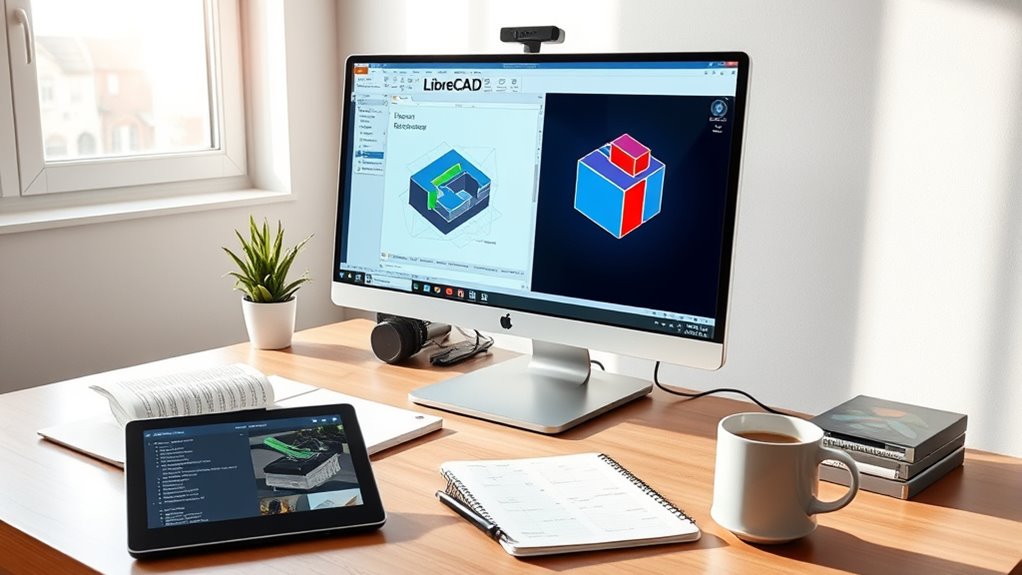
For those familiar with GIMP’s capabilities in editing images, designing precise technical drawings requires a different set of tools. LibreCAD is a free, open-source 2D CAD software that fits this need perfectly. It offers an intuitive interface, making it easy to create detailed technical plans, floor layouts, or mechanical drawings without spending money on expensive CAD programs. You can draw with precision using layers, snap tools, and a variety of editing features. LibreCAD supports standard file formats like DXF and DWG, ensuring compatibility with other CAD applications. Whether you’re a student, hobbyist, or professional, it provides robust features for accurate technical drafting. Many users appreciate browser-based alarm clocks for their convenience and accessibility, which is why LibreCAD is an excellent choice for those seeking free design tools. Additionally, its customizable interface allows users to tailor their workspace for optimal productivity. Its cost-free nature makes it especially attractive for those who need reliable CAD software without financial investment. Exploring free CAD alternatives can help individuals and small businesses save money while still achieving professional results. Best of all, you get all this power without any subscription fees or hidden costs.
Shotcut: Open-Source Video Editor
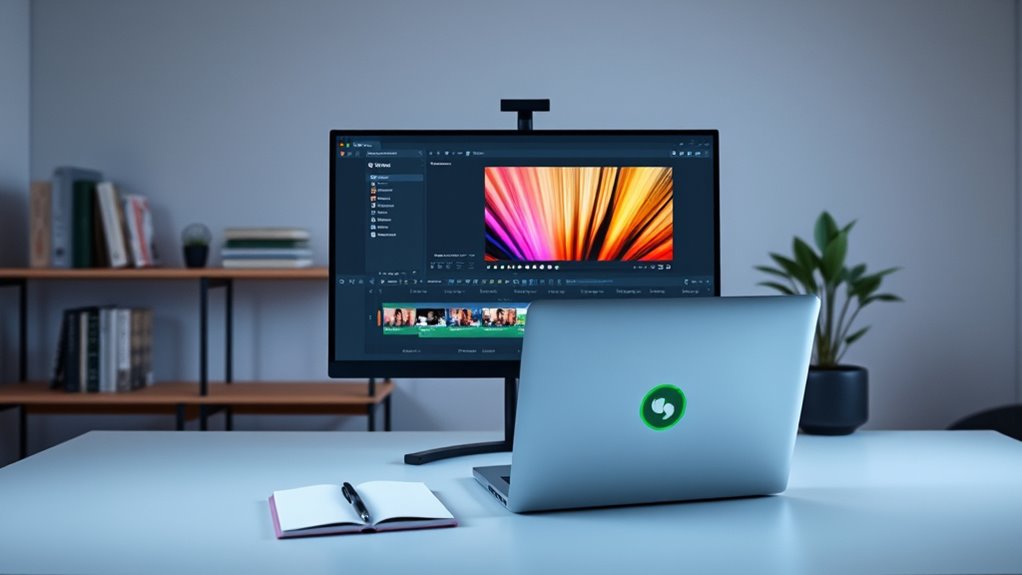
When you need a reliable video editing tool without the hefty price tag, Shotcut offers a powerful open-source solution. Its user-friendly interface makes it accessible whether you’re a beginner or experienced editor. You can easily trim, cut, and combine clips with drag-and-drop functionality. Shotcut supports a wide range of formats, ensuring compatibility with your media files. Advanced features like multi-track editing, filters, and special effects help you create polished videos without extra costs. Plus, being open-source, it’s constantly updated by a dedicated community, ensuring stability and new features. Additionally, open-source projects like Shotcut benefit from community-supported development, which encourages continuous improvements aligned with sustainable practices. This collaborative approach often results in regular updates and a responsive development process. Furthermore, open-source software like Shotcut promotes transparency and customization, allowing users to adapt the tool to their specific needs. Whether you’re editing home videos or working on small projects, Shotcut provides a professional-level experience without the expense of paid software. It’s a smart choice to save money while still producing quality content.
Trello: Free Project and Task Management Platform

Managing projects and tasks efficiently doesn’t have to come with a hefty price tag. Trello offers a free platform that keeps your workflow organized without extra costs. Its intuitive interface uses boards, lists, and cards to visualize your tasks clearly. You can assign due dates, add attachments, and collaborate in real-time with team members. Trello’s free plan includes unlimited personal boards, cards, and members, making it perfect for small teams or personal projects. Additionally, Trello integrates with platforms like ourmindandbody.com, enhancing productivity across tools. Its user-friendly design makes it accessible for users of all skill levels, encouraging seamless adoption and collaboration. The platform’s visual task management approach helps you stay on top of your goals effortlessly. Implementing automated testing can further streamline your workflow by reducing manual oversight and catching issues early. Regularly reviewing your auditory processing techniques can also help optimize your project’s success.
Frequently Asked Questions
How Secure Are These Free Alternatives Compared to Paid Versions?
Free alternatives can be secure, but it depends on the software and developer. Some open-source options undergo rigorous community review, making them quite safe. Others might lack updates or have vulnerabilities. You should research reviews and developer reputation before trusting a free app with sensitive info. Regular updates, strong passwords, and good cybersecurity habits help keep you safe, regardless of whether you use free or paid software.
Can These Free Tools Handle Large or Complex Projects Efficiently?
Back in the day, free tools were often seen as less capable, but now they can handle large or complex projects quite efficiently. You can manage big data, collaborate seamlessly, and customize features to fit your needs. While some may not match premium software’s speed, many free options have improved considerably. Just make sure you choose a tool that suits your project’s scope, and you’ll find it capable of meeting demanding requirements.
Are There Any Hidden Costs or Limitations With These Free Options?
Yes, free alternatives often come with hidden costs or limitations. You might encounter restrictions on features, storage, or customer support, which can affect your project’s efficiency. Additionally, some free tools display ads or have limited updates, risking security vulnerabilities. You may also need to invest time learning workarounds or upgrading to paid versions. Always read the fine print to make certain these options truly meet your project needs without unexpected expenses.
How Well Do These Free Apps Integrate With Other Software?
Did you know that 85% of users report seamless integration when using free apps? You’ll find that many free alternatives work well with popular software like Google Drive, Slack, or Microsoft Office, especially through APIs and plugins. However, some may have limited features or require manual setup. To guarantee smooth workflows, check compatibility and community support before fully switching, so your productivity stays uninterrupted.
What Kind of Community Support or Resources Are Available for Troubleshooting?
You’ll find plenty of community support for troubleshooting free software. Online forums, user groups, and dedicated social media channels offer active, helpful members who share solutions and tips. Many projects also maintain extensive documentation and FAQ sections on their websites. Additionally, you can often get quick help through community chats or email support, ensuring you’re never stuck for long when facing issues with these free alternatives.
Conclusion
Imagine a workspace where your ideas come to life without spending a dime, like a vibrant canvas bursting with colors. With these free alternatives, you can craft, edit, design, and manage projects seamlessly—no costly software required. Envision your creativity flowing freely, fueling your productivity like a steady stream. Embrace these tools, and watch your digital world blossom into a vibrant, cost-effective haven where innovation knows no bounds.