
TL;DR
Listen free for 30 days with Audible
Thousands of audiobooks and originals — cancel anytime.
As an affiliate, we earn on qualifying purchases.
Apple announced in iOS 27 a new slider that enables users to customize Liquid Glass transparency. This addresses previous complaints about low contrast and lack of customization in the design aesthetic. The feature is now available in beta, with further design tweaks expected.
Apple has introduced a new customizable slider for Liquid Glass transparency in iOS 27, allowing users to adjust the level of transparency on toolbars and interface elements. This feature addresses longstanding community complaints about low contrast and limited customization options in the Liquid Design aesthetic, making the interface more adaptable to user preferences.
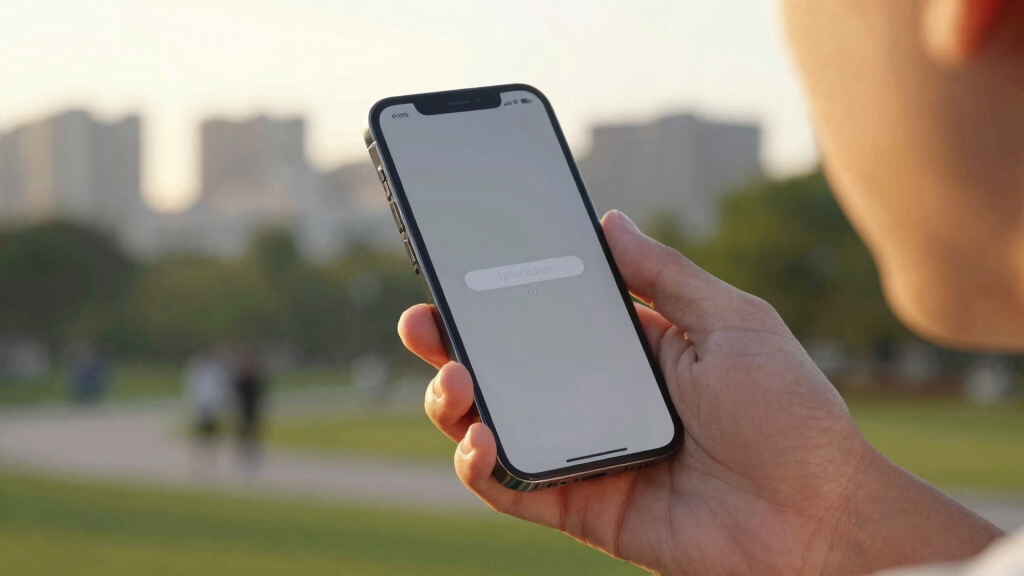
At WWDC 2026, Apple announced that iOS 27 will feature a slider that enables users to control the transparency of Liquid Glass elements, which are used throughout the system interface. When moved to the far end, the slider can effectively disable Liquid Glass, making toolbars opaque. This change responds to feedback from users who found previous Liquid Glass implementations too transparent, reducing readability and contrast.
In addition to transparency adjustments, Apple is also reintegrating design elements from macOS into Liquid Glass, such as enhanced sidebar icon visibility and uniform rounded corners across apps. Apple demonstrated how app icons will now incorporate layered Liquid Glass effects to add depth, supporting both native and third-party apps. The company indicated these features are currently in beta, with wider rollout expected in the upcoming updates.
Enhanced User Customization of Liquid Glass Transparency
This development is significant because it directly addresses user feedback about the Liquid Design aesthetic introduced with iOS 26, which many found visually appealing but difficult to read due to low contrast. The new slider gives users control over transparency, improving accessibility and personalization. It also signals Apple’s commitment to refining its visual design based on community input, potentially influencing future interface standards across its ecosystem.
iOS 27 Liquid Glass transparency slider
As an affiliate, we earn on qualifying purchases.
As an affiliate, we earn on qualifying purchases.
Evolution of Liquid Design and User Feedback
Apple launched the Liquid Design aesthetic with iOS 26, emphasizing transparency and depth in interface elements. However, users expressed dissatisfaction with the lack of control over transparency levels, citing readability issues. Over the past year, Apple has made incremental tweaks, but the core concern remained unresolved until the announcement at WWDC 2026 that a transparency slider would be added in iOS 27. The company also discussed plans to incorporate more macOS-inspired design elements and enhance icon rendering with Liquid Glass effects, aiming for a more cohesive visual experience across platforms.
“The addition of a transparency slider is a welcome change, giving users more control over how the interface looks and feels.”
— an anonymous researcher
customizable interface transparency tools
As an affiliate, we earn on qualifying purchases.
As an affiliate, we earn on qualifying purchases.
Remaining Details on Design Integration and Rollout
It is not yet clear how widely the transparency slider will be available in the initial beta releases or how it will perform across different device models. Details about the full extent of macOS design reintegration and third-party app support are still emerging, and Apple has not provided a specific timeline for the final release or broader adoption.
screen contrast adjustment gadgets
As an affiliate, we earn on qualifying purchases.
As an affiliate, we earn on qualifying purchases.
Beta Testing and Final Release Timeline for iOS 27
Apple will continue beta testing iOS 27 with the transparency slider and other design updates, with a wider public rollout expected in the fall alongside new device launches. Users and developers are encouraged to test the beta to provide feedback, especially regarding the usability and visual consistency of the new Liquid Glass features. Further details about additional customization options and cross-platform integration are anticipated in upcoming developer sessions and updates.
mobile device accessibility accessories
As an affiliate, we earn on qualifying purchases.
As an affiliate, we earn on qualifying purchases.
Key Questions
How does the new Liquid Glass transparency slider work?
The slider allows users to adjust the transparency level of Liquid Glass elements, ranging from fully transparent to opaque, with the option to disable Liquid Glass entirely for better contrast and readability.
Will third-party apps support the new Liquid Glass effects?
Yes, Apple announced that developers will be able to incorporate Liquid Glass effects into their apps, supporting layered icon rendering and depth effects in future updates.
When will the new features be available to all users?
The features are currently in beta testing and are expected to be available to the general public in the fall, coinciding with the official release of iOS 27.
Can I disable Liquid Glass entirely on my device?
Yes, moving the transparency slider to the far end will effectively disable Liquid Glass, making interface elements fully opaque and easier to read.
Will these updates affect the visual consistency across Apple devices?
Yes, Apple plans to unify design elements across iOS and macOS, including consistent rounded corners and icon effects, to create a cohesive user experience.
Source: Lifehacker
Flea & tick season Picks
flea and tick prevention
As an affiliate, we earn on qualifying purchases.