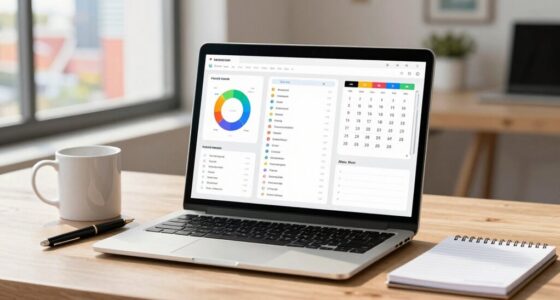

The main difference between local and cloud software is where your data is stored and how you control security. With local software, your data stays on physical devices or servers you manage, giving you direct control but requiring ongoing maintenance. Cloud software stores data on remote servers managed by providers, offering strong security measures but less direct control. Understanding these differences helps you choose the best solution for your security needs—keep going to discover more.

Get the latest gadgets delivered free with Prime
- Fast, free delivery on millions of items
- Prime Video, Amazon Music and more included
- Member-only deals all year
Key Takeaways
- Local software stores data on physical devices, while cloud software uses remote servers managed by providers.
- Control over security measures is direct with local software, whereas cloud providers handle security protocols.
- Local solutions offer customized security but require ongoing maintenance; cloud solutions rely on provider security investments.
- Risks for local software include theft and damage; cloud risks involve breaches and provider outages.
- Data accessibility and control differ, impacting compliance, security, and operational flexibility.
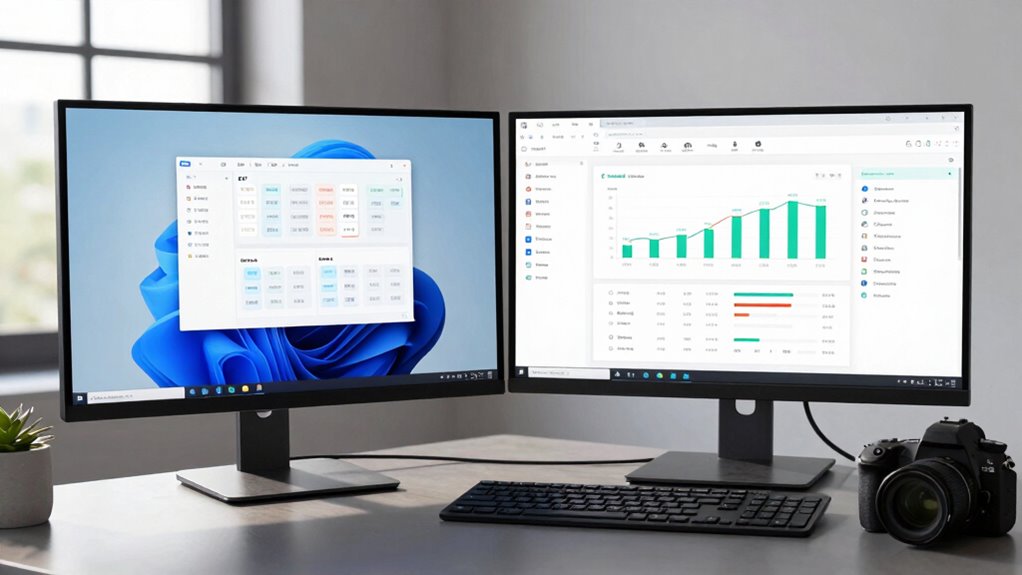
When choosing between local software and cloud software, understanding their fundamental differences can help you make a smarter decision. One of the most critical aspects to consider is data security. With local software, your data stays stored on your physical devices or servers, giving you direct control over its security measures. This setup can be advantageous if you prefer to manage your own security protocols or have strict compliance requirements. However, it also means you’re responsible for safeguarding your hardware against theft, damage, or cyberattacks. On the other hand, cloud software stores your data on remote servers managed by a provider. These providers typically invest heavily in security, employing advanced encryption, regular backups, and sophisticated monitoring systems. While this can enhance data security, it introduces a reliance on the provider’s security measures and their ability to protect your information from breaches or outages. Understanding technology differences can help clarify how each option aligns with your operational needs. Additionally, the type of technology—such as the differences between local and cloud solutions—can significantly impact your security strategy. Recognizing these distinctions is crucial for developing an effective security strategy, especially when considering data protection methods that are specific to each setup.
As an affiliate, we earn on qualifying purchases.
Frequently Asked Questions
How Do Costs Compare Over Time for Local Versus Cloud Software?
Over time, cloud software usually costs less than local software when considering the cost comparison and long-term expenses. With cloud solutions, you pay a predictable subscription fee, avoiding hefty upfront hardware and maintenance costs. Local software often involves higher initial investments and ongoing expenses for upgrades, repairs, and IT support. As a result, for long-term expenses, cloud options typically offer a more budget-friendly and scalable solution.
What Security Risks Are Associated With Each Type?
You face security risks with both local and cloud software. Local software risks include insider threats, where employees might misuse data, and inadequate data encryption, making your data vulnerable if physical security fails. Cloud software risks involve potential breaches through unauthorized access or weak data encryption, especially if cloud providers don’t follow strict security protocols. Staying vigilant, implementing strong data encryption, and monitoring insider activities can help mitigate these risks regardless of your software choice.
Can Local and Cloud Software Be Integrated?
Yes, local and cloud software can be integrated, creating a seamless experience. Imagine 78% of businesses using hybrid systems to boost efficiency. You can enable offline functionality on local software, allowing access without internet, while data synchronization updates cloud records automatically once you’re online. This integration combines the best of both worlds, ensuring continuous productivity and real-time data accuracy, even when you’re offline or working remotely.
Which Software Type Offers Better Scalability?
Cloud software generally offers better scalability because you can easily adjust your resources based on demand, making it ideal for growing businesses. It maintains data sovereignty through secure data centers, and often provides offline functionality for critical tasks. Local software, however, may require significant hardware upgrades for expansion but can offer more control over data sovereignty. Overall, cloud solutions are more flexible and scalable for dynamic needs.
How Does User Access Differ Between Local and Cloud Solutions?
Imagine locking yourself out of your office on a snowstorm night—local software restricts user access to your physical device, so if you’re away, you’re stuck. Cloud solutions, however, let you access data anywhere with internet, thanks to seamless user authentication and automatic data synchronization. This means you’re never truly offline, and your files stay updated across all devices, making remote work effortless and more secure.
As an affiliate, we earn on qualifying purchases.
Conclusion
So, here’s the irony: whether you choose local or cloud software, you’re still trusting someone else with your data. Local might keep things in-house, but it’s not immune to crashes or obsolescence. Cloud promises convenience, but at the mercy of internet stability. Either way, you’re betting on technology to save the day — just hope it doesn’t save itself from crashing when you need it most. Guess there’s no perfect choice, only the one that suits your chaos better.
As an affiliate, we earn on qualifying purchases.
As an affiliate, we earn on qualifying purchases.
Fall Picks
fall essentials
As an affiliate, we earn on qualifying purchases.