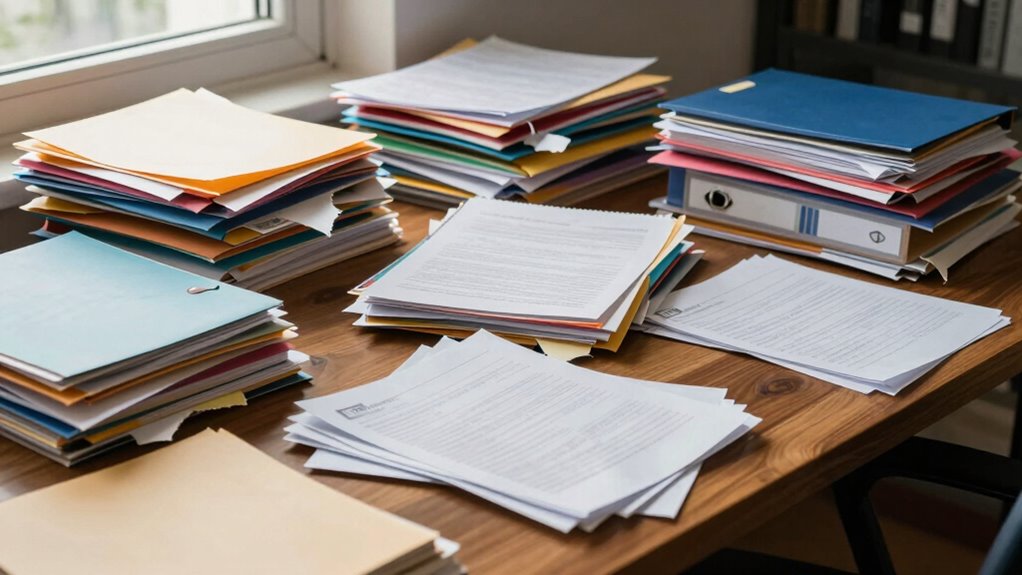

Your file organization keeps falling apart because you likely don’t have a consistent system in place and overlook the root causes of digital clutter. Files pile up without clear naming conventions or a well-structured folder hierarchy, making it hard to find what you need. Outdated documents and random saves add to chaos, creating a cycle that’s tough to break. Stick around—you’ll learn how to establish routines that keep your digital space tidy and manageable.

Get the latest gadgets delivered free — and shop member deals
- Fast, free delivery on millions of items
- Access to Prime Big Deal Days deals on October 6–7
- Prime Video, Amazon Music and more included
Key Takeaways
- Lack of standardized naming conventions leads to confusion and difficulty maintaining consistent organization.
- Infrequent review and cleanup cause accumulation of outdated or unnecessary files, disrupting structure.
- Absence of a clear folder hierarchy makes it hard to locate and categorize files systematically.
- Disorganized workflows and inconsistent routines prevent sustained file management habits.
- Digital clutter builds rapidly from new downloads and projects, overwhelming existing organization systems.
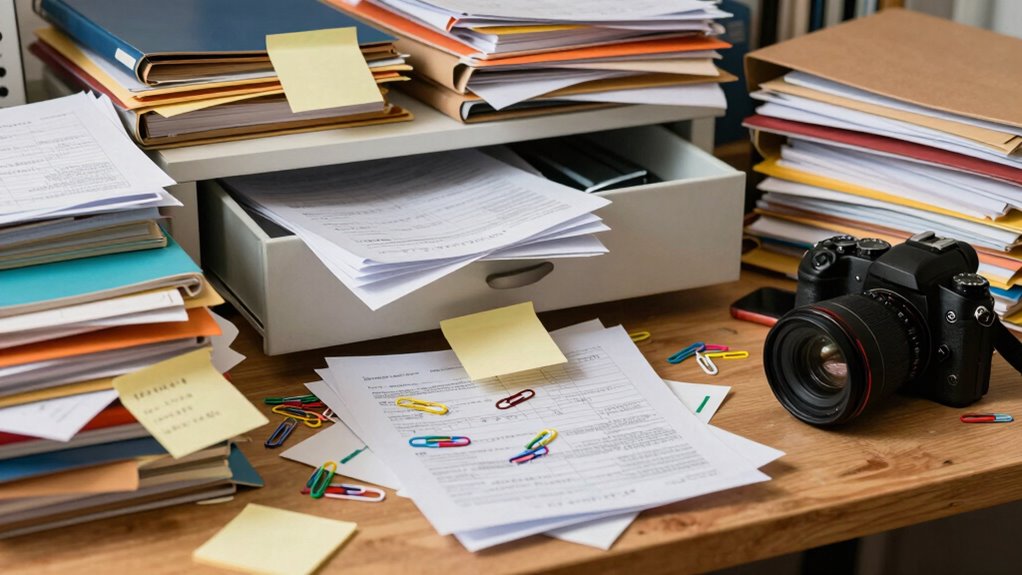
Have you noticed your files becoming increasingly disorganized despite your efforts? It’s a common problem that many people face, and the root cause often has more to do with habits and systems than with sheer neglect. One of the biggest culprits is digital clutter—files piling up without a clear plan, making it difficult to find what you need when you need it. This clutter quickly spirals out of control if you don’t stay on top of it. But even when you try to clean up, the chaos tends to resurface, and that’s because of inconsistent naming conventions. When filenames lack a standard format, it becomes nearly impossible to search or sort files efficiently. You might find yourself opening multiple documents just to find the right version, wasting precious time and adding to the disorder.
The core issue is that many people don’t establish a consistent system for naming and organizing their files from the start. Instead, files are saved haphazardly, often with random or incomplete names. Over time, this inconsistency creates a confusing web of filenames that don’t tell you anything about their contents. It’s like trying to find a specific book in a library where all the books are labeled differently—some with clear titles, others with vague abbreviations. Without a predictable naming pattern, your brain has to work harder to remember where everything is stored, and that frustration leads to more disorganized files. Incorporating file management best practices can significantly reduce this chaos and improve your workflow. Also, being aware of digital organization principles can help develop habits that promote ongoing orderliness. Additionally, understanding digital clutter and its impact can motivate more consistent management habits.
Another contributing factor is that digital clutter accumulates rapidly when you’re not intentionally managing your files. Every new project, email attachment, or download adds to the mess. If you don’t have a specific place for each type of file and don’t regularly delete or archive outdated documents, your digital space becomes a cluttered maze. This clutter makes it even harder to locate important files because the volume of unnecessary or outdated data drowns out the useful ones. It’s a cycle: disorganization breeds more clutter, which then hampers your ability to stay organized. Additionally, many people are unaware of emerging trends in digital publishing that could help streamline their file management practices.
Breaking this cycle requires a deliberate approach. You need to create a standardized naming convention—something simple but consistent, like including dates or project identifiers. Regularly reviewing and cleaning out unnecessary files also helps reduce digital clutter. When you combine these habits with a clear folder structure, file organization becomes more manageable. Without these foundational steps, your file chaos will keep recurring, no matter how many times you try to tidy up. In the end, maintaining order is about establishing routines that prevent clutter from taking over and ensuring your naming conventions always serve your efficiency.

My Analog Vault for My Digital Life: Offline Password Keeper Notebook to Track Usernames, Passwords, Websites & Digital Accounts
As an affiliate, we earn on qualifying purchases.
As an affiliate, we earn on qualifying purchases.
Frequently Asked Questions
How Can I Prevent File Corruption in My System?
To prevent file corruption, you should focus on proper file naming and storage redundancy. Use clear, consistent naming conventions to avoid confusion. Regularly back up your files to multiple locations, like external drives or cloud storage, to guarantee redundancy. Avoid abrupt shutdowns and keep your system updated. These practices help protect your data from corruption, making recovery easier and maintaining your organized files effectively.
What Are the Best Tools for Managing Large Files?
When managing large files, you need the right tools to stay on top of things. Cloud storage solutions like Google Drive or Dropbox make handling big files easier, offering seamless access and sharing. Metadata tagging helps you categorize and find files quickly, saving you from digging through endless folders. Combining these tools guarantees your large files stay organized, accessible, and protected, making your workflow smoother and more efficient.
How Often Should I Back up My Organized Files?
You should back up your organized files at least once a week to prevent data loss. Using cloud storage with file versioning makes this easier, as it automatically saves different versions of your files. Regular backups ensure your files stay safe and up-to-date, especially if you experience accidental deletions or hardware failures. Incorporate automated backups into your routine, so you don’t forget, and always verify that your backups are complete.
Can Automated Sorting Improve File Organization?
Did you know that 60% of people find manual organization overwhelming? Automated sorting can considerably improve your file organization by saving time and reducing errors. It streamlines the process, making it easier to maintain order. Unlike manual organization, automated sorting continuously updates your files, preventing clutter from building up. If you want a more efficient system, embracing automation helps keep your digital space tidy and accessible with minimal effort.
What Are Common Mistakes in Digital File Organization?
You often make mistakes in digital file organization by neglecting consistent naming conventions and a clear folder hierarchy. Without standardized naming, files become hard to find, and a disorganized folder structure leads to clutter. You might also forget to regularly update or clean your folders, causing chaos over time. To avoid these pitfalls, establish and stick to naming conventions and a logical folder hierarchy that evolves with your needs.
file naming convention templates
As an affiliate, we earn on qualifying purchases.
As an affiliate, we earn on qualifying purchases.
Conclusion
If you don’t get your file organization under control, chaos will consume your digital life faster than a tornado in a trailer park. It’s not just about tidiness; it’s about saving your sanity and boosting your productivity. Stay consistent, create a system that works for you, and stick to it like glue. Otherwise, you’ll be drowning in a mountain of misplaced files, lost forever in the chaos — and nobody wants that disaster!
folder hierarchy management tools
As an affiliate, we earn on qualifying purchases.
As an affiliate, we earn on qualifying purchases.

Digital Decluttering Made Simple After 60: Clear Devices, Inboxes, Files and Photos Without Losing What Matters (ProfitKitWorks Senior Tech Guides)
As an affiliate, we earn on qualifying purchases.
As an affiliate, we earn on qualifying purchases.
Fall Picks
fall essentials
As an affiliate, we earn on qualifying purchases.