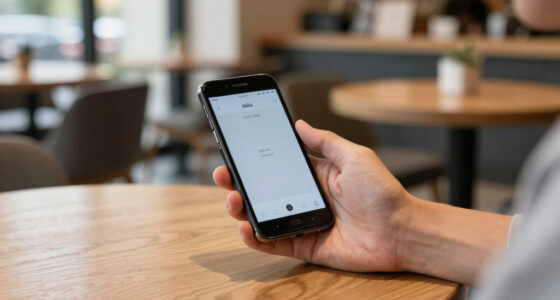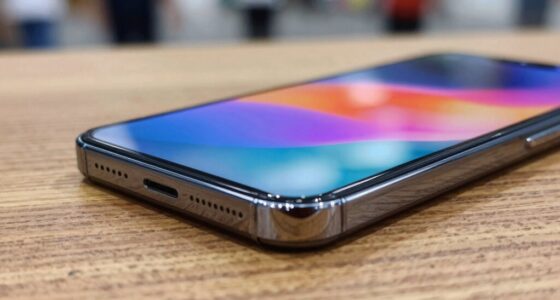
To clean your smartphone screen and ports properly, start by turning off your device and removing cases. Use a clean microfiber cloth to gently wipe dust and smudges without applying liquids directly. For disinfecting, dampen the cloth with a small amount of distilled water or an EPA-approved disinfectant like 70% isopropyl alcohol—never oversaturate or spray directly onto your phone. For stubborn grime or germs, explore advanced techniques that maintain your device’s safety and longevity.
Key Takeaways
- Turn off your device, remove accessories, and use a microfiber cloth to gently wipe the screen and ports.
- Use a damp microfiber cloth with distilled water or approved disinfectant solutions for cleaning.
- Never spray liquids directly onto your device; apply disinfectants to the cloth first and wring out excess liquid.
- For stubborn dirt, use a soft brush or compressed air to clean ports and crevices safely.
- Regularly sanitize your device with EPA-approved disinfectant wipes and consider UV-C sterilization for thorough sanitizing.

EVEO Screen Cleaner Spray - Large Screen Cleaner Bottle - TV Screen Cleaner, Computer Screen Cleaner, for Laptop, Phone, Ipad - Computer Cleaning kit Electronic Cleaner (1 Pack)
- Versatile Electronic Device Cleaner: Suitable for TVs, laptops, phones, and tablets
- Effective Streak-Free Cleaning: Removes dust, fingerprints, and smudges
- Gentle on Sensitive Screens: Safe for LCD, LED, OLED, CRT screens
As an affiliate, we earn on qualifying purchases.
Preparing Your Smartphone for Cleaning
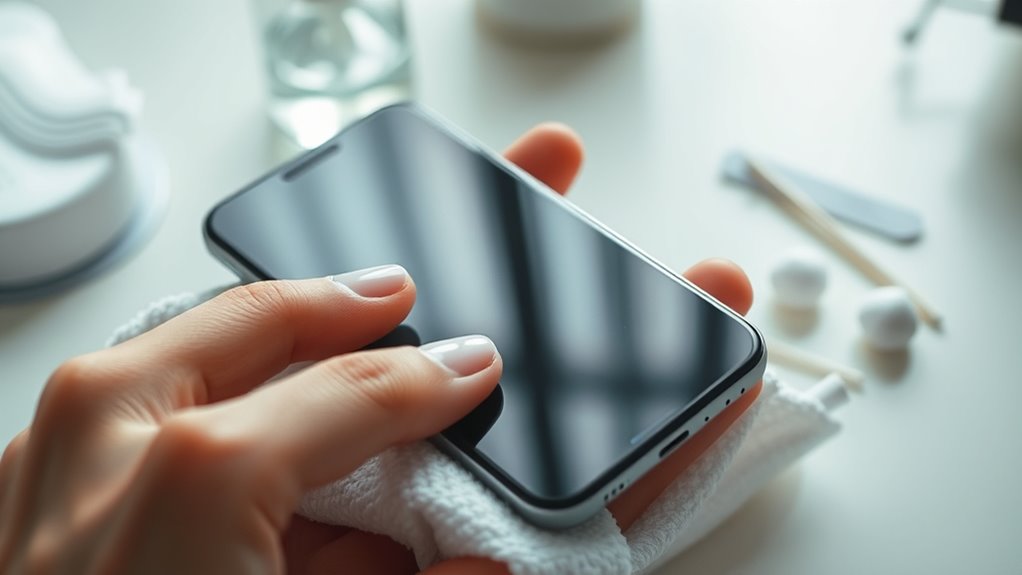
Before you start cleaning, turn off your smartphone and unplug any accessories to prevent electrical hazards. Remove your phone case or screen protector to access all surfaces and ensure a thorough clean. Wearing gloves during the process helps protect your hands and keeps germs at bay. Gather all necessary supplies—microfiber cloths, disinfectant solutions, and optional tools—so you don’t waste time searching mid-clean. If your device has been in use, give it time to cool down, as cleaning a hot phone can cause damage or reduce effectiveness. Taking these steps guarantees you’re prepared and minimizes risks. Proper prep makes the cleaning safer, more efficient, and more effective, setting a solid foundation for a thorough and safe smartphone cleaning process. Additionally, understanding proper ventilation considerations can help prevent moisture buildup that might damage your device over time. Being aware of device specifications can also assist in choosing the right cleaning methods and solutions suitable for your smartphone model. Ensuring good cleaning techniques can further enhance the effectiveness of your cleaning routine, prolonging your device’s lifespan. Incorporating proper drying methods helps ensure no residual moisture remains, which can otherwise lead to internal damage or corrosion, especially if combined with proper ventilation practices.

iO CLEAN Screen Cleaner Spray (16oz - 473ml) – Best Large Cleaning Kit
- Versatile Screen Compatibility: Works on all electronic screens and devices
- Gentle, Scratch-Free Formula: Removes dust, fingerprints, grime safely
- Protective, Anti-Static Coating: Leaves a streak-free, smudge-free shine
As an affiliate, we earn on qualifying purchases.
Dry Cleaning Techniques for Screen and Ports
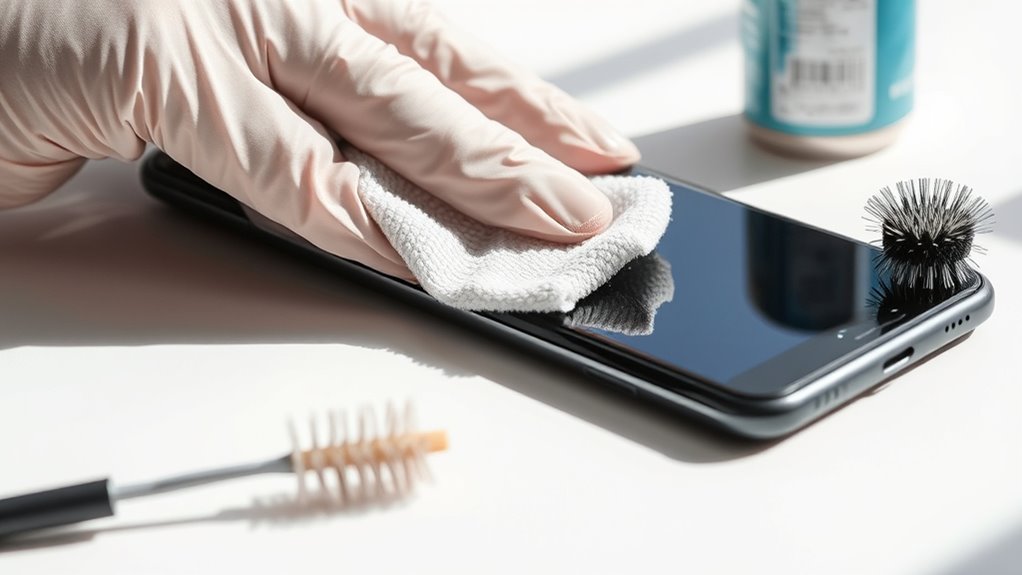
When dry cleaning your smartphone screen and ports, always use a microfiber cloth to prevent scratches. Wipe gently in circular motions to lift debris without damaging the surface. After each use, sanitize the cloth to keep germs from spreading and ensure a thorough clean. For optimal results, avoid using liquids or harsh chemicals that could damage the device’s sensitive components or interfere with its cleaning process. Incorporating eco-friendly cleaning methods aligns with the current sustainable decor trends and helps protect your device and the environment. Additionally, choosing energy-efficient cleaning techniques supports a more sustainable approach to maintaining your device. Using modern cleaning tools designed for electronic devices can further enhance the safety and effectiveness of your cleaning routine. Being mindful of device safety ensures that your cleaning practices prioritize both cleanliness and longevity.
Use Microfiber Cloth Only
Using only a microfiber cloth is essential for safely cleaning your smartphone screen and ports without causing damage. Microfiber cloths are gentle, non-abrasive, and effective at lifting dust, fingerprints, and smudges without scratching delicate surfaces. Avoid rough materials like paper towels, tissue, or rough cloths, as they can create micro-scratches over time. Confirm the cloth is clean before use; a dirty or dusty cloth can transfer debris back onto your device. For best results, fold the microfiber cloth so you can use a fresh section for each pass. This prevents redistribution of dirt and germs. Using only a microfiber cloth minimizes the risk of damaging your device’s screen or ports, keeping everything clean and scratch-free. Proper cleaning techniques are vital to maintaining your device’s longevity and appearance. Patience and a methodical approach are key to ensuring thorough and safe cleaning, especially since Microfiber cloths are designed to be gentle yet effective for delicate surfaces.
Wipe Gently in Circles
Gently wiping your screen and ports in circular motions helps lift dust and smudges without scratching delicate surfaces. This technique guarantees you remove debris smoothly while minimizing the risk of micro-scratches that can accumulate over time. As you wipe, focus on light pressure and consistent movement to avoid streaks or missed spots. To visualize the process, imagine:
- Using a soft microfiber cloth to glide evenly across the surface
- Moving in slow, deliberate circles to dislodge embedded dirt
- Covering the entire screen and port openings methodically
- Avoiding the use of rough or abrasive materials
- Discarding or sanitizing the cloth after each use to prevent germ transfer
- Remember to use appropriate cleaning products like gentle cleansers when necessary to ensure your device remains safe and spotless.
This gentle, circular approach keeps your device clean and protected, maintaining its clarity and functionality.
Sanitize After Each Use
To keep your smartphone clean and hygienic, it’s essential to sanitize the screen and ports after each use. Use a soft, microfiber cloth to remove dust and fingerprints, wiping from the center outward. For stubborn smudges, dampen the cloth with distilled water or approved disinfectant solutions—never spray directly onto your device. After wiping, dry thoroughly to prevent moisture buildup. Choose an EPA-approved disinfectant from the table below to ensure safe and effective sanitation:
| Disinfectant Type | Suitable for Screens | Usage Tips |
|---|---|---|
| Isopropyl Alcohol (70%) | Yes | Wipe once, let dry |
| EPA-Approved Wipes | Yes | Use once, discard |
| Diluted Bleach Solution | Yes | Wipe carefully, avoid oversaturation |
Regular sanitization reduces germs, keeping your device safe. An understanding of device hygiene can further help in maintaining overall cleanliness and preventing germ spread. Additionally, proper disinfection techniques can enhance your efforts to keep your device truly sanitary.
Maintaining proper cleaning routines is also crucial for long-term device health and functionality.
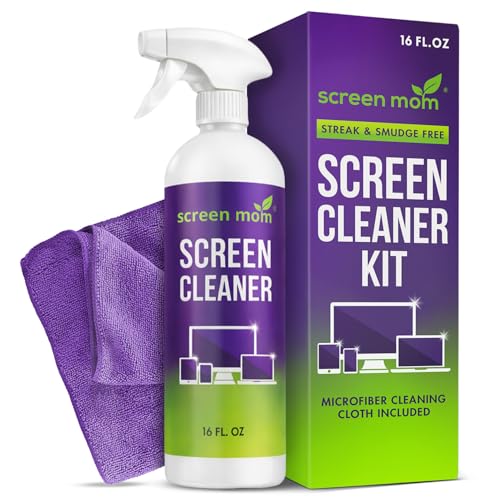
Screen Mom Screen Cleaner Spray 16oz Bottle for TV, Car, Laptop & Computer
- Streak-Free Formula: Leaves screens crystal clear and spotless
- Scratch-Free Cleaning: Includes microfiber cloth for gentle cleaning
- Safe for All Screens: Free from alcohol and ammonia
As an affiliate, we earn on qualifying purchases.
Effectively Using Wet Cleaning Solutions
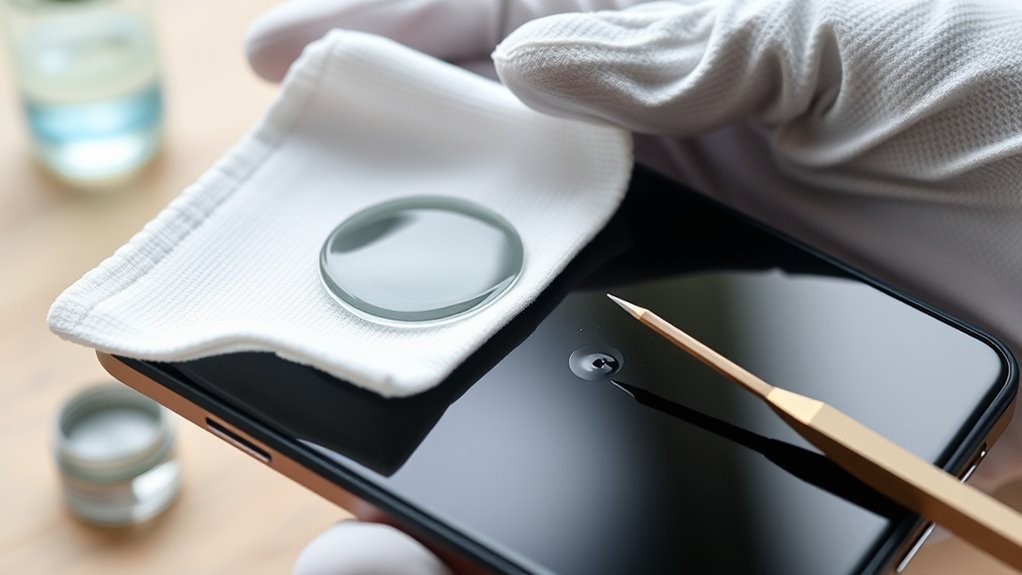
To use wet cleaning solutions effectively, you need to dampen your cloth properly—just moist enough to clean without dripping. Always choose suitable solutions like distilled water or diluted disinfectants, and avoid spraying directly onto your device. This careful approach guarantees thorough cleaning without risking damage. Additionally, considering the safe installation practices for electronic devices can help prevent moisture-related issues. Properly maintaining your device can further extend its lifespan and ensure optimal performance. Incorporating proper cleaning techniques can also enhance the longevity of your smartphone’s screen and ports. Being aware of reliable backup power options can prevent data loss or damage during unexpected power issues, ensuring your device remains protected.
Proper Dampening Technique
Using wet cleaning solutions effectively involves dampening your microfiber cloth just enough to avoid excess moisture that could seep into your device. To do this, lightly moisten one corner of the cloth with distilled or filtered water, then wring out any excess so it’s only slightly damp. This prevents liquid from entering ports or seams. Keep the cloth from dripping or pooling. When wiping, use gentle, even pressure, moving in straight lines or circular motions. Always avoid spraying liquids directly onto your device. After cleaning, immediately dry the surface with the dry section of the cloth. To help visualize, consider these tips: Passive voice detection – use distilled or filtered water only – Wring out excess moisture thoroughly – Keep the cloth just slightly damp – Avoid pooling or dripping liquid – Wipe in gentle, consistent motions. Additionally, maintaining a cleaning routine helps prevent buildup of dirt and oils that could damage your device over time. Incorporating proper dampening techniques ensures your device remains safe from potential moisture damage during cleaning.
Suitable Cleaning Solutions
Selecting the right cleaning solutions is essential for safely and effectively cleaning your smartphone. You should use distilled or filtered water dampened onto a microfiber cloth to avoid mineral streaks and damage. For stubborn smudges, a mixture of soap and water works well—just confirm the cloth is only slightly moist. Avoid spraying liquids directly onto your device; always apply solutions to the cloth first. If disinfecting, opt for 70% isopropyl alcohol wipes or solutions approved by your device manufacturer. EPA-approved disinfectants like Clorox wipes or Lysol products are safe choices. For sensitive surfaces, consider advanced methods like UV-C light sanitizers or diluted vinegar solutions. Always follow manufacturer guidelines and avoid harsh chemicals like undiluted bleach or ammonia to prevent damage.

Screen Cleaner Spray 16oz (4oz x 4 Pack) - TV & Computer Screen Cleaner with 2 Microfiber Cloths for Multiple Devices
- Kit Includes: 4 screen cleaner bottles and 2 microfiber cloths
- Effective Cleaning: Removes dust, fingerprints, and smudges
- Gentle and Safe: Deep cleans without scratching surfaces
As an affiliate, we earn on qualifying purchases.
Disinfecting Safely With Approved Products
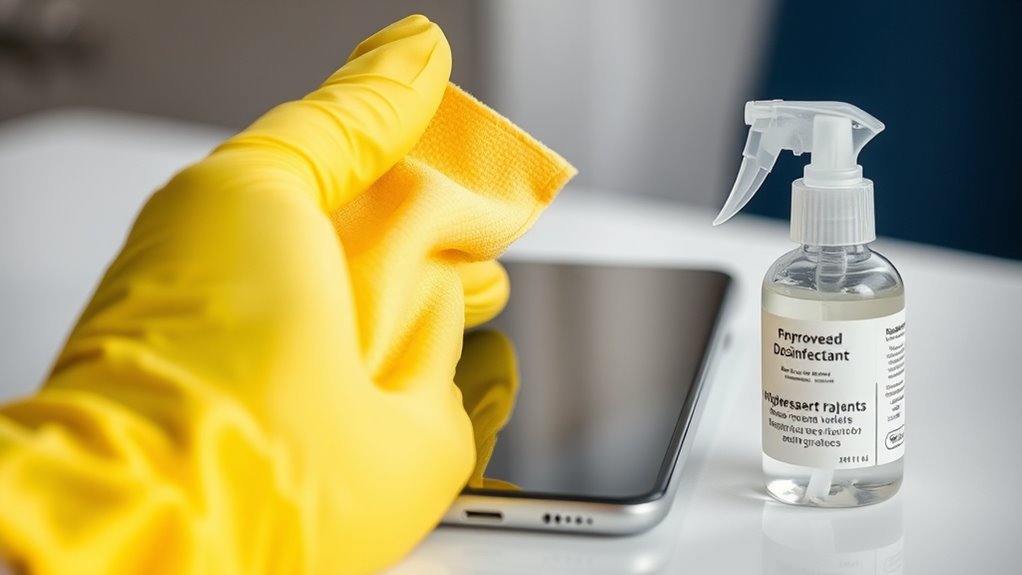
Disinfecting your smartphone safely requires choosing the right approved products to avoid damaging the device. Stick to solutions like 70% isopropyl alcohol wipes or disinfectants approved by manufacturers such as Apple and Samsung. When disinfecting, apply the solution to a soft cloth—never directly on the phone—and squeeze out excess liquid to prevent oversaturation. Wipe the screen once and let it evaporate completely before use. Avoid high-concentration alcohol, undiluted bleach, or ammonia-based cleaners, as they can cause discoloration or damage.
To help visualize, consider these approved products:
- Clorox Disinfecting Wipes
- Lysol Multi-Surface Cleaner (diluted)
- Purell Surface Disinfectant Wipes
- Lonza Disinfectant Wipes
- Clorox Hydrogen Peroxide Wipes
Employing Advanced Sanitization Methods
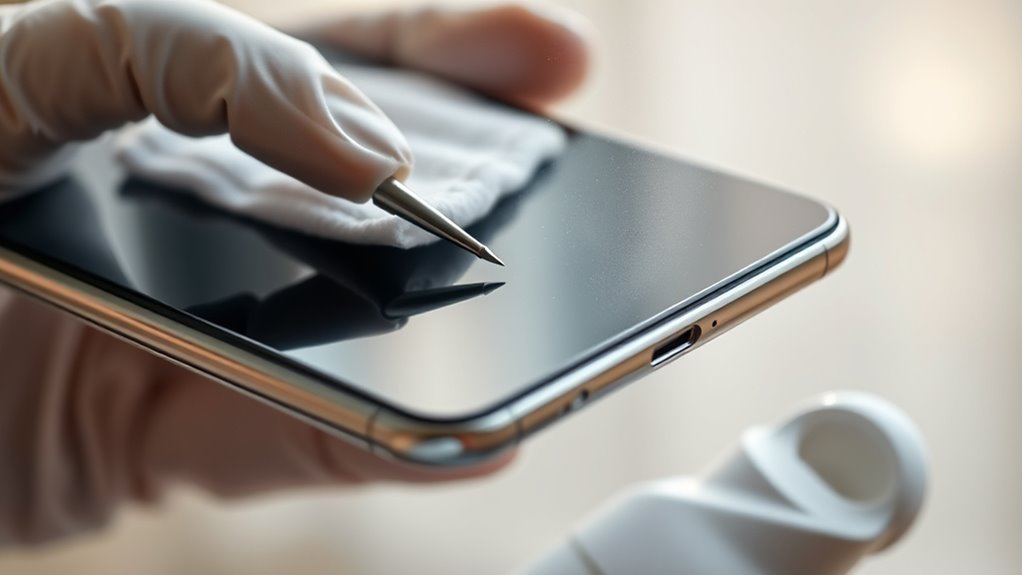
For an even deeper level of sanitization, advanced methods like ultraviolet C (UV-C) light sterilization offer a highly effective solution. UV-C light destroys DNA and RNA of viruses and bacteria, providing quick, chemical-free disinfection. You simply place your device inside a UV-C sanitizing box or use a portable UV-C wand, ensuring all surfaces are exposed evenly. This method kills germs on screens, ports, and other hard-to-reach areas without physical contact or residue. UV-C sterilization takes about 10 minutes, making it efficient for regular use. Remember, UV-C light can be harmful to your skin and eyes, so never look directly at the device while it’s on. Always follow manufacturer instructions for safe, effective sanitization.
Tips for Maintaining a Clean and Healthy Device
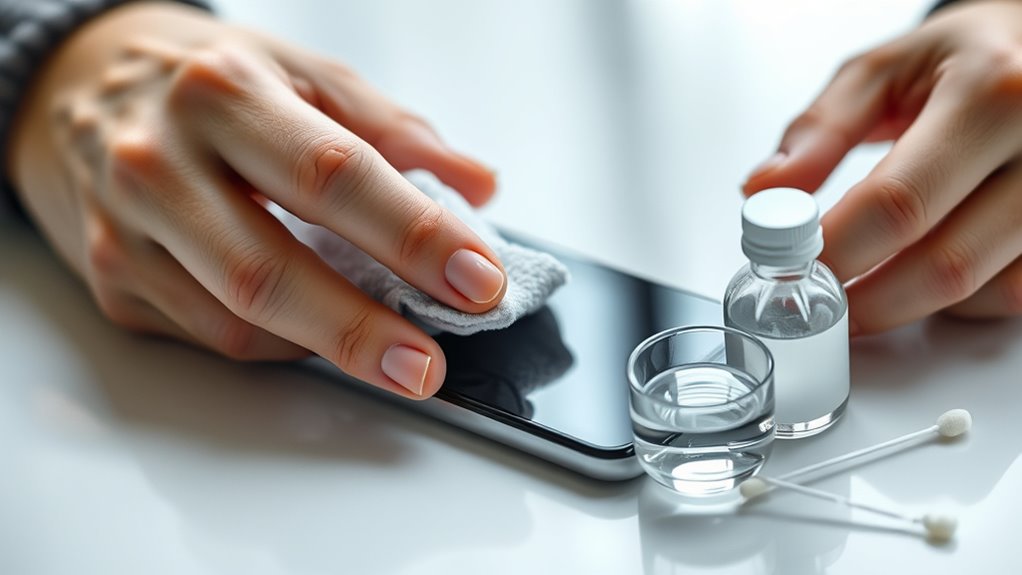
Maintaining a clean and healthy device requires consistent habits that go beyond occasional cleaning. To keep your phone in top shape, incorporate simple daily routines.
Consistent daily habits are key to keeping your device clean and hygienic.
- Wash your hands regularly to prevent transferring dirt and oils onto your device
- Use a screen protector and case to reduce direct contact with germs and scratches
- Avoid eating or drinking while using your device to minimize spills and crumbs
- Store your phone in a clean, designated spot when not in use
- Regularly wipe down your device with EPA-approved disinfectant wipes to reduce germs
These habits help prevent buildup of dirt, oils, and bacteria, extending your device’s lifespan and ensuring it stays hygienic. Small, consistent efforts make a big difference in maintaining a clean, healthy device.
Frequently Asked Questions
Can I Use Household Cleaning Products Not Listed for My Phone?
You shouldn’t use household cleaning products not listed for your phone. Many common cleaners contain chemicals like ammonia or bleach, which can damage your screen and ports. Instead, stick to EPA-approved disinfectants like 70% isopropyl alcohol wipes or solutions recommended by your device’s manufacturer. These are formulated to clean effectively without harming your device’s delicate surfaces, ensuring both cleanliness and safety.
How Often Should I Clean My Smartphone to Stay Hygienic?
Think of your smartphone as a tiny, portable pet that needs regular grooming. You should clean it at least once a day if you use it frequently, especially after touching public surfaces or during flu season. For light daily use, a quick wipe every few days suffices. If you notice smudges or suspect germs, clean it immediately. Consistent cleaning keeps your device hygienic and your hands healthier.
Is It Safe to Submerge My Phone in Cleaning Solutions?
You shouldn’t submerge your phone in cleaning solutions because it can damage internal components and void warranties. Instead, use a damp microfiber cloth with approved disinfectants or a small amount of soap and water. Always apply the solution to the cloth, not directly onto the device. This way, you clean effectively without risking water damage, ensuring your phone stays safe and hygienic.
Can Cleaning Damage My Phone’s Screen or Ports?
Cleaning your phone improperly can damage your screen or ports. Using harsh chemicals, spraying liquids directly on your device, or applying excessive moisture can cause discoloration, corrosion, or malfunction. Always apply cleaning solutions to a microfiber cloth, avoid abrasive materials, and steer clear of high alcohol concentrations or undiluted bleach. Taking these precautions guarantees you clean effectively without risking damage to your phone’s delicate components.
What Should I Do if My Phone Gets Wet During Cleaning?
If your phone gets wet during cleaning, don’t panic—stay calm and act quickly. Power it off immediately to prevent short circuits, then dry it thoroughly with a soft, lint-free cloth. Remove any cases or accessories. Place your phone in a dry, well-ventilated area or use silica gel packets to absorb moisture. Avoid using rice; it’s like trying to catch water with a sieve. Seek professional help if needed.
Conclusion
Keeping your smartphone spotless is like tending a delicate garden—you need the right tools and gentle care. By following these proper cleaning methods, you’ll prevent germs from sneaking in and keep your device looking fresh and new. Make it a habit, and your phone will stay as clean as a whistle, ready to serve you well. Remember, a little effort now saves you from a mountain of trouble later!