
Gaming laptops cost so much now because they feature high-end hardware like powerful graphics cards, fast processors, and large amounts of RAM, all of which drive up prices. Their premium designs, durable materials, and vibrant high-resolution displays also add to the cost. Plus, brand reputation, innovative features, and supply chain factors contribute to the expense. If you want to understand how all these elements come together to impact prices, keep exploring.
Key Takeaways
- High-end hardware like powerful GPUs and fast processors significantly increase manufacturing costs.
- Popular brands charge premiums due to their reputation, R&D, and customer support investments.
- Premium design, high-resolution displays, and advanced cooling systems add to overall expenses.
- Supply chain disruptions and rapid technological advancements raise manufacturing and component costs.
- Market demand for the latest features and innovations drives manufacturers to include cutting-edge (and costly) tech.
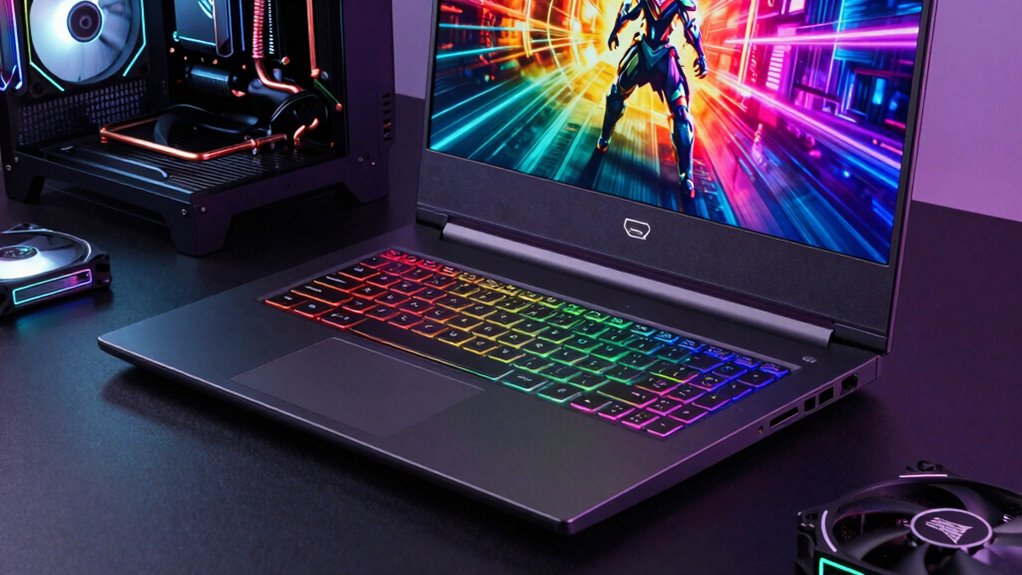
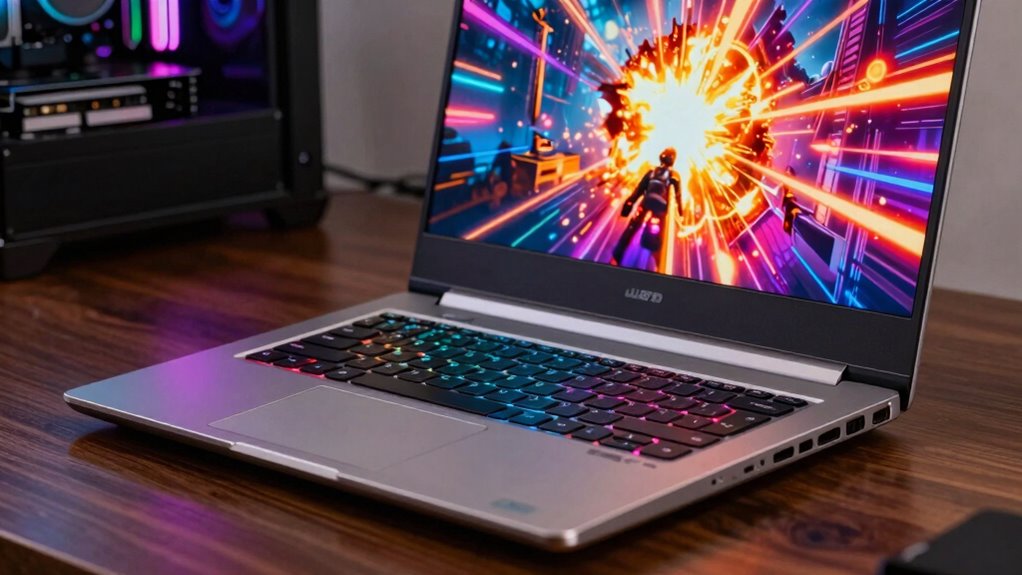
Gaming laptops can range widely in price, making it essential to understand what factors influence their cost. One of the biggest reasons for the high prices is the advanced hardware packed into these machines. Gaming laptops are built with powerful components such as high-end graphics cards, fast processors, and large amounts of RAM to handle demanding games smoothly. These components are expensive, and their inclusion considerably drives up the overall price. Plus, many gaming laptops offer hardware upgrades, like better GPUs or increased storage, which add to the cost. Upgrading hardware means manufacturers need to use premium materials and more sophisticated manufacturing processes, further inflating prices. Another factor that plays a noteworthy role is brand differences. Well-known brands with established reputations for quality, durability, and performance tend to charge more. These brands often invest heavily in research and development, which gets reflected in the final price of their products. When you buy a gaming laptop from a recognized brand, you’re paying for a certain level of reliability and customer support, but that also means a higher sticker price. Conversely, lesser-known brands might offer cheaper options, but they often cut corners on materials or customer service, which can affect your long-term experience. The design and build quality of gaming laptops also contribute to their high costs. Many models feature sleek, durable chassis with custom lighting and high-resolution displays, all of which cost more to produce. The display quality itself is a major factor; a high refresh rate, low response time, and vivid colors make gaming more immersive, but these features come at a premium. These design choices, combined with the need for cooling systems that prevent overheating during intense gaming sessions, further increase manufacturing costs. Additionally, the inclusion of specialized features such as mechanical keyboards, advanced audio systems, and multiple connectivity options add to the price tag. These features improve the gaming experience but also require extra engineering and higher-quality components, which pushes the price upward. The rapid pace of technological advancement means newer, more powerful hardware is constantly being developed, and keeping up with the latest tech adds to the cost of gaming laptops. Moreover, the cost of manufacturing has risen due to the global supply chain disruptions, further impacting prices. As a result, the technological innovation in hardware and components also significantly influences the overall cost of these devices. Staying current with the latest gaming technology is crucial for enthusiasts, which can drive prices even higher. The demand for cutting-edge features also drives manufacturers to incorporate the latest tech, which often comes at a higher price point. All these factors—hardware upgrades, brand differences, design choices, and ongoing tech improvements—explain why gaming laptops are so expensive today. You’re paying for cutting-edge performance, premium build quality, and the latest features, which collectively drive the cost higher than standard laptops.

msi Stealth 18 AI Studio 18” 240Hz QHD+ Gaming Laptop: Intel Ultra 9-185H, NVIDIA Geforce RTX 4080, 32GB DDR5, 1TB NVMe SSD, Cooler Boost 5, Win 11: Black A1VHG-019US
AI-Powered Performance: Harness the capabilities of the latest Intel Core Ultra 9 processor to effortlessly manage demanding tasks….
As an affiliate, we earn on qualifying purchases.
As an affiliate, we earn on qualifying purchases.
Frequently Asked Questions
How Do Gaming Laptops Compare to Desktop Gaming PCS in Cost?
Gaming laptops generally cost more than desktops because of performance trade-offs and portability benefits. You pay a premium for a compact, portable device that offers decent gaming power, but it often sacrifices some performance compared to a high-end desktop. While desktops provide better specs for the price, a gaming laptop’s convenience and mobility make it worth the higher cost for many gamers like you.
Are Higher-Priced Gaming Laptops Worth the Investment?
Higher-priced gaming laptops can be worth the investment if you value portability and quick setup. They often offer better performance, minimizing bottlenecks, and advanced features for gaming. However, you’re trading off some performance potential and upgradeability compared to desktops. If portability outweighs those concerns and you want high-quality gaming on the go, investing more can be justified. But if you prioritize the best performance, desktops might still be the better choice.
What Brands Offer the Best Value for Gaming Laptops?
You get what you pay for, so choosing a brand with strong performance benchmarks and a solid reputation pays off. Brands like ASUS ROG, MSI, and Acer Predator offer the best value for gaming laptops, combining powerful specs with reliable build quality. They often strike a good balance between price and performance, ensuring you get a machine that meets your gaming needs without breaking the bank.
How Often Should I Upgrade My Gaming Laptop?
You should consider upgrading your gaming laptop every 3 to 4 years, especially if you want to maintain peak performance and battery life. As games become more demanding, older hardware may struggle, impacting portability and gameplay experience. Regular upgrades guarantee you stay current with new features, better graphics, and longer battery life, keeping your gaming sessions smooth and portable. Staying updated helps you enjoy the latest titles without sacrificing performance.
Do Gaming Laptops Retain Their Resale Value?
Gaming laptops generally don’t retain their resale value well due to hardware depreciation, which quickly reduces their worth. In the resale market, you might only recover a fraction of your initial investment, especially after a few years. Factors like outdated hardware and rapid tech advancements make it challenging to get a good price. If you plan to sell, expect lower returns and consider upgrading cautiously to maximize resale value.

2026 Gaming Laptop with AMD Ryzen 4300U Processor, 15.6 Inch FHD Display Laptop AMD Radeon Graphics Laptop computer 16GB RAM 512GB SSD, Windows 11, 55Wh Battery, Wi-Fi, Type-C, Webcam Cover Slide
【HIGH PERFORMANCE LAPTOP】This MALLRACE laptop powered by AMD Ryzen 4300U processor frequency up to 3.7GHz turbo frequency. (performance…
As an affiliate, we earn on qualifying purchases.
As an affiliate, we earn on qualifying purchases.
Conclusion
So, now you see why gaming laptops cost so much—they’re like luxury sports cars, packed with high-end parts and cutting-edge tech. Just as a sleek, powerful vehicle commands a premium, these laptops reflect the latest innovations and performance demands. When you’re ready to make that leap, remember, you’re investing in a machine that’s built for victory, ready to race through your favorite games with the speed and agility of a thoroughbred on the track.

Kootek Laptop Cooling Pad, Laptop Cooler with 5 Quiet Fans for 12"-17" Computer PC Notebook Gaming Laptop Fan, Height Adjustable Laptop Cooling Stand Laptop Accessories, Blue
Whisper-Quiet Operation: Enjoy a noise-free and interference-free environment with super quiet fans, allowing you to focus on your…
As an affiliate, we earn on qualifying purchases.
As an affiliate, we earn on qualifying purchases.

Redragon K585 DITI Wired One-Handed RGB Mechanical Gaming Keyboard, 42 Keys Type-C Professional Gaming Keypad w/Upgraded Hot-Swappable Socket, 7 Onboard Macro Keys & Detachable Wrist Rest
Slim and Tactical – The K585 keyboard gets rid of those extra keys and keeps the most useful…
As an affiliate, we earn on qualifying purchases.
As an affiliate, we earn on qualifying purchases.