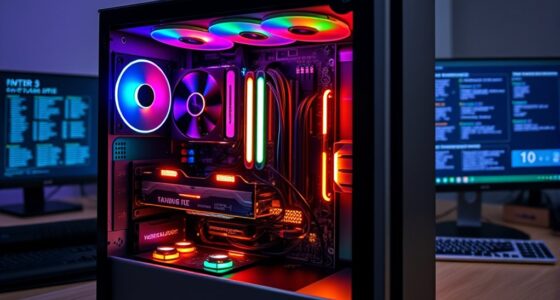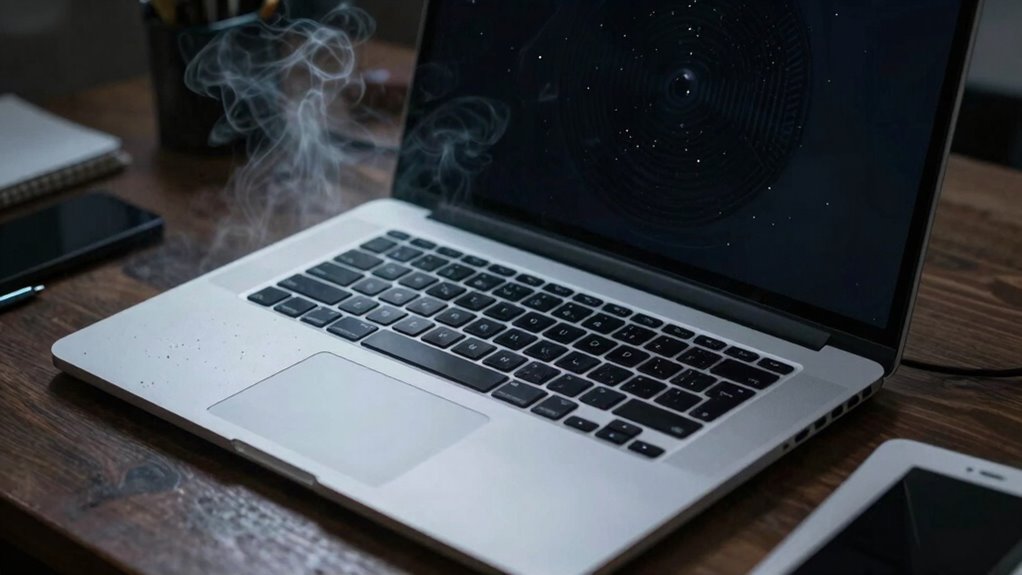

Laptop cooling matters more than most buyers realize because high temperatures can slow down your device and even cause hardware damage over time. Effective cooling keeps components like the CPU and GPU from overheating, maintaining top performance and preventing costly failures. Proper airflow, thermal paste, and regular maintenance are key to extending your laptop’s lifespan. Staying aware of cooling practices guarantees your device runs smoothly longer, and if you keep exploring, you’ll discover even more ways to protect your investment.
Key Takeaways
- Proper cooling prevents overheating, which can cause hardware damage and reduce laptop lifespan.
- Effective thermal management maintains optimal performance by avoiding thermal throttling during intensive tasks.
- Good airflow design and ventilation ensure heat is efficiently expelled, preventing heat buildup inside the device.
- Upgrading thermal paste and cleaning vents enhance heat dissipation, prolonging component health.
- Neglecting cooling solutions can lead to frequent crashes, hardware failure, and costly repairs over time.
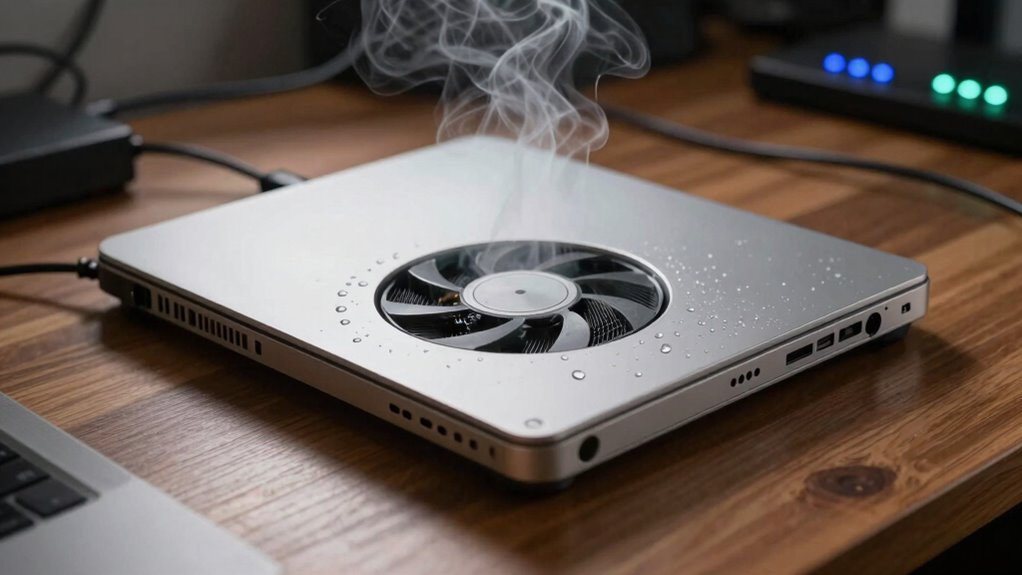
When your laptop gets hot, its performance can suffer, and components may even be damaged over time. High temperatures force your device to slow down to prevent overheating, which directly impacts your productivity and overall experience. To keep your laptop running smoothly, effective cooling is essential. One key element often overlooked is the quality of thermal paste, which sits between your CPU or GPU and their heat sinks. If the thermal paste isn’t applied correctly or has dried out, heat won’t transfer efficiently, causing the internal temperature to rise. Regularly replacing or upgrading this paste can greatly improve heat dissipation, helping your laptop stay cooler under load.
But thermal paste isn’t the only factor; the overall airflow design of your device plays a critical role. Good airflow design ensures that cool air enters while hot air exits efficiently, creating a continuous cycle that prevents heat buildup. Many laptops are designed with vents and strategically placed fans to facilitate this process, but if these vents are blocked or clogged with dust, airflow becomes restricted. This can cause internal components to overheat, leading to thermal throttling where the system intentionally slows down to reduce temperature. Maintaining clean vents and ensuring unobstructed airflow can prolong your laptop’s lifespan and improve performance. Additionally, considering thermal management strategies can further optimize heat dissipation and enhance device longevity. A well-designed cooling system also takes into account the airflow paths, ensuring that heat is effectively moved away from critical components. Proper airflow design is fundamental for preventing hotspots that can damage internal parts over time. Being aware of the thermal paste quality and its impact on heat transfer can significantly influence your device’s thermal performance. Incorporating dust removal practices into your maintenance routine can also help maintain optimal airflow and cooling efficiency.
You should also consider the placement and quality of internal fans. High-quality fans that spin faster and quieter can move heat away from critical components more effectively. If your laptop’s cooling system isn’t sufficient, external cooling solutions like laptop cooling pads can help. These devices improve airflow around your laptop, lowering internal temperatures without requiring internal modifications. Additionally, adjusting your usage habits—like avoiding demanding tasks in hot environments or giving your laptop breaks to cool down—can make a noticeable difference.
Understanding the importance of thermal paste and airflow design helps you see why cooling isn’t just a minor concern but a essential part of maintaining your laptop’s health. Proper thermal management prevents overheating, reduces thermal throttling, and keeps your device running at peak performance. Neglecting these aspects may seem insignificant initially, but over time, poor cooling can lead to hardware failure or reduced lifespan. In the end, investing in good thermal solutions and keeping your device’s airflow optimized can save you money, frustration, and the inconvenience of sudden system failures. Your laptop’s longevity and performance depend heavily on how well you manage its cooling.

havit HV-F2056 15.6"-17" Laptop Cooler Cooling Pad – Slim Portable USB Powered (3 Fans), Black/Blue
Ultra-Portable: Slim, portable, and light weight allowing you to protect your investment wherever you go
As an affiliate, we earn on qualifying purchases.
As an affiliate, we earn on qualifying purchases.
Frequently Asked Questions
Can Poor Cooling Cause Hardware Damage Over Time?
Yes, poor cooling can cause hardware damage over time. When your laptop overheats, it triggers thermal throttling to protect components, but prolonged heat can still degrade parts like the CPU and GPU. Dust accumulation worsens this by blocking airflow, increasing temperatures. Over time, this can lead to permanent damage, reduced performance, and even hardware failure. Keeping your cooling system clean and functioning properly helps extend your laptop’s lifespan.
How Often Should I Clean My Laptop’s Cooling System?
Oh, absolutely, you should clean your laptop’s cooling system at least every six months—unless you enjoy cooking your hardware! Regular cleaning helps maintain perfect airflow and prevents dust buildup that hampers thermal paste’s job. Think of it as giving your laptop a spa day. By doing this, you enhance airflow and keep that thermal paste working efficiently, ensuring your laptop stays cool and performs like a champ.
Do Gaming Laptops Need Better Cooling Than Regular Laptops?
Yes, gaming laptops need better cooling than regular laptops. Gaming laptops generate more heat due to intensive thermal management demands from high-performance components. Improved cooling efficiency helps prevent overheating, maintain peak performance, and prolong your device’s lifespan. If you notice your gaming laptop gets unusually hot or your frame rates drop, upgrading or enhancing its cooling system becomes essential. Proper cooling ensures smooth gameplay and keeps your machine running efficiently.
Can External Fans Significantly Improve Laptop Cooling?
External fans can considerably improve your laptop’s cooling effectiveness by increasing airflow directly to hot spots. When you use external fans, you help dissipate heat faster, preventing overheating during intensive tasks like gaming or video editing. They’re a practical solution that can extend your laptop’s lifespan and maintain performance. Keep in mind, for ideal cooling, choose a fan that aligns well with your laptop’s size and heat output.
Is Liquid Cooling Necessary for High-Performance Laptops?
Liquid cooling isn’t necessary for high-performance laptops, but it can dramatically boost performance enhancement. You might wonder if you really need it—most users don’t. In intense tasks like gaming or 3D rendering, liquid cooling keeps temperatures low and speeds high, preventing thermal throttling. However, for everyday use, advanced air cooling suffices. Decide based on your needs—if you crave peak performance, liquid cooling could be worth the investment.

ARCTIC MX-4 (4 g) – Premium Performance Thermal Paste for All Processors (CPU, GPU – PC, PS4, Xbox), Very high Thermal Conductivity, Long Durability, Safe Application, Non-Conductive, Non-capacitive
CONSISTENT QUALITY: Our thermal paste packaging design has evolved over time, but the formula has remained the same,…
As an affiliate, we earn on qualifying purchases.
As an affiliate, we earn on qualifying purchases.
Conclusion
So, next time your laptop seems a bit sluggish, remember it’s just politely hinting it needs a little extra care beneath the surface. Giving your device proper cooling isn’t just about avoiding overheating; it’s about nurturing its silent well-being. When you treat your laptop with that gentle attention, it’ll thank you with smoother performance and longer life. Sometimes, a small act of kindness behind the scenes makes all the difference.

Keyboard Cleaning Kit Laptop Cleaner, All-in-1 Computer Screen Cleaning Brush Tool, Multi-Function PC Accessories Electronic Cleaner Kit Spray for iPhone iPad Macbook Earbud Camera Monitor with Patent
【UPGRADED LAPTOP CLEANING KIT 】 The macbook cleaning kit computer screen cleaner comes with a number of accessories…
As an affiliate, we earn on qualifying purchases.
As an affiliate, we earn on qualifying purchases.
havit HV-F2056 15.6"-17" Laptop Cooler Cooling Pad – Slim Portable USB Powered (3 Fans), Black/Blue
Ultra-Portable: Slim, portable, and light weight allowing you to protect your investment wherever you go
As an affiliate, we earn on qualifying purchases.
As an affiliate, we earn on qualifying purchases.