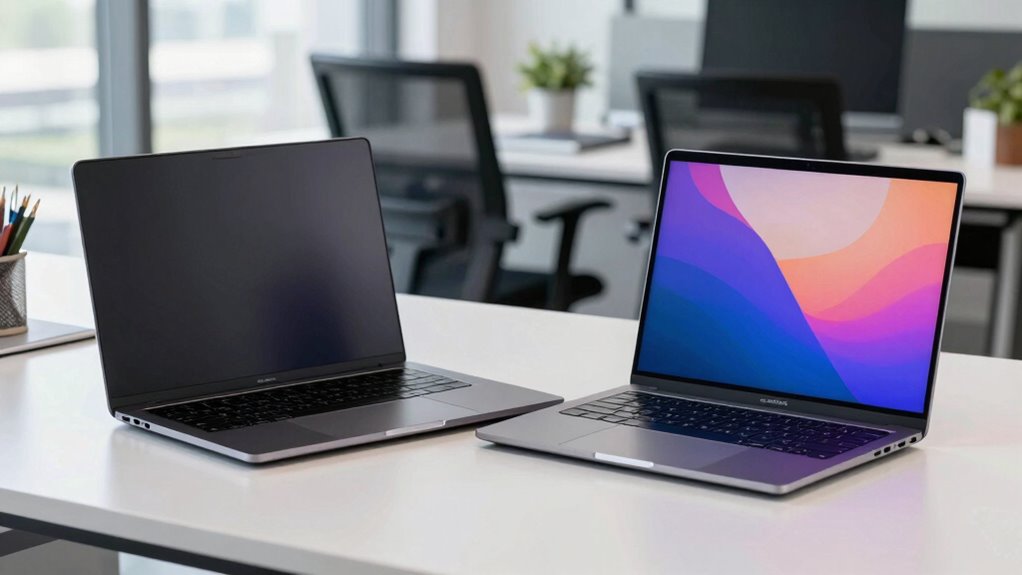
When choosing between business and consumer laptops, you’ll notice that business models focus on security, durability, and management features, making them ideal for demanding work environments. They often include fingerprint scanners, reinforced builds, and enterprise software, whereas consumer laptops prioritize sleek design and multimedia capabilities for casual use. If you want devices built for security and longevity, or if you’re curious about which suits your needs best, exploring further will reveal more key differences.

Get the latest gadgets delivered free with Prime
- Fast, free delivery on millions of items
- Prime Video, Amazon Music and more included
- Member-only deals all year
Key Takeaways
- Business laptops prioritize security features like encryption, fingerprint scanners, and remote management, unlike consumer models.
- Durability is a focus in business laptops, with reinforced chassis and military-grade testing, whereas consumer models emphasize design.
- Business laptops offer enterprise management tools and longer warranties, while consumer laptops include bundled software and standard support.
- Security and hardware robustness are central to business laptops, with consumer models targeting multimedia and aesthetics.
- Business devices are suited for demanding, professional environments; consumer laptops are ideal for casual and entertainment use.
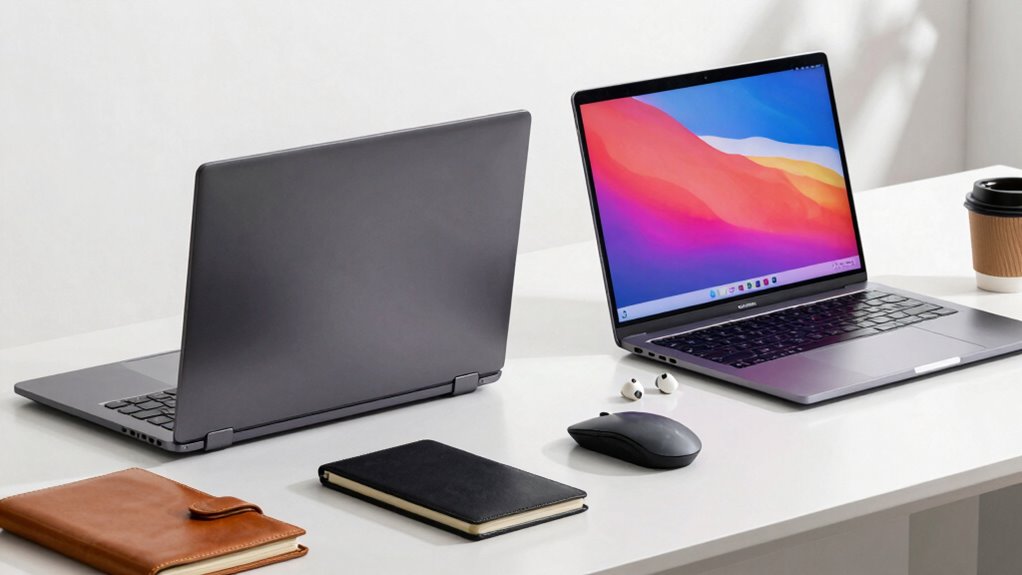
When choosing a laptop, understanding the key differences between business and consumer models can help you make a better decision. Business laptops are designed with features that prioritize security and durability, knowing that professionals often need reliable equipment to handle demanding tasks and sensitive information. These models typically come with advanced security features like fingerprint scanners, smart card readers, and encrypted drives that protect your data from unauthorized access. If you’re working with confidential documents or managing company information, these security measures guarantee your data stays safe, even if your laptop is lost or stolen.
Business laptops prioritize security and durability for reliable, professional use in demanding environments.
Hardware durability is another essential aspect that sets business laptops apart. You can expect them to be built with tougher materials, such as reinforced chassis and spill-resistant keyboards, which withstand daily wear and tear better than consumer models. This means they can endure the rigors of travel, long workdays, and occasional accidents without breaking down. Business laptops also often undergo rigorous testing, like military-grade durability standards, to guarantee they perform reliably in various environments. If your work involves frequent commuting or working in different locations, this robustness minimizes downtime and maintenance costs.
In contrast, consumer laptops tend to focus more on aesthetics, multimedia capabilities, and affordability. They may lack the same level of security features or physical durability but often come with high-resolution screens, sleek designs, and entertainment-focused hardware. These models are perfect if your priority is gaming, media consumption, or casual use at home. They generally don’t have the same extensive security options or construction quality that business laptops offer, which makes them less suitable for handling sensitive information or enduring rough handling over time.
Another difference is in the software and support services. Business laptops usually come with enterprise-level management tools and longer warranty options that cater to organizational needs. These features make it easier for IT departments to deploy, monitor, and maintain multiple devices across a company. Consumer models, on the other hand, often include more consumer-friendly features like bundled software or consumer warranties, but lack the centralized management capabilities that businesses rely on.
Additionally, security features such as hardware encryption and remote management capabilities are typically more advanced in business laptops, providing extra layers of protection for sensitive data. Ultimately, your choice depends on what you need from the device. If security features and hardware durability are top priorities—especially for work-related tasks—business laptops are your best bet. If your use is more casual, entertainment-focused, or budget-conscious, a consumer model might serve you just fine. Understanding these differences helps you pick a laptop that aligns with your needs, providing better performance, security, and longevity in the long run.
business laptop with fingerprint scanner
As an affiliate, we earn on qualifying purchases.
As an affiliate, we earn on qualifying purchases.
Frequently Asked Questions
Are Business Laptops More Durable Than Consumer Laptops?
Yes, business laptops are generally more durable than consumer laptops. You’ll notice better build quality and rugged design aesthetics, which help them withstand daily wear and tear. Companies often choose brands with strong reputations for durability, ensuring your device lasts longer in demanding environments. This focus on durability means business laptops are designed to endure frequent travel, handling, and extended use, giving you peace of mind in your work routines.
Do Business Laptops Have Better Security Features?
You’ll find business laptops often come with enhanced security features, making your data more protected. They include advanced options like data encryption and biometric security, which add extra layers of safety. These features help guard your information from unauthorized access and cyber threats. So, if security is a top priority, a business laptop is designed to keep your sensitive data secure, giving you peace of mind while working.
Can Consumer Laptops Handle Professional Software?
Yes, consumer laptops can handle professional software, but it depends on their specifications. You should check software compatibility to guarantee the programs run smoothly. Performance benchmarks are key—look for higher RAM, faster processors, and dedicated graphics if needed. While some consumer models might struggle with intensive tasks, many modern laptops are powerful enough for professional use, provided they meet the software’s requirements.
What Is the Typical Price Difference Between the Two?
You’ll usually find business laptops are more expensive than consumer ones, often by $200 to $500. This price difference reflects their brand reputation for durability and enterprise-grade features, along with warranty coverage that’s more exhaustive. While consumer laptops focus on affordability and entertainment, business models justify higher costs with enhanced security, better build quality, and longer support, making them a smarter investment for professional needs.
Are Business Laptops Easier to Upgrade Than Consumer Ones?
Business laptops are usually easier to upgrade because they feature a modular design, like building blocks ready to be rearranged. You’ll find better upgradeability options, such as swappable RAM, storage, and batteries, making maintenance and updates simpler. Consumer laptops often prioritize sleekness over accessibility, so upgrading can feel like trying to fit a square peg into a round hole. Overall, business models give you more flexibility for future upgrades.
durable business laptop reinforced chassis
As an affiliate, we earn on qualifying purchases.
As an affiliate, we earn on qualifying purchases.
Conclusion
So, now that you know the key differences, the question is—are you ready to choose? Will you prioritize durability and security, or do you need something more versatile and affordable? The decision might not be as clear-cut as it seems. There’s more beneath the surface, waiting to be uncovered. Whatever you pick, one thing’s certain: your next laptop could be more powerful than you ever imagined—if you’re willing to look a little deeper.
As an affiliate, we earn on qualifying purchases.
spill-resistant keyboard business laptop
As an affiliate, we earn on qualifying purchases.
As an affiliate, we earn on qualifying purchases.
Columbus Day / Indigenous Peoples' Day Picks
long weekend sales
As an affiliate, we earn on qualifying purchases.