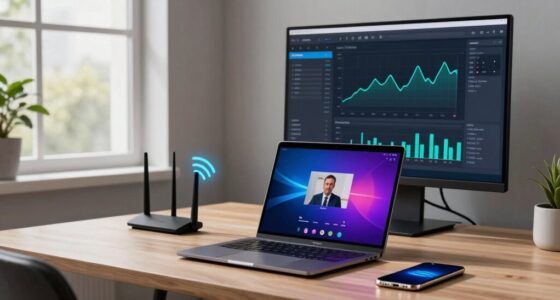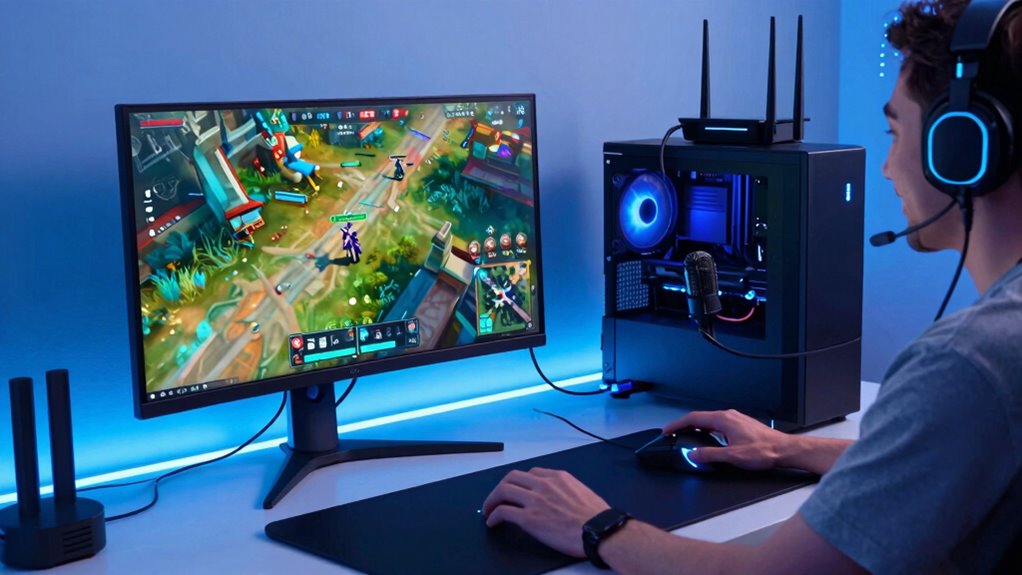

A better network connection guarantees your work, gaming, and streaming run smoothly at the same time, reducing lag, buffering, and disruptions. Optimizing your router, updating firmware, and prioritizing bandwidth for important applications help improve overall performance. Securing your network prevents unauthorized access and bandwidth theft, keeping everything stable. With these tweaks, you’ll experience seamless online activities. To discover more ways to boost your network’s performance and keep all devices running flawlessly, keep exploring effective strategies.
Key Takeaways
- Reliable networks ensure smooth, lag-free gaming, streaming, and video conferencing for a seamless user experience.
- Optimized router settings prioritize bandwidth for work applications, gaming, and streaming simultaneously.
- Strong security prevents bandwidth theft and disruptions, maintaining consistent network performance.
- Proper placement and channel selection reduce interference, enhancing overall connectivity quality.
- Faster, stable networks improve productivity, reduce buffering, and enable high-quality entertainment.
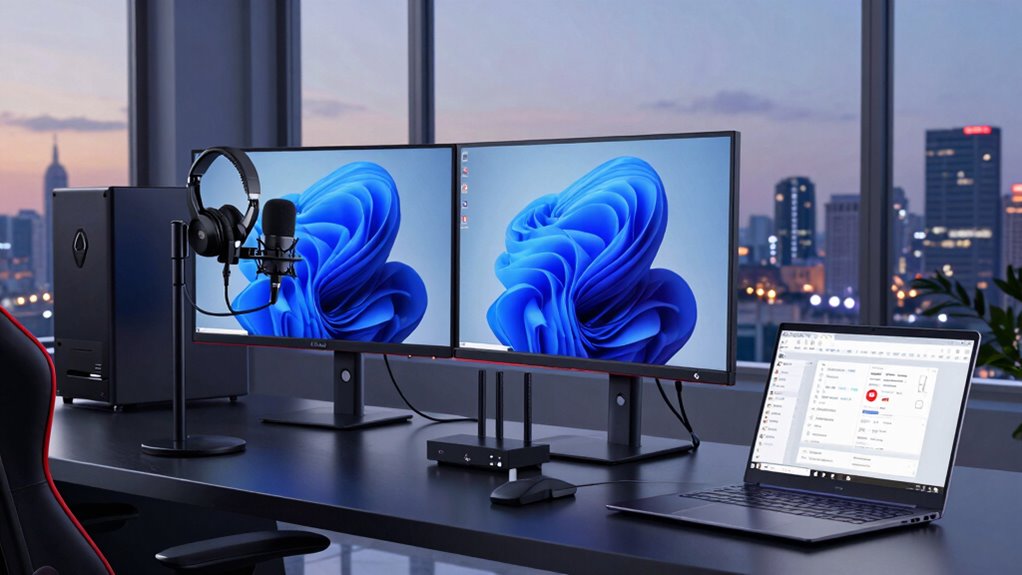
In today’s digital world, a reliable and fast network connection is vital for work, gaming, and streaming. When your network runs smoothly, you experience fewer disruptions, faster downloads, and seamless video calls. Improving your network isn’t just about upgrading hardware; it’s also about optimizing your router configurations and paying attention to wireless security. These steps help guarantee your connection remains stable, secure, and efficient for all your online activities.
First, focus on router configurations. Setting up your router properly can drastically improve your network’s performance. Make sure you’re using the latest firmware updates; manufacturers regularly release updates that fix bugs and improve security. Adjust your settings to prioritize bandwidth for work-related applications, gaming, or streaming, especially if multiple devices are connected. Many routers offer Quality of Service (QoS) features, which allow you to assign higher priority to traffic like video calls or gaming packets. This minimizes lag and buffering, making your experience smoother. Additionally, consider changing your Wi-Fi channel to one less congested, reducing interference from neighboring networks. Proper placement of your router—ideally central and elevated—also enhances signal strength and coverage throughout your home or office. Improving network performance can significantly impact your overall user experience, especially when optimizing router settings. Ensuring your router’s settings are optimized for your specific needs can make a noticeable difference in how well your devices perform.
Wireless security plays a vital role in maintaining a dependable network. An insecure network invites potential threats that can slow down your connection or compromise sensitive data. Use strong, unique passwords for your Wi-Fi to prevent unauthorized access. Enable WPA3 encryption if your router supports it; this is the most secure wireless security protocol available today. Disabling WPS (Wi-Fi Protected Setup) can further prevent vulnerabilities. Regularly checking connected devices helps you identify any unknown or suspicious users. Securing your network not only protects your data but also guarantees your bandwidth isn’t being siphoned off by malicious actors or unauthorized devices, which can cause noticeable drops in your network performance. Being proactive about wireless security helps maintain both your network’s integrity and its speed.

TP-Link AX1800 WiFi 6 Router (Archer AX21 V5) – Dual Band Wireless Internet, Gigabit, Easy Mesh, Works with Alexa – A Certified for Humans Device, Free Expert Support
DUAL-BAND WIFI 6 ROUTER: Wi-Fi 6(802.11ax) technology achieves faster speeds, greater capacity and reduced network congestion compared to…
As an affiliate, we earn on qualifying purchases.
As an affiliate, we earn on qualifying purchases.
Frequently Asked Questions
How Does Better Networking Reduce Latency Across Multiple Devices?
Better networking reduces latency across multiple devices by managing wireless interference and optimizing bandwidth allocation. When your network handles interference effectively, signals stay strong and consistent, minimizing delays. Improved bandwidth distribution ensures each device gets enough data quickly, preventing congestion. This combination keeps your work, gaming, and streaming smooth, responsive, and synchronized, so you experience less lag and faster response times while using multiple devices simultaneously.
What Equipment Is Essential for a High-Performance Home Network?
To build a high-performance home network, you need crucial equipment like a robust router paired with wireless extenders to eliminate dead zones and guarantee strong signals everywhere. Network switches are essential for connecting multiple wired devices efficiently, reducing congestion. Together, these devices create a seamless experience, whether you’re working, gaming, or streaming. Investing in quality equipment improves speed, reliability, and overall network performance, making your digital activities smoother and more enjoyable.
Can Improved Networking Enhance Security for Work and Gaming?
Yes, improved networking can enhance security for work and gaming by utilizing network encryption and firewall protection. Network encryption safeguards your data from unauthorized access, keeping sensitive work information and gaming accounts safe. Firewall protection blocks malicious traffic and potential threats before they reach your devices. Together, these features create a robust security layer, ensuring your activities remain private and protected from cyber threats, whether you’re working or gaming online.
How Do Network Upgrades Impact Streaming Quality During Peak Hours?
During peak hours, your streaming quality can skyrocket from choppy chaos to silky-smooth brilliance with network upgrades. Bandwidth management becomes a superhero, ensuring your connection isn’t overwhelmed, while signal stability turns your internet into an unbreakable fortress. You’ll experience fewer buffering pauses, crisp images, and seamless streams, even when everyone else is online. These upgrades transform your streaming chaos into a flawless, high-quality experience you’ll love to watch.
What Are the Cost Considerations for Upgrading a Home Network?
Upgrading your home network involves a thorough cost analysis and careful budget planning. You’ll need to take into account expenses for new routers, switches, or extenders, plus installation costs if you hire professionals. To avoid overspending, compare different equipment options and prioritize essential upgrades. By planning ahead, you guarantee your investment improves your streaming, gaming, and work setup without stretching your finances too thin.

TP-Link Deco X55 AX3000 WiFi 6 Mesh System – Covers up to 6500 Sq.Ft, Replaces Wireless Router and Extender, 3 Gigabit Ports per Unit, Supports Ethernet Backhaul, Deco X55(3-Pack)
Wi-Fi 6 Mesh Wi-Fi – Next-gen Wi-Fi 6 AX3000 whole home mesh system to eliminate weak Wi-Fi for…
As an affiliate, we earn on qualifying purchases.
As an affiliate, we earn on qualifying purchases.
Conclusion
By upgrading your network, you open a seamless world where work, gaming, and streaming blend effortlessly—like a symphony where each instrument plays in harmony. No more lag, interruptions, or dropped connections to break the flow. Instead, you’re immersed in a smooth experience that fuels productivity, excitement, and creativity. With better networking, you’re not just connected—you’re empowered to thrive in every digital pursuit, turning your home into a launchpad for success and entertainment.
wireless security router WPA3
As an affiliate, we earn on qualifying purchases.
As an affiliate, we earn on qualifying purchases.
network range extender for home
As an affiliate, we earn on qualifying purchases.
As an affiliate, we earn on qualifying purchases.