
Password managers securely store all your passwords in an encrypted vault, so you only need to remember one strong master password. They use proven encryption methods like AES-256 to keep your data safe and guarantee your passwords aren’t visible to the service providers. These tools also simplify logging in and improve security by generating strong passwords automatically. If you want to understand exactly how they protect your information and why they’re trustworthy, there’s more to discover beneath the surface.
Key Takeaways
- Password managers securely store all passwords in an encrypted vault accessible with a single master password.
- They use strong encryption protocols like AES-256, ensuring your passwords are protected even if servers are compromised.
- Features like autofill and password generation simplify login processes without sacrificing security.
- Transparent encryption practices and privacy policies build trust and help users understand how their data is protected.
- Choosing reputable managers with proven security standards reduces the risk of data misuse or breaches.
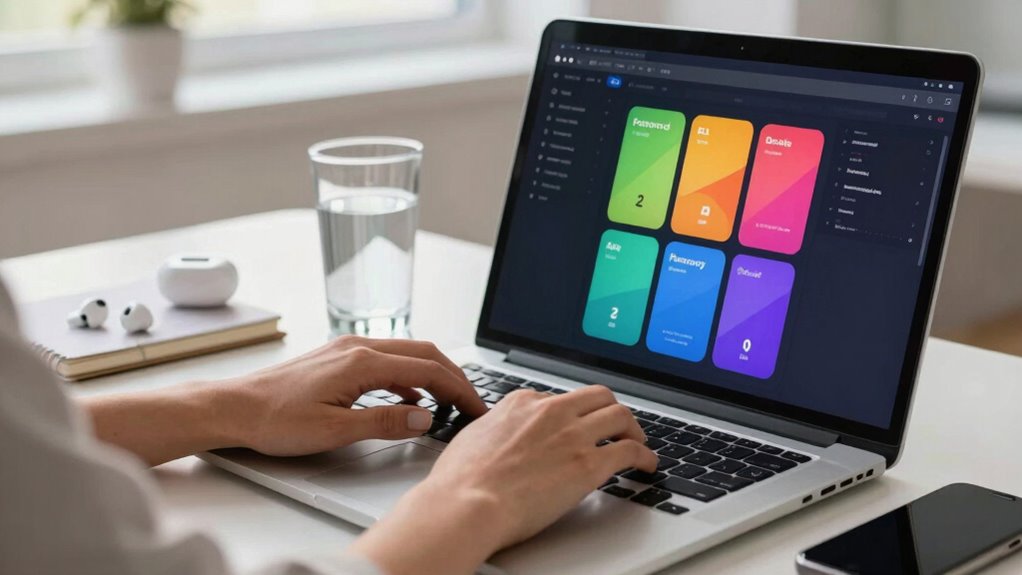
In today’s digital world, managing multiple strong passwords can feel overwhelming, but password managers make it simple and secure. They store all your passwords in a single encrypted vault, so you don’t have to remember each one. Instead, you only need to recall one master password. This setup reduces the risk of using weak or repeated passwords across different sites, which is a common security mistake.
One of the key elements that make password managers trustworthy is their use of robust encryption protocols. These protocols ensure that your data is scrambled in such a way that only you can unlock it. When you save a password, the manager encrypts it locally on your device before it ever leaves your device, meaning even the service provider can’t see your actual passwords. This layered security makes it far more difficult for hackers to access your sensitive information, even if their servers are compromised. It’s important to choose a password manager that employs strong encryption standards like AES-256, which is widely regarded as highly secure in the cybersecurity community.
Robust encryption protocols, like AES-256, ensure your data remains secure and only accessible by you.
Beyond security, user experience plays a vital role in how effective and comfortable a password manager is to use. A good password manager should have an intuitive interface, making it easy to add, retrieve, and update passwords. Features like autofill, password generation, and cross-platform syncing save you time and reduce frustration. When your user experience is smooth, you’re more likely to stick with best security practices because the process feels effortless rather than burdensome. Many password managers now offer browser extensions and mobile apps that seamlessly integrate with your daily workflow, making login processes faster and more convenient. Ensuring that your chosen manager uses end-to-end encryption is crucial for maintaining privacy and security, as it protects your data even during synchronization across devices. Additionally, understanding encryption protocols helps users make more informed choices about their digital security. Incorporating proper security practices in your selection process can further ensure that your data remains protected against emerging threats. Furthermore, choosing a password manager that is transparent about its security practices can help build trust and confidence in its reliability.
While some folks worry that password managers might be too complex or pose privacy risks, the truth is that reputable options prioritize transparency and security. They often open their encryption algorithms for review by experts and operate under strict privacy policies, ensuring your data isn’t sold or misused. Additionally, selecting a manager that utilizes strong encryption standards helps safeguard your sensitive information even further. However, it’s always wise to stay informed about how your chosen manager handles your data and to select one with a solid track record.
best password manager with AES-256 encryption
As an affiliate, we earn on qualifying purchases.
As an affiliate, we earn on qualifying purchases.
Frequently Asked Questions
Are Password Managers Legally Protected Against Hacking?
Password managers are generally protected against hacking through strong encryption standards, which secure your data. Legally, companies must follow privacy laws and data protection regulations, making them responsible for safeguarding your information. If a breach occurs due to negligence, there could be legal implications for the provider. However, no system is completely foolproof, so it’s important to choose reputable password managers that prioritize security and adhere to strict encryption standards.
Can Password Managers Store Non-Password Data Securely?
Yes, password managers can securely store non-password data by using encrypted storage. They employ data encryption to protect your information, ensuring it remains private and safe from hackers. When you save sensitive details like credit card numbers or notes, the manager encrypts this data, making it unreadable without your master password. This way, you benefit from secure storage and easy access, without sacrificing your data’s safety.
Do Password Managers Work Offline or Require Internet Access?
Password managers generally work offline, allowing you to access your stored passwords without an internet connection, which is great for offline functionality. However, for data synchronization across devices, they typically require internet access to securely update and sync your data. So, while you can use some features offline, maintaining up-to-date information across multiple devices usually depends on an internet connection.
How Often Should I Update My Password Manager’s Master Password?
You should update your password manager’s master password every six months to a year, following security best practices. Regular password updates help protect your accounts from potential breaches. If you notice any suspicious activity or a security breach, change your master password immediately. Remember, choosing a strong, unique master password enhances security, and updating it periodically keeps your digital life safer. Prioritize these updates to maintain peak protection.
Are There Any Hidden Costs Associated With Free Password Managers?
Think of free password managers as open books—appearing transparent but sometimes hiding pages. While they often boast cost transparency, they may come with feature limitations or ads that subtly chip away at your experience. These hidden costs can include restrictions on device syncing or premium features, so you don’t get all the benefits upfront. Always read the fine print, and weigh whether the free version truly meets your security needs without unexpected compromises.
password manager with autofill and password generator
As an affiliate, we earn on qualifying purchases.
As an affiliate, we earn on qualifying purchases.
Conclusion
Think of a password manager as your digital fortress, quietly guarding your secrets while you go about your day. It’s not just a tool, but a trusted guard watching over your online world, so you don’t have to carry the weight of remembering every password. With it, you’re the captain steering clear of the stormy seas of cyber threats. Embrace it, and let your digital life flow smoothly, safe and secure, like a calm lake after a storm.
cross-platform password management app
As an affiliate, we earn on qualifying purchases.
As an affiliate, we earn on qualifying purchases.
As an affiliate, we earn on qualifying purchases.