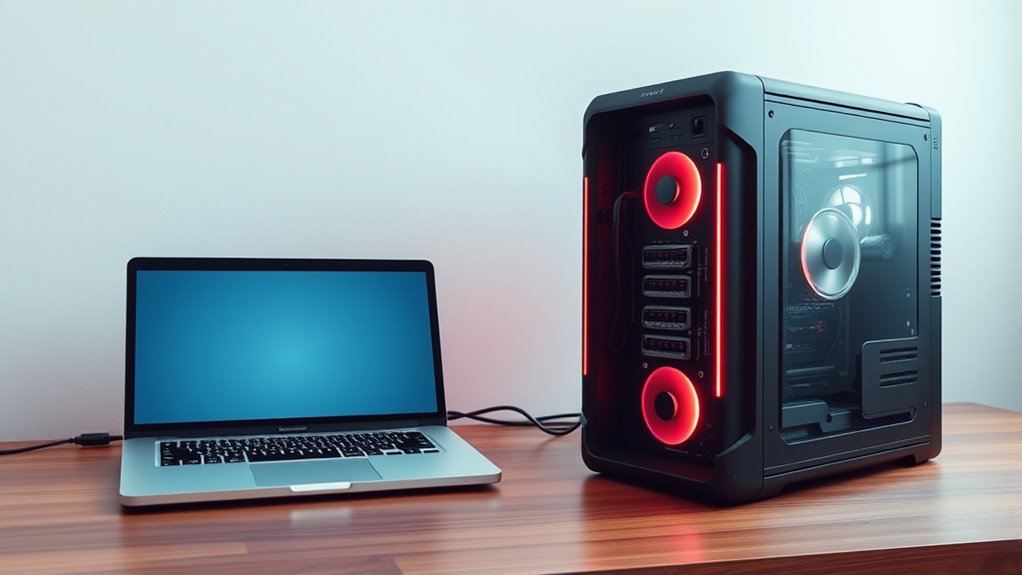

If you need portability and flexibility, a laptop is your best bet, allowing you to work or browse anywhere with built-in batteries and compact design. However, if you prioritize performance, expandability, and better long-term value, a desktop offers more power and easier upgrades. Consider your budget, space, and intended use. Want to find out which suits your needs perfectly? Keep exploring to discover the details that matter most.
Key Takeaways
- Choose a laptop for portability, on-the-go use, and flexibility; pick a desktop for better performance and upgradeability.
- Opt for a laptop if you need mobility; select a desktop if you prioritize power, customization, and long-term investment.
- Consider budget: entry-level laptops are affordable and portable; desktops offer more for less at higher performance levels.
- For demanding tasks like gaming or graphic design, desktops typically deliver superior processing, visuals, and expandability.
- Evaluate your space and usage: laptops suit limited spaces and frequent travel; desktops suit permanent setups and high-performance needs.
Portability and Mobility
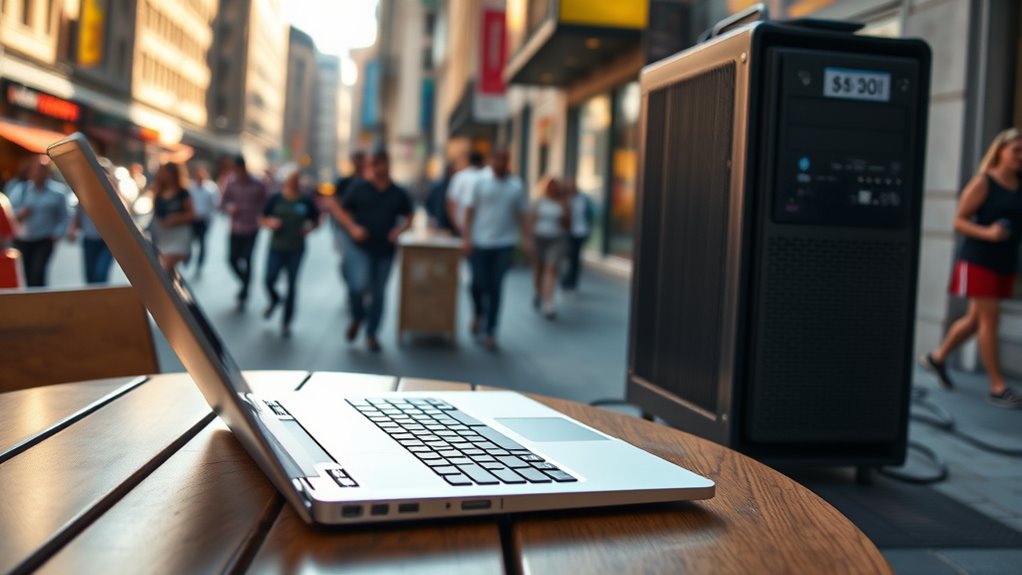
When it comes to portability and mobility, laptops clearly have the advantage. You can easily carry a laptop anywhere—whether you’re commuting, working from a coffee shop, or traveling. Their lightweight design means you won’t be weighed down, and their compact size fits comfortably in backpacks or briefcases. With a built-in battery, you don’t need to find an outlet to keep working, giving you flexibility in various environments. Laptops also allow you to switch locations effortlessly, making them ideal for people who need to work or browse on the go. Unlike desktops, which are bulky and tethered to a single spot, laptops provide the freedom to stay connected and productive wherever life takes you. Connected devices and smart technology have further enhanced the portability of modern laptops, allowing seamless integration with other gadgets.
Performance and Power Capabilities
When comparing performance and power, you’ll notice that desktops typically have faster processors with more cores and superior graphics capabilities. Laptops, on the other hand, prioritize lower power consumption and heat management, which can affect their overall performance. Understanding these differences helps you choose the right device based on your computing needs. Additionally, thermal management plays a crucial role in maintaining optimal performance in portable devices. For example, electric horsepower in bikes illustrates how power output can vary significantly based on design and intended use, similar to how component choices impact laptop and desktop performance. Moreover, advancements in cooling technology are continually improving laptops’ ability to sustain high performance levels without overheating, aligning with innovations in energy-efficient hardware that support sustainable computing solutions. Proper maintenance also ensures your device operates efficiently and prolongs its lifespan, just as regular automotive repairs help maintain vehicle performance.
Processing Speed and Cores
Processing speed and the number of cores directly impact how well a laptop or desktop handles demanding tasks. Faster processors with higher clock speeds allow your device to execute instructions more quickly, reducing lag during intensive activities like video editing or gaming. Multiple cores enable your system to divide workloads efficiently, improving multitasking and performance in multitreaded applications. A quad-core or hexa-core processor can handle more simultaneous tasks than a dual-core, making it ideal for heavy-duty use. While desktops generally offer more powerful processors with more cores, high-end laptops now feature similar capabilities. Your choice depends on your needs: if you require speed for complex tasks, opt for a device with a multicore processor and high clock speeds. This guarantees smooth operation and better performance for demanding applications. Additionally, thermal management plays a crucial role in maintaining processor performance and longevity during intensive use, ensuring consistent system stability over time. Proper cooling solutions help prevent overheating and sustain optimal performance during prolonged workloads.
Graphics and Visuals
Graphics and visuals play a crucial role in determining a device’s performance and power consumption. When comparing laptops and desktops, consider these factors:
- GPU Power: Desktops typically house high-end graphics cards that deliver superior rendering and gaming performance, while laptops often have integrated or mobile GPUs that prioritize efficiency.
- Resolution Handling: Desktops can support multiple high-resolution monitors easily, enhancing visual clarity for creative tasks.
- Frame Rates: Gaming desktops usually achieve higher frame rates due to more powerful GPUs, leading to smoother visuals.
- Power Draw: More capable GPUs demand more power, impacting battery life in laptops but offering better performance in desktops with consistent power supplies.
Your choice depends on whether you prioritize visual fidelity or power efficiency.
Power Consumption and Heat
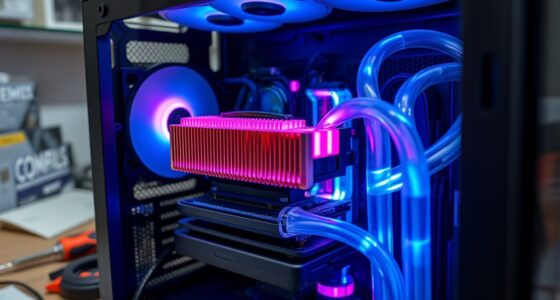
While desktops often feature more powerful GPUs for better visuals, this performance comes with increased power consumption and heat generation. As a result, desktops typically need larger power supplies and advanced cooling systems to prevent overheating. You might notice your desktop using more electricity and generating more heat, which can lead to louder fans and higher energy bills. Additionally, the hardware components in desktops are usually more robust, contributing to their higher energy demands. These components often require more sophisticated thermal management strategies to maintain performance stability during intensive workloads. Modern desktops may also incorporate smart cooling solutions, which help optimize temperature regulation based on workload demands. Laptops, on the other hand, prioritize efficiency and portability, using less power to extend battery life. They rely on smaller cooling solutions, meaning they can heat up more quickly under heavy use. If you work on demanding tasks regularly, desktops may be more suitable despite their higher energy use. However, if energy efficiency and a cooler environment are priorities, a laptop offers a significant advantage.
Customization and Upgradability

When it comes to customization and upgradability, desktops generally offer more flexibility than laptops. You can easily modify or replace components to improve performance or adapt to new needs. For example:
- Upgrade RAM to boost multitasking capabilities.
- Swap out the graphics card for better gaming or rendering performance.
- Replace the storage drive with a larger or faster SSD.
- Add extra fans or cooling systems to manage heat better.
- The ability to upgrade hardware components is especially beneficial for those interested in deep-sky imaging, where high-performance equipment can significantly enhance imaging quality. Additionally, desktops often feature accessible cases, making these upgrades straightforward. The modular design of desktops allows for easier disassembly and component swaps compared to laptops. Laptops, on the other hand, often have soldered components, limiting your ability to customize or upgrade. If you prioritize flexibility and long-term adaptability, desktops give you more control over your hardware.
Cost and Budget Considerations
You’ll notice that laptops generally cost less upfront but may require additional expenses over time. Desktops often have a higher initial price, yet their upgradeability can make them a better long-term investment. Considering your budget and how you plan to use your device will help you choose the most cost-effective option. Additionally, upgradeability options can significantly influence the overall value and longevity of your investment, especially when considering the potential for customization and future hardware enhancements. This flexibility aligns with the trend toward democratizing investment opportunities, which emphasizes accessible and adaptable tools for users. Understanding hardware flexibility can help ensure your device remains relevant and functional for years to come, making it a smarter choice for those aiming for cost efficiency over the device’s lifespan.
Price Range Differences
Generally, laptops tend to be more affordable upfront than desktops, making them an attractive option for those with tighter budgets. However, the price range varies widely based on specifications and features. For example:
- Entry-level laptops can start around $300, suitable for basic tasks like browsing and email.
- Mid-range models typically cost between $500 and $1,000, offering better performance and display quality.
- High-end laptops with advanced specs can reach $2,000 or more, ideal for gaming or professional work.
- Desktop systems often provide more power at lower prices, with entry-level setups around $400 and high-performance builds exceeding $2,500.
- Additionally, cost-effectiveness should be considered, as desktops may offer better upgrade options and longevity for the price.
Your choice depends on your budget and the performance level you need.
Long-Term Investment Value
Considering long-term value, choosing between a laptop and a desktop depends heavily on your budget and how much you’re willing to invest over time. Desktops often have a lower initial cost and are easier to upgrade, extending their lifespan. Laptops, while more portable, can become costly when replacing or upgrading components. To compare, consider the following:
| Aspect | Desktop | Laptop |
|---|---|---|
| Upgradability | High | Limited |
| Initial Cost | Lower | Higher |
| Maintenance | Easier & Cheaper | More expensive |
If you plan to keep your device for years and want flexibility, a desktop might offer better long-term investment. However, if portability is a priority, spending more on a laptop could be justified. Additionally, understanding the importance of long-term sustainability can help you make a more informed decision.
Display and Screen Options
Have you ever wondered how display options influence your experience with laptops and desktops? Your choice impacts clarity, color accuracy, and productivity. When comparing screens, consider these key factors:
Display choices affect clarity, color, and productivity—consider size, panel type, refresh rate, and touch features for the best experience.
- Size and resolution: Larger screens with higher resolutions like 4K provide sharper images and more workspace, ideal for detailed tasks.
- Panel type: IPS panels offer better color accuracy and viewing angles, while TN panels are faster but less vibrant.
- Refresh rate: Higher refresh rates (120Hz or more) deliver smoother motion, great for gaming or video editing.
- Touch capability: Touchscreens add versatility, but can increase cost and reduce battery life on laptops.
A premium display can significantly enhance your visual experience, especially if you work with detailed images or videos.
Understanding these options helps you select a display tailored to your needs, enhancing your overall experience.
Connectivity and Expansion Ports
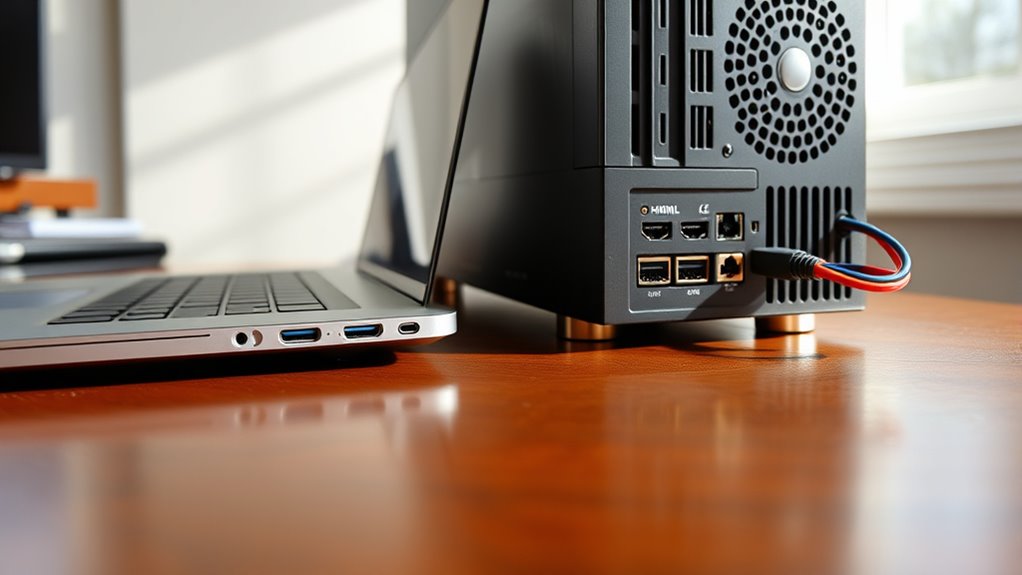
Connectivity and expansion ports are essential features that determine how easily you can connect peripherals and enhance your device’s functionality. With a desktop, you typically get more ports, including multiple USB, HDMI, Ethernet, and audio jacks, giving you flexibility to connect external monitors, printers, and other devices simultaneously. Laptops usually have fewer ports due to size constraints, often including only a few USB and audio jacks, and sometimes sacrificing ports for slimness. However, many modern laptops include Thunderbolt or USB-C ports that support fast data transfer and video output. If you plan to connect multiple devices or require high-speed data transfer, desktops offer more expansion options. Conversely, if portability matters most, a laptop’s limited ports might be a trade-off you’re willing to accept.
Use Cases and Suitable Applications
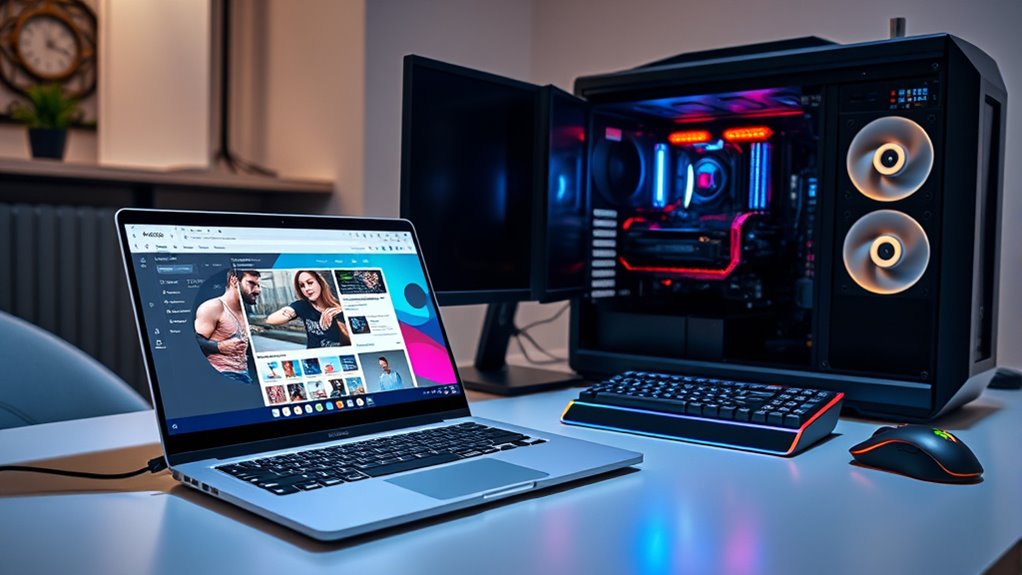
Choosing between a laptop and a desktop depends largely on your specific use cases and the applications you need to run. If you prioritize portability, a laptop is ideal for on-the-go tasks like remote work, travel, or attending classes. Desktops, on the other hand, excel in environments requiring high performance and customization. Consider these applications:
Choose a laptop for portability or a desktop for power and customization based on your needs.
- Creative work such as graphic design, video editing, and 3D rendering, where power and expandability matter.
- Gaming, which benefits from desktops’ superior graphics cards and cooling systems.
- Business tasks like spreadsheets, email, and document editing, suited for either device depending on mobility needs.
- Programming and development, where desktops offer better multitasking and hardware customization for intensive workloads.
Select based on your primary activities and how you’ll use your device daily.
Long-term Investment and Durability
When considering your long-term investment in a computer, durability and build quality become key factors, especially if you plan to rely on your device over several years. Desktops generally offer better durability because of their solid construction and easier upgrade options. They’re built with sturdier materials, making them more resistant to daily wear and tear. Laptops, while portable, tend to have more fragile components that can wear out or break more easily over time. However, quality laptops with robust build materials can still last many years if well-maintained. Ultimately, if durability and longevity are your priorities, a desktop might be the smarter choice. It provides a more stable platform and is easier to repair or upgrade, protecting your investment in the long run.
Frequently Asked Questions
Which Is Better for Gaming: Laptop or Desktop?
A desktop is better for gaming because it offers higher performance, better graphics, and more customization options. You can upgrade components like the GPU, CPU, and cooling system to keep up with new game demands. Laptops are portable but usually have limited power and upgradeability, which can hinder your gaming experience. If you want top-tier performance and future upgrades, a desktop is the smarter choice for gaming.
How Do Maintenance Costs Compare Over Time?
Maintenance costs are like the steady drumbeat of a long journey. Laptops often cost more over time due to their delicate parts, requiring repairs or replacements more frequently. Desktops, on the other hand, are like sturdy oak trees—easier and cheaper to upgrade or fix as they age. You’ll find that desktops usually save you money in the long run, letting you focus on your adventures instead of constant repairs.
Can a Laptop Replace a Desktop for Professional Editing?
Yes, a high-end laptop can replace a desktop for professional editing, especially if it features a powerful processor, ample RAM, and a high-resolution display. You can work efficiently on the go without sacrificing performance, thanks to advancements in portable hardware. However, if you require extensive upgrades, larger screens, or better cooling for prolonged sessions, a desktop might still be the better choice.
What Are the Security Implications of Each Device Type?
Your device’s security depends on how you use it. Laptops are portable, so they face higher risks of theft or loss, putting your data at potential jeopardy. Desktops stay in one place, making them slightly safer but vulnerable to network breaches if not properly secured. Always use strong passwords, enable encryption, and keep software updated. No device is invincible, but vigilance safeguards your data like a fortress.
How Do Warranty and Support Options Differ?
You’ll find that warranty and support options differ markedly between laptops and desktops. Laptops often come with shorter warranty periods and limited support, sometimes only covering hardware issues. Desktops typically offer longer warranties, with the possibility of on-site support and extended service plans. You should check manufacturer policies carefully, as desktops usually have more flexible support options, making repairs and upgrades easier and more cost-effective over time.
Conclusion
Choosing between a laptop and desktop is like picking the right tool for a craft—each has its strengths. If you need mobility and flexibility, a laptop is your trusty sidekick. For power and customization, a desktop is like a sturdy workshop. Consider your daily needs, budget, and future plans. Ultimately, selecting the right device fits you best, just as a well-made key fits perfectly into its lock—seamlessly opening your productivity and enjoyment.