To create a tidy PC setup, start by choosing a case with good cable management features and plan your routing strategy early. Use cable ties, Velcro straps, and clips to secure and bundle cables neatly along designated pathways. Route cables through proper cutouts, avoid crossing them, and hide excess slack behind the motherboard tray or behind furniture. Regularly check and maintain your setup to keep it looking clean and guarantee ideal airflow—more tips await if you explore further.
Key Takeaways
- Choose a case with built-in cable management features like grommets, cutouts, and spacious routing areas.
- Plan and route cables through designated pathways to keep them organized and improve airflow.
- Secure cables using Velcro straps or zip ties, avoiding over-tightening for easy adjustments and maintenance.
- Use quality materials like cable sleeves and clips to protect cables and enhance aesthetics.
- Regularly inspect and tidy cables to maintain a clean, efficient, and accessible PC setup.
Planning Your Cable Routing Strategy
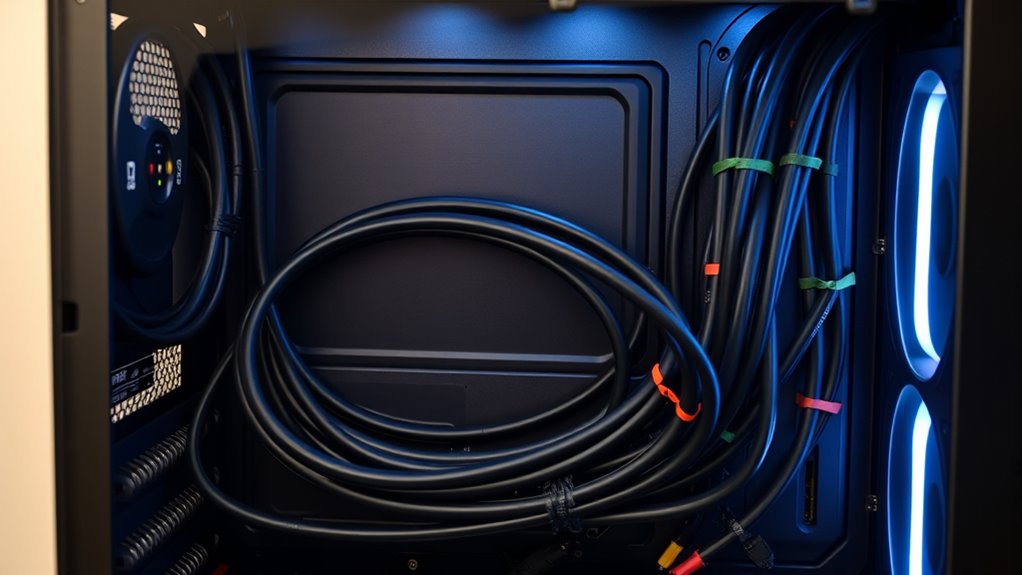
Before you begin assembling your PC, make sure to plan your cable routing strategy to guarantee a tidy and efficient setup. Start by observing your case’s design, noting anchor points and channeling options behind the chassis. Choose a case with multiple openings near the motherboard area to simplify routing. Consider cases with good airflow and space behind the motherboard for hiding excess cables. Decide on a logical path for power, data, and front panel cables, routing them through designated cutouts and grommets close to their connection points. Use cable management features like cable holes and grommets to keep cables organized. Planning ahead prevents clutter, reduces airflow obstruction, and makes future upgrades easier. Utilizing cable management features such as cable holes and grommets can significantly streamline the assembly process. Incorporating ventilation considerations into your plan ensures optimal airflow and temperature regulation. A well-thought-out routing plan, including proper airflow pathways, can enhance both cooling performance and overall PC aesthetics. Additionally, consider how smart home integration might influence your cable placement, especially if you plan to incorporate smart lighting or monitoring devices for your setup.
Selecting the Right Case for Optimal Management
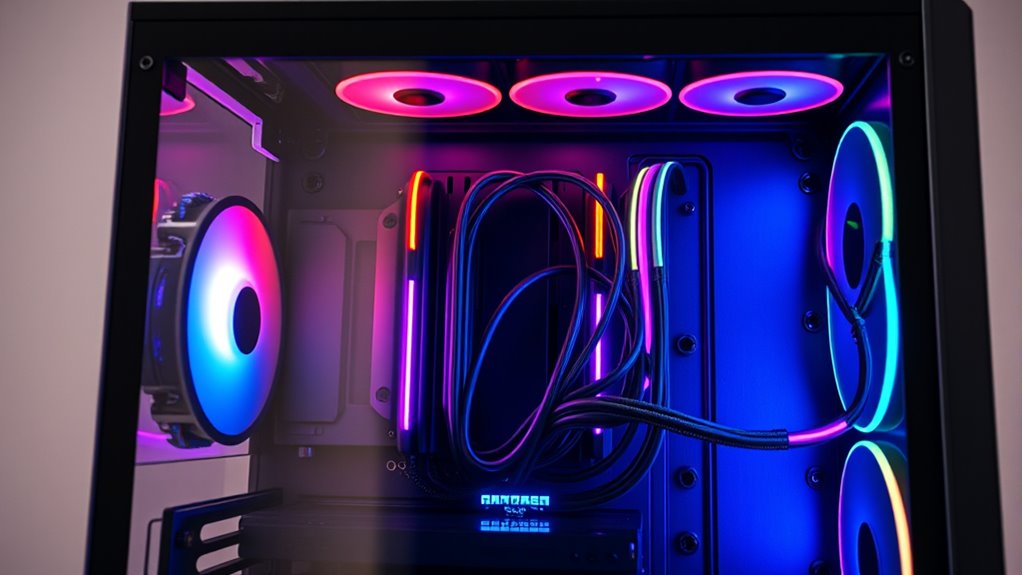
Choosing the right case is essential for effective cable management, as it directly influences your ability to route and conceal cables neatly. Look for cases with multiple cutouts and grommets positioned near key components to simplify routing. Cases with a spacious interior and ample space behind the motherboard tray make hiding excess cables easier. Modular designs allow you to disconnect unnecessary panels or drive bays, reducing clutter. Additionally, consider cases from brands like Cooler Master known for excellent airflow and management features. Free Floating design elements can also facilitate better airflow and cable organization by minimizing obstructions. Furthermore, selecting a case with dedicated cable routing channels can significantly enhance your overall cable management experience. Incorporating features like internal cable channels can further streamline cable routing and keep your build tidy. For optimal results, prioritize cases with internal cable management options, which are designed to accommodate a variety of cable types and sizes, making your build both cleaner and more accessible. A well-designed case with integrated cable management features can also reduce installation time and improve airflow, contributing to a cooler, more efficient system.
Internal Cable Routing Techniques for a Clean Look
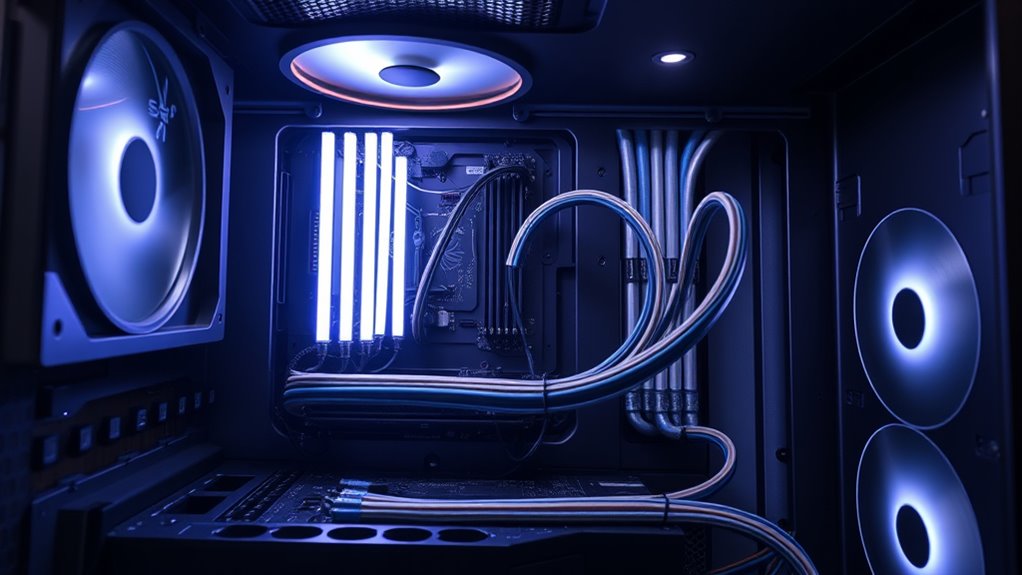
To achieve a clean and organized interior, focus on routing cables through designated cutouts and grommet exits closest to their connection points. This minimizes cable length inside the case and reduces clutter. Keep power cables, data cables, and front panel connectors separated to prevent interference. Use case cavities and motherboard components like RAM slots and CPU coolers as guides to hide cables behind panels or along edges. Position smaller cables below larger ones to create a neat visual hierarchy. Pull excess cable length back toward the power supply to keep the interior tidy. Avoid crossing cables unnecessarily; instead, follow a clear, logical path. Proper routing not only improves aesthetics but also enhances airflow by reducing obstructions inside the case, helping your system run cooler and quieter. Additionally, employing simple cable management tools like clips and zip ties can further maintain a tidy look. Incorporating cable routing techniques that utilize the case’s design features can significantly improve overall organization and accessibility. Being mindful of cable length and how it impacts airflow can make a noticeable difference in system performance.
Securing and Bundling Cables Effectively
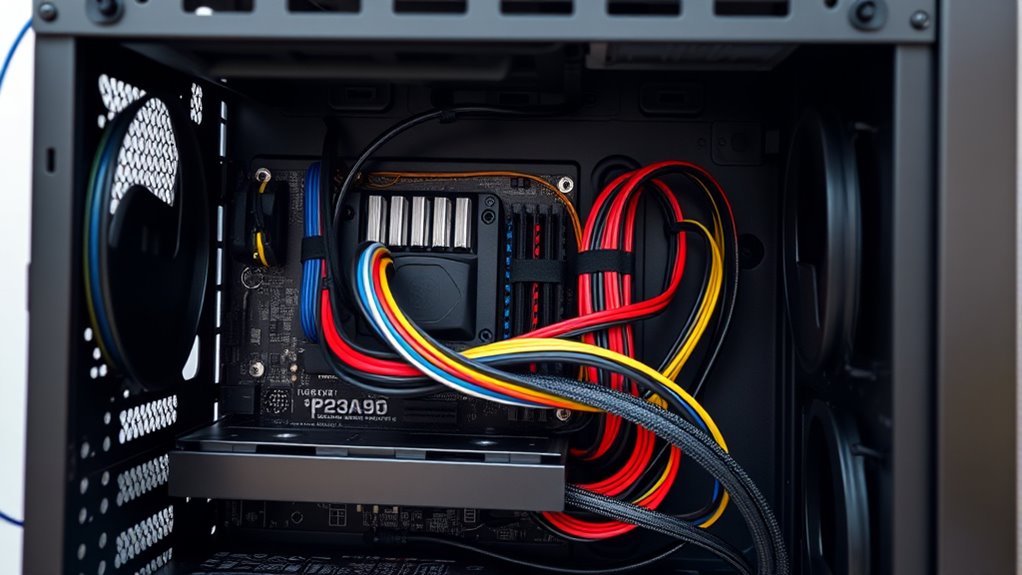
Velcro straps and zip ties are essential tools for securing and bundling cables efficiently. Velcro straps offer adjustable, reusable options that prevent damage, while zip ties provide quick, firm fastening but require careful removal later. Choosing the right method depends on your need for flexibility and ease of future modifications. Additionally, incorporating smart cable management techniques can enhance your setup by enabling better organization and easier troubleshooting.
Velcro Strap Use
When securing and bundling cables inside your PC, Velcro straps offer a flexible and adjustable solution that simplifies cable management. They allow you to organize cables neatly without damaging the insulation or jackets, making future adjustments easy. Velcro straps are reusable, so you can modify your setup as needed without waste. To maximize their effectiveness, consider the following:
- Wrap straps tightly enough to hold cables securely without pinching wires
- Use multiple straps for larger bundles to distribute tension evenly
- Attach straps near connection points for better stability
- Avoid over-tightening, which can damage cables or restrict airflow
Velcro straps help maintain a tidy interior, improve airflow, and make troubleshooting easier. Their adjustability ensures you can refine your cable management over time, keeping your build clean and accessible.
Zip Tie Tips
Zip ties are a quick and effective way to secure and bundle cables inside your PC, ensuring a clean and organized build. When applying zip ties, avoid overtightening, which can damage cables or connectors. Leave a small gap between the tie and the cable for easy removal later. Use the tail end of the tie to secure excess slack, keeping it neat and preventing movement. For a cleaner look, trim the excess after tightening, but don’t cut too close to avoid sharp edges. Consider color-coded ties to differentiate cable groups easily. For future upgrades or maintenance, use reusable zip ties or avoid tightening them too firmly. Proper placement, combined with gentle tension, keeps cables secure without risking damage or obstructing airflow.
Choosing the Best Materials and Tools for Cable Management
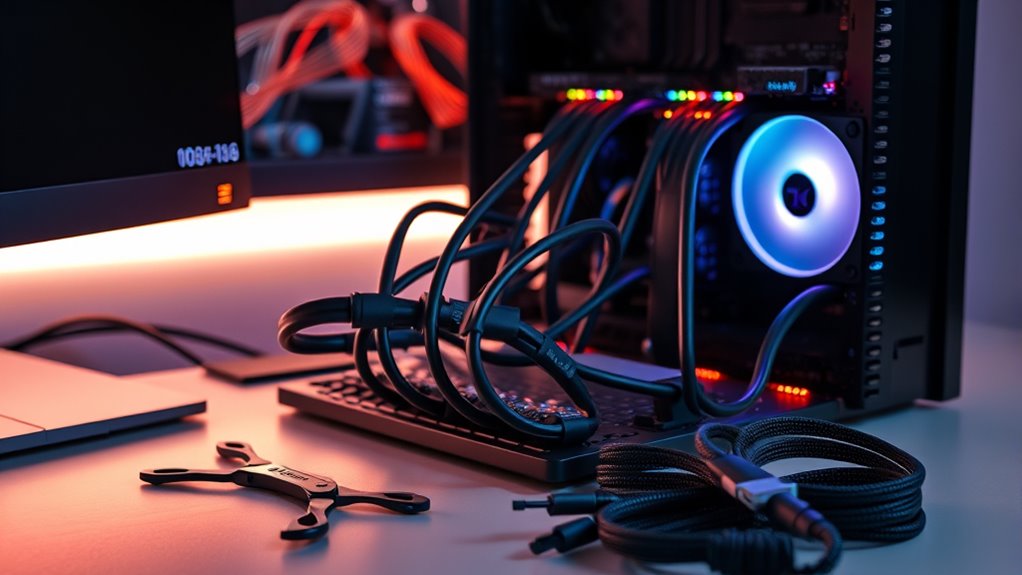
Choosing the right materials and tools is essential for effective cable management, as they guarantee your setup stays organized, professional, and easy to modify. The proper selection assures durability, flexibility, and a clean appearance. Start with high-quality cable ties—reusable or single-use—to secure bundles without damaging cables. Use cable sleeves or wraps to protect and conceal groups of wires, improving aesthetics. Adhesive mounts and clips help keep cables along surfaces and prevent sagging or tangling. Additionally, having a good pair of scissors or wire cutters makes trimming ties or sleeves quick and safe. Consider color-coded ties for easier identification and heat shrink tubing for semi-permanent bundling. Proper tools and materials streamline installation and future adjustments, keeping your PC setup neat and functional. Incorporating cable management techniques can further optimize your setup for both performance and appearance. Utilizing flexible cable sleeves can simplify adjustments and adapt to changes in your setup over time. Moreover, paying attention to airflow considerations can prevent overheating and improve component longevity.
Managing External Cables and Peripheral Connections
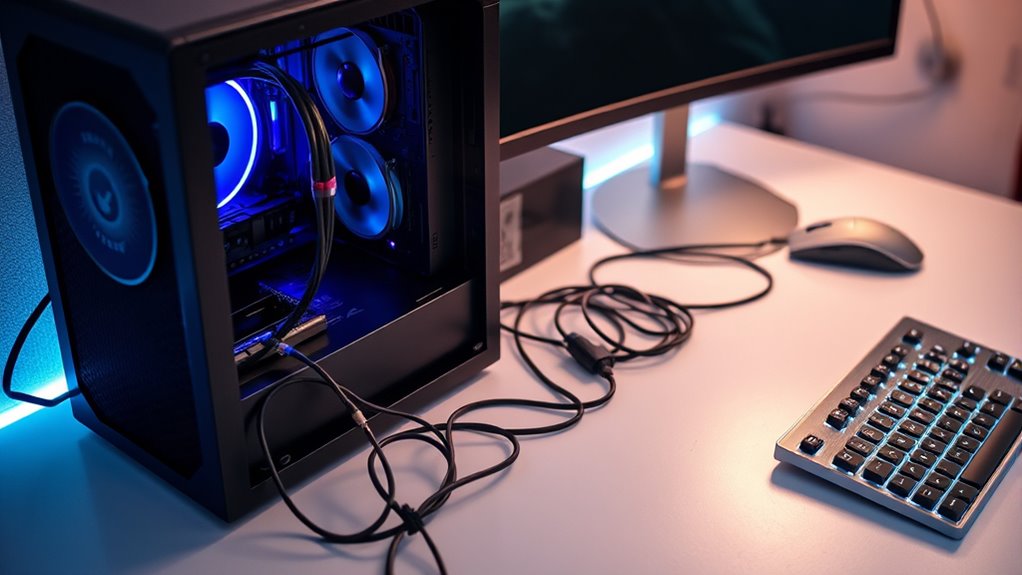
Managing External Cables and Peripheral Connections is essential for maintaining a clean and organized PC workspace. Begin by grouping similar cables, like power, audio, and data, and bundle them with Velcro straps or twist ties. Keep cables running along walls or under desks using cable raceways or adhesive mounts to hide clutter. Position connectors so they don’t hang loosely or strain ports. Use cable clips to secure cables behind furniture or along edges, preventing tangling and accidental disconnections. Label cables for quick identification during upgrades or troubleshooting. Avoid crossing power and data lines to reduce interference. Regularly check and re-secure external connections to prevent looseness. Incorporating connectivity management strategies can enhance overall workspace efficiency. With intentional routing and securing, your desk stays tidy and your setup functions smoothly.
Tips for Maintaining a Tidy Setup During Assembly

Starting your assembly with a plan for cable management can save time and reduce clutter later on. As you build, keep cables organized and routed efficiently to avoid tangles and excess clutter. Use cable ties and Velcro straps early to bundle cables neatly, preventing them from shifting during installation. Keep cables close to their connection points, routing through designated cutouts and grommets to maintain clean pathways. Avoid crossing cables unnecessarily, which can cause interference and visual chaos. Regularly check behind the motherboard for slack, and secure excess length toward the power supply.
Plan and route cables early to keep your build tidy and avoid clutter.
- Map out cable routes before connecting components
- Keep power and data cables separated for clarity
- Use modular power supplies to minimize unnecessary cables
- Secure cables behind the motherboard tray to hide clutter
Organizing Cables for Easy Future Upgrades
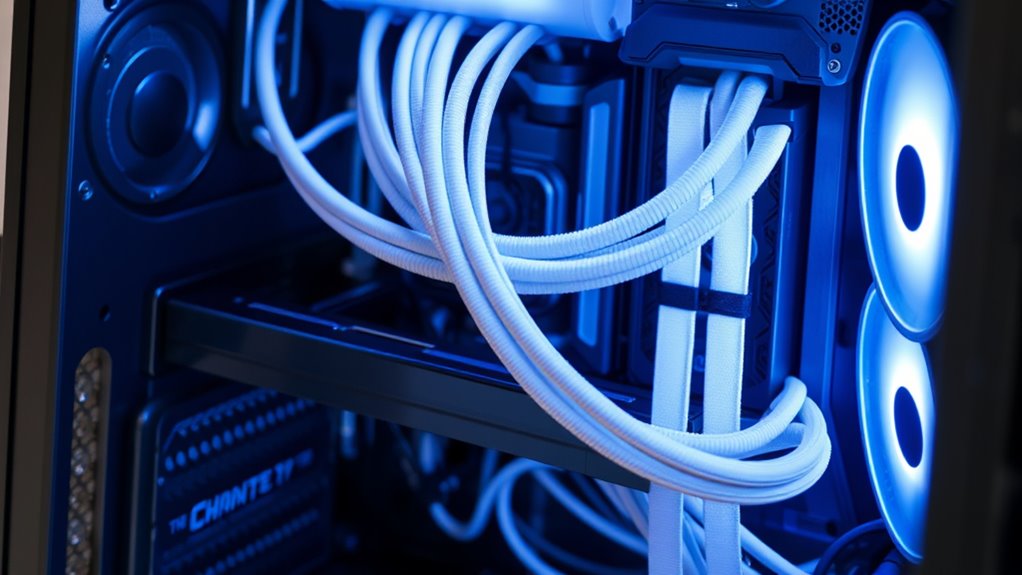
Organizing your cables for easy future upgrades guarantees your system remains flexible and accessible. Start by planning your cable routes with future expansion in mind, leaving extra slack where needed. Use modular power supplies to simplify disconnecting and swapping components later. Label each cable with tags or color-coded wraps so you know their purpose at a glance. Keep excess cable length bundled neatly and secure with Velcro straps, avoiding tight bends that could damage cables. Position cables along designated pathways or behind panels to prevent clutter and facilitate quick access. Avoid permanent solutions like glue or tape that could complicate upgrades. Additionally, being aware of potential odors, such as ear wax odor, can help you maintain a fresh workspace and identify health issues early. By maintaining a clean, organized layout now, you’ll save time and effort when upgrading or troubleshooting in the future.
Troubleshooting and Testing Your Cable Layout

Before powering on your system, it’s essential to thoroughly troubleshoot and test your cable layout to prevent issues later on. Start by visually inspecting all connections to ensure cables are securely plugged in and routed correctly. Check for any loose or dangling cables that could interfere with airflow or components. Power on the system and listen for unusual noises or errors during POST. Use software diagnostics to verify hardware functionality and temperature levels. Confirm that airflow isn’t obstructed and no cables are blocking fans or vents. Additionally, cable management techniques can help maintain an organized and efficient setup. Proper cable organization reduces the risk of accidental disconnections and improves overall system reliability. Ensuring cables are properly secured and routed minimizes strain on connectors and prevents damage over time. Incorporating cable strain relief methods can further protect your cables from wear and tear. Conduct system stability testing and monitor temperatures to ensure consistent performance.
Best Practices for Long-Term Cable Maintenance

To guarantee your PC remains tidy and functional over time, adopting consistent long-term cable maintenance practices is essential. Regularly inspect your cables for signs of wear or looseness, and re-secure them as needed. Keep cables clean by wiping dust and dirt, which can degrade connections or cause overheating. Label cables to streamline future upgrades or troubleshooting, saving time and reducing errors. Avoid tangled cables by periodically rerouting and bundling them neatly, using reusable ties or sleeves. Check for any pinched or strained cables that could fail prematurely. Maintain good airflow by ensuring cables aren’t blocking vents or fans. Lastly, document your cable layout to make future adjustments easier. Proper cable management contributes significantly to overall system safety and performance. Consistent care keeps your setup organized, prolongs cable life, and maintains ideal performance.
Frequently Asked Questions
How Can I Prevent Electromagnetic Interference Between Cables Inside My PC?
To prevent electromagnetic interference inside your PC, keep power cables separate from data cables like USB and front I/O. Route these cables through designated cutouts and grommet exits closest to their connection points. Use cable sleeves or wraps to organize and shield cables. Additionally, bundle cables properly with Velcro straps or cable clips, and avoid crossing power and data cables at sharp angles to reduce interference.
What’s the Best Way to Hide Excess Cable Length Behind the Motherboard Tray?
You can hide excess cable length behind the motherboard tray by bundling the extra cables neatly, then securing them with reusable Velcro straps. Imagine building a gaming PC; you route longer cables through designated cutouts, gather the slack behind the tray, and clip it securely. This keeps cables out of sight, improves airflow, and makes future upgrades easier—just like experienced builders do for a clean, professional look.
Are There Specific Cable Management Tools Recommended for High Airflow Cases?
For high airflow cases, you should use Velcro straps and reusable cable wraps to bundle and secure cables neatly, preventing airflow blockages. Cable clips and adhesive mounts help route cables along designated paths, keeping them organized and away from fans. Heat shrink tubing and spiral wraps can also semi-permanently manage cables, while cable raceways along the case exterior hide wires effectively. These tools guarantee ideal airflow and a clean build.
How Often Should I Inspect and Reorganize My PC Cables for Optimal Performance?
You should inspect and reorganize your PC cables every 3 to 6 months to guarantee ideal performance. Regular checks help you identify loose connections, dust buildup, or cable clutter that could restrict airflow or cause component issues. Reorganizing cables with secure fasteners, labels, and proper routing keeps your setup tidy, improves airflow, and makes future upgrades or troubleshooting easier. Consistent maintenance prolongs your PC’s lifespan and maintains peak performance.
Can Cable Management Affect My Pc’s Cooling Efficiency and Hardware Lifespan?
Yes, cable management can improve your PC’s cooling efficiency and hardware lifespan. When cables are organized and routed properly, airflow isn’t obstructed, reducing heat buildup. Proper cable management also prevents cables from pinching or damaging components, extending their lifespan. You’ll notice better cooling performance, fewer overheating issues, and fewer hardware failures over time. Keep cables tidy and secure to maintain ideal airflow and guarantee your system stays cool and reliable.
Conclusion
A tidy cable setup isn’t just about looks—it’s your PC’s heartbeat, symbolizing clarity and control. When you manage your cables well, you create a sanctuary where performance flows seamlessly, like a well-orchestrated symphony. Every neatly routed wire reflects your dedication and care, transforming chaos into calm. Keep your cables organized, and watch your PC become a reflection of your meticulous spirit—strong, reliable, and ready to power your dreams.