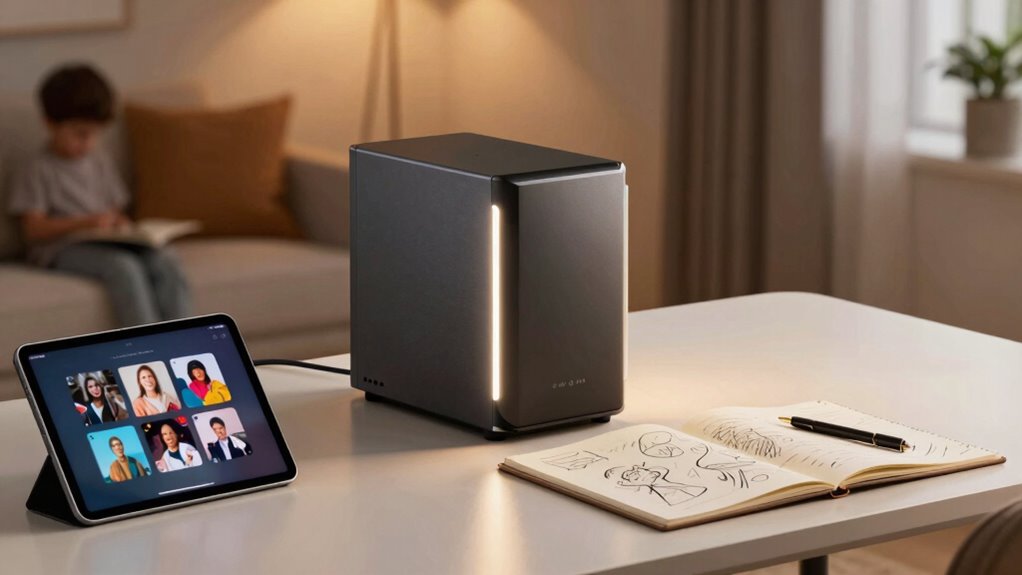

A NAS storage system acts as a central hub for your family’s photos, videos, and creative projects, making it easy to access and organize your files from any device. It offers secure, private storage with encryption and access controls, helping protect your data from breaches. With features like automatic backups and redundancy, your files stay safe even if a drive fails. To discover how a NAS can simplify your digital life and keep your memories secure, keep exploring.

Get the latest gadgets delivered free — and shop member deals
- Fast, free delivery on millions of items
- Access to Prime Big Deal Days deals on October 6–7
- Prime Video, Amazon Music and more included
Key Takeaways
- Provides a centralized, accessible hub for storing family memories and creative projects across all devices.
- Ensures data privacy and security with encryption, access controls, and regular system updates.
- Supports data redundancy through RAID, safeguarding files against drive failures and data loss.
- Simplifies organization and quick access to photos, videos, music, and documents for families and creators.
- Offers automatic backups and synchronization, reducing risks of data loss and enhancing system performance.
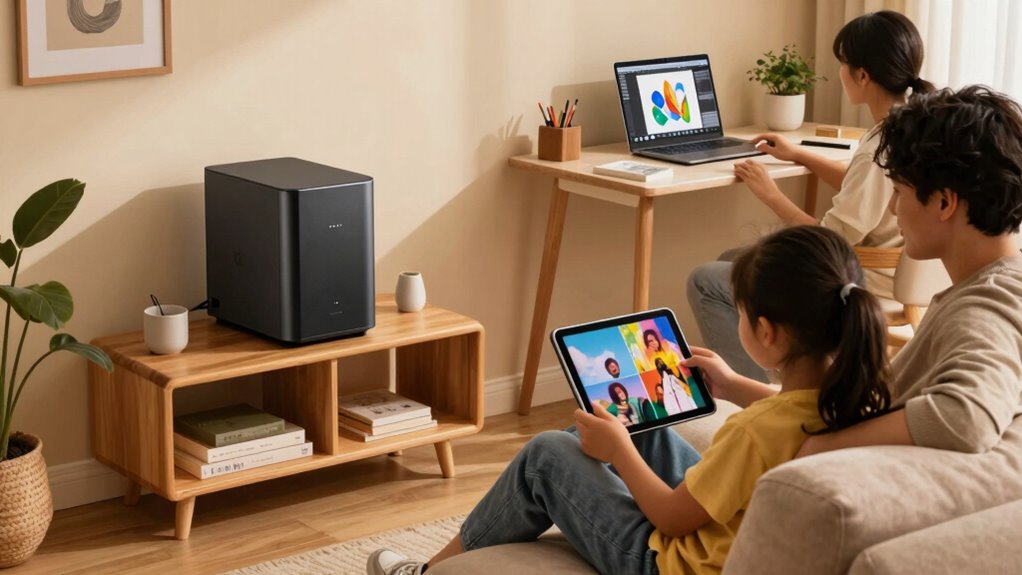
Ever wondered how to keep all your family memories and creative projects safe and easily accessible? That’s where NAS storage comes in. Network Attached Storage acts like a personal cloud right in your home, giving you a centralized place to store everything from photos and videos to music and documents. With NAS, you can access your files from any device connected to your network, whether you’re on your laptop, tablet, or smartphone. It’s a game-changer for families who want to preserve their memories without relying solely on external cloud services. Plus, NAS devices often support cloud synchronization, meaning you can automatically back up new photos or projects to your cloud account. This seamless integration guarantees your files are protected even if something happens to the physical device.
When you’re a creator, whether you’re a photographer, videographer, or artist, keeping your work safe is essential. NAS storage provides a reliable, high-capacity solution that helps you organize and access your files efficiently. Instead of juggling multiple external drives or risking data loss on your computer, you store everything securely on your NAS. Many models come with advanced data security features, like encryption and user access controls, to prevent unauthorized access. This means your sensitive work remains private and protected from potential breaches. Additionally, the built-in redundancy options, like RAID configurations, guarantee that even if a drive fails, your data stays safe and recoverable. Implementing data redundancy can further enhance your data protection strategy, ensuring your files remain intact even in hardware failure scenarios. Regular maintenance and updates to your NAS are also crucial for maintaining system integrity and security. Incorporating proper data management practices can help you optimize storage and improve overall system performance.
Another benefit for families and creators is the peace of mind that comes with data security. NAS devices often include robust security protocols, such as automatic updates, firewalls, and secure login options, making it harder for hackers to compromise your data. Because your files stay within your network, you’re not solely dependent on third-party cloud providers, which can sometimes be vulnerable. Furthermore, with regular backups and cloud synchronization, you minimize the risk of losing cherished memories or essential creative work. Data security protocols are an important part of this layered protection, helping to defend against cyber threats and unauthorized access. Investing in a NAS with security features can further safeguard your valuable data from evolving cyber threats.
NAS storage for family photos and videos
As an affiliate, we earn on qualifying purchases.
As an affiliate, we earn on qualifying purchases.
Frequently Asked Questions
Can NAS Storage Be Used Remotely Outside My Home Network?
Yes, you can use NAS storage remotely outside your home network. You enable remote access, which allows you to connect securely from anywhere. Many NAS devices also support cloud integration, making it easier to access files across different platforms and devices. Just set up your device properly, make sure your network is secure, and you’ll be able to manage and retrieve your data effortlessly, no matter where you are.
What Is the Typical Lifespan of a NAS Device?
Imagine your NAS device as a reliable guardian standing watch over your digital world. Typically, it lasts about 3 to 5 years, depending on device maintenance and usage. During this time, its storage capacity and performance might gradually decline. Proper care, like regular updates and cooling, can extend its lifespan. Eventually, aging hardware might need replacement to keep your data safe and accessible.
How Secure Is Data Stored on a NAS?
Your data on a NAS is quite secure when you implement features like data encryption and user access control. Encryption protects your files from unauthorized access, while user access control ensures only authorized family members or creators can view or modify the data. Regular updates and strong passwords further enhance security. While no system is completely invulnerable, these measures make your NAS a safe storage option for sensitive family and creative content.
Is Technical Expertise Required to Set up a NAS?
Setting up a NAS doesn’t require deep technical expertise, especially with user-friendly models. You’ll find that cloud integration features and hardware compatibility make the process smoother. Connecting your devices and configuring the settings can be straightforward, often guided by step-by-step instructions. While some familiarity with network setups helps, most NAS devices are designed for easy setup, allowing families and creators to start storing and sharing data quickly without needing advanced skills.
Can NAS Storage Handle Multiple Users Simultaneously?
Yes, NAS storage can handle multiple users simultaneously. It manages user access through user management features, allowing you to set permissions and control who can view or edit files. With remote access capabilities, your family or team members can connect from anywhere without slowing down the system. This guarantees smooth collaboration and file sharing, making NAS an ideal solution for busy households or creative teams needing reliable, multi-user support.
home network attached storage device
As an affiliate, we earn on qualifying purchases.
As an affiliate, we earn on qualifying purchases.
Conclusion
Picture NAS storage as a mighty digital vault, safeguarding your family memories and creative treasures under one sturdy roof. It’s like having a personal library that’s always open, ready to share stories or store new adventures. With NAS, you hold the key to seamless sharing, endless backups, and a safe haven for your digital life. Embrace this technology, and watch your cherished moments and creative dreams flourish like a well-tended garden in full bloom.
As an affiliate, we earn on qualifying purchases.
As an affiliate, we earn on qualifying purchases.
Fall Picks
fall essentials
As an affiliate, we earn on qualifying purchases.