
Ports on laptops in 2026 are still essential because they give you fast, reliable connections for data transfer, peripherals, and security. While wireless tech improves, wired ports like USB-C and Thunderbolt support high-speed transfers, charging, and external displays without interruptions. They also allow you to connect biometric devices and other critical tools securely. If you want a complete view on why ports remain important today, keep exploring how they adapt to your needs.

Get the latest gadgets delivered free with Prime
- Fast, free delivery on millions of items
- Prime Video, Amazon Music and more included
- Member-only deals all year
Key Takeaways
- Ports enable high-speed data transfer essential for large files and professional workflows.
- Wired connections ensure stable, reliable power delivery and peripheral connectivity.
- Ports support security devices like biometric scanners and smart card readers for data protection.
- They facilitate connection to professional equipment, external monitors, and legacy devices.
- Ports adapt to emerging standards like Thunderbolt, ensuring future-proof compatibility.
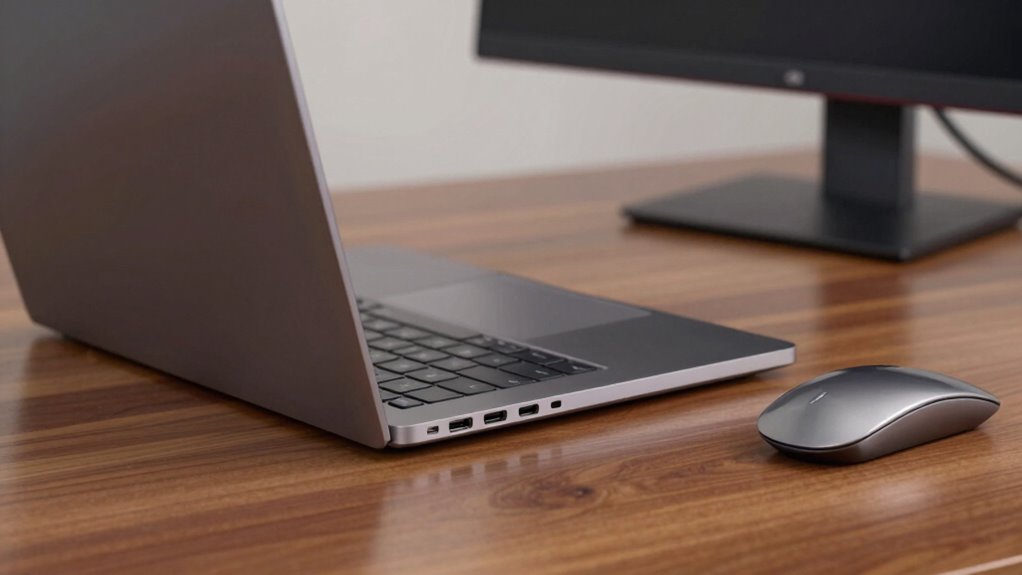
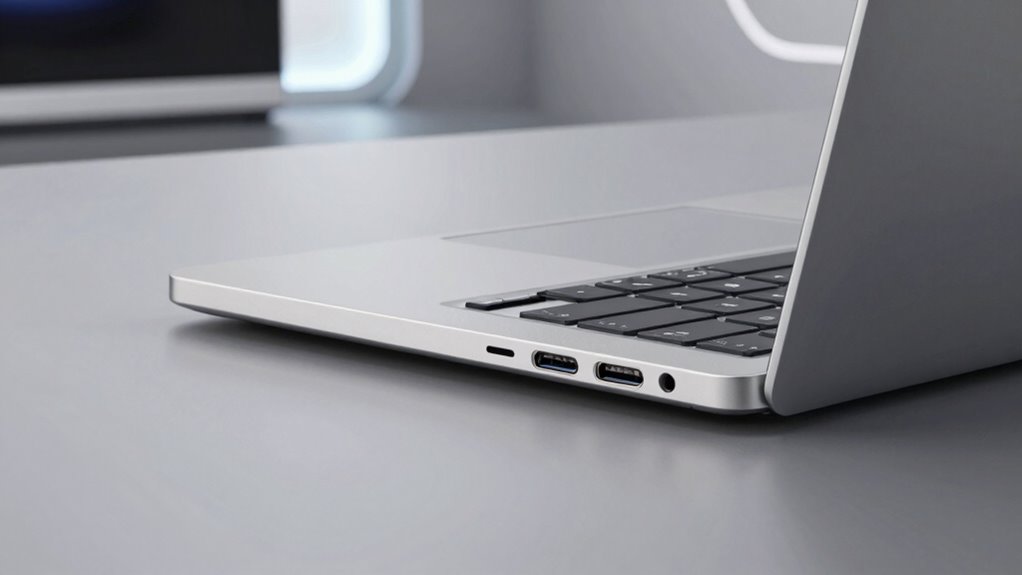
By 2026, the ports on laptops have evolved considerably, reflecting advancements in technology and changing user needs. Despite the rise of wireless solutions, ports remain essential for various reasons, especially when it comes to high-speed data transfer, device compatibility, and security. You’ll find that having dedicated ports guarantees you can connect multiple peripherals simultaneously without sacrificing speed or convenience. For instance, USB-C ports continue to dominate because they support fast data transfers, charging, and video output—all through a single port. This versatility means you can connect external monitors, external drives, or even power your laptop without hunting for adapters.
USB-C ports dominate in 2026, supporting fast data, charging, and versatile connectivity through a single port.
Wireless charging has gained popularity, but it doesn’t fully replace wired connections. When you need to rapidly recharge your device or power high-demand peripherals, wired ports remain the most reliable option. They provide the consistent power delivery necessary for demanding tasks, which wireless charging can’t always guarantee. Plus, in professional environments—such as video editing or 3D rendering—you need ports that guarantee stable, high-speed data access. These tasks often involve large files that transfer quickly through Thunderbolt or USB ports, making ports indispensable.
Biometric security integration is another reason ports stay relevant. Many laptops now feature dedicated security ports or slots where you can connect hardware security devices, like biometric fingerprint readers or smart card readers, for enhanced protection. These physical security measures complement built-in biometric features, giving you peace of mind that your sensitive data stays safe. You might also use ports to connect external biometric scanners or authentication devices, especially in enterprise or high-security settings.
While wireless technologies continue to grow, they don’t fully eliminate the need for ports. For example, transferring large files or backing up data often requires a wired connection to avoid slow speeds or interruptions. Furthermore, some peripherals—like external keyboards, mice, or specialized equipment—still rely on wired connections for reliability and low latency. Ports also support features like biometric security, enabling you to connect external devices that add an extra layer of protection to your data. Additionally, the development of high-speed data transfer standards like Thunderbolt ensures ports remain crucial for demanding professional workflows. A further benefit of ports is their ability to support legacy devices, which are still in use in many professional and personal setups.
In essence, even in 2026, ports on laptops play a crucial role. They provide the speed, reliability, and security that wireless solutions haven’t yet fully matched. Whether you’re connecting multiple devices, ensuring fast data transfer, or safeguarding sensitive information, ports remain an integral part of your laptop experience. They adapt to new technologies like wireless charging and biometric security, but their core functions—speed, compatibility, and security—keep them relevant and necessary in your daily digital life.
As an affiliate, we earn on qualifying purchases.
Frequently Asked Questions
Are Wireless Alternatives Completely Replacing All Ports?
Wireless alternatives haven’t completely replaced all ports because, while wireless convenience is great for everyday tasks, port versatility remains essential for high-speed data transfer and reliable connections. You still need ports for peripherals, external displays, and fast charging. Relying solely on wireless options can limit performance and compatibility, so keeping a variety of ports guarantees you stay flexible and efficient in different scenarios, especially when speed and stability matter most.
How Do Ports Impact Laptop Durability?
Ports are the unsung heroes of laptop durability, holding the power to make or break your device’s longevity. When you plug and unplug cables, high-quality ports guarantee cable durability and reduce wear and tear. Their versatility allows you to connect various peripherals without stress, preventing damage. Skimp on ports, and your laptop risks damage and early failure. Well-designed ports safeguard your investment, making them essential for long-term durability.
Do Ports Affect Laptop Weight Significantly?
Ports do affect laptop weight, but their impact varies with port design and size. Smaller, streamlined ports add minimal weight, making your laptop lighter and more portable. However, larger or multiple ports increase overall weight, which can influence your portability. If you prefer a lightweight device, opt for minimal or multi-functional ports with efficient port design. Ultimately, balancing port variety and weight helps you choose a laptop that fits your needs.
Are Older Ports Still Supported on New Laptops?
Yes, older ports are still supported on many new laptops, ensuring legacy compatibility. Manufacturers recognize that some users rely on specific ports for their workflows or devices, so they include options like USB-A or HDMI alongside newer standards. This allows you to customize your port setup to meet your needs, blending modern features with the convenience of legacy compatibility, making your laptop more versatile and future-proof.
How Do Ports Influence Data Transfer Speeds?
Ports directly influence data transfer speeds because different port types offer varying performance levels. For example, Thunderbolt or USB-C ports support faster data transfer compared to older USB-A or HDMI ports. When you connect devices through high-speed ports, you get quicker data transfer, saving time. Choosing the right port type guarantees you maximize your laptop’s data transfer capabilities, making tasks more efficient and seamless.
As an affiliate, we earn on qualifying purchases.
Conclusion
In 2026, ports still matter because they keep you connected and flexible. Imagine you’re on a business trip, needing to quickly transfer files from an external drive or connect to a projector—ports make that seamless. Without them, you’d rely solely on wireless options, which can be unreliable. So, whether you’re a professional or a casual user, having the right ports guarantees you stay productive and connected, no matter the situation.
biometric fingerprint scanner for laptops
As an affiliate, we earn on qualifying purchases.
As an affiliate, we earn on qualifying purchases.
As an affiliate, we earn on qualifying purchases.
Halloween Picks
halloween
As an affiliate, we earn on qualifying purchases.