You might notice your laptop feels outdated quickly because new hardware, like faster processors and sleek designs, emerge constantly, making older models less relevant. Industry trends shift toward modern, minimalistic aesthetics and borderless screens, while software updates often require more powerful hardware. Manufacturers frequently release upgraded devices to keep up with innovation, shortening the lifespan of your current laptop. Staying aware of these trends can help you understand why your device seems behind so fast—there’s more to uncover if you keep exploring.
Key Takeaways
- Rapid hardware advancements quickly render older models less capable and outdated.
- Modern design trends favor sleek, minimalistic aesthetics, making previous models look obsolete.
- Software demands evolve, causing older laptops to struggle with updates and new applications.
- Industry innovation accelerates device obsolescence through faster release cycles and new features.
- Shortened device lifespans compel frequent upgrades as hardware becomes less relevant.
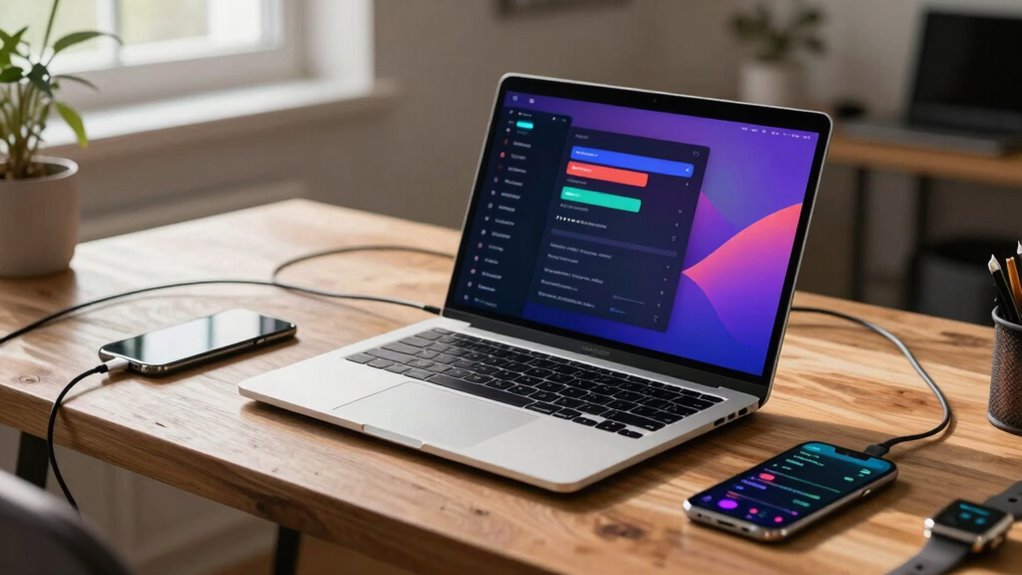
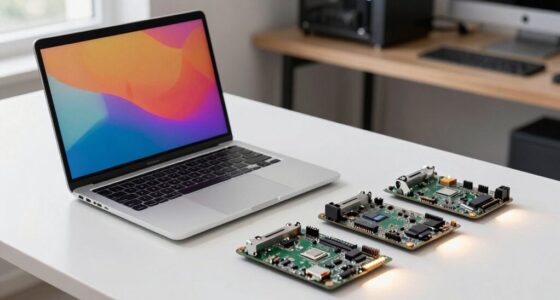
In today’s fast-evolving tech landscape, laptops are starting to feel outdated as new devices and innovations take center stage. The rapid pace of technological advancement means that what’s cutting-edge today can become obsolete in just a few months. You might find yourself asking why your trusty device doesn’t seem to keep up anymore. The answer lies in how hardware upgrades and design trends are reshaping the industry at an almost breakneck speed. Manufacturers are continuously pushing the boundaries, introducing sleeker, more powerful models packed with the latest processors, displays, and connectivity options. These hardware upgrades aren’t just about raw power—they’re about making laptops more versatile, lightweight, and stylish. As a result, older models quickly fall behind, unable to match the performance or aesthetic appeal of newer devices.
Laptops become outdated fast due to rapid hardware upgrades and sleek, trendy design shifts.
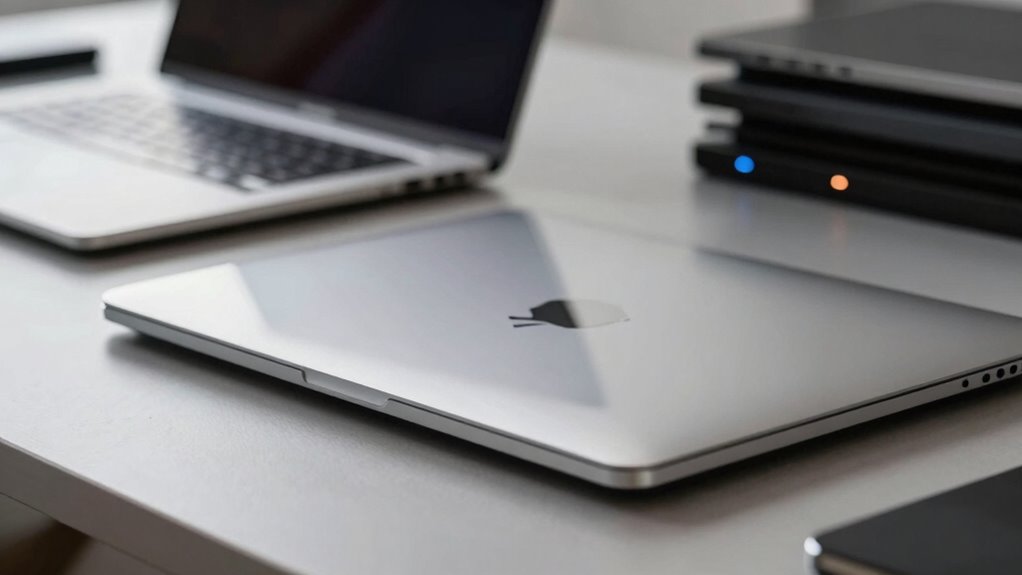
Design trends also play a significant role in making laptops feel outdated so fast. Today’s consumers crave devices that look modern and feel premium. This means that manufacturers are constantly revising their designs to align with current trends—thin bezels, minimalistic aesthetics, and ultra-lightweight profiles. When you buy a laptop, it’s not just about performance anymore; it’s about how it looks and fits into your lifestyle. If your device doesn’t follow these trends, it can seem outdated, even if it still functions perfectly. The shift toward seamless, almost borderless screens, for instance, has rendered older models with bulky bezels and less appealing designs less attractive in the eyes of consumers. Additionally, hardware innovation accelerates this process by making previous technologies seem outdated more quickly. This constant evolution means that what is considered modern today might be outdated tomorrow, emphasizing the importance of keeping up with the latest design trends.
Furthermore, software updates and compatibility issues accelerate this sense of obsolescence. Newer hardware often supports the latest operating systems and features, making older laptops feel sluggish or incompatible. You might notice that some applications or updates no longer run smoothly on your current device, which pushes you to consider an upgrade. The tech industry’s focus on innovation also means that hardware upgrades are happening more frequently, shortening the lifespan of what you might consider a “current” device. As a result, you’re constantly chasing the latest models to keep up with the pace of change, making your existing laptop feel less relevant in a matter of months. The software compatibility challenges further contribute to the perception of obsolescence, as older devices struggle to support new applications and updates seamlessly. Staying informed about industry trends can help you anticipate when it might be time for an upgrade.
Ultimately, the combination of rapid hardware upgrades, shifting design trends, and evolving software demands creates a landscape where laptops quickly seem outdated. Staying current requires more than just routine maintenance; it demands embracing new devices that reflect the latest innovations. If you want to keep up, you need to accept that your trusty laptop might only be relevant for a short time before newer, more stylish, and more powerful options come along.
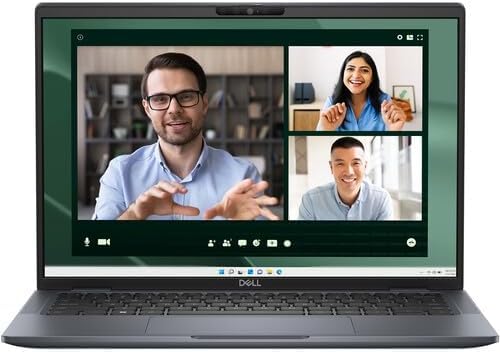
Dell Latitude 7450 14" Ultralight Laptop (Latest Model) Intel Core Ultra 7 165U (12 Core) 512GB SSD 16GB RAM QHD+ Touch (2560×1600) WiFi 7 Win 11 PRO
- Lightweight Design: Only 2.33 pounds, ultralight chassis
- Latest Model: 2024 Dell Latitude 7450 ultrabook
- Powerful Processor: Intel Core Ultra 7 165U, 12 cores
As an affiliate, we earn on qualifying purchases.
As an affiliate, we earn on qualifying purchases.
Frequently Asked Questions
How Often Should I Upgrade My Laptop?
You should consider upgrading your laptop every 3 to 4 years, especially if you notice hardware compatibility issues or struggle with new software. Keeping up with design trends also helps guarantee your device remains stylish and functional. Regular upgrades prevent performance bottlenecks and security risks, so stay attentive to your laptop’s performance and compatibility, and plan upgrades accordingly to enjoy better speed, efficiency, and a modern look.
Do Software Updates Make Laptops Feel Outdated?
Think of software updates as a speeding train—sometimes, they make your laptop feel outdated faster. Software obsolescence, driven by frequent updates, often leads to update fatigue, making you feel like your device is lagging behind. While updates aim to improve security and performance, they can also push your laptop into obsolescence sooner. Staying current is essential, but balancing updates keeps your laptop feeling fresh without overwhelming you.
Are Gaming Laptops More Future-Proof?
Gaming laptops tend to be more future-proof because they prioritize high gaming performance and durable hardware. You can expect better graphics, faster processors, and cooling systems designed for intense use. While no device lasts forever, gaming laptops often have hardware longevity that keeps them relevant longer. If you plan to upgrade or play upcoming games, investing in a gaming laptop gives you a better chance of staying current without feeling outdated quickly.
What’s the Lifespan of a Typical Laptop?
A typical laptop lasts about 3 to 5 years, depending on your usage and hardware longevity. You might notice it feeling outdated sooner due to design obsolescence, as newer models offer better features and performance. To extend your laptop’s lifespan, maintain its hardware, update software regularly, and consider upgrading components when possible. This way, you get more value and delay the feeling of it becoming outmoded.
Can External Hardware Extend a Laptop’s Relevance?
Yes, external hardware can extend your laptop’s relevance. With a modular design, you can upgrade components like RAM, storage, or graphics via external devices, keeping your system current. Ensuring hardware compatibility is essential so that accessories work seamlessly with your laptop. This approach allows you to enhance performance and functionality without replacing the entire device, making your laptop more adaptable and future-proof over time.

Rain Design iLevel2 Adjustable Height Laptop Stand (Patented) (Space Gray)
- Adjustable height with front slider: Easily change height for comfort
- Elevates screen to eye level: Promotes better posture
- Rubber pads protect notebook and desk: Prevents scratches and slips
As an affiliate, we earn on qualifying purchases.
As an affiliate, we earn on qualifying purchases.
Conclusion
So, next time your laptop starts acting sluggish, just remember—it’s not just aging; it’s a high-speed race to stay “cutting-edge.” Who needs timeless tech when you can enjoy the thrill of constantly upgrading? After all, why settle for a reliable device when you can chase the elusive dream of perpetual novelty? Embrace the chaos, because in this world, feeling outdated is just part of the fun—until your laptop finally throws in the towel.

VILVA Portable-Monitor-for-Lapto – 15.6'' 1080P FHD IPS Display USB-C HDMI Portable Monitor for Laptop with Cover and Speakers External Monitor for Laptop/PC/Mac/Phone/Xbox Switch/PS4/
- Display Size and Resolution: 15.6-inch FHD IPS, 1920×1080 resolution
- Wide Compatibility: Connects via USB-C or HDMI to various devices
- Built-in Speakers: Dual stereo speakers for enhanced sound
As an affiliate, we earn on qualifying purchases.
As an affiliate, we earn on qualifying purchases.
high-performance laptops for software updates
As an affiliate, we earn on qualifying purchases.
As an affiliate, we earn on qualifying purchases.