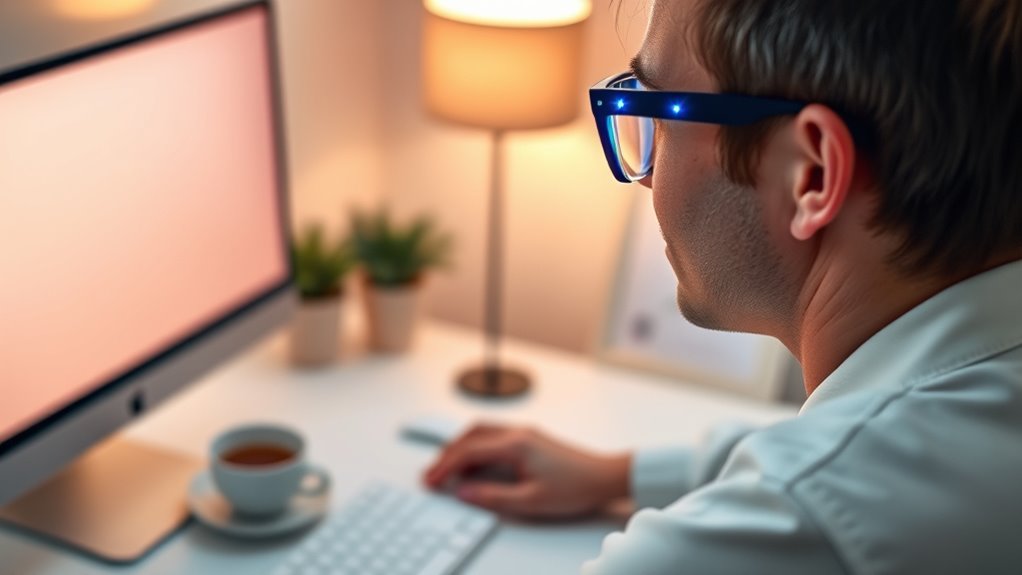

To save your eyes from strain and blue light, set your screen to match ambient lighting with a warmer color temperature, and use blue light filters or glasses. Follow the 20-20-20 rule—look at something 20 feet away for 20 seconds every 20 minutes. Adjust your workspace with proper lighting and good posture, take frequent breaks, and incorporate eye exercises. Keep exploring tips to protect your vision further.
Key Takeaways
- Adjust screen brightness and color temperature to match ambient lighting and reduce blue light exposure.
- Follow the 20-20-20 rule and take regular breaks to relax eye muscles.
- Use blue light filters, screen protectors, or glasses to minimize glare and blue light emission.
- Maintain proper ergonomic posture and screen positioning to prevent strain.
- Incorporate natural lighting and indirect, flicker-free illumination to create a comfortable viewing environment.
Adjust Your Screen Settings for Comfort
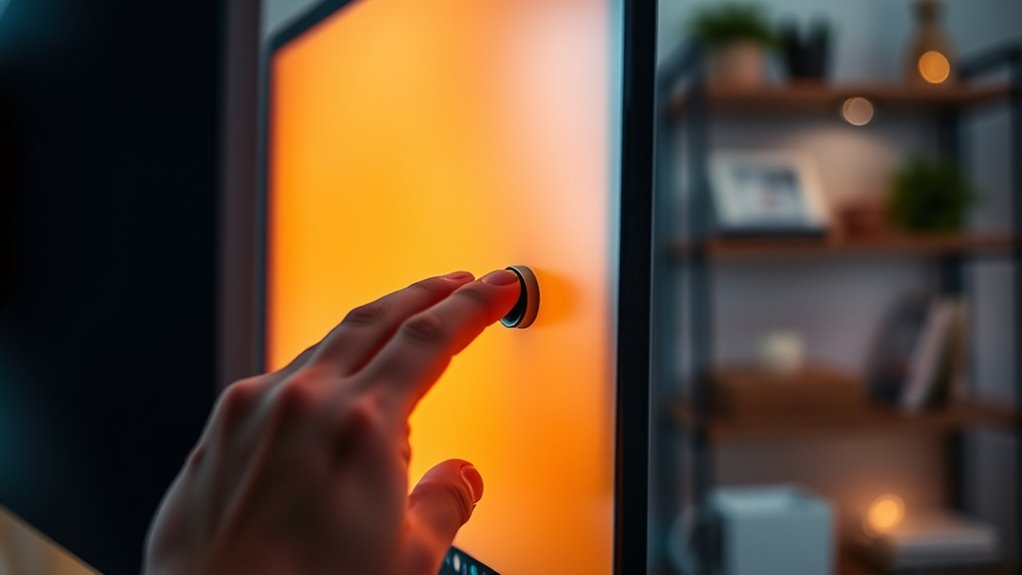
To reduce screen strain, start by adjusting your display settings for maximum comfort. First, set your screen brightness to match the ambient lighting around you; too bright or too dim can cause eye fatigue. Then, tweak the color temperature to a warmer tone, which diminishes blue light and minimizes eye discomfort during extended use. Adjust the contrast to ensure text and images are clear without causing strain. If your device offers a blue light filter or night mode, enable it to further decrease harsh blue light exposure. Position your screen at eye level, about an arm’s length away, to reduce neck and eye tension. Regularly reviewing and customizing these settings helps create a more comfortable viewing experience and protects your eyes from strain. Incorporating high-impact recommendations such as using specialized blue light filtering glasses can further optimize your screen setup for eye comfort. Additionally, taking regular breaks following the 20-20-20 rule can significantly reduce eye fatigue and promote overall eye health. Paying attention to ergonomic positioning can also help prevent discomfort during long screen sessions. Being mindful of screen time management can further reduce eye strain and support overall visual health.
Follow the 20-20-20 Rule
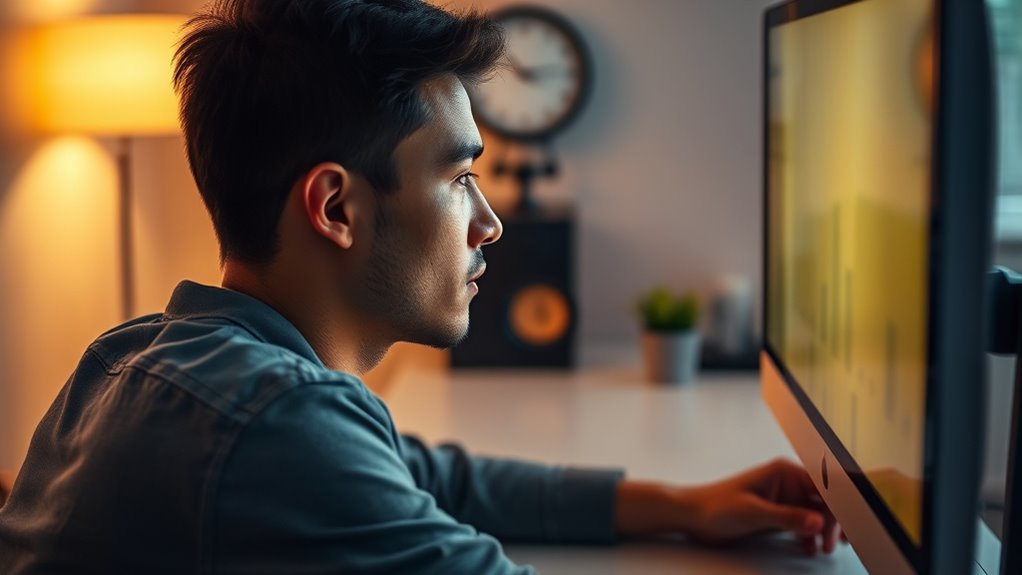
After adjusting your screen settings for comfort, it’s important to give your eyes regular breaks to prevent fatigue. The 20-20-20 rule makes this easy: every 20 minutes, look at something 20 feet away for at least 20 seconds. This simple habit helps relax the eye muscles that work constantly when focusing on screens. To stay consistent, set a timer or use apps that remind you to take breaks. During these pauses, blink frequently and gently massage your temples to reduce strain. Staying mindful of your eye health can prevent discomfort and long-term damage. Incorporating color temperature adjustments can further reduce eye strain and improve viewing comfort. Utilizing tools that detect passive voice can help you review your writing for clarity and conciseness. Regularly adjusting screen brightness and contrast settings can also contribute to less eye fatigue. Additionally, choosing anti-glare screen protectors can minimize reflections and reduce eye strain during prolonged use. Implementing ergonomic workspace setups can also help maintain proper posture and decrease overall discomfort during screen time. Incorporate this quick routine into your daily screen time, and you’ll notice less eye fatigue and better overall comfort. It’s a straightforward way to protect your vision.
Use Blue Light Filtering Tools and Glasses

Using blue light filtering tools and glasses can considerably reduce eye strain from screens. There are different types of filters and glasses designed to block or absorb blue light, each with its own benefits. To get the most out of them, choose the right option for your needs and follow best practices for effective use. Additionally, ensure that the filters or glasses you select are safety approved to prevent any unintended eye discomfort or irritation. Incorporating blue light management strategies can further enhance your eye health and comfort during prolonged screen time. For example, selecting well-designed filters can optimize protection while maintaining visual clarity. Implementing proper usage techniques can maximize the benefits and reduce potential drawbacks.
Types of Blue Light Filters
Blue light filters come in various forms, such as screen protectors, software applications, and specialized glasses, all designed to reduce blue light exposure. Screen protectors are physical films you can apply directly to your device screens, blocking some blue light without affecting display quality. Software filters, like built-in settings or downloadable apps, adjust your screen’s color temperature, making the display warmer and easier on your eyes. Blue light blocking glasses are specially designed eyewear with tinted lenses that filter out blue wavelengths. Some glasses have clear lenses with coatings, while others feature amber or yellow tints for maximum blue light reduction. Choosing the right type depends on your habits and preferences, but each helps minimize eye strain and improve comfort during extended screen time.
Benefits of Blue Light Glasses
Blue light glasses offer an effective way to combat eye strain caused by prolonged screen time. They filter out blue light, reducing glare and minimizing eye fatigue. Wearing these glasses can help you maintain clearer vision and prevent headaches associated with digital eye strain. Plus, they may improve your sleep quality by limiting blue light exposure before bedtime. Here’s a quick overview:
| Benefit | How It Helps | Additional Advantage |
|---|---|---|
| Reduces eye strain | Limits glare and flickering | Enhances visual comfort |
| Improves sleep | Blocks blue light before bed | Supports melatonin production |
| Prevents headaches | Less eye fatigue from screens | Promotes longer focus |
| Enhances productivity | Less discomfort during work | Better concentration |
| Protects eye health | Shields against long-term damage | Promotes overall eye well-being |
New research highlights the importance of preventing long-term damage to eye health by reducing blue light exposure. Additionally, consistent use of blue light filtering tools can contribute to overall eye health maintenance, especially for those with extensive screen exposure.
Tips for Effective Use
To maximize the benefits of blue light filtering tools and glasses, incorporating them into your daily routine thoughtfully is essential. Wear your blue light glasses consistently, especially during long screen sessions or in the evening, to reduce eye strain and improve sleep quality. Adjust device settings to enable built-in blue light filters or night mode; these automatically lower blue light exposure. Take regular breaks using the 20-20-20 rule: every 20 minutes, look at something 20 feet away for at least 20 seconds. Combine glasses with other habits, like reducing screen brightness and increasing ambient lighting. Stay aware of your eye comfort and make adjustments as needed. Incorporating screen time management strategies can further enhance your eye health. Research shows that industry trends in eye care emphasize the importance of consistent use of blue light filters and glasses. Consistent, mindful use of these tools helps protect your eyes and minimizes strain effectively. Additionally, understanding nanotechnology’s role in developing advanced blue light filtering solutions offers promising avenues for future eye protection.
Optimize Your Workspace Lighting

Proper workspace lighting is essential for reducing eye strain and minimizing blue light exposure. Aim for balanced lighting that avoids harsh glare and deep shadows. Position your monitor to prevent reflections from windows or overhead lights, which can cause eye fatigue. Use adjustable lamps to supplement ambient light, ensuring your workspace isn’t overly bright or dim. Consider the following table to optimize your lighting setup:
| Lighting Tip | Benefit |
|---|---|
| Use soft, indirect lighting | Reduces glare and eye strain |
| Avoid direct light on screens | Prevents reflections and glare |
| Adjust brightness to match ambient | Maintains visual comfort |
| Position lights behind screens | Minimizes contrast and glare |
| Incorporate natural light | Enhances mood and reduces strain |
Properly managing your workspace lighting makes a noticeable difference in eye comfort. Implementing appropriate lighting techniques can further help in creating a comfortable viewing environment, especially when combined with smart lighting solutions that adapt to your needs. Paying attention to lighting direction ensures that your eyes are less fatigued during long periods of screen time. Additionally, selecting flicker-free lighting can prevent additional eye stress caused by flickering light sources. Ensuring your workspace has balanced illumination also supports overall eye health and comfort.
Take Regular Breaks and Practice Eye Exercises
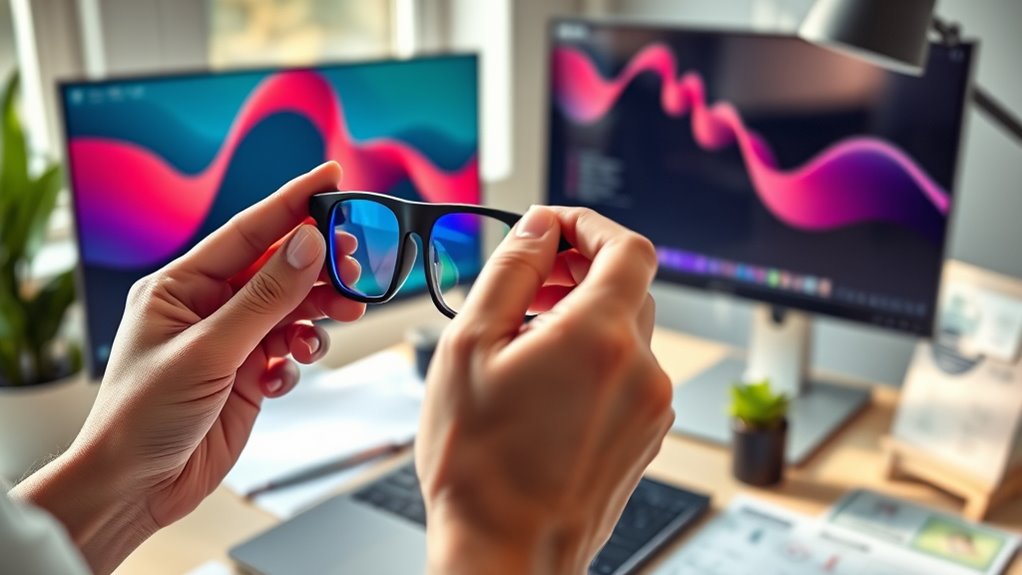
Taking regular breaks helps prevent eye fatigue and reduces strain from prolonged screen time. Make sure to schedule short intervals to rest your eyes and perform focus shifts to different distances. These simple steps can make a big difference in keeping your eyes comfortable throughout the day.
Schedule Break Intervals
Scheduling regular breaks is essential for reducing eye strain and blue light exposure during extended screen time. By planning short pauses every 20 minutes, you give your eyes a chance to rest and recover. Use these breaks to look away from your screen, ideally focusing on distant objects to relax your eye muscles. Setting alarms or using apps can help you stick to this routine consistently. Avoid skipping breaks, even during busy periods, as continuous screen use increases fatigue and discomfort. Breaks also reduce the risk of headaches and improve overall productivity. Incorporate quick eye exercises during these intervals, such as blinking rapidly or rolling your eyes, to further alleviate strain. Consistent scheduling makes it easier to maintain eye health over long hours of screen work.
Perform Focus Shifts
To reduce eye strain and blue light exposure, it’s important to regularly shift your focus between your screen and distant objects. This practice relaxes your eye muscles and prevents fatigue. Every 20 minutes, look away from your screen and focus on something at least 20 feet away for 20 seconds—a technique known as the 20-20-20 rule. Additionally, incorporate simple eye exercises like blinking frequently to keep your eyes moist and performing gentle eye rolls to stretch the eye muscles. These focus shifts help break the continuous strain from staring at screens. Remember, consistency is key. Making these habits part of your routine not only reduces discomfort but also promotes healthier vision over time.
Maintain Proper Screen Distance and Posture
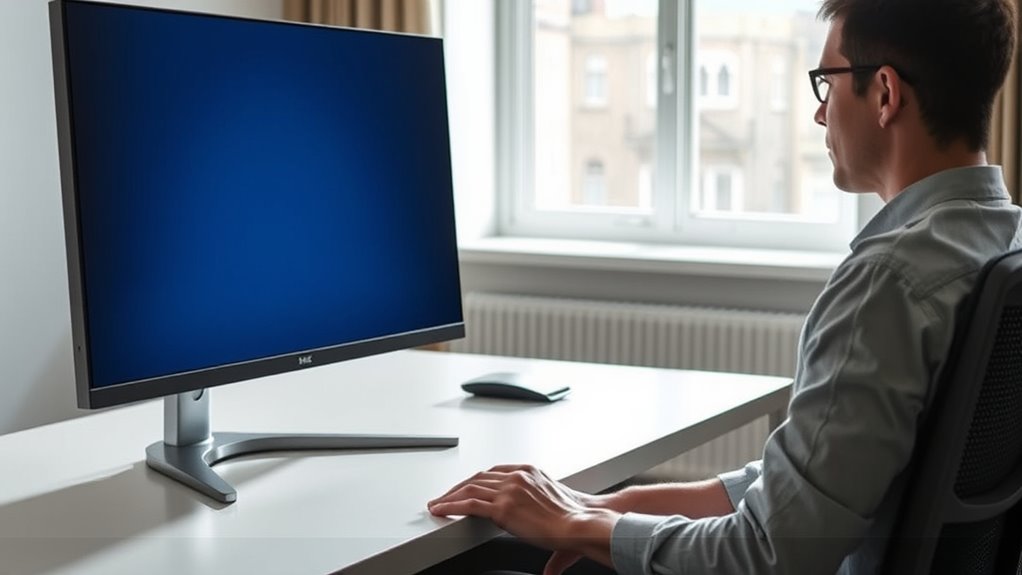
Maintaining the correct distance and posture while using screens can considerably reduce strain on your eyes and neck. Keep your monitor about an arm’s length away, with the top of the screen roughly at eye level. Sit upright, with your back supported and feet flat on the floor. Avoid slouching or leaning forward, which can cause neck and shoulder tension. Adjust your chair and monitor so that your wrists are straight when typing. Take regular breaks to stretch and change positions. Proper setup helps minimize muscle fatigue and encourages better eye health.
Keep your monitor at eye level, maintain good posture, and take regular breaks to protect your eyes and neck.
- Screen at eye level, about 20-30 inches away
- Sit with a straight back and relaxed shoulders
- Feet flat on the floor or on a footrest
- Keep wrists straight while typing
- Take breaks every 20 minutes to stretch
Frequently Asked Questions
How Can I Tell if My Screen Is Causing Eye Strain?
You might notice eye strain if your eyes feel dry, irritated, or tired after screen time. Headaches, blurred vision, or difficulty focusing are common signs. If you experience discomfort that eases when you look away or blink more, your screen could be the cause. Pay attention to these symptoms, and consider adjusting your screen settings or taking regular breaks to reduce strain and protect your eyes.
Are There Specific Blue Light Filters Recommended for Different Devices?
Did you know that over 70% of screen users report eye discomfort? For blue light filters, choose ones tailored to your device—such as built-in filters for smartphones, third-party apps for computers, or screen protectors. Look for filters with a customizable color temperature to reduce glare without affecting visibility. By selecting the right filter, you’ll protect your eyes effectively and enjoy a more comfortable viewing experience across all your devices.
Can Eye Exercises Truly Prevent Digital Eye Strain?
Yes, eye exercises can help prevent digital eye strain by strengthening eye muscles and promoting better focus. When you regularly practice simple exercises like blinking, looking away every 20 minutes, or focusing on distant objects, you reduce eye fatigue and tension. Incorporate these exercises into your routine, especially during long screen sessions, to support eye health and make your eyes more resilient against strain caused by prolonged device use.
What Are Signs of Long-Term Eye Damage From Screen Exposure?
If you notice persistent headaches, blurred vision, dry or irritated eyes, or increased sensitivity to light, these could be signs of long-term eye damage from screen exposure. You might also experience difficulty focusing or worsening vision over time. Don’t ignore these symptoms; see an eye specialist promptly. Protect your eyes by taking regular breaks, adjusting screen brightness, and using proper lighting to prevent further damage.
How Does Screen Brightness Affect Eye Comfort and Blue Light Exposure?
Higher screen brightness can cause your eyes to strain more, making it uncomfortable and tiring over time. When your screen is too bright, it forces your eyes to work harder to focus, increasing blue light exposure, which may contribute to digital eye strain. To stay comfortable, adjust your brightness to match your environment, use the 20-20-20 rule, and consider enabling blue light filters or night mode to reduce potential eye fatigue.
Conclusion
By adjusting your screen settings, taking regular breaks, and using blue light filters, you create a comfortable oasis for your eyes amid the digital chaos. Imagine your workspace bathed in soft, natural light as you sit at the perfect distance, your eyes gently resting from strain. With mindful habits and a little care, you’ll protect your vision and turn your screen time into a calming, eye-friendly experience every day.