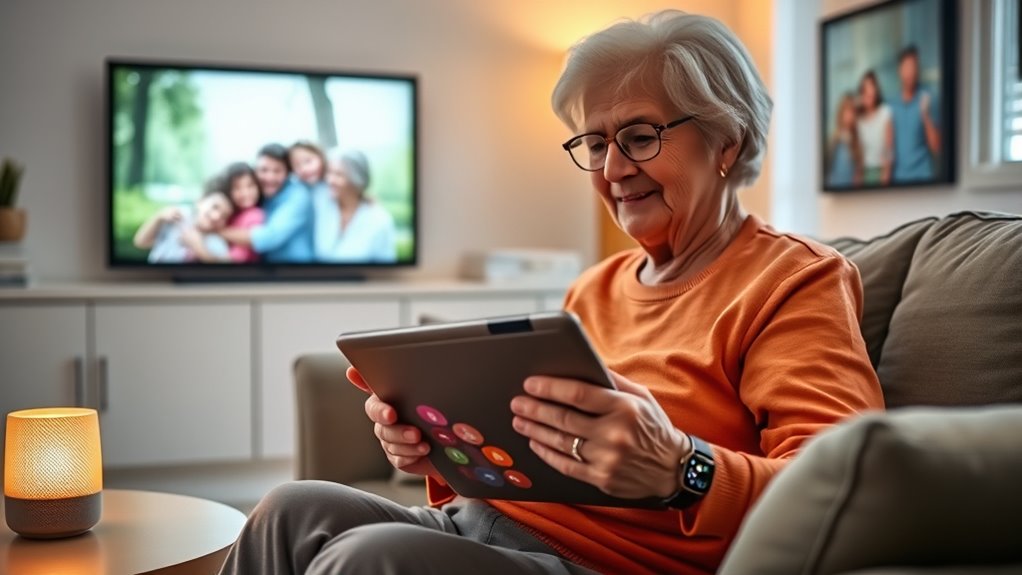

There are many gadgets and apps designed to make life easier for seniors, such as simplified smartphones with larger buttons and clear screens, health devices like fitness trackers and blood pressure monitors, and emergency alert systems that allow instant help with one tap. Smart home technologies can automate lighting, security, and climate control for added comfort and safety. Medication reminders and social connection apps help maintain independence and prevent loneliness. Keep exploring to discover how these tools can truly enhance daily living.
Key Takeaways
- Simplified smartphones and communication devices with large buttons and clear displays facilitate easy calls, messaging, and social connection for seniors.
- Health monitoring gadgets like fitness trackers, blood pressure monitors, and medication reminders support independent health management.
- Emergency alert systems and wearable safety devices enable quick assistance and GPS tracking for added security.
- Smart home technologies, including voice control and automated security, enhance convenience and safety at home.
- User-friendly apps for video calls, photo sharing, and social platforms help seniors stay connected and reduce loneliness.
Simplified Smartphones and Communication Devices

Simplified smartphones and communication devices are designed to make staying connected easier for seniors. These devices feature larger buttons, clear displays, and simple interfaces that eliminate confusion. You won’t have to struggle with complicated menus or endless options. Instead, you can quickly access your contacts, make calls, or send messages with just a tap. Many models also include features like emergency buttons, loud volume settings, and voice commands, tailored specifically for your needs. The goal is to boost your confidence in using technology without feeling overwhelmed. By choosing a device built for simplicity, you’ll stay in touch with loved ones more easily and maintain your independence. Ensuring color accuracy in device screens can also improve readability and reduce eye strain, making communication more comfortable. Incorporating ergonomic design principles can further enhance usability for those with limited dexterity. Additionally, selecting devices with easy-to-use interfaces can help prevent frustration and encourage regular use. Modern devices also benefit from user-centered design, which focuses on meeting the specific needs of elderly users to enhance their overall experience. These gadgets make communication straightforward, so you can focus on what truly matters—staying connected and engaged.
Health Monitoring and Wellness Gadgets
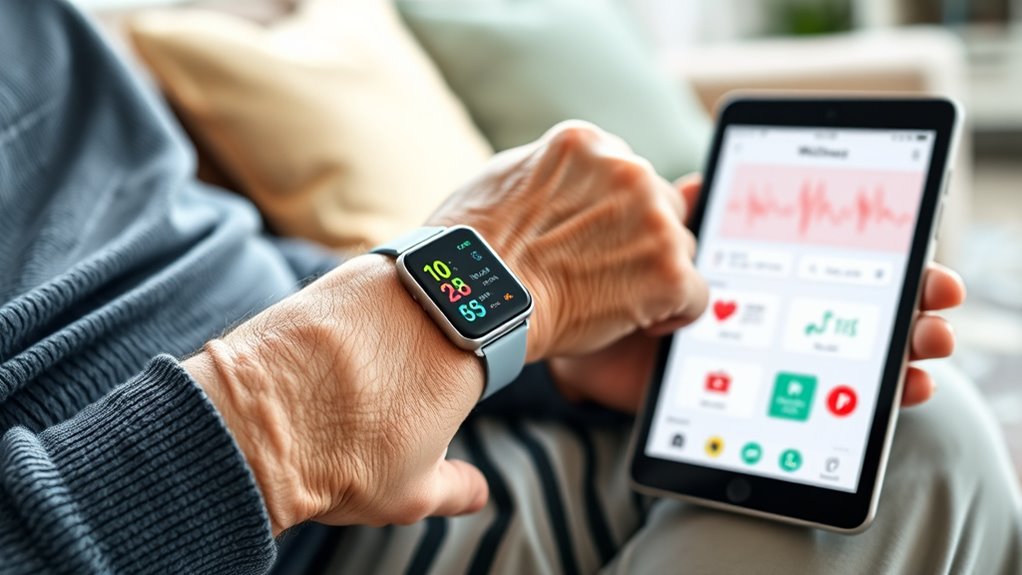
Health monitoring and wellness gadgets are becoming essential tools for seniors who want to stay on top of their health. These devices help you track critical signs, promote activity, and maintain overall wellness. Here are some popular options:
Essential tools for seniors to monitor health, stay active, and maintain wellness effortlessly.
- Fitness trackers – monitor steps, heart rate, and sleep patterns, encouraging regular activity.
- Blood pressure monitors – provide easy, at-home readings to keep tabs on your cardiovascular health.
- Blood glucose meters – help manage diabetes by offering quick, accurate blood sugar levels.
- Sleep trackers – analyze sleep quality, ensuring you get restful rest each night.
With these gadgets, you can stay proactive about your health, catch issues early, and enjoy greater independence. They’re simple to use and often connect to your smartphone for easy data access.
Emergency Alert Systems and Safety Devices

Have you ever worried about what might happen if you faced an emergency alone? Emergency alert systems and safety devices give you peace of mind by enabling quick help. Wearable devices, like pendants or wristbands, can instantly connect you to emergency services with a simple press. These systems often include GPS tracking, so responders find you faster. To understand their importance, consider this table:
| Feature | Benefit |
|---|---|
| One-touch emergency button | Immediate assistance |
| GPS location tracking | Faster response |
| 24/7 monitoring | Always available support |
Additionally, reliable safety technology ensures that help is accessible whenever you need it. Modern emergency alert systems are designed with user-friendly features to accommodate seniors and those with limited mobility. Many of these systems also incorporate easy-to-use interfaces, making them accessible for users unfamiliar with technology. Incorporating water-resistant devices can be especially beneficial for users who are near water or prone to spills, adding an extra layer of safety. Utilizing accessible design principles helps ensure that these safety tools are usable by everyone, regardless of physical ability. With these tools, you stay safer and more independent, knowing help is just a button away. They’re simple, reliable, and tailored to keep you protected.
Apps for Brain Training and Mental Engagement
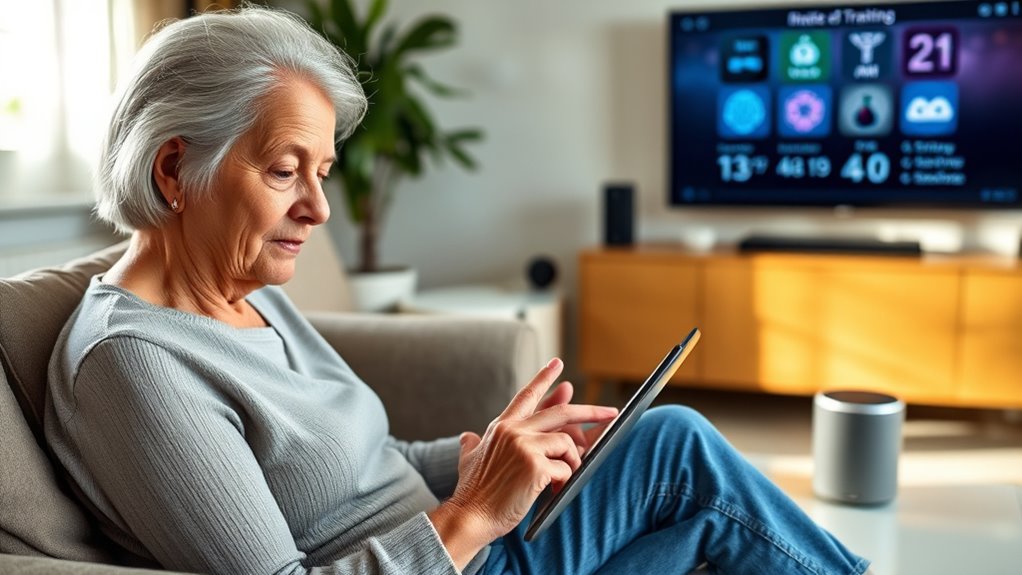
Just as emergency alert systems help keep your body safe, engaging your mind is key to maintaining your mental sharpness. Brain training apps are designed to challenge your thinking and boost memory. These apps offer fun, interactive exercises tailored for seniors.
Here are some top options:
- Lumosity: Offers games that improve memory, attention, and problem-solving skills.
- Elevate: Focuses on reading, writing, and math skills through daily exercises.
- BrainHQ: Provides scientifically designed activities to strengthen cognitive functions.
- Fit Brains Trainer: Combines puzzles and memory games to keep your mind active.
Using these apps regularly helps sharpen your thinking, boost confidence, and keep your brain engaged as you age.
Smart Home Technologies for Convenience and Security
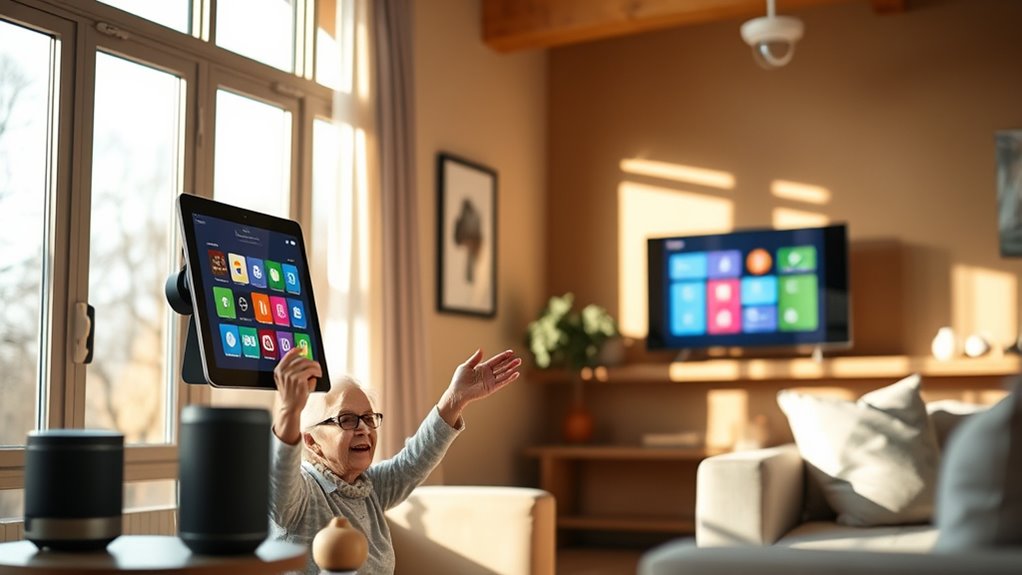
Smart home technologies make daily life easier and safer by allowing you to control devices with just your voice. Automated security systems can protect your home, while remote monitoring lets you check in from anywhere. These features give you peace of mind and greater independence. Additionally, adaptive lighting can adjust to your preferences and support circadian rhythms, enhancing comfort and well-being. Incorporating smart home integration with household cleaning robots can streamline your routines and improve overall household management. Understanding air quality and how it affects health can further enhance your safe and comfortable living environment. Modern kitchen tech also offers energy-efficient appliances that help reduce utility bills and promote environmental sustainability. Exploring vetted brands ensures you select reliable and high-quality smart devices for your home.
Voice-Activated Controls
Voice-activated controls have transformed how seniors manage their homes, offering a simple way to control lights, thermostats, and security systems with just their voice. These devices eliminate the need to navigate complicated menus or physically operate switches, making daily tasks easier. With a quick voice command, you can turn on the lights, adjust the temperature, or lock the doors, providing convenience and peace of mind. Additionally, smart home integration allows these devices to work seamlessly with other systems, enhancing overall home automation. Affiliate disclosures ensure transparency when purchasing these devices through recommended links. Here are four key benefits: 1. Hands-free operation for added safety 2. Easy setup and use for non-technical users 3. Faster responses to common commands 4. Compatibility with various smart home devices. Understanding the reliance on cloud services behind these technologies highlights the importance of secure and reliable connections for uninterrupted operation. Moreover, being aware of home automation standards can help in selecting compatible devices that work well together. In addition, familiarity with security features can further protect users from potential vulnerabilities associated with connected devices. Voice controls help you stay independent, comfortable, and secure in your home, all while reducing physical effort.
Automated Security Systems
Are you looking for an easy way to enhance your home’s security without constantly checking doors or windows? Automated security systems are a great solution. They use sensors, cameras, and alarms that work together to monitor your home continuously. You can set these systems to alert you immediately if something unusual happens, like a door opening unexpectedly or motion detected in a restricted area. Many systems allow you to control everything from a smartphone app, so you don’t have to be home to stay protected. Some include features like automatic door locks, window sensors, and real-time video monitoring. These systems provide peace of mind, making it easier to feel safe and secure without the hassle of manual checks. They often incorporate safe wiring practices to ensure reliable operation and prevent electrical hazards. Additionally, choosing a system with advanced technology can enhance security features and provide better integration with other smart home devices. Proper installation and professional setup can further improve system reliability and safety, much like following sizing and load‑planning tools for backup power systems to ensure optimal performance. Incorporating quality network cabling can also help ensure that your security devices communicate effectively and without interruptions.
Remote Monitoring Features
Have you ever wished you could check on your home from anywhere? Remote monitoring features make that possible. With smart home technology, you can keep an eye on your property, loved ones, and daily activities with ease.
Here are four ways remote monitoring helps you stay connected:
- Video Cameras: View live feeds from your phone or tablet to see who’s at your door or monitor rooms inside your home.
- Motion Sensors: Receive alerts when movement is detected, so you know if anything unusual happens.
- Door/Window Sensors: Get notifications when doors or windows open or close, enhancing security.
- Health Monitoring Devices: Track essential signs and activity levels remotely, perfect for loved ones needing extra care.
These features provide peace of mind and greater independence.
Medication Management Tools and Reminders
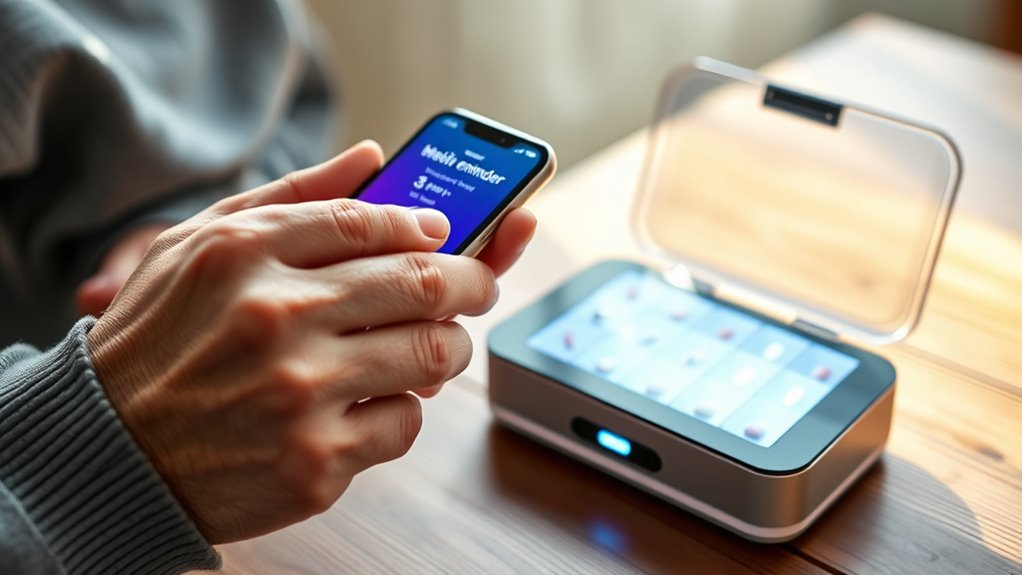
Medication management tools and reminders can substantially improve seniors’ ability to stay on top of their prescriptions. Digital pill organizers, smartphone apps, and smartwatches help you track when to take your medications, reducing missed doses. Many apps allow you to set customized alarms or notifications, ensuring you don’t forget. Some tools even provide refill reminders, helping you stay stocked up without last-minute runs to the pharmacy. Voice-activated assistants like Alexa or Google Home can remind you verbally, making it easier if you have visual or mobility challenges. These tools promote independence and safety, preventing potential health issues caused by missed doses or incorrect medication schedules. By integrating these gadgets into your routine, you gain confidence in managing your health effectively.
Social Connection Platforms for Staying in Touch
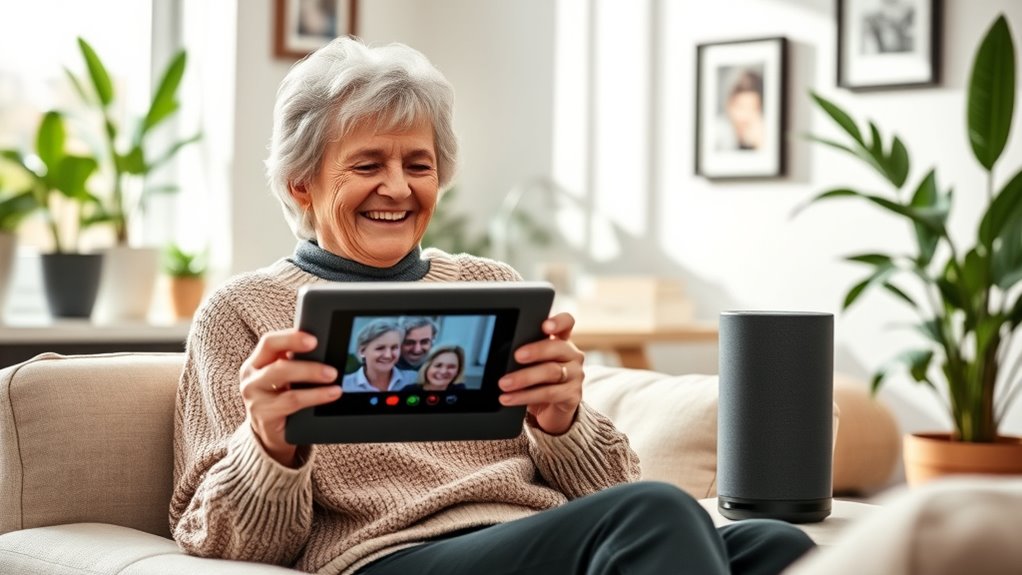
Staying connected with friends and family becomes easier with social connection platforms designed for seniors. These apps simplify communication and help you maintain friendships without hassle. You can video chat with loved ones, share photos, and send messages effortlessly. Many platforms also include large buttons and simple interfaces tailored for easier navigation. Here are some popular options:
- GrandPad – A tablet with simplified apps for video calls and photo sharing.
- Silvernest – Connects seniors for companionship and shared living arrangements.
- Facebook Messenger – Offers video calls and messaging with familiar features.
- AARP Staying Connected – Designed specifically for seniors to keep in touch with family and friends easily.
These tools help you stay engaged, combat loneliness, and enjoy meaningful conversations anytime.
Frequently Asked Questions
How Do I Choose the Best Tech Gadgets for My Specific Needs?
To choose the best tech gadgets for your needs, first identify what tasks you want to simplify or improve, like communication or safety. Consider user-friendly options with large buttons or clear screens. Read reviews and ask friends or family for recommendations. Test out devices in stores if possible. Prioritize gadgets that match your comfort level and lifestyle, ensuring they’re easy to use and truly helpful for your daily routines.
Are These Devices Easy to Set up Without Technical Skills?
Setting up these devices is easier than you might think—most are designed for simplicity, so you probably won’t need any tech skills at all. Many gadgets come with clear instructions, step-by-step guides, or even video tutorials that walk you through the process. Plus, customer support teams are usually just a call away, ready to help you get everything up and running quickly, like a tech-savvy friend by your side.
Can These Tools Be Customized for Different Levels of Tech Literacy?
Yes, these tools can be customized for different levels of tech literacy. You can adjust settings, simplify interfaces, or choose features that match your comfort level. Many devices and apps offer guided tutorials or step-by-step instructions, making it easier to learn at your own pace. Whether you’re a beginner or more experienced, you can tailor these tools to suit your needs, ensuring a smoother, more confident experience.
What Privacy and Security Measures Are in Place for These Technologies?
You should know that these technologies prioritize privacy and security through measures like data encryption, secure login processes, and regular updates. Many devices also have user-friendly privacy settings you can easily customize to control what information is shared. Developers put these safeguards in place to protect your personal data, so you can use gadgets and apps confidently, knowing your information stays safe and private.
How Affordable Are These Gadgets and Apps for Seniors on a Fixed Income?
Many gadgets and apps for seniors are quite affordable, especially with options like budget-friendly devices and free or low-cost apps. You can find discounts or special programs through manufacturers or community organizations. While some advanced gadgets might be pricier, there are often simpler, cheaper alternatives that still make daily life easier. With a little research, you’ll discover options that fit your fixed income without sacrificing useful features.
Conclusion
Embracing these tech tools can truly enhance your independence and quality of life. You might worry they’re complicated, but many devices are designed with simplicity in mind, making them easy to use. With just a little time, you’ll find these gadgets help you stay connected, safe, and healthy. Don’t let tech fears hold you back—start small, and you’ll quickly see how much easier and more enjoyable everyday life can become.