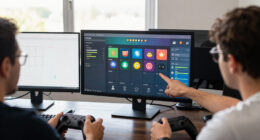
To set up a great stream on a budget, focus on affordable hardware like mid-range CPUs, a reliable graphics card, and a solid webcam with a good microphone. Use free software like OBS Studio and create a clean background with DIY lighting and decor. Optimize your internet connection and adjust settings for performance. Small upgrades and creative solutions can make a big difference—keep exploring further tips to make your stream stand out without overspending.

Get the latest gadgets delivered free — and shop member deals
- Fast, free delivery on millions of items
- Access to Prime Big Deal Days deals on October 6–7
- Prime Video, Amazon Music and more included
Key Takeaways
- Use free or low-cost streaming software like OBS Studio and online assets to enhance visuals and audio quality.
- Optimize hardware with mid-range processors, reliable internet, and affordable lighting for professional-looking streams.
- Create a clean, personalized background using DIY decor and natural or inexpensive lighting solutions.
- Maintain a consistent streaming schedule and promote across social media to grow your audience organically.
- Engage viewers actively with chat, polls, and shout-outs to build community without additional expenses.
Choosing the Right Hardware for Budget Streaming
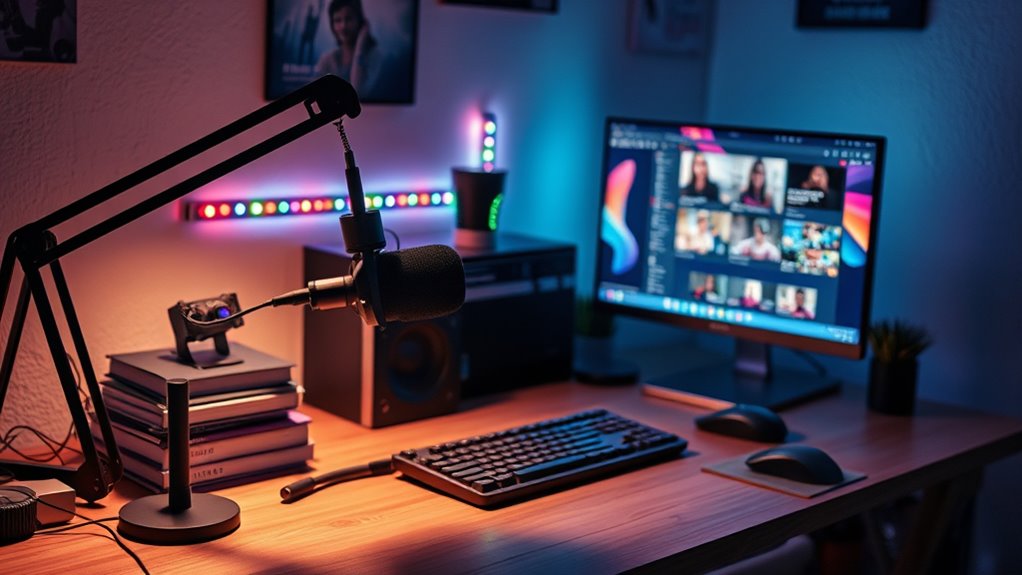
When you’re on a budget, selecting the right hardware can make or break your streaming experience. Focus on the essentials: a decent CPU and enough RAM to handle your stream smoothly. You don’t need the latest high-end processor; a mid-range model from a previous generation will do just fine. Look for a reliable graphics card if you plan to stream gameplay or high-quality visuals. Invest in a good-quality webcam and microphone, as clear video and audio are crucial for engaging viewers. Don’t forget a stable internet connection—upgrading your router or using a wired connection can considerably improve stream stability. Prioritize hardware that balances performance and affordability, ensuring your setup is capable without overspending. Leveraging European cloud solutions can also help you access scalable and cost-effective streaming resources that enhance your overall setup.
Finding Cost-Effective Software Solutions
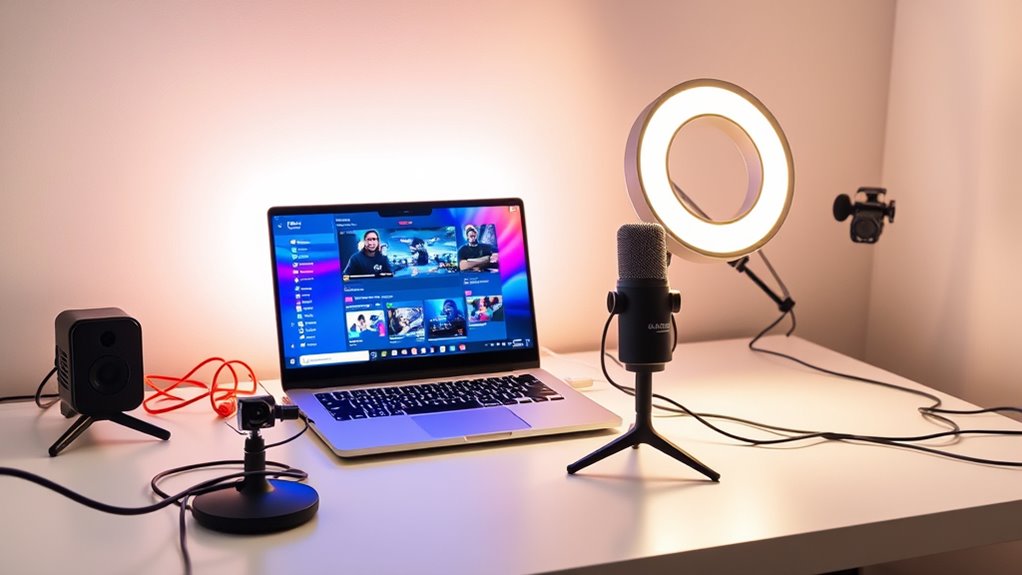
After selecting the right hardware, the next step is finding software that fits your budget without sacrificing quality. Thankfully, many free or affordable options can deliver professional results. For example, OBS Studio offers powerful streaming capabilities at no cost, giving you flexibility and control. Consider lightweight alternatives like Streamlabs, which provides built-in features ideal for beginners. To help you compare options, here’s a quick overview:
| Software | Cost | Features |
|---|---|---|
| OBS Studio | Free | Custom overlays, scene switching |
| Streamlabs | Free/Optional Paid | Built-in widgets, alerts |
| XSplit Broadcaster | One-time fee | User-friendly interface |
Choosing the right software can transform your stream without draining your wallet. Additionally, selecting software with high compatibility ensures smooth integration with your hardware setup.
Creating an Appealing Background Without Spending a Fortune
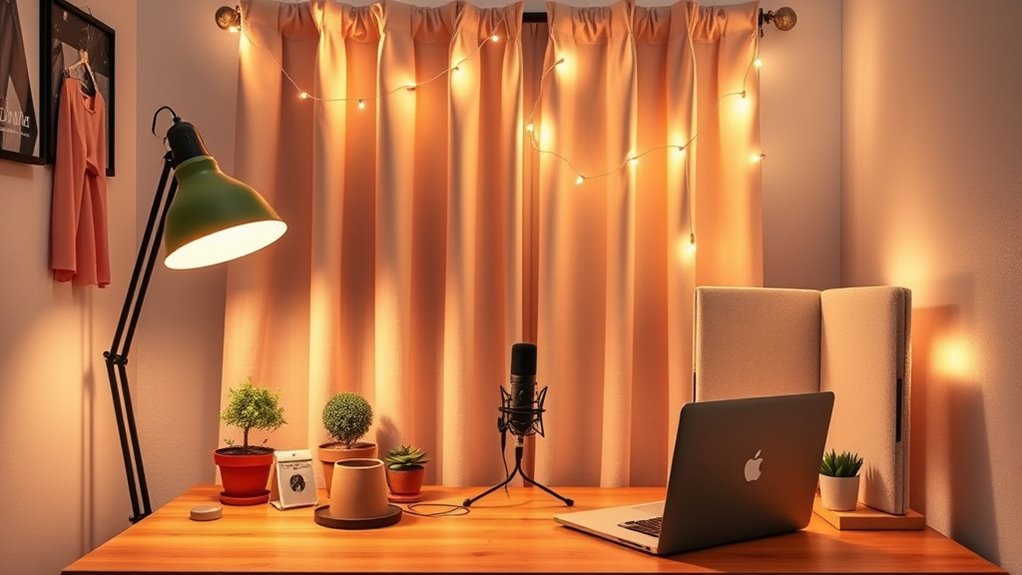
Creating an appealing background doesn’t have to cost a fortune; with a little creativity, you can craft a professional-looking setup on a budget. Start by repurposing items you already own, like books or artwork, to add personality. Use inexpensive fabric or curtains as backdrops to create a clean, distraction-free background. Incorporate DIY elements such as string lights or fairy lights to add warmth and ambiance. Additionally, consider these options: interior design tips for enhancing your space with simple, budget-friendly ideas. Incorporating DIY home decor techniques can further personalize your setup and make it more engaging. Remember to research Gold IRA markets to understand how investment options can add a layer of financial security to your future. Being aware of cybersecurity measures is also essential when setting up a streaming environment to prevent hacking attempts. With these tips, you’ll build an engaging background that looks professional without overspending.
Optimizing Your Stream Setup for Quality and Performance

To deliver a professional-looking stream, you need to optimize your setup for both quality and performance. Start by adjusting your streaming software’s settings—lower your resolution and bitrate if your internet struggles, guaranteeing smooth playback. Use a stable, wired internet connection to prevent lag and buffering. Close unnecessary background programs to free up system resources, and update your graphics and sound drivers regularly. Invest in a decent microphone and webcam within your budget, as audio and video quality directly impact viewer engagement. Test your setup before going live to identify and fix issues. Keep your hardware clean and well-ventilated to avoid overheating. Additionally, incorporating local automation can help streamline your streaming process and reduce manual adjustments during your broadcast. Ensuring your power supply is adequate can prevent unexpected shutdowns and performance issues. Regularly checking your hardware cooling can extend the lifespan of your equipment and maintain optimal performance. By fine-tuning these elements, you ensure your stream looks crisp and runs smoothly without overspending.
Building an Affordable Lighting Setup
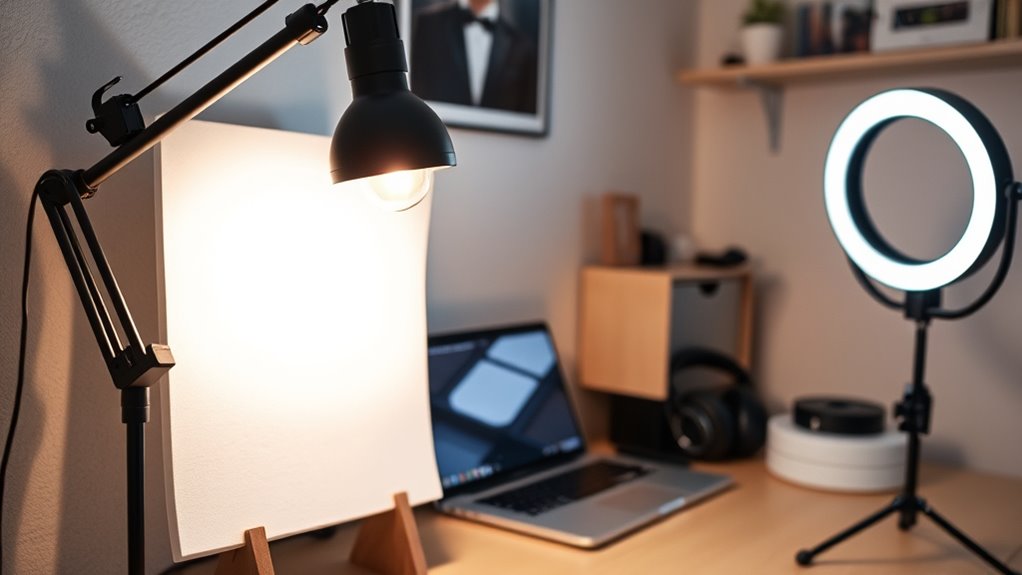
Ever wondered how to achieve good lighting without breaking the bank? You can create a professional look with simple, affordable solutions. Here are four budget-friendly tips:
- Use natural light: Position your setup near a window for soft, even lighting during the day.
- DIY diffusers: Hang a white sheet or use translucent plastic to soften harsh light sources.
- Affordable ring lights: Purchase inexpensive LED ring lights that deliver even, flattering light on your face.
- Desk lamps with adjustable brightness: Use adjustable LED desk lamps to fill shadows and add warmth.
- Incorporate cost-effective payment processing options to help manage your stream’s equipment expenses efficiently.
- Regularly update your equipment to ensure your lighting setup remains effective and up-to-date, which can improve your overall streaming quality. Proper lighting techniques, such as using best lighting practices for streaming, can further enhance your video’s clarity and professionalism.
Enhancing Your Stream With Free or Low-Cost Assets
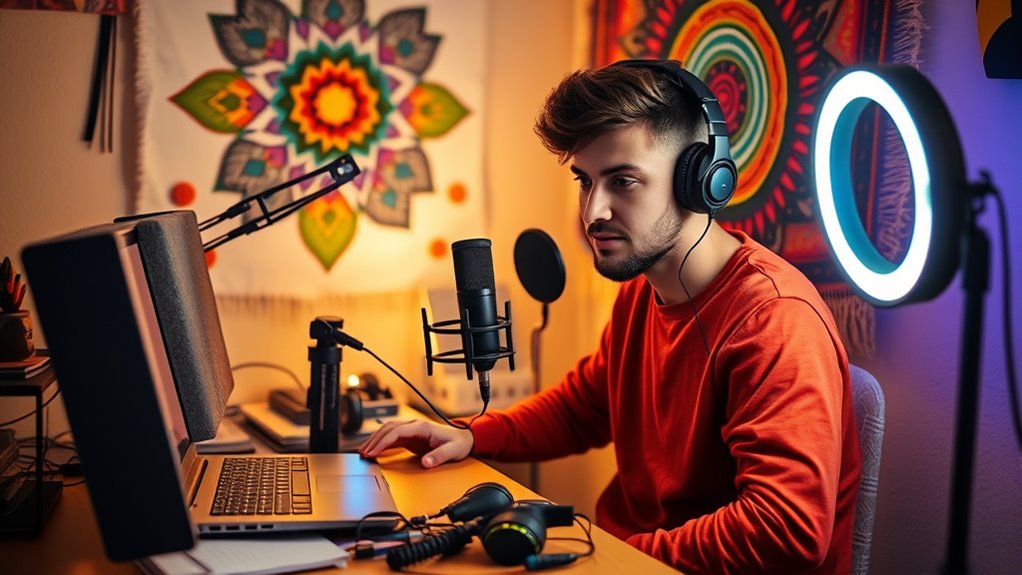
Enhancing your stream doesn’t have to cost a fortune; you can leverage free or low-cost assets to elevate your content. Plenty of resources are available online to improve your visuals, audio, and overlays without breaking the bank. For example, websites like Unsplash offer high-quality free images, while platforms like Streamlabs provide customizable overlays at no cost. You can also find free sound effects and music on sites like Free Music Archive to enhance your audio. Here’s a quick comparison of some assets:
| Asset Type | Free or Low-Cost Options |
|---|---|
| Visuals | Unsplash, Pixabay, Canva |
| Overlays | Streamlabs, Nerd or Die (free sections) |
| Sound Effects | FreeSound, Zapsplat |
| Music | Free Music Archive, Incompetech |
| Alerts & Widgets | Streamlabs, StreamElements |
Tips for Growing Your Audience on a Budget
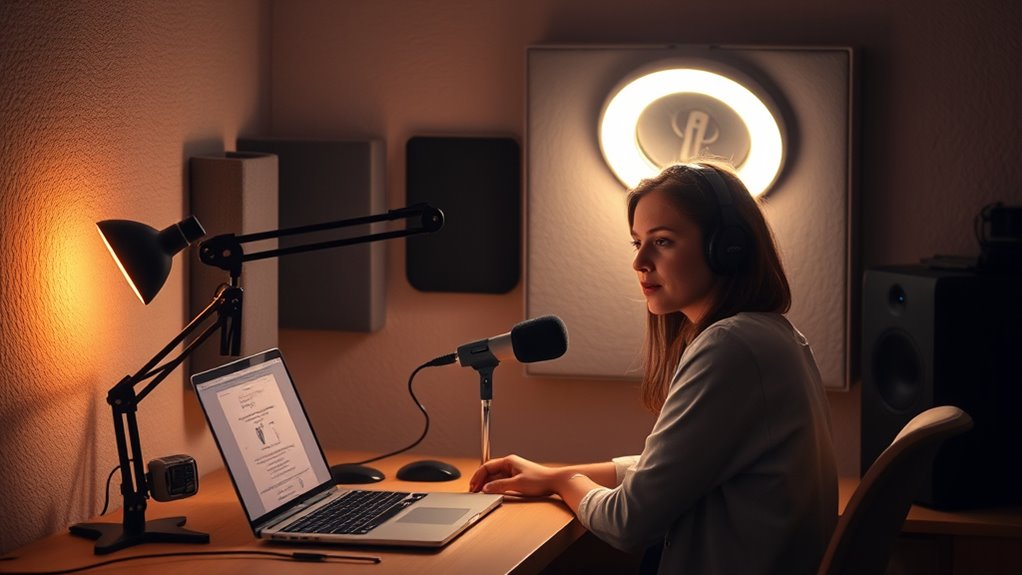
To grow your audience without breaking the bank, you should actively use social media platforms to promote your streams and reach new viewers. Maintaining a consistent content schedule keeps your audience engaged and enthusiastic for more. Don’t forget to regularly interact with your viewers, as genuine engagement builds loyalty and encourages others to join in. Additionally, leveraging digital asset management strategies can help you organize your content efficiently and maximize your outreach efforts. For example, understanding the net worth of successful streamers can provide insights into potential investments for improving your setup. Incorporating home decor elements into your streaming background can also create a more professional and inviting environment that attracts viewers. Paying attention to lighting setup can further enhance video quality and viewer experience, making your streams more appealing. Considering streaming equipment upgrades can also significantly elevate your production quality and attract more viewers.
Leverage Social Media Platforms
Leveraging social media platforms is one of the most cost-effective ways to grow your streaming audience. To maximize your reach, focus on these key strategies:
- Share your stream links regularly across all platforms, like Twitter, Instagram, and Facebook.
- Engage with your followers by replying to comments and participating in relevant groups.
- Create short clips or highlights from your streams to post as teasers.
- Use trending hashtags to increase discoverability and attract new viewers.
- Understanding slang and colloquialisms can help you better connect with your audience and make your content more relatable community engagement.
- Consistently analyzing your performance metrics can help you optimize your content strategy and grow your viewer base more effectively.
- Staying informed about digital distractions and managing them can improve your focus and content quality.
Consistent Content Schedule
Sticking to a consistent content schedule is essential for building and retaining your streaming audience without overspending. When you stream regularly, your viewers know when to tune in, which helps grow loyalty and anticipation. You don’t need fancy tools or expensive software—just set a realistic schedule you can stick to, such as streaming three times a week at the same times. Use free calendar apps or reminders to stay organized. Consistency also improves your visibility on streaming platforms, as algorithms favor channels with regular content. Remember, quality matters, but so does reliability. By sticking to a schedule, you create a routine that encourages viewers to return, boosting your growth without extra costs. Stay committed, and your audience will appreciate your reliability.
Engage With Viewers Regularly
Maintaining a consistent content schedule helps attract viewers, but actively engaging with them keeps your audience invested. To build a loyal community on a budget, try these strategies:
- Respond to chat comments promptly to show you value their input.
- Ask viewers questions during streams to encourage participation.
- Use polls or surveys to get feedback and tailor your content.
- Acknowledge regular viewers by mentioning them or giving shout-outs.
Engaging regularly makes viewers feel connected and more likely to return. It also fosters a sense of community that doesn’t require expensive tools. Keep your interactions genuine and consistent, and your audience will grow organically without breaking the bank. This active engagement is key to turning casual viewers into dedicated fans.
Frequently Asked Questions
How Can I Improve Audio Quality on a Tight Budget?
You can enhance your audio quality on a tight budget by investing in a decent USB microphone, which offers better sound clarity than built-in options. Use soft materials like foam or blankets around your microphone to reduce echo and background noise. Adjust your microphone settings for ideal levels, and guarantee your recording environment is quiet. Regularly clean your equipment to maintain clear sound, and consider free audio editing software to improve quality further.
What Are Some Free Tools for Stream Analytics?
Imagine you’re a digital Sherlock, hunting for clues. For free stream analytics, try Streamlabs Analytics, which offers real-time stats and viewer insights. You can also use OBS Studio’s built-in tools for basic data tracking. Additionally, Google Analytics can monitor your streaming site traffic. These tools are free, effective, and easy to set up, helping you optimize your stream without spending a dime.
How Do I Manage Streaming Latency Without Expensive Equipment?
You can manage streaming latency by optimizing your internet connection, using a wired Ethernet instead of Wi-Fi for stability. Adjust your streaming software settings to lower your bitrate and resolution, which reduces delays. Close unnecessary background apps to free up bandwidth, and choose a server close to your location for faster data transmission. Regularly monitor your stream’s performance and tweak settings as needed to keep latency minimal without extra costs.
Are There Affordable Options for Stream Moderation and Chat Management?
Yes, there are affordable options for stream moderation and chat management. You can use free tools like Nightbot, Stream Elements, or Moobot to keep your chat organized and safe. These bots offer features like spam filtering, keyword blocking, and viewer engagement. Plus, they’re easy to set up and customize. With these, you can effectively manage your chat without spending a dime, keeping your stream professional and engaging.
How Can I Customize Overlays Without Professional Design Skills?
You can easily customize overlays without professional design skills by using free or affordable online tools like Canva or Streamlabs’ overlay editor. These platforms offer user-friendly templates and drag-and-drop features, making it simple to personalize your stream’s look. Just choose a template, tweak the colors, fonts, and images to match your style, and you’re all set. No fancy design experience required to create a professional appearance.
Conclusion
So, who knew you could start streaming like a pro without draining your wallet? With a little creativity and savvy choices, you’re all set to impress viewers without breaking the bank. Ironically, sometimes the simplest, cheapest setup can make you stand out more than expensive gear. So go ahead, embrace your budget-friendly setup—your audience might just love the authenticity, and your wallet will thank you later. Happy streaming, budget boss!
Fall Picks
fall essentials
As an affiliate, we earn on qualifying purchases.