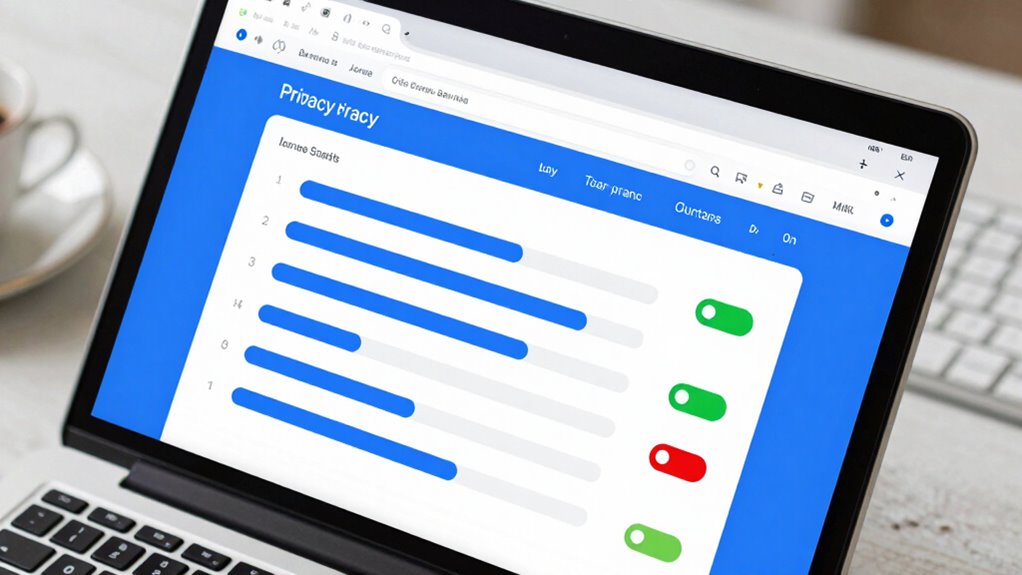

To protect your privacy, you should understand your browser’s cookie management options, like blocking third-party cookies and clearing data regularly. Enable tracking prevention features to limit intrusive scripts and targeted ads. Use privacy dashboards to customize settings, toggle Do Not Track requests, and explore private browsing modes for extra security. Regularly update these controls to stay ahead of evolving tracking methods. Keep exploring these options, and you’ll gain better control over your digital footprint before it’s too late.
Key Takeaways
- Understand and configure cookie management to control data stored and shared across websites.
- Enable and regularly update tracking prevention features to limit third-party trackers.
- Review and customize privacy dashboard settings for tailored protection against monitoring.
- Use “Do Not Track” requests and private browsing modes to enhance privacy, even if not fully reliable.
- Stay informed about evolving privacy tools and review settings periodically to maintain optimal security.
Have you ever wondered how much of your online activity is visible to others? When you browse the internet, data about your habits, preferences, and behaviors are constantly collected through various means. One of the key tools websites use is cookies—small text files stored on your device. Managing these cookies effectively, or cookie management, is essential for maintaining your privacy. Many browsers allow you to control which cookies are accepted, blocked, or deleted, giving you the power to limit tracking. By adjusting cookie settings, you can prevent third-party trackers from following you across multiple sites, reducing the amount of data collected about you. But just managing cookies isn’t enough; you also need to activate tracking prevention features your browser offers. Tracking prevention blocks or limits scripts and trackers embedded in web pages that seek to monitor your online activity without your consent. When enabled, these features can markedly decrease targeted ads and prevent companies from building detailed profiles about you. Understanding browser privacy controls is crucial for making informed choices about your online security.
Controlling cookies and enabling tracking prevention enhances your online privacy and limits targeted tracking.
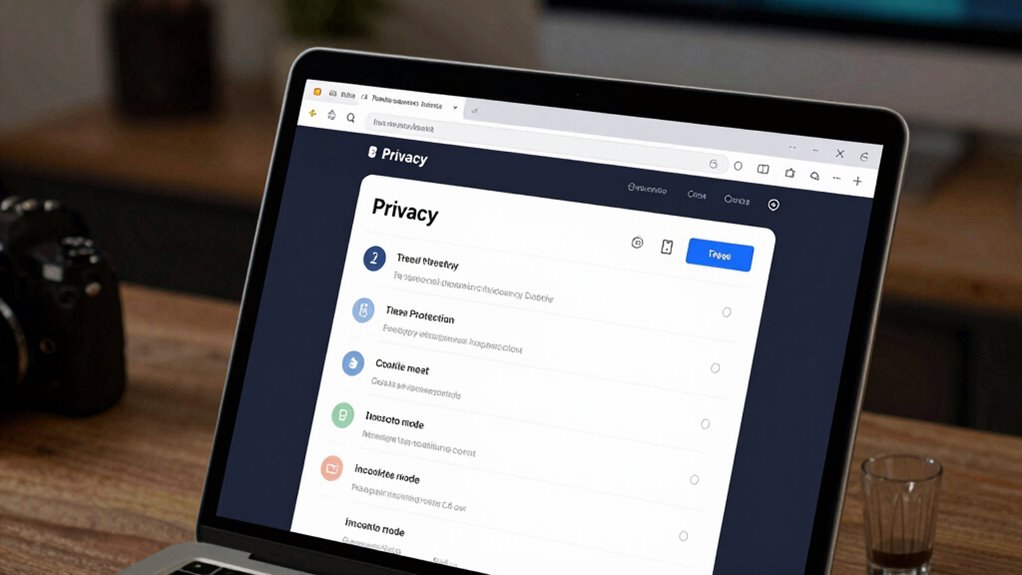
Understanding your browser’s privacy settings is indispensable before you find yourself overwhelmed by targeted advertisements or, worse, compromised personal information. Many browsers have intuitive privacy dashboards where you can customize your preferences—turning tracking prevention on or off, managing cookie permissions, and clearing stored data regularly. These settings aren’t just about blocking trackers; they also help shield you from malicious scripts that could compromise your device. Additionally, browser privacy controls allow you to fine-tune your browsing experience further, giving you more control over what data is shared. Regularly reviewing and updating these settings is especially important as new tracking techniques continue to evolve. It’s a good habit to review and update these settings periodically, especially after browser updates or new privacy tools are released. Being proactive in managing your privacy settings can significantly reduce the risk of data breaches and unauthorized access. Moreover, understanding how tracking methods work enables you to better identify potential vulnerabilities and take appropriate precautions. Staying informed about privacy risks helps you make smarter decisions to protect your personal information online.
Besides cookies and tracking prevention, other privacy settings are worth exploring. For example, enabling “Do Not Track” requests signals websites that you prefer not to be tracked, though not all sites honor this request. Private browsing modes can also help, but they don’t fully protect you from tracking—they mainly prevent your browser from storing history and cookies locally. It’s important to realize that privacy settings vary across browsers, so familiarize yourself with the specific options available in your preferred browser. Regularly reviewing these settings ensures you stay protected as new threats and tracking methods emerge.
Ultimately, understanding how to manage cookies and activate tracking prevention empowers you to take control of your online privacy. The more you customize these settings, the less data you inadvertently share. Taking these steps now, before your information becomes a commodity for sale or worse, vulnerable to theft, is a smart move. Protecting your digital footprint isn’t just about hiding; it’s about maintaining your autonomy in an increasingly data-driven world.

EVEO Screen Cleaner Spray - Large Screen Cleaner Bottle - TV Screen Cleaner, Computer Screen Cleaner, for Laptop, Phone, Ipad - Computer Cleaning kit Electronic Cleaner (1 Pack)
Screen Cleaner is Your Screen’s New Bestfriend! - EVEO is proud to present a screen cleaner that’s perfectly...
As an affiliate, we earn on qualifying purchases.
Frequently Asked Questions
How Often Should I Review My Browser Privacy Settings?
You should review your browser privacy settings at least once every three months, especially if your browsing habits change or you install new extensions. Regular checks help guarantee your data encryption remains effective and your privacy preferences stay updated. Staying proactive allows you to spot vulnerabilities, manage cookies, and enhance security, so you’re better protected from online threats and maintain control over your personal information.
Do Privacy Settings Affect Browsing Speed or Performance?
Privacy settings can influence your browsing speed and performance. When you enable stricter settings, it may reduce tracking methods used by advertisers, which can slow down page loads initially but improve overall experience. Encryption techniques protect your data, preventing malicious tracking, but can slightly add to processing time. Overall, adjusting privacy settings balances security and speed, and understanding these impacts helps you optimize your browsing without sacrificing performance.
Can Privacy Settings Prevent All Online Tracking?
Privacy settings can block some ad tracking and enhance data encryption, but they can’t prevent all online tracking. You might still be vulnerable through fingerprinting, cookies, and server logs. While adjusting privacy options helps, sophisticated trackers can bypass them. Think of privacy settings as filters—they reduce exposure but don’t eliminate it entirely. To truly protect yourself, combine settings with habits like clearing cookies, using VPNs, and avoiding suspicious links.
Are There Differences in Privacy Features Across Browsers?
Yes, there are differences in privacy features across browsers. You’ll find varied browser compatibility, meaning some browsers offer built-in privacy controls, while others rely on privacy extensions. For example, Firefox and Brave prioritize privacy, providing stronger default protections. Meanwhile, Chrome may need additional privacy extensions for similar features. By understanding these differences, you can choose a browser that best aligns with your privacy needs and enhances your online security.
How Can I Test if My Privacy Settings Are Effective?
To test if your privacy settings work, you should check your cookie management by visiting websites that track cookies and seeing if they’re blocked or stored. Enable your ad blocker and visit ad-heavy sites to observe if ads are suppressed. Use online privacy testing tools to analyze your browser’s tracking protections. Regularly review your settings, clear cookies, and make certain your ad blocker is active for maximum privacy.

Screen Cleaner Spray (16oz - 473ml) – Best Large Cleaning Kit for LCD LED OLED TV, Smartphone, iPad, Laptop, Touchscreen, Computer Monitor, Electronic Devices, Microfiber Cloth Wipes and 2 Nozzles
SCREEN CLEANER SPRAY and cloth are designed for the high-end devices and works flawlessly for all electronic screens,...
As an affiliate, we earn on qualifying purchases.
Conclusion
Don’t wait until your privacy is compromised to take action. Adjusting your browser settings is quick, easy, and empowers you to protect your personal information. Some might think it’s too complicated or unnecessary, but the truth is, your online privacy is worth it. Taking these simple steps now can save you from potential headaches later. Stay proactive—your data deserves the same protection as your home. Act today before it’s too late.

Koala Eyeglass Lens Cleaner Spray Kit | (2x) Glasses Cleaner Bottle + (2x) Microfiber Cloth | Alcohol Free Eyeglasses, Screen, and Camera Cleaning Kit | Made in USA (4 Piece Set)
CRYSTAL CLEAR VISION – EVERY TIME: Our obsessively engineered, best-in-class formula is the only streak-free glasses cleaner that...
As an affiliate, we earn on qualifying purchases.
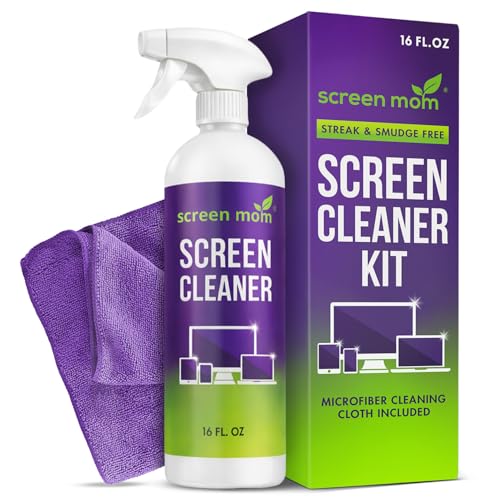
Screen Mom Screen Cleaner Spray and Microfiber Cloth 16oz Screen Cleaner Spray and Wipe for TV, Laptop, Computer, Phone, iPad, Car Screen Cleaning Kit Electronic Cleaner Spray
STREAK FREE FORMULA FOR CRYSTAL CLEAR SCREENS: Screen Mom tv cleaner spray and cloth advanced streak-free screen cleaner...
As an affiliate, we earn on qualifying purchases.