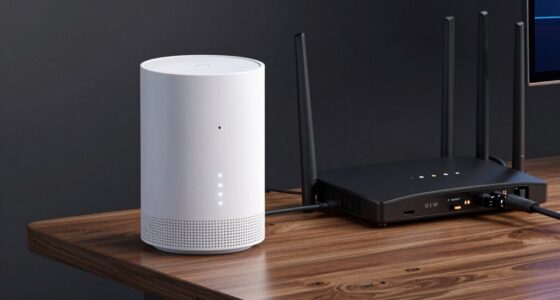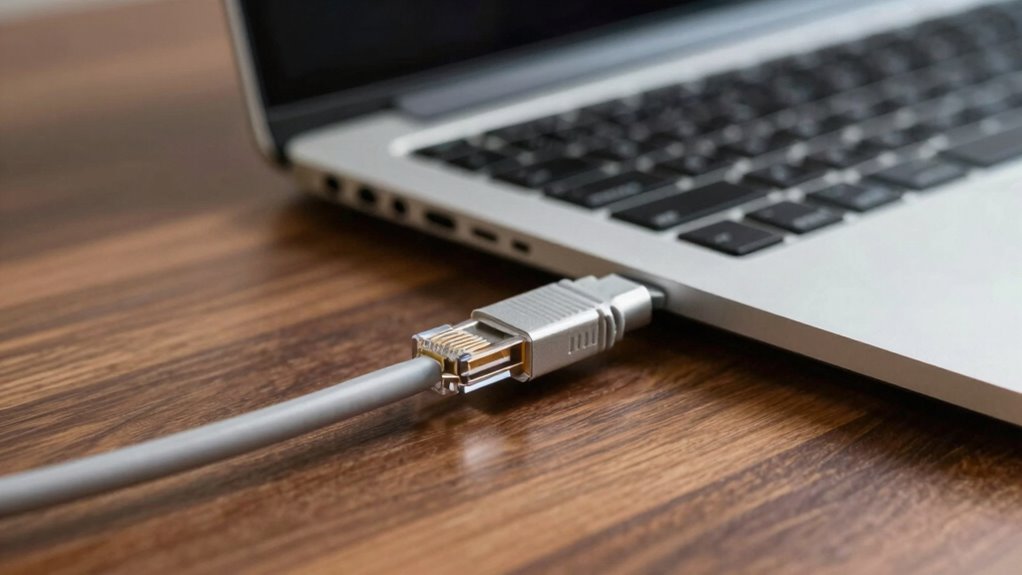

If you need the fastest, most reliable internet, Ethernet still wins big over Wi-Fi. Wired connections reduce interference, ensuring steady speeds ideal for gaming, streaming, or working from home. They also offer better security since physical cables are harder to intercept. While Wi-Fi offers convenience and device flexibility, it’s prone to drops, lag, and interference in crowded places. To discover more about when wired setups make the biggest difference, keep exploring how these options stack up.

Get the latest gadgets delivered free with Prime
- Fast, free delivery on millions of items
- Prime Video, Amazon Music and more included
- Member-only deals all year
Key Takeaways
- Ethernet offers higher and more consistent speeds, making it preferable for gaming, streaming, and professional tasks.
- Wired connections provide greater security by preventing data interception compared to Wi-Fi.
- Ethernet reduces interference, ensuring stable network performance in environments with many wireless devices.
- Devices with Ethernet ports or requiring high reliability benefit most from a wired setup.
- Wired connections outperform Wi-Fi in latency-sensitive applications like online gaming and real-time video editing.
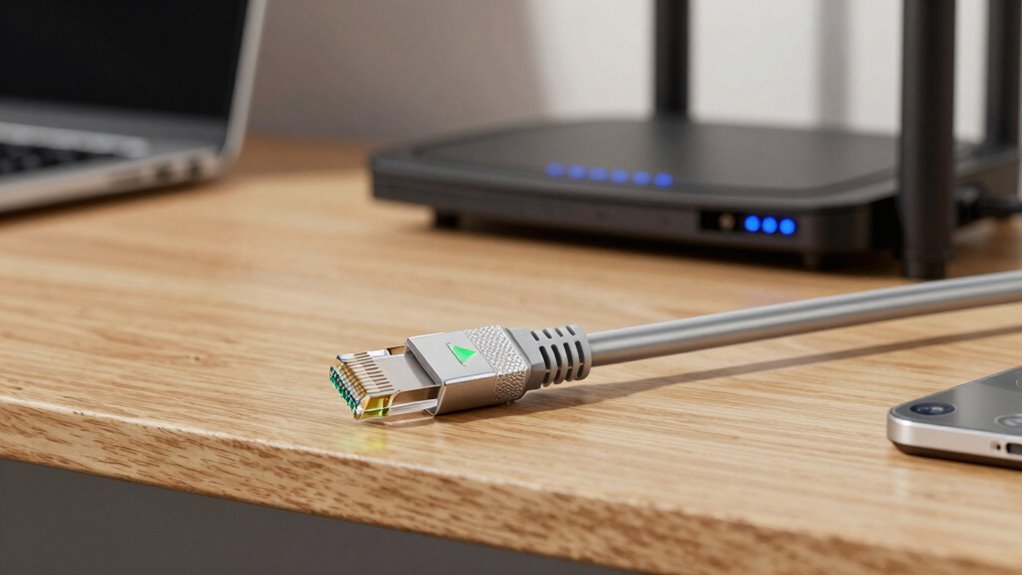
Have you ever wondered which connection type is better for your internet needs—Ethernet or Wi-Fi? The answer depends on what you prioritize: speed, security, or convenience. Ethernet connections, which use physical cables, often provide more dependable and faster internet, especially if you’re streaming, gaming, or working from home. Wi-Fi, on the other hand, offers the convenience of wireless access, allowing you to connect multiple devices without cluttering your space with cables. But beyond convenience, there are important differences in network security and device compatibility that can influence your choice. When it comes to network security, Ethernet generally has the upper hand. A wired connection is inherently more secure because it’s harder for outsiders to intercept the data transmitted through a physical cable. Wi-Fi signals, however, broadcast through the air, making them more vulnerable to hacking if not properly secured. You need to guarantee your Wi-Fi network is protected with strong encryption and passwords to prevent unauthorized access. If security is a primary concern—say, you handle sensitive information or run a business—Ethernet’s more secure nature might make it the better choice. Additionally, physical connections can reduce interference that can impact wireless signals, further enhancing network stability. This is especially relevant considering the recent AI discoveries that have expanded our understanding of physics and how signals can be affected by various factors. Network interference can also be minimized with proper setup, which is crucial for maintaining a reliable connection. Moreover, understanding the underlying network infrastructure can help optimize your internet experience. Device compatibility is another key factor. Ethernet requires physical ports on your devices and a network switch or router with available Ethernet ports. Most desktops and gaming consoles are equipped with Ethernet ports, but many laptops and mobile devices aren’t. If your device lacks an Ethernet port, you’ll need an adapter, which can add inconvenience or cost. Wi-Fi, on the other hand, is built into virtually all modern smartphones, tablets, laptops, and even newer desktops. This universal compatibility makes Wi-Fi more flexible for everyday use, especially if you frequently switch between devices or have a lot of portable gadgets. Speed and stability also tip the scales toward Ethernet. Wired connections typically deliver higher and more consistent speeds because they aren’t affected by interference from other wireless devices or physical obstructions. If you need a stable, high-speed connection for professional tasks, gaming, or 4K streaming, Ethernet often outperforms Wi-Fi. While Wi-Fi technology has improved considerably, with the latest standards offering impressive speeds, it still can experience drops or lag in congested environments.
Products Worth Considering

LG UltraGear 32GX850A-B 32-inch 4K UHD Glossy OLED Gaming Monitor

Bose QuietComfort Ultra Earbuds (2nd Gen) – Wireless Noise‑Cancelling Earbuds with Mic, Immersive Audio, USB‑C Charging, Up to 6 Hours Batte

LG UltraGear 32GS60QC-B 32-inch Curved QHD Gaming Monitor (180Hz, 1ms, 1000R, AMD FreeSync, HDR10)
As an affiliate, we earn on qualifying purchases.
Frequently Asked Questions
How Do Ethernet and Wi-Fi Compare in Terms of Security?
Ethernet generally offers better security than Wi-Fi because it uses encryption protocols like WPA3 or WPA2, making it harder for unauthorized users to access your network. Wi-Fi signals can be vulnerable to signal interference and eavesdropping, especially if you don’t use strong encryption. When security is a top priority, wired Ethernet connections provide a more secure and stable option, reducing risks associated with wireless vulnerabilities.
Can Wi-Fi Replace Ethernet for All Home Devices?
No, Wi-Fi can’t replace Ethernet for all home devices. While Wi-Fi offers device mobility and convenience, it often falls short on network stability, especially with multiple devices or high-bandwidth tasks. Ethernet provides a more reliable connection, essential for gaming, streaming, or work from home. For critical devices needing consistent performance, sticking with wired connections guarantees better stability, even if it means sacrificing some mobility.
What Is the Typical Cost Difference Between Ethernet and Wi-Fi Setups?
The price comparison shows that Wi-Fi setups are generally cheaper upfront, especially since you avoid extensive installation costs. Ethernet requires purchasing cables, switches, and sometimes professional installation, which can increase expenses. For smaller or temporary setups, Wi-Fi is more cost-effective. However, if you need reliable, high-speed connections for multiple devices, investing in Ethernet might save you money in the long run, despite the higher initial costs.
How Do Ethernet and Wi-Fi Affect Gaming Performance?
Remember when dial-up was king? Today, your gaming performance hinges on Ethernet’s lower latency and stable connection. Wi-Fi can suffer from signal interference and higher latency issues, causing lag and disruptions during gameplay. Ethernet offers a direct, reliable link that minimizes delays, giving you smoother, more responsive gaming sessions. So, if you want a competitive edge, wired connections still beat Wi-Fi hands down.
Are There Environmental Considerations When Choosing Between Ethernet and Wi-Fi?
You should consider environmental impact and energy consumption when choosing between Ethernet and Wi-Fi. Ethernet typically uses less energy because it relies on a wired connection, which is more efficient and produces less electronic waste over time. Wi-Fi, on the other hand, consumes more power due to wireless signal transmission and the need for routers and repeaters. If sustainability is a priority, Ethernet might be the greener choice for your setup.
Conclusion
So, when it comes to reliable, super-fast internet, isn’t it clear that Ethernet still holds the crown? Wi-Fi offers convenience, but if you’re streaming, gaming, or working from home, wouldn’t you prefer a stable connection that doesn’t drop out? Think about your needs: do you want smooth, uninterrupted performance, or are you okay with occasional hiccups? Sometimes, wired truly is the way to go for peace of mind and top-tier speed.