
When upgrading your home Wi-Fi, focus on devices that support smart integration and strong security features like WPA3 encryption. Choose routers with ample bandwidth management and scalability to handle more gadgets and higher data loads in the future. Make certain the equipment is compatible with upcoming technologies and offers automatic security updates. Planning for growth now can save you time and money later, and there’s more to take into account for a truly future-proof setup.
Key Takeaways
- Choose a router supporting the latest Wi-Fi standards (e.g., Wi-Fi 6) for speed and future compatibility.
- Ensure the device offers robust security features like WPA3 and automatic firmware updates.
- Prioritize models with excellent bandwidth management to support multiple smart devices simultaneously.
- Confirm compatibility with emerging smart home technologies and gadgets.
- Opt for scalable, modular systems that can expand and adapt as your network needs grow.
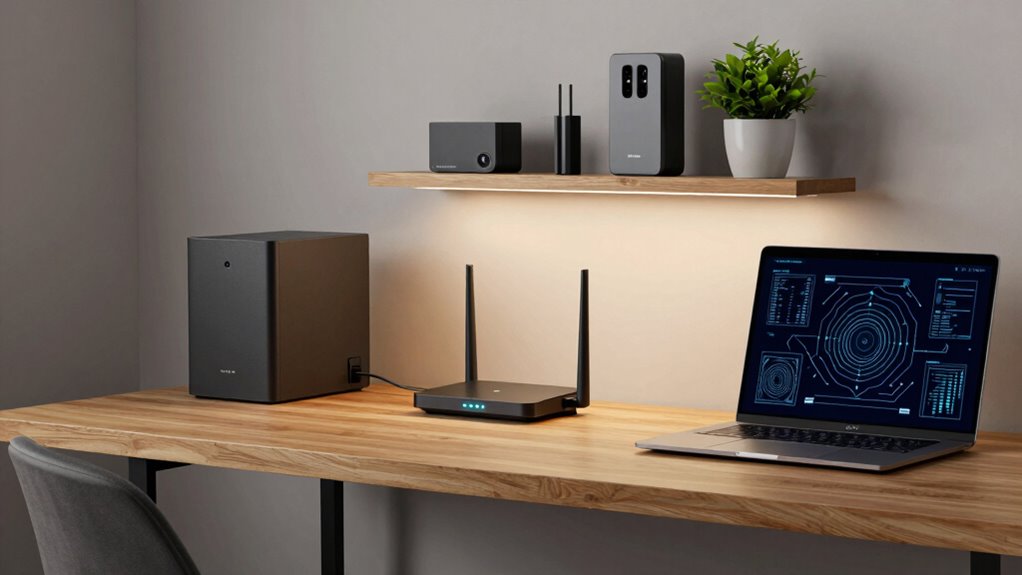
Are you prepared for the rapidly evolving demands on your Wi-Fi network? As more devices connect to your home, your current setup may struggle to keep up. Upgrading your Wi-Fi isn’t just about faster speeds; it’s about future-proofing your entire network to handle new technologies and increasing data loads. One of the key considerations is smart device integration. With the rise of smart home gadgets—thermostats, security cameras, voice assistants—you need a network that can seamlessly support all these devices without lag or disconnection. When upgrading, look for a router that’s designed for smart device integration, offering robust bandwidth management and compatibility with the latest smart technologies. This way, you won’t have to worry about your devices competing for bandwidth or dropping connections as your smart ecosystem grows.
Network security is another essential factor you can’t ignore. As your network expands, so do the potential vulnerabilities. A future-proof Wi-Fi setup should include advanced security features that protect your data and privacy. Look for routers with strong encryption protocols like WPA3, which is more resistant to hacking attempts. Incorporate features such as automatic firmware updates, secure guest networks, and built-in firewalls to shield your home from cyber threats. These security measures are vital because, with more devices connected, each one becomes a potential entry point for malicious attacks. Making sure your network is fortified now means you won’t have to scramble for solutions later when new threats emerge or when you add more devices. Additionally, selecting equipment with advanced security features can further enhance your protection. Keeping your network infrastructure scalable and resilient ensures it can adapt to future technological developments without requiring complete replacements. Being aware of and planning for network scalability now can save you time and expenses down the line.
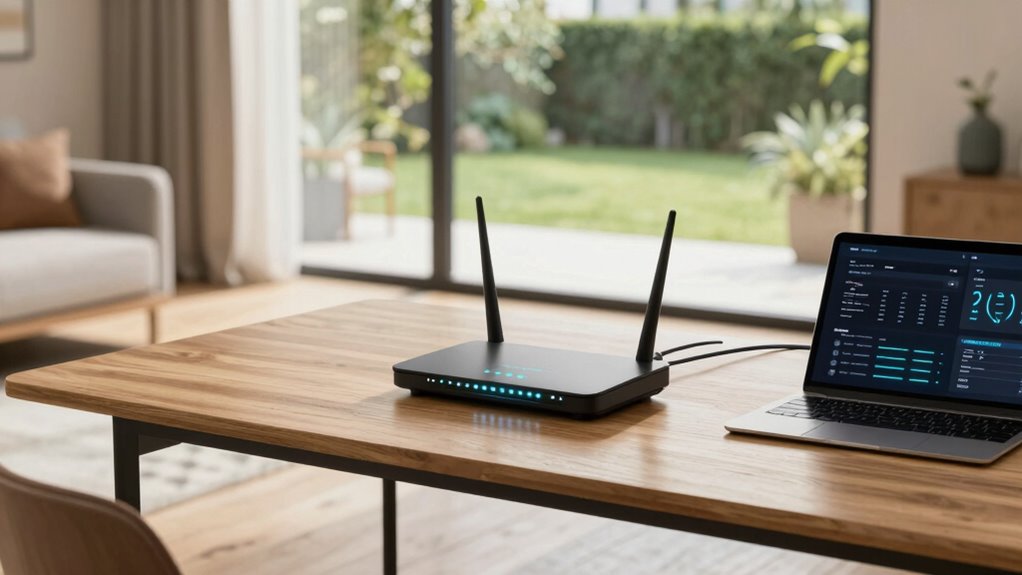
Wi-Fi 6 router with WPA3 security
As an affiliate, we earn on qualifying purchases.
As an affiliate, we earn on qualifying purchases.
Frequently Asked Questions
How Often Should I Upgrade My Wi-Fi Equipment?
You should upgrade your Wi-Fi equipment every 3 to 5 years, like changing the tires on your car before they wear out. Tech advances quickly, and new devices demand better device compatibility. Plus, signal interference from other gadgets or walls can slow down your network, so upgrading guarantees your Wi-Fi stays fast and reliable. Regular updates keep your connection smooth and future-proof, preventing frustration before it starts.
What Are the Signs My Wi-Fi Needs an Upgrade?
If your Wi-Fi slows down during peak times, struggles with device compatibility, or you notice frequent signal interference, it’s time for an upgrade. You might also experience dead zones or dropped connections, indicating your current setup can’t keep up. Upgrading guarantees your network handles multiple devices smoothly and reduces interference, providing faster, more reliable internet. Stay ahead by recognizing these signs and investing in a modern, future-proof router.
Can I Upgrade My Wi-Fi Without Professional Help?
Yes, you can upgrade your Wi-Fi without professional help. Start with DIY installation by reviewing your new equipment’s instructions carefully. Confirm compatibility with your existing devices and router to avoid issues. You may need to update firmware or settings, but most upgrades are straightforward. Just take your time, follow the steps methodically, and you’ll improve your network’s performance without needing professional assistance.
How Does Mesh Wi-Fi Differ From Traditional Routers?
Did you know that 55% of households experience Wi-Fi dead zones? Mesh Wi-Fi differs from traditional routers by using multiple nodes to create a seamless, expansive network, eliminating dead zones. Mesh advantages include better coverage and easier scalability, unlike traditional limitations where a single router struggles with large homes or many devices. You get a more reliable connection, and setup is simpler, making it perfect for modern, connected homes.
Will Upgrading Improve My Internet Speed if My Plan Stays the Same?
Upgrading your Wi-Fi hardware can improve your internet speed, but only if the new equipment is compatible with your current plan and devices. If your plan stays the same, a new router or mesh system might boost your network’s performance, reduce dead zones, and handle multiple devices better. However, it won’t increase your actual internet plan speed. Ensuring hardware compatibility is key to getting the most out of your upgrade.
As an affiliate, we earn on qualifying purchases.
Conclusion
Upgrading your home Wi-Fi now isn’t just about faster speeds; it’s about staying ahead in a world where connected devices multiply daily. Think of it like planting a sturdy tree today—its branches will provide shelter and fruit for years to come. As you choose the right gear, you’re setting the foundation for seamless streaming, gaming, and working from home. With a little foresight, your network will grow stronger and more reliable, no matter what the future holds.
smart home compatible Wi-Fi router
As an affiliate, we earn on qualifying purchases.
As an affiliate, we earn on qualifying purchases.
automatic firmware update router
As an affiliate, we earn on qualifying purchases.
As an affiliate, we earn on qualifying purchases.