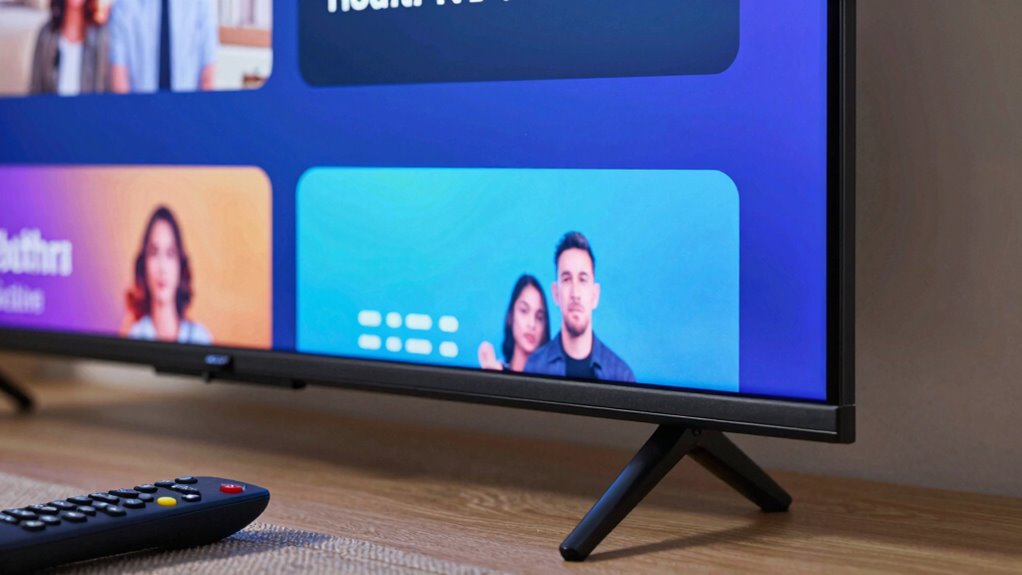
Even if your internet seems fine, your smart TV might still buffer due to outdated firmware, which can slow performance or cause glitches. Remote control issues and interference can also make your TV appear unresponsive or cause buffering, especially if signals are weak. Network congestion, multiple devices, or a weak Wi-Fi signal can worsen the problem. Keep in mind, fine-tuning these factors can make a big difference—there’s more to discover that can improve your streaming experience.
Key Takeaways
- Outdated firmware may cause buffering issues despite strong internet, so keep your TV’s software updated.
- Network congestion during peak hours can slow streaming, even with high internet speeds.
- Wi-Fi interference from other devices or poor placement can weaken signal quality, leading to buffering.
- Limited bandwidth from multiple devices or heavy network usage can affect streaming performance.
- Remote or device glitches can mimic buffering; resetting or troubleshooting the remote may resolve the issue.
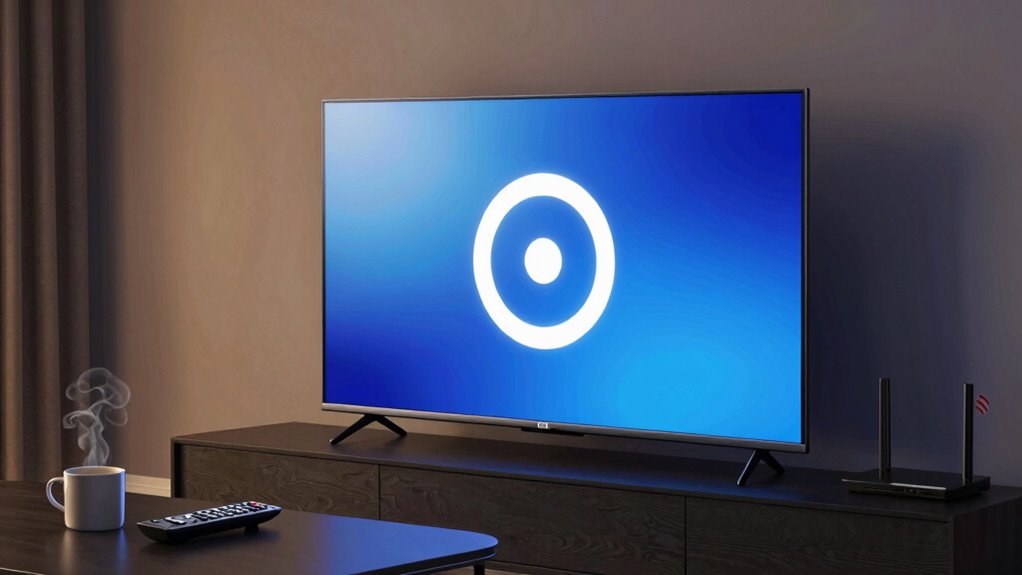
If you’ve been frustrated by your smart TV constantly buffering during streaming, you’re not alone. Many users experience this frustrating issue even when their internet appears to be working fine. The problem often isn’t with your internet connection itself but with other factors that interfere with smooth streaming. First, consider whether your remote control troubleshooting skills might help. Sometimes, the issue stems from a slow or unresponsive remote, which can cause delays in controlling your TV or switching between apps, making it seem like the video is buffering when, in fact, it’s a glitch in the device’s interface. Clearing the cache, restarting the device, or resetting the remote can sometimes resolve these minor issues that cause streaming disruptions.
Remote control issues can cause streaming delays; try clearing cache, restarting, or resetting the remote.
Another common cause of buffering is outdated firmware. Keeping your smart TV’s firmware up to date is essential because manufacturers regularly release firmware update tips to enhance performance, fix bugs, and improve compatibility with streaming services. Check your TV’s settings menu for firmware updates—these are often found under “Support” or “System.” Installing the latest firmware can address known bugs that cause buffering or slow streaming speeds, ensuring your device is optimized for the best possible performance. Regularly updating your firmware can also help prevent future buffering issues by maintaining compatibility with streaming platforms and network standards.
Your internet speed might seem fine to you, but there are other factors that could be slowing down your streaming. Network congestion, especially during peak hours, can cause buffering even if your internet provider advertises high speeds. To troubleshoot, try connecting your TV directly to your router with an Ethernet cable instead of Wi-Fi. Wired connections are generally more stable and can eliminate interference that causes buffering. If you prefer Wi-Fi, ensure your router is placed in a central location, away from thick walls and electronic devices that can interfere with the signal. Additionally, network interference from other electronic devices or neighboring networks can impact your streaming quality, even with a strong internet plan. Understanding how Network congestion affects your streaming can help you better manage your bandwidth usage and improve overall performance. Monitoring your network for bandwidth usage can help you identify and address potential bottlenecks affecting your streaming experience.
It’s also worth checking if other devices on your network are hogging bandwidth—like downloads, online gaming, or multiple streams running simultaneously. Limiting these activities while streaming can make a noticeable difference. Additionally, resetting your router or modem can sometimes refresh your connection and resolve temporary network issues. If you’ve tried everything and buffering persists, consider contacting your internet provider to verify there are no underlying issues with your connection. Properly managing your network traffic is crucial for maintaining smooth streaming performance.
Frequently Asked Questions
Can a Software Update Fix Buffering Problems on My Smart TV?
Yes, a software update can fix buffering issues on your smart TV. Updates often address firmware glitches and improve app compatibility, reducing buffering problems. When you install the latest firmware, it patches bugs and enhances overall performance. Guarantee your TV is connected to the internet, then check for updates regularly. Keeping your software current helps prevent buffering and ensures your smart TV runs smoothly during streaming.
Does the Type of Streaming Service Affect Buffering Issues?
Yes, the type of streaming service can affect buffering issues. High-quality content and streaming resolution demand more bandwidth, which can cause buffering if your internet can’t keep up. Services offering 4K or HD streams require faster connections, increasing the chance of buffering even when your internet seems fine. Lowering the streaming resolution or choosing a service with optimized content quality can help reduce buffering problems.
How Does Wi-Fi Signal Strength Impact Buffer Times?
Weak Wi-Fi signal strength can cause buffering because Wi-Fi interference and unstable signals disrupt data flow. When your Wi-Fi isn’t strong or stable, your smart TV struggles to receive consistent data, leading to longer buffer times. To improve this, reduce interference from other devices, move your router closer, or upgrade your Wi-Fi equipment. Ensuring a strong, stable Wi-Fi signal minimizes buffering and helps you enjoy smoother streaming.
Can Multiple Devices on the Network Cause My Smart TV to Buffer?
Multiple devices on your network can definitely cause your smart TV to buffer. Device congestion splits your bandwidth, slowing streaming, especially if others are streaming or downloading simultaneously. Network prioritization, however, can help. If your router supports Quality of Service (QoS), you can prioritize your smart TV’s traffic, reducing buffering. Managing device activity and adjusting network settings guarantees your streaming stays smooth, even with many devices connected.
Is It Better to Connect My Smart TV via Ethernet or Wi-Fi?
Connecting your smart TV via Ethernet is better for stable streaming, especially for activities like voice control and screen mirroring. Ethernet offers a faster, more reliable connection with less latency, reducing buffering issues. Wi-Fi can be convenient but may suffer from interference or weak signals. For peak performance, especially if you use voice commands or mirror your device’s screen often, Ethernet is the smarter choice to guarantee smooth, buffer-free viewing.
Conclusion
Even if your internet seems fine, buffering can still happen due to factors like outdated firmware or network congestion. For example, a friend once blamed her Wi-Fi, but updating her smart TV’s software resolved her streaming issues. Remember, sometimes the problem isn’t your connection but the device itself. Regularly check for updates and optimize your network. Staying proactive guarantees smoother streaming, so you won’t miss your favorite shows because of preventable buffering.