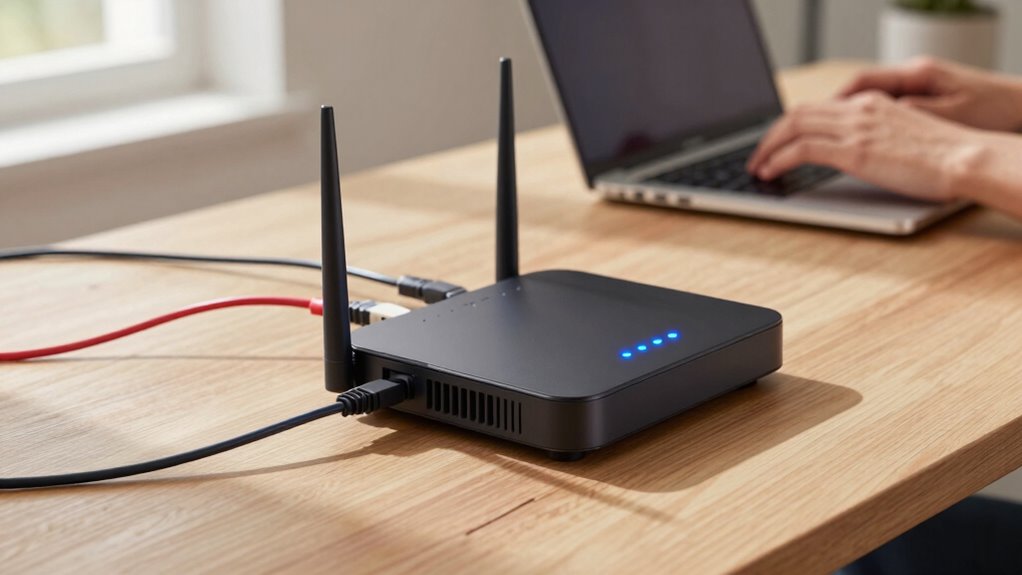

To make your router feel fast, guarantee it’s placed in a central, open spot away from interference sources like microwaves and thick walls. Use dual-band or tri-band models that reduce congestion and support your devices’ standards, like Wi-Fi 6. Regularly update firmware, reboot when needed, and prioritize important activities with QoS settings. Managing connected devices and choosing the right channels also boost speed and stability. Keep exploring to uncover even more tips for ideal performance.
Key Takeaways
- Using a dual-band or tri-band router reduces wireless interference and boosts overall speed.
- Placing the router centrally and openly minimizes physical obstructions and signal interference.
- Keeping firmware updated and rebooting regularly maintains optimal performance and stability.
- Managing connected devices and limiting network congestion ensures faster, more responsive connections.
- Enabling Quality of Service (QoS) prioritizes critical activities for smoother daily use.
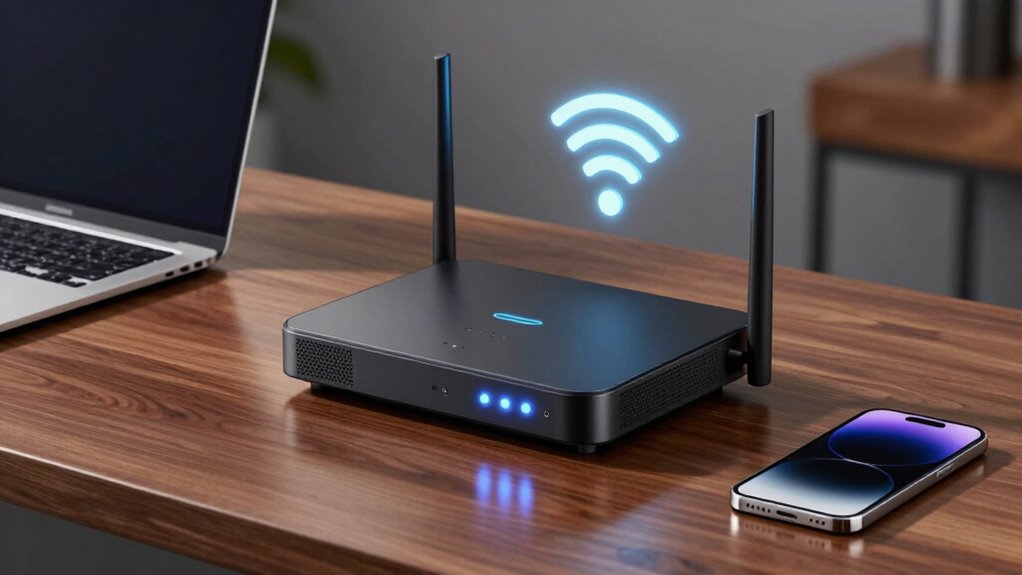
A fast and reliable internet connection is essential, especially when multiple devices are connected or you’re streaming high-definition content. When your router feels swift in daily life, it often comes down to how well it manages your devices and the environment around it. Wireless interference plays a crucial role here. If your router operates on crowded Wi-Fi channels, signals can clash, causing slowdowns and lag. To keep your connection feeling fast, you should consider using a dual-band or tri-band router that can switch between different frequencies, reducing interference from other Wi-Fi networks or household electronics. Additionally, placing your router in a central, open location away from thick walls, microwaves, and cordless phones helps minimize interference, guaranteeing your devices receive a strong, stable signal.
Device compatibility is another critical factor. A router that supports the latest Wi-Fi standards, like Wi-Fi 6 or Wi-Fi 5, can communicate more efficiently with compatible devices, leading to faster speeds and lower latency. If some of your devices are outdated, they might struggle to reach their full potential on newer routers, so checking compatibility is key. When selecting a router, verify that it supports the devices you rely on daily, including smartphones, laptops, tablets, and smart home gadgets. A mismatch in standards can cause slow connections or frequent disconnects, making your network feel sluggish. Ensuring that your network hardware is up-to-date helps maximize overall performance. Regular firmware updates can also improve network stability and speed, preventing potential issues before they arise.
Beyond hardware considerations, the firmware of your router also influences speed. Keeping your router’s firmware up to date ensures you benefit from performance improvements, security patches, and bug fixes that can boost your overall speed and stability. Regularly rebooting your router can also clear temporary congestion that might slow down your network. If your router offers Quality of Service (QoS) settings, configuring them allows you to prioritize bandwidth for your most critical activities, like video calls or gaming, making your experience feel quicker and more responsive. Proper wireless setup and avoiding overcrowded channels are also essential for optimal performance. Furthermore, understanding network congestion can help you identify peak usage times that may affect your connection speed.
Managing the number of devices connected at once can make a noticeable difference. Too many devices sharing the same bandwidth can create congestion, slowing everything down. Disconnect devices not in use and consider upgrading to a router with higher capacity if your household has many gadgets. With attention to wireless interference, device compatibility, firmware updates, and network management, your network can operate more efficiently, providing faster and more reliable internet for streaming, gaming, and browsing.
As an affiliate, we earn on qualifying purchases.
Frequently Asked Questions
How Does Router Placement Affect Perceived Speed?
Your router’s placement directly impacts perceived speed by minimizing signal interference and physical obstructions. Place it in a central, open location away from thick walls, metal objects, and electronic devices that cause signal interference. Elevate the router and avoid placing it near large appliances. Proper placement guarantees a stronger, more consistent connection, reducing lag and buffering, so your internet feels faster and more reliable during daily activities.
Do Device Types Impact Router Performance Perceptions?
Like Pandora opening her box, your device types influence your router’s performance perception. If your device isn’t compatible or struggles with signal interference, it’ll seem slower even if your router is blazing fast. Modern smartphones, laptops, and smart home gadgets vary in how they handle signals. Ensuring device compatibility and minimizing interference helps you experience maximum speeds, making your network feel consistently swift regardless of what device you’re using.
Can Router Aesthetics Influence User Experience?
Your perception of a router’s speed can be influenced by its aesthetics, like router color and design minimalism. A sleek, modern look with a clean, minimal design can make your setup feel more efficient and organized, boosting your confidence in its performance. Bright or bold colors might catch your eye, but a simple, unobtrusive design helps the device blend seamlessly into your space, enhancing your overall user experience.
What’s the Role of Firmware Updates in Speed?
Firmware updates play a vital role in your router’s speed by improving firmware stability and fixing bugs that could slow you down. Regular update frequency guarantees your router stays optimized for the latest technology and security threats. When you keep your firmware current, it enhances data transfer efficiency, reduces lag, and maintains a smooth connection. This proactive approach helps your router perform at its best, keeping your internet experience fast and reliable.
How Does Network Congestion Affect Daily Speed?
Network congestion is like a busy highway during rush hour—your data slows down as more devices compete for bandwidth. Bandwidth throttling and signal interference worsen this traffic jam, making your internet feel sluggish. When too many devices stream, game, or browse simultaneously, your router struggles to keep up, causing delays. To improve speed, limit activity during peak times and reduce interference, helping your network flow smoothly again.
As an affiliate, we earn on qualifying purchases.
Conclusion
Imagine your internet connection as a busy highway, where data packets are cars rushing to their destinations. When your router feels fast, it’s like clearing the traffic jams, allowing smooth, swift journeys for all your devices. A quick, reliable router turns your digital world into a well-oiled machine, with no delays or detours. So, invest in the right setup, and enjoy the seamless flow of your daily online life, just like a highway free of congestion.
As an affiliate, we earn on qualifying purchases.
As an affiliate, we earn on qualifying purchases.