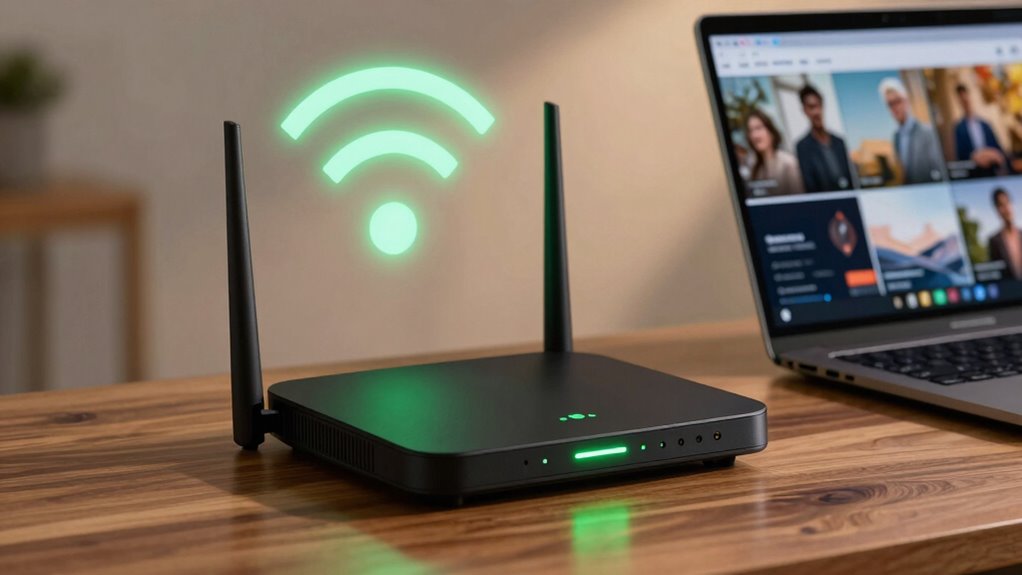

A fast, responsive router feels quick in daily use when you minimize interference, prioritize important devices with QoS, and place it centrally away from electronic clutter. Selecting less congested channels and keeping firmware updated also boost speed and stability. Proper placement and hardware choices help signals stay strong across your home. By managing these settings and positions wisely, you get a smoother online experience. If you want to learn more about optimizing your router performance, keep going.

Get the latest gadgets delivered free — and shop member deals
- Fast, free delivery on millions of items
- Access to Prime Big Deal Days deals on October 6–7
- Prime Video, Amazon Music and more included
Key Takeaways
- Proper router placement minimizes obstacles and electronic interference, ensuring strong, consistent signals.
- Selecting less congested Wi-Fi channels reduces signal congestion and improves speed.
- Using dual-band or tri-band routers prevents interference from crowded frequency bands.
- Regular firmware updates optimize performance and interference management.
- Prioritizing critical devices with QoS ensures essential activities receive sufficient bandwidth.
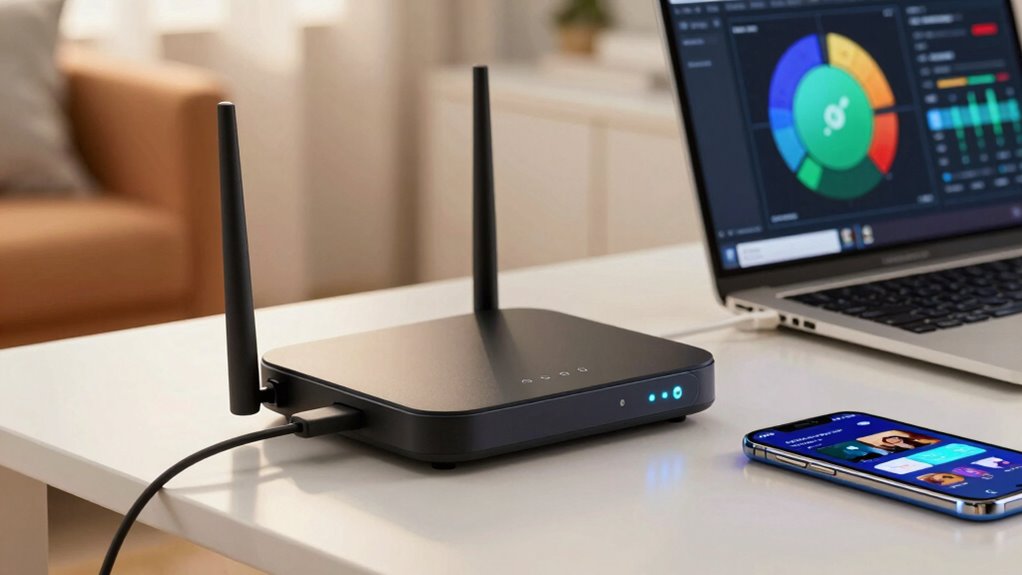
Having a fast, reliable internet connection is vital, especially as more devices rely on Wi-Fi daily. When your connection feels sluggish or laggy, it’s often due to factors like wireless interference or poor device management. A router that feels speedy in everyday use effectively minimizes these issues, providing a seamless online experience. One of the key elements is how well your router handles wireless interference. Interference can come from neighboring Wi-Fi networks, Bluetooth devices, microwave ovens, or even thick walls that block signals. If your router operates on a crowded frequency band, it can become bogged down, leading to slower speeds. Choosing a dual-band or tri-band router that can automatically switch to less congested channels helps reduce wireless interference, making your connection feel faster and more stable.
Using dual-band or tri-band routers helps reduce interference for faster, more stable Wi-Fi connections.
Device prioritization also plays an imperative role in maintaining a perception of speed. Modern routers offer Quality of Service (QoS) settings, which let you assign priority to certain devices or activities. For example, if you’re streaming a movie or participating in a video call, you can prioritize that device or service to guarantee it gets the bandwidth it needs without interruptions. This prevents other devices from hogging bandwidth and causing delays. When device prioritization is set correctly, your most critical tasks won’t suffer from lag, making your overall experience feel quicker and more responsive. Additionally, selecting a router with advanced hardware capabilities can further enhance overall speed and stability in daily use. Regularly updating your router’s firmware guarantees that it runs efficiently, patches security vulnerabilities, and can better manage wireless interference. Proper placement of your router also makes a difference—placing it in a central location, away from electronic devices that emit interference, helps maintain strong signals. Furthermore, understanding wireless interference can help you troubleshoot and optimize your network setup effectively. Being aware of signal congestion can assist you in choosing the best channels and frequencies for optimal performance.
Ultimately, a router that feels fast day-to-day combines these factors: it minimizes wireless interference through smart channel selection, manages multiple devices effectively with device prioritization, and leverages advanced hardware and software features. When these elements work together, you’ll notice less lag, smoother streaming, and more reliable connections across all your devices. The result is an internet experience that feels swift and responsive, even with several gadgets connected at once.
As an affiliate, we earn on qualifying purchases.
Frequently Asked Questions
How Does Router Placement Affect Perceived Speed?
You’ll notice faster, more reliable Wi-Fi when your router is placed ideally. Position it centrally, away from thick walls and electronic devices that cause Wi-Fi interference. Proper placement enhances signal range, reducing dead zones and buffering. Keep it elevated and unobstructed, so the signal can spread evenly. This setup minimizes interference and maximizes coverage, making your internet feel faster and more consistent during daily activities.
Do Different Devices Experience Speed Differently on the Same Router?
About 60% of users notice varying speeds across devices on the same router. Wireless interference and device compatibility play big roles here. You might find your older laptop struggles with newer Wi-Fi standards, while your smartphone zips along effortlessly. Different devices have different antennas and network chips, so interference from neighboring networks or incompatible hardware can cause some gadgets to lag, making your overall experience feel inconsistent.
Can Firmware Updates Improve Daily Internet Performance?
Yes, firmware updates can improve your daily internet performance. They often include firmware optimization, which enhances your router’s efficiency and stability. Additionally, security patches protect your network from vulnerabilities, preventing slowdowns caused by malicious attacks or unauthorized access. Regularly updating your router’s firmware guarantees you benefit from these improvements, keeping your connection smooth and reliable. So, don’t ignore those updates—they’re key to maintaining a fast, secure home network.
How Do Network Congestion and User Devices Impact Speed?
When network congestion hits, your internet slows down, and your devices feel sluggish. You can stay ahead by managing bandwidth effectively and using interference mitigation techniques. These strategies prevent devices from fighting over the same resources, ensuring smoother performance. Keep in mind, too many users or devices can overload the network, making everything feel like it’s crawling. Staying aware of these factors helps your connection stay quick as a flash.
Is a Faster Internet Plan Necessary for a Faster Router?
A faster internet plan isn’t always necessary for a faster router. Your router’s speed depends on bandwidth limitations and hardware compatibility. Even with a high-speed plan, if your router can’t handle the bandwidth or isn’t compatible with your devices, your speeds won’t improve. Upgrading your router to match your internet plan guarantees you get the most out of your connection, reducing bottlenecks and optimizing daily use.
As an affiliate, we earn on qualifying purchases.
Conclusion
In the end, a fast router feels like a well-tuned engine, smoothly powering your daily activities. By optimizing your settings, placing your router wisely, and keeping firmware up-to-date, you guarantee a seamless experience. Think of it as tending a garden—you nurture it, and it rewards you with consistent performance. When you prioritize these simple steps, your internet becomes a reliable partner, making every click, stream, and download feel effortless, like a breeze through an open window.
As an affiliate, we earn on qualifying purchases.
As an affiliate, we earn on qualifying purchases.
Fall Picks
fall essentials
As an affiliate, we earn on qualifying purchases.