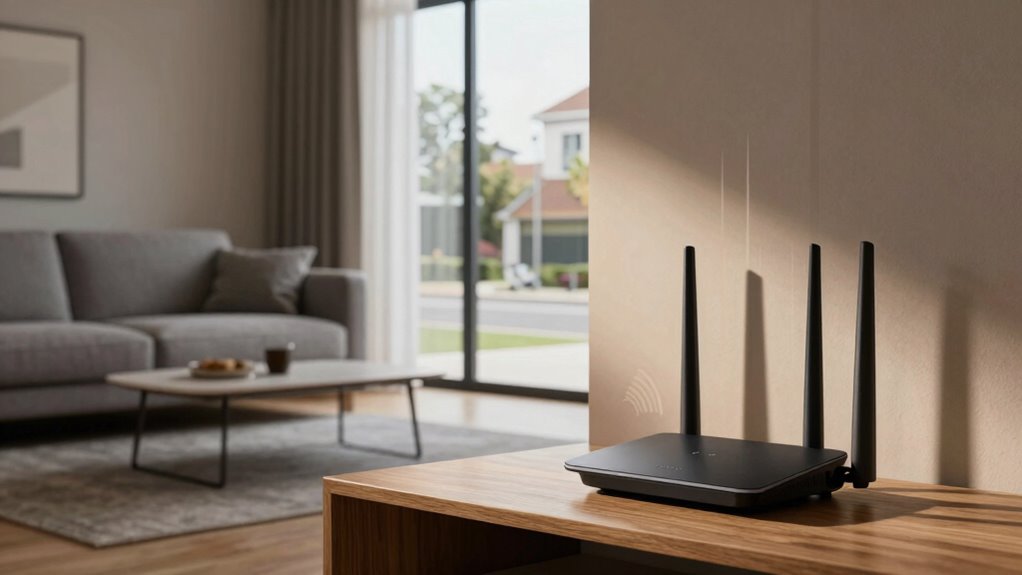

Wi-Fi dead zones happen when obstacles like thick walls, metal objects, or glass reflect or block your signal, making certain rooms lose connection. Household devices such as microwaves, cordless phones, or wireless cameras can also interfere and weaken signals. Poor router placement—like near walls or far from your main activity areas—can worsen the problem. By understanding these causes, you can take steps to improve your Wi-Fi coverage and prevent dead zones. Keep exploring to learn how to fix them effectively.
Key Takeaways
- Physical obstructions like thick walls and large metal objects block Wi-Fi signals, creating dead zones.
- Interference from household devices such as microwaves and cordless phones disrupt Wi-Fi coverage.
- Congested Wi-Fi channels from neighboring networks increase signal interference and dead spots.
- Poor router placement away from central, open locations reduces overall signal reach.
- Reflective surfaces like mirrors and glass can reflect signals, leading to weak spots or dead zones.

Signal interference is another common culprit behind dead zones. Many household items emit signals that can disrupt Wi-Fi, such as cordless phones, microwave ovens, and baby monitors. These devices operate on similar frequencies as your Wi-Fi, causing interference that weakens or disrupts your connection. If you notice dead zones near certain appliances, try relocating either the router or the interfering device to reduce interference. Additionally, Wi-Fi networks operate on different channels, and if neighboring networks use the same channel, interference can worsen. Switching your router to a less congested channel can help improve signal strength and reduce dead spots.
Your router’s placement is often overlooked but is vital for maximum coverage. Avoid placing your router near large metal objects or thick concrete walls, as these materials block Wi-Fi signals. Keep it away from mirrors or glass surfaces, which can reflect signals and create dead zones. Also, avoid placing the router near devices that emit electromagnetic interference, such as speakers or wireless cameras. The goal is to find a location that offers the best balance, providing a clear line of sight to most parts of your home. Proper router placement can significantly impact your Wi-Fi coverage, especially in larger spaces. Considering the home’s layout when positioning your router can further optimize coverage. Using tools like Wi-Fi analyzers can help identify signal strength issues and guide better placement decisions. An understanding of interference sources can also assist in troubleshooting persistent dead zones. Being aware of wireless frequency bands can help you choose the optimal setup for your network.
Frequently Asked Questions
Can Wi-Fi Dead Zones Be Permanently Fixed?
Yes, you can permanently fix Wi-Fi dead zones. You should address wireless interference sources like microwaves or cordless phones, which disrupt signal stability. Upgrading your router to a higher quality or adding Wi-Fi extenders or mesh networks can also improve coverage. Ensuring your router is ideally placed, away from thick walls or metal objects, helps maintain consistent signal strength and eliminate dead zones for good.
Do Wi-Fi Extenders Always Improve Signal in Dead Zones?
Wi-Fi extenders aren’t a magic wand, but they often do the job of turning dead zones into well-connected spaces. While signal boosters and mesh networks can improve coverage, their effectiveness depends on placement and compatibility. You should strategically position extenders halfway between your router and dead zones, ensuring peak signal transfer. When set up correctly, extenders and mesh systems work together to create a seamless, stronger Wi-Fi experience throughout your home.
How Do Building Materials Affect Wi-Fi Signal Strength?
Building materials markedly affect your Wi-Fi signal strength through material interference and signal absorption. Thick walls, metal, concrete, and brick can block or weaken signals, making it harder for your Wi-Fi to reach certain rooms. To improve coverage, consider relocating your router, using extenders, or opting for materials that cause less interference. Being mindful of these factors helps you optimize your Wi-Fi performance throughout your home.
Are There Specific Routers Better at Avoiding Dead Zones?
Yes, some routers are better at avoiding dead zones. Look for models with strong signal strength, multiple antennas, and advanced technology like mesh networking. Proper router placement is essential—position it centrally, away from thick walls or interference sources. Signal interference from devices like microwaves or cordless phones can weaken your connection, so choose a router with features that minimize interference, ensuring broader coverage and fewer dead spots around your home.
Can Multiple Devices Cause Wi-Fi Dead Zones?
Yes, multiple devices can cause Wi-Fi dead zones. When many devices connect simultaneously, they create interference sources and increase device congestion, which weakens your signal. This congestion can overload your router, leading to slower speeds and dead zones in certain areas. To improve coverage, limit the number of connected devices or upgrade to a router that handles high device traffic better, reducing interference and ensuring a stronger, more reliable connection throughout your home.
Conclusion
So, next time your Wi-Fi drops out in that one stubborn room, imagine it as a tiny fortress blocking your signal like a medieval castle. Those dead zones aren’t just minor glitches—they’re like invisible black holes sucking your internet into a void of frustration. Understanding the cause can help you conquer these digital dungeons. With a little effort, you’ll turn your entire home into a smooth, high-speed Wi-Fi kingdom where no signal dares to hide!