If you drop your phone in water, act quickly by turning it off right away to prevent further damage. Remove all accessories and the SIM card, then gently dry the device with a soft cloth, avoiding heat or hair dryers. Place it in a container with silica gel or rice for at least 24-48 hours to absorb moisture. Don’t turn it back on too soon; seek professional help if problems persist or if you’d like to learn more steps to protect your phone.
Key Takeaways
- Power off the phone immediately to prevent short circuits and internal damage.
- Remove all accessories, including SIM cards and cases, to facilitate drying and prevent trapping moisture.
- Gently blot the device with a dry, lint-free cloth, focusing on ports and seams, without rubbing or applying heat.
- Use silica gel packets or rice to absorb internal moisture by placing the phone in a sealed container for 24-48 hours.
- Wait at least 24-48 hours before attempting to turn the device back on or seek professional repair.
Act Quickly and Power Off Your Device
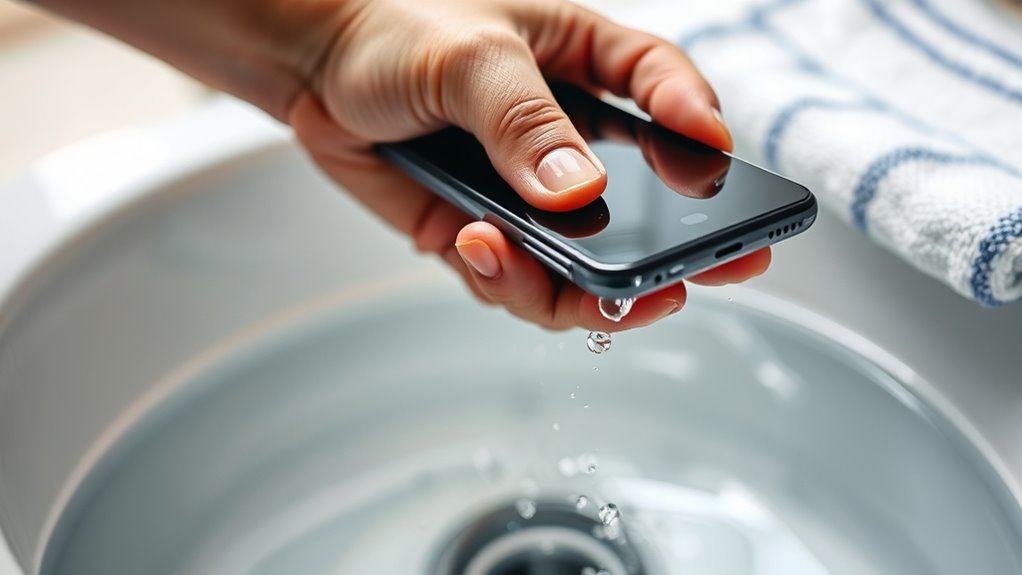
When your phone sustains water damage or starts malfunctioning, acting quickly can prevent further harm. The first step is to power it off immediately. This stops the electrical current and reduces the risk of short circuits that could permanently damage your device. Don’t try to turn it on or press buttons, as this can spread the moisture inside. If your phone is still on, hold the power button and turn it off gently. Removing the power source quickly is essential, so do this as soon as possible. Remember, every second counts—delaying can lead to corrosion or internal component failure. Once off, avoid using the device until you’ve taken further drying steps to maximize your chances of saving it. Additionally, understanding the role of water resistance in devices can help determine the extent of potential damage and recovery options. Being aware of water resistance ratings can guide your decision-making process during recovery efforts.
Remove External Accessories and SIM Card

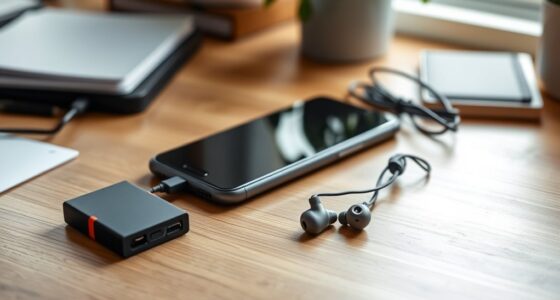
To prevent further damage, start by detaching all external accessories, like headphones and chargers. Then, carefully remove the SIM card to protect your phone’s data and circuitry. These steps help guarantee your device is safe for the next repair or inspection. Additionally, water-resistant features can vary between models, so understanding your device’s specific capabilities can guide your recovery process. Being aware of cleaning and drying techniques can sometimes improve your chances of salvaging a water-damaged phone. Remember that privacy policies may influence how your data is handled during repair procedures, so it’s important to choose trusted repair services. Considering air quality inside your device after water exposure can also be beneficial, as moisture may lead to corrosion over time if not properly addressed.
Detach All Accessories
Have you ever overlooked removing external accessories before repairing your phone? If so, stop. Before doing anything else, take off all external accessories like phone cases, screen protectors, and charging cables. These items can trap moisture or make it harder to access the device properly. Removing them helps prevent additional damage and allows the water to evaporate more efficiently. Be gentle but thorough, ensuring you don’t force anything. Also, disconnect all external attachments to reduce the risk of short circuits when powering on later. Taking this step quickly can save your phone from further harm. Remember, device safety is crucial during this process. Once all accessories are removed, you’re ready for the next step in the drying process or further repairs. This simple action is vital to giving your phone the best chance to recover. Promptly removing external accessories also minimizes the chances of internal damage, which could occur if moisture becomes trapped. Additionally, considering the water damage extent can help determine whether professional repair services are needed. Being aware of electronic component protection can guide you in preventing further issues during the drying process. Moreover, understanding how natural drying methods work can improve your recovery efforts.
Remove SIM Card
After removing all external accessories, the next step is to take out the SIM card. Power off your phone before removing the SIM to prevent damage. Use a SIM ejector tool or a paperclip to gently eject the SIM tray. Carefully remove the SIM card to avoid damaging it or the tray. Removing the SIM helps prevent water from causing electrical shorts or corrosion inside your device. Be aware that bank SWIFT/BIC codes are essential for secure international transfers.
- Use the ejector tool or a paperclip to release the SIM tray
- Handle the SIM card by its edges to avoid damage
- Keep the SIM card in a dry, safe place
- Avoid using wet hands to handle the SIM card or tray
- Remember that water damage can be minimized if you act quickly and follow proper steps.
Wipe Away Excess Water Gently
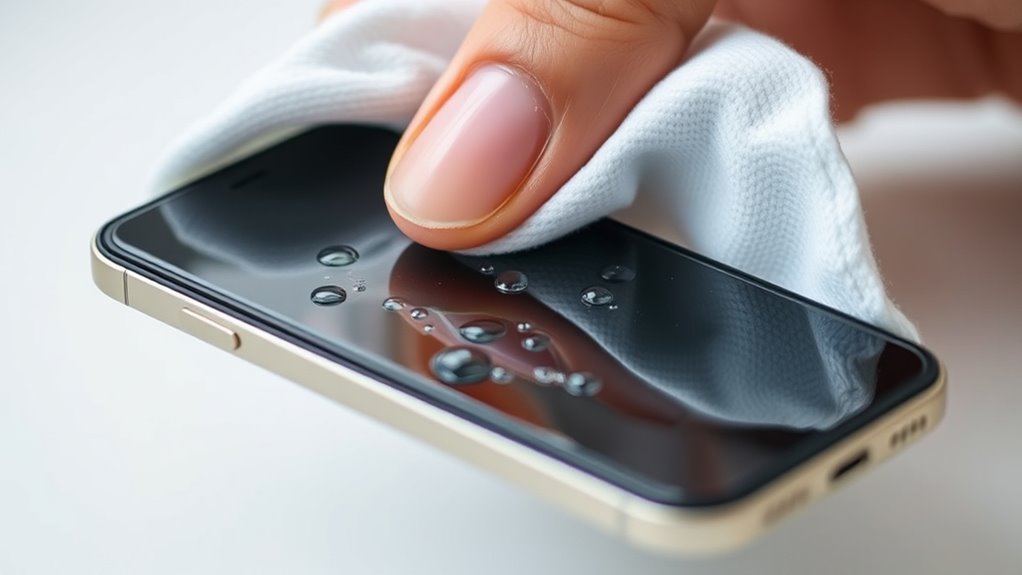
Gently wiping away excess water from your phone is a crucial step in preventing further damage. Use a soft, lint-free cloth or paper towel to carefully blot the surface without pressing too hard. Avoid rubbing, as this can push water into openings or cause internal damage. Proper wiping technique helps ensure you don’t accidentally spread moisture or cause scratches. Focus on removing water from the screen, buttons, ports, and crevices. Be patient and thorough, but gentle—rushing can cause scratches or push water deeper inside. If possible, tilt your phone slightly to help water drain out of ports and gaps. Remember, the goal is to remove visible moisture without spreading it around or forcing it further in. Taking this careful approach helps minimize the risk of corrosion and internal damage as you prepare to dry your device properly. Effective drying techniques can further improve your chances of salvaging your phone, especially if you act quickly and follow proper moisture removal methods. Proper water damage prevention strategies are also essential to avoid long-term issues.
Avoid Using Heat or Hair Dryers
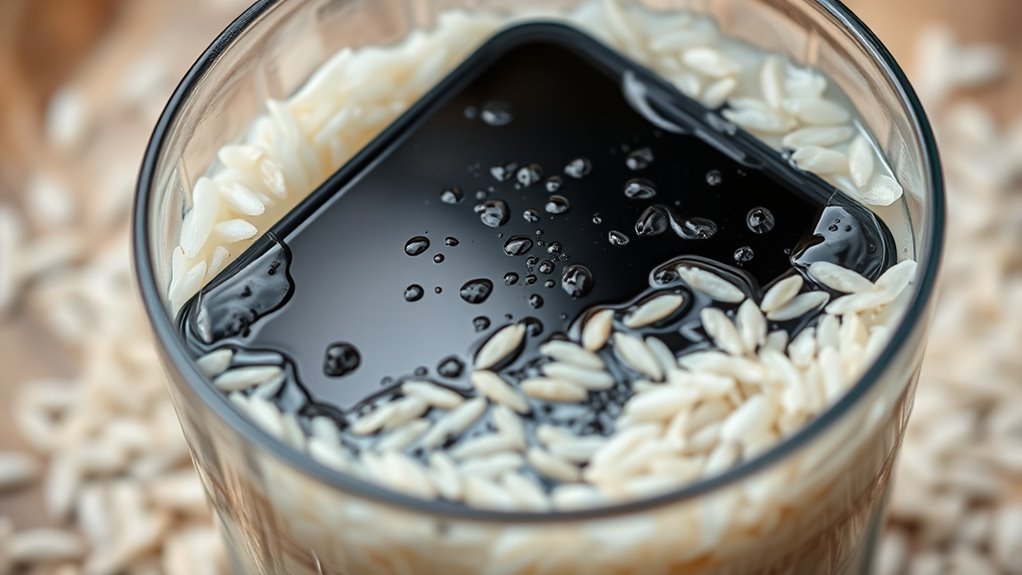
Using heat or a hair dryer to dry your phone is a common mistake that can cause more harm than good. High temperatures can warp internal components, melt adhesives, or push water deeper into the device. Instead of speeding up the drying process, heat can damage delicate parts and make the problem worse. To protect your phone, avoid using any heat source.
- Don’t hold the device close to a heat source.
- Steer clear of hair dryers, ovens, or heaters.
- Never set your phone on a radiator or heater vent.
- Let natural evaporation and proper drying methods do their job.
Dry the Phone With a Soft Cloth or Towel
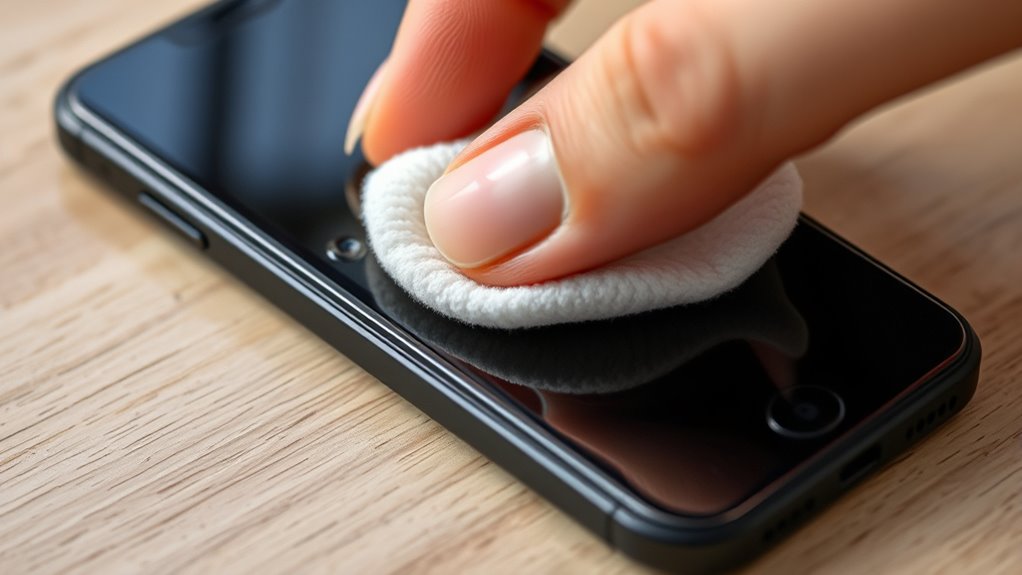
Gently pat your phone with a soft cloth or towel to remove surface moisture. Use a light touch to avoid putting too much pressure on the device. This careful approach helps prevent damage while effectively drying your phone. Additionally, avoiding excess moisture can help prevent internal damage to the phone’s components. Employing proper drying techniques can further reduce the risk of internal harm caused by residual water. For optimal results, consider connected equipment options that can assist in more thorough drying and recovery. Incorporating smart home devices, such as moisture sensors or automated drying setups, can enhance the safety and effectiveness of your recovery process. Using automated drying systems can improve the overall recovery process by ensuring thorough and even drying.
Gentle Patting Technique
When drying your phone, it’s important to pat it dry with a soft cloth or towel rather than rubbing it vigorously. Gentle patting helps remove excess water without pushing it further into internal components. Use a light touch to avoid damaging delicate parts or dislodging connectors. Focus on areas where water may have pooled, like around ports and seams. Keep the cloth dry and clean, changing it if it becomes damp. Pat along the edges and surface, avoiding heavy pressure. This technique reduces the risk of spreading water inside the device. Remember, patience is key—allow your phone to dry gradually with minimal disturbance. By gently patting, you decrease potential water damage and help your phone dry more effectively.
Avoid Excessive Pressure
Why is it important to avoid applying excessive pressure when drying your phone? Applying too much force can push water deeper into your device or damage delicate internal components. Instead, you should gently pat your phone dry with a soft cloth or towel. Use light, even pressure to absorb moisture from the surface without forcing water into openings like ports or buttons. Avoid rubbing vigorously, as this can spread moisture or cause scratches. Remember, the goal is to remove surface water without risking further internal damage. Patting gently allows the cloth to soak up moisture without stressing your phone’s internal parts. Being mindful of device vulnerabilities during this process helps prevent long-term issues and increases the chances of your phone drying out completely.
Use Absorbent Materials to Draw Out Moisture

Ever wonder how to effectively remove moisture from a water-damaged phone? Using absorbent materials can help draw out moisture quickly. First, turn off your phone immediately to prevent short circuits. Then, gently blot the device with a soft, lint-free cloth to remove surface water. Next, place your phone on a clean, dry towel and surround it with absorbent items like silica gel packets or instant coffee granules, which are known for their moisture-absorbing properties. These materials pull moisture away from your phone’s interior. Be sure not to shake or poke the phone, as this can push water further inside. Using absorbent materials is a simple, effective first step to minimize water damage and prepare your phone for further drying methods.
Consider Submerging in Silica Gel or Rice
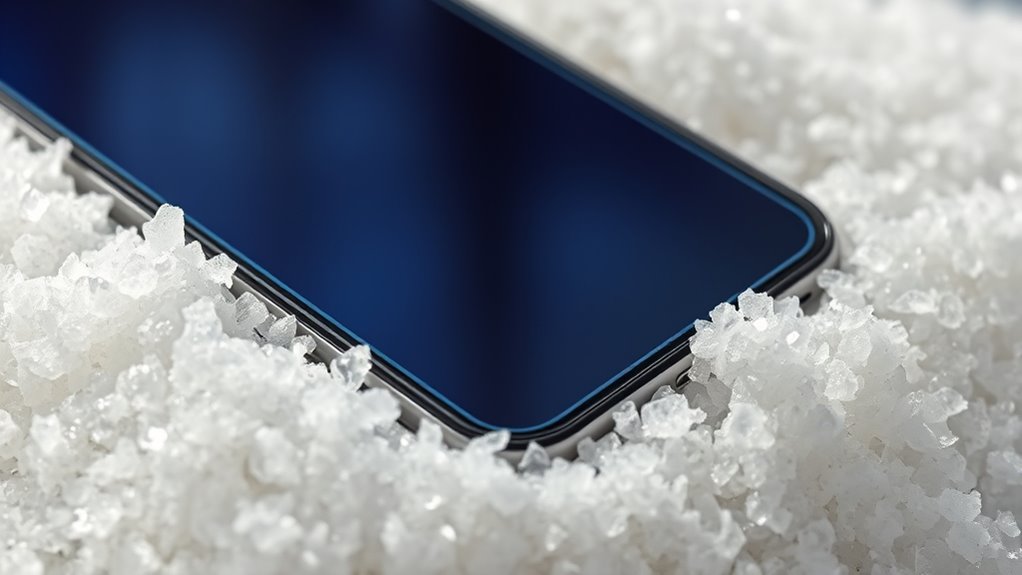
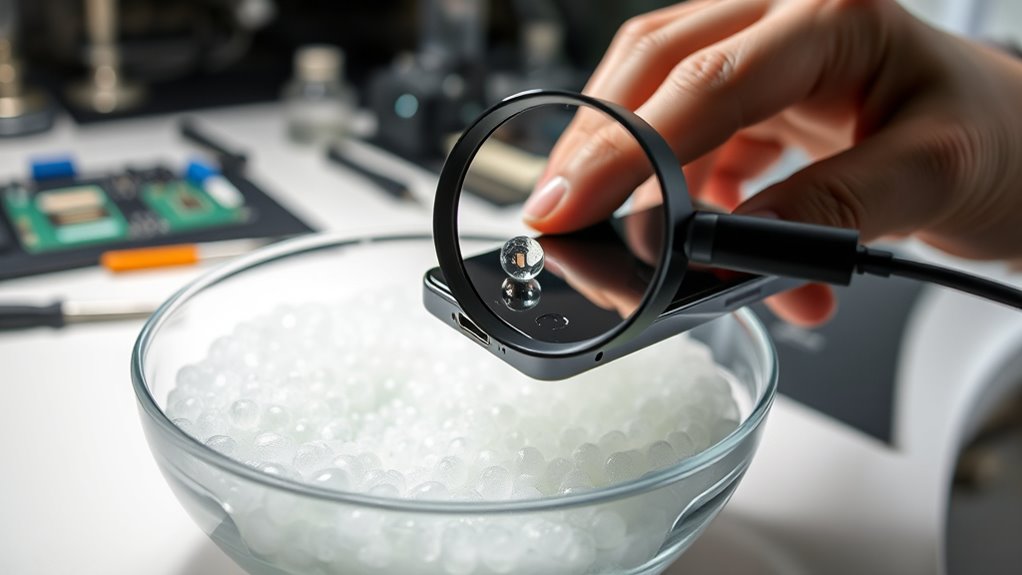
To help draw out remaining moisture, consider submerging your phone in silica gel packets or uncooked rice. These materials are absorbent and can help extract moisture from your device’s interior. Place your phone in a sealed container filled with silica gel or rice, ensuring it’s fully covered. Leave it there for at least 24 to 48 hours, giving the desiccants time to soak up the water. Silica gel is more effective, but rice is a common alternative if you don’t have gel packs nearby. Avoid opening or shaking the phone during this process, as it could spread moisture further inside. Remember, this step aims to reduce residual water, but it doesn’t guarantee your phone will be fully dry or operational afterward.
Do Not Turn the Phone Back On Prematurely
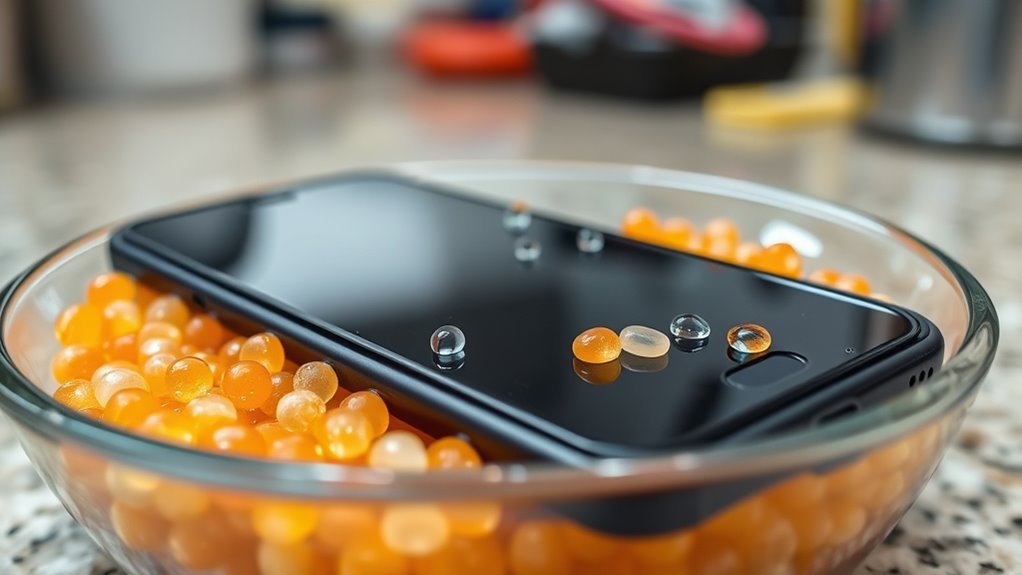
Before turning your phone back on, it’s essential to guarantee it’s thoroughly dried and free of moisture. Turning it on too soon can cause short circuits, corrosion, or permanent damage. Resist the temptation to power it up immediately after drying, even if it appears dry externally. Doing so might activate residual moisture inside, leading to internal damage. Instead, wait at least 24-48 hours, or longer if necessary. Be patient and avoid rushing the process.
- Check for visible signs of moisture before powering up
- Give your phone ample time to dry completely
- Use silica gel or rice to absorb remaining moisture
- Consult a professional if unsure about internal moisture
Seek Professional Repair or Inspection
If you’re uncertain about whether your phone is fully dry or if it shows signs of internal damage, it’s best to seek professional repair or inspection. A professional can diagnose hidden issues, like corrosion or residue, that aren’t visible externally. Don’t wait until problems worsen; expert help can prevent permanent damage and restore functionality. When choosing a repair service, consider the following factors:
| Service Quality | Cost | Turnaround Time |
|---|---|---|
| Certified technicians | Varies | Same day or few days |
| Genuine parts used | Reasonable | Quick, if available |
| Good reviews | Transparent pricing | Efficient service |
Getting professional help ensures your phone receives the proper care and increases its chances of full recovery.
Frequently Asked Questions
How Long Should I Wait Before Turning My Phone Back On?
You should wait at least 24 to 48 hours before turning your phone back on. This allows enough time for the moisture inside to evaporate completely, reducing the risk of short circuits. Keep your phone in a dry, warm place or use silica gel packets or rice to absorb remaining moisture. Resist the urge to check it too early, as powering it on prematurely could cause more damage.
Can I Use a Hairdryer to Speed up Drying?
Using a hairdryer to dry your phone is like trying to tame a wildfire — it can do more harm than good. The heat might damage internal components or warp delicate parts. Instead, let your phone air dry in a dry, ventilated space or use silica gel packets. Patience now prevents costly repairs later, so resist the urge to rush the drying process with heat.
Is It Safe to Shake or Blow Into My Phone?
Shaking or blowing into your phone isn’t safe and can push water further into its internal parts, causing more damage. Instead, turn off your device immediately to prevent short circuits. Gently dry the exterior with a soft cloth, remove any removable parts, and avoid using heat or compressed air. Let your phone air dry in a well-ventilated area or use silica gel packets to absorb moisture safely.
Will Removing the SIM Card Prevent Water Damage?
Yes, removing the SIM card can help prevent further water damage. Think of it like unplugging a device to stop a short circuit during a thunderstorm. By taking out the SIM card, you reduce moisture contact and allow air to circulate inside the phone. This simple step can improve drying and decrease corrosion risks. Remember, the faster you act, the better your chances of saving your device.
Should I Attempt to Open the Phone Myself?
You shouldn’t attempt to open your phone yourself, especially if you’re not experienced. Doing so can cause further damage or void your warranty. Instead, power it off immediately, remove any removable parts, and seek professional repair services. If you’re comfortable, you can try drying it gently with a cloth and placing it in silica gel, but opening it yourself is best left to experts.
Conclusion
Remember, acting fast is your best shot at saving your phone from water damage. Think of it like catching a falling glass—every second counts. By turning off your device, removing accessories, and gently drying it, you give your phone a fighting chance. Don’t rush to power it back on; instead, seek professional help if needed. With patience and quick action, you can turn a soggy disaster into a dry victory.