To automate your life with IFTTT and routines, start by connecting your smart devices and creating simple applets like turning on lights when you arrive home or adjusting your thermostat automatically. Customize routines to fit your habits, such as wake-up lighting or security alerts. Connect devices through compatible protocols like Wi-Fi, Zigbee, or Z-Wave for seamless integration. Exploring more tips will help you master your smart home automation journey with ease.
Key Takeaways
- Use IFTTT to create custom automations that connect smart devices and apps for seamless daily routines.
- Set triggers and actions, such as turning on lights or adjusting thermostats, to automate household tasks.
- Personalize routines like wake-up sequences or security alerts to enhance comfort and safety.
- Troubleshoot connectivity and trigger conditions regularly to ensure automations work reliably.
- Benefits include saving time, increasing convenience, improving energy efficiency, and enhancing home security.
Understanding the Basics of IFTTT and Smart Home Routines

If you want to make your smart home more efficient, understanding IFTTT (If This Then That) is essential. IFTTT is a free platform that connects your smart devices and apps, allowing them to work together seamlessly. It uses simple “applets” based on conditional statements—when a trigger happens, an action follows. For example, you can set an applet to turn on your lights when you arrive home or adjust your thermostat when the weather changes. These routines automate repetitive tasks, saving you time and effort. By mastering the basics of IFTTT, you gain control over your smart devices and can create customized routines that suit your daily habits. This knowledge forms the foundation for building more complex automations later on. Additionally, understanding how European cloud servers operate can help ensure your smart home data remains secure and sustainable. Moreover, leveraging home automation technology can significantly enhance your daily convenience and energy efficiency.
Setting Up Your First IFTTT Applets for Everyday Tasks
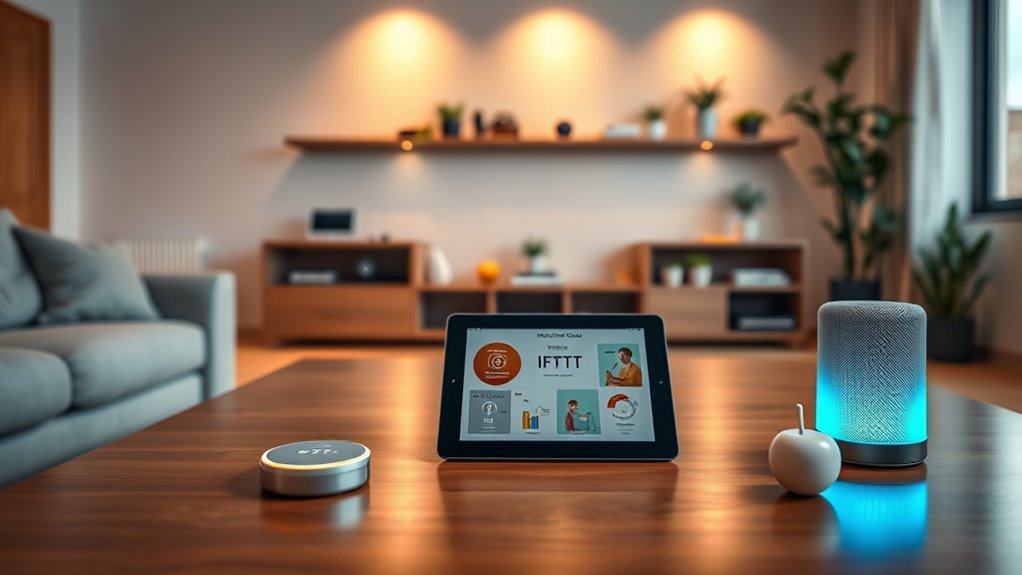
Ready to start automating your daily routines? First, sign into your IFTTT account and click “Create” to build a new applet. Choose a trigger, like “When I arrive home,” from your compatible device or service. Next, select an action, such as “Turn on the smart lights” or “Play your favorite playlist.” Customize the details to fit your needs—set specific times or conditions if needed. Once you finish, give your applet a clear name and activate it. Test the setup to ensure it works smoothly. Start with simple tasks like turning on lights when you arrive or sending a reminder when you leave. Setting up these basic applets helps you automate daily chores effortlessly, making your life more streamlined and convenient.
Customizing Routines to Fit Your Lifestyle

You can make your routines truly your own by customizing wake-up sequences, lighting, and security alerts to match your lifestyle. Setting a personal wake-up playlist or adjusting lights to your preferred brightness helps start your day smoothly. Tailoring security notifications guarantees you’re always informed without unnecessary alerts. Incorporating high-quality home decor elements into your routines can also enhance your environment and create a more personalized living space. Additionally, integrating smart home energy management features into your routines can optimize energy use and reduce costs. Considering ventilation considerations can improve indoor air quality and comfort as part of your personalized setup. Exploring environmental control systems can further enhance your home’s atmosphere and efficiency.
Personal Wake-Up Sequences
Personal wake-up sequences are essential for starting your day on the right foot, and tailoring them guarantees they align perfectly with your lifestyle. You can customize routines to match your preferences, making mornings smoother. To create an effective sequence, consider:
- Choosing your wake-up time and gradually adjusting it to your routine.
- Selecting preferred sounds, lights, or scents that energize you.
- Integrating calendar alerts or weather updates to prepare you for the day.
- Incorporating smart home devices to automate lighting, music, and other settings for a seamless wake-up experience. Additionally, establishing consistent routines can help reinforce your new habits and make your mornings more predictable and calming. Emphasizing the importance of natural light exposure can further enhance your wake-up process, aligning with your body’s circadian rhythms.
Tailored Lighting Settings
Tailored lighting settings can transform your mornings by syncing light levels with your natural rhythm and preferences. You can set routines that gradually brighten your bedroom as your alarm goes off, mimicking sunrise to wake you gently. During the day, you might prefer brighter, cooler lights for focus, while in the evening, softer, warmer tones help you unwind. By customizing these settings, you create a lighting environment that supports your daily habits and mood. Using smart home apps, you can program lights to adjust automatically based on time, activity, or even weather conditions. This personalization guarantees your lighting enhances comfort, productivity, and relaxation, making your home truly responsive to your lifestyle without manual adjustments. Incorporating smart lighting into your routines can also contribute to your overall wellbeing by supporting circadian rhythms and reducing stress. Additionally, adjusting lighting based on weather conditions ensures optimal comfort and energy efficiency throughout the day. Considering natural light patterns can further optimize your lighting setup for healthier sleep and daily vitality. Implementing adaptive lighting can help your environment better align with your body’s natural cues and needs.
Custom Security Alerts
Custom security alerts allow your smart home to notify you in ways that suit your lifestyle, making sure you stay informed without unnecessary interruptions. You can customize alerts to match your routines and preferences, making them more effective. For example:
- Set alerts for specific times, like when you’re away or asleep.
- Create notifications based on certain events, such as door openings or motion detection.
- Choose how you receive alerts—via phone, email, or smart speakers—so you’re always aware in the way that works best for you.
- Smart home integration enables your security system to work seamlessly with other devices, enhancing your overall safety and convenience. By tailoring these alerts, you avoid constant notifications, reducing distraction while staying protected. This personalization ensures your security system supports your daily habits and peace of mind, making your smart home more intuitive and responsive to your lifestyle. Additionally, understanding privacy policies related to your security alerts helps you manage data sharing and cookie preferences effectively. Being aware of cookie categories and managing your preferences allows you to control how your data is used while customizing your alert notifications to fit your privacy comfort level. Awareness of data collection practices further helps you make informed decisions about your device security and privacy.
Connecting Devices for Seamless Automation

Connecting devices for seamless automation starts with choosing compatible gadgets that can communicate effortlessly. Focus on devices that support common protocols like Zigbee, Z-Wave, or Wi-Fi. Compatibility guarantees your smart home functions smoothly without hiccups. Once connected, grouping devices enhances automation efficiency, like syncing your smart lights and thermostat. Use a central hub or platform, such as IFTTT, to coordinate actions across devices.
| Device Type | Protocol | Example |
|---|---|---|
| Smart Lights | Zigbee, Wi-Fi | Philips Hue, LIFX |
| Sensors | Z-Wave, Zigbee | Motion sensors, door sensors |
| Thermostats | Wi-Fi, Z-Wave | Nest, Ecobee |
This setup guarantees your system responds promptly, creating a seamless experience.
Practical Examples of Automations to Enhance Convenience
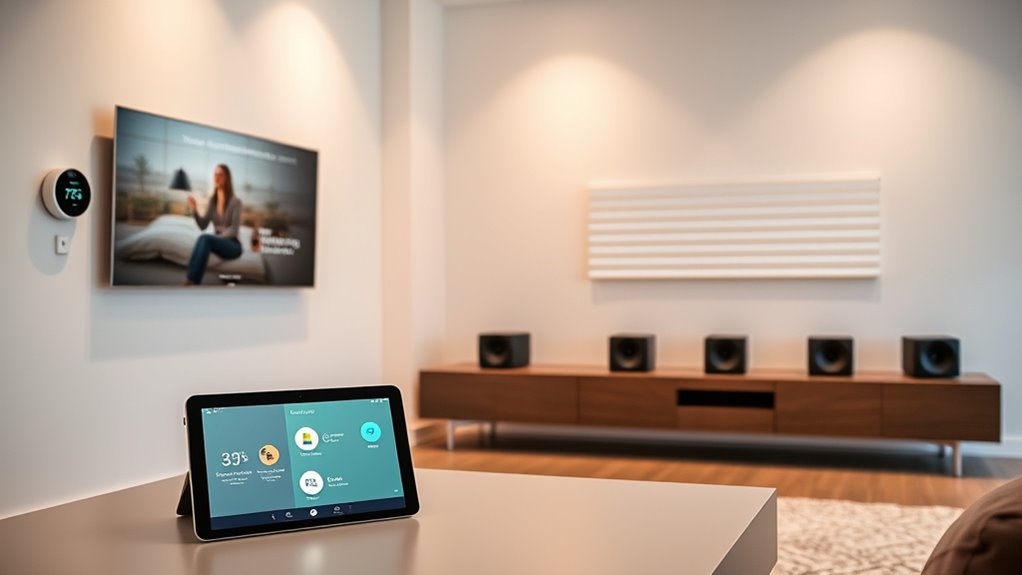
Once your devices are linked and communicate smoothly, you can set up automations that make daily routines more convenient. Imagine waking up to a warm house, your coffee ready, and your lights gradually brightening. Here are some practical automations to consider:
- Turn on the hallway lights and start coffee brewing when your alarm goes off.
- Set your thermostat to adjust based on your daily schedule for comfort and energy savings.
- Receive a notification if your smart doorbell detects motion when you’re away.
- Implement caregiver-friendly automations that help monitor your loved one’s safety and well-being, providing peace of mind for both of you. Incorporating local automation can also enhance privacy and reduce reliance on external servers. Additionally, using custom routines allows you to tailor automations specifically to your unique lifestyle needs. Utilizing timed automations can further optimize your home’s responsiveness to your daily patterns. Exploring privacy-focused options ensures your automations respect your personal data and security preferences. These automations save you time, reduce manual tasks, and create a more comfortable environment. By customizing routines, you ensure your smart home adapts seamlessly to your lifestyle, making everyday life easier.
Tips for Managing and Troubleshooting Your Automations
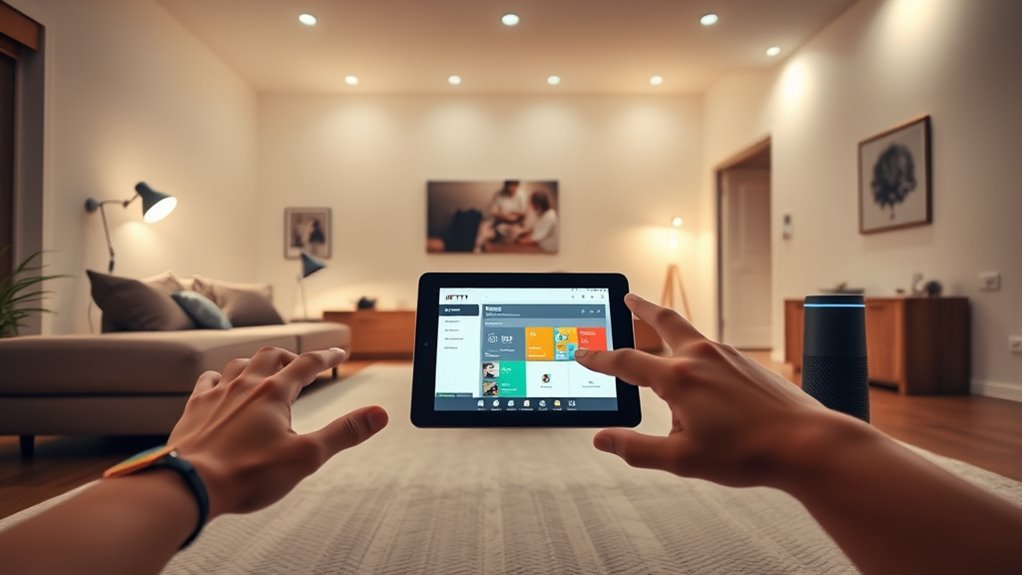
When your automations aren’t working as planned, start by checking for simple issues like disconnected devices or incorrect settings. Regularly monitoring performance helps you spot and fix glitches before they cause bigger problems. By troubleshooting common issues and fine-tuning your automations, you guarantee they run smoothly and efficiently. Additionally, reviewing your smart-home integration settings can help ensure all devices communicate properly and function as intended.
Troubleshooting Common Issues
Troubleshooting automation issues can seem intimidating, but most problems stem from simple misconfigurations or overlooked settings. To start, check these common causes:
- Connectivity issues: Ensure your devices are online and connected to your Wi-Fi network.
- Incorrect trigger conditions: Verify that your trigger settings match your intended conditions exactly.
- App permissions or integrations: Make sure your apps and devices have the necessary permissions and are properly linked.
If your automation isn’t firing, test each component separately. Restart devices or refresh app connections. Sometimes, a quick reauthorization or update can resolve glitches. Keep an eye on the logs or activity history for clues. With patience and systematic checks, most automation issues are easy to fix.
Optimizing Automation Performance
To guarantee your automations run smoothly and efficiently, it’s vital to regularly monitor and fine-tune their performance. Start by reviewing your automation logs to identify any failures or delays. Adjust trigger conditions or timing to better align with real-world usage; for example, if a routine triggers too early or late, modify the time settings. Simplify complex automations by breaking them into smaller, manageable parts to reduce errors and improve speed. Keep your apps and devices updated to ensure compatibility and bug fixes. If something isn’t working as expected, test individual components to pinpoint issues. Regularly revisiting your automations helps prevent glitches and guarantees they operate seamlessly, saving you time and maintaining your smart home’s efficiency.
Frequently Asked Questions
How Secure Are My Smart Home Devices When Connected Through IFTTT?
Your smart home devices connected through IFTTT are generally secure, but there are risks. You should use strong, unique passwords and enable two-factor authentication where possible. Keep your devices’ firmware updated, and review IFTTT app permissions regularly. Avoid connecting sensitive devices or data to IFTTT if security concerns you. Staying vigilant and practicing good cybersecurity habits helps protect your home from potential vulnerabilities.
Can I Automate Multiple Devices With a Single Routine Effectively?
Yes, you can automate multiple devices with a single routine effectively. While it may seem complex, IFTTT makes it simple to set triggers that activate various devices simultaneously. You just need to plan your routine carefully, selecting compatible devices and clear conditions. This way, you streamline your smart home, saving time and effort, all while keeping control centralized. Embrace the efficiency and convenience of multi-device automation effortlessly.
What Are the Best Practices for Naming and Organizing Applets?
You should use clear, descriptive names for your applets so you can easily identify their purpose. Organize them into folders or categories based on function, like “Lighting” or “Security.” Keep naming consistent—use patterns or prefixes to group related applets. Regularly review and delete unused applets to stay organized. This way, you’ll quickly find and manage your automations, making your smart home more efficient and less confusing.
How Often Should I Update or Review My Automations for Efficiency?
Think of your automations as a garden that needs tending. You should review and update them monthly or whenever your routines change. This keeps your smart home thriving and efficient. Regular pruning removes dead or unnecessary applets, preventing clutter and glitches. By staying attentive, you ensure your automations grow strong, adapt to your needs, and continue to make your life easier without becoming overgrown or outdated.
Are There Any Limitations on the Number of Applets I Can Create?
You can create up to 3,000 applets on IFTTT, which gives you plenty of room to automate your home. However, keep in mind that if you reach this limit, you won’t be able to add more unless you delete some existing applets. To keep things running smoothly, regularly review and optimize your automations so you stay within the limit and guarantee your smart home functions efficiently.
Conclusion
By automating your smart home, you gain convenience and control, but remember, technology isn’t a substitute for mindful living. While routines streamline daily tasks, they also remind you to stay present amid the convenience. Embrace automation not just as a tool, but as a way to free your mind for what truly matters. Ultimately, it’s about balancing effortless efficiency with intentional living—letting smart technology serve you, not define you.