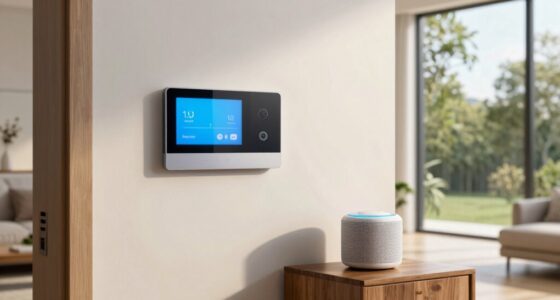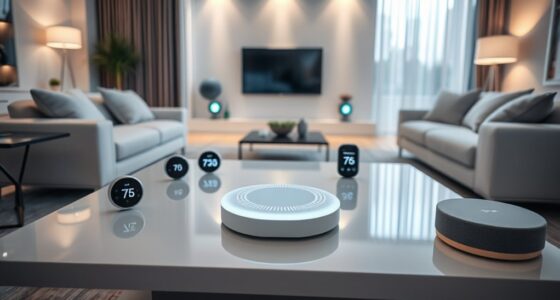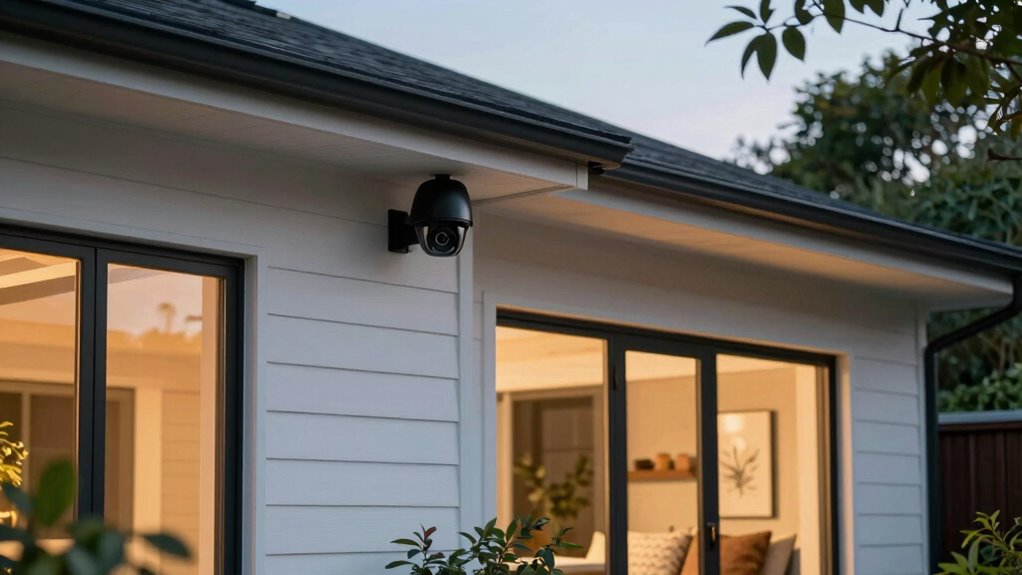

To make your home security cameras feel useful rather than creepy, focus on setting clear privacy boundaries, like configuring private zones and controlling who can access footage. Choose easy-to-install, wireless systems that you can manage yourself, and stay transparent about how and why you’re using them. Proper placement and responsible footage management help you feel in control while respecting others’ boundaries. If you keep these tips in mind, you’ll discover simple ways to enhance safety without invading privacy.
Key Takeaways
- Clear privacy boundaries and customizable privacy zones prevent feeling invasive.
- Transparent policies and responsible footage management build trust and reassurance.
- Easy DIY installation and user-friendly controls enhance homeowner control and comfort.
- Proper camera placement and privacy settings ensure safety without intrusiveness.
- Secure data encryption and access controls protect footage, fostering a sense of security.

Home security cameras have become a common sight in neighborhoods, sparking a debate about whether they’re genuinely helpful or just intrusive. When you see cameras lining streets or watching over front yards, it’s natural to wonder if they’re there for your safety or if they threaten your privacy. The key to making these devices feel useful instead of creepy lies in how they’re installed and how you manage privacy concerns. If you’re considering installing cameras, you need to understand that many people worry about privacy breaches, feeling uneasy about being constantly watched. That’s a valid concern, but it can be addressed by choosing cameras that respect boundaries and by setting clear limits on footage sharing and storage. When used responsibly, cameras can enhance security without making anyone feel spied on.
Home security cameras can boost safety if installed thoughtfully and privacy settings are managed carefully.
One of the biggest factors in making security cameras feel helpful rather than invasive is ease of installation. If you face significant installation challenges—like complicated wiring, needing permits, or mounting difficulties—you might feel overwhelmed or frustrated. This can turn what’s supposed to be a security upgrade into a source of stress, making the cameras seem more intrusive than protective. However, many modern systems are designed for quick, DIY setup with wireless connections and user-friendly apps. When you select cameras that are simple to install, you’re more likely to feel in control of your security system, reducing discomfort and skepticism about their presence. Additionally, understanding privacy and security practices can help you choose devices that best align with your comfort level. Being aware of privacy policies ensures you’re making informed decisions about footage management and who has access. Knowing about data encryption can also provide peace of mind that your footage is protected from unauthorized access. Moreover, choosing cameras with easy-to-use controls can further empower homeowners to customize their privacy settings effortlessly.
A further way to alleviate privacy concerns is by opting for cameras with configurable privacy zones, which allow you to restrict certain areas from being monitored, thus respecting your own and your neighbors’ boundaries. When you’re transparent about your camera use and take steps to safeguard footage, the devices shift from feeling invasive to serving as a helpful tool for safety.

GNCC 2K Cameras for Home Security Indoor Cameras Wireless 2.4G/5G with App
- High-Definition Video: 2K 3MP resolution for clear footage
- Infrared Night Vision: 32ft visibility with 6 IR LEDs
- Dual-Band WiFi Support: Compatible with 2.4GHz and 5GHz networks
As an affiliate, we earn on qualifying purchases.
As an affiliate, we earn on qualifying purchases.
Frequently Asked Questions
Can Home Security Cameras Record Audio Without Violating Privacy Laws?
Yes, home security cameras can record audio without violating privacy laws, but it depends on your location. You need to understand local regulations regarding audio recording, as some areas require all parties’ consent. To stay compliant, inform everyone in your household about the audio recording feature and consider using signs or notifications. Always check your state’s laws to guarantee you’re respecting privacy rights while keeping your home secure.
How Do Cameras Handle False Alarms or Motion Detection Errors?
False alarms and motion detection errors are like sneezing at the wrong moment—you want to avoid them. Your cameras handle this by allowing you to adjust motion sensitivity, reducing false alarms. Many systems also feature smart detection, distinguishing humans from animals or moving shadows. If errors happen, you can usually fine-tune settings or disable motion alerts temporarily. This keeps your security effective without unnecessary disturbances.
Are Security Cameras Vulnerable to Hacking or Unauthorized Access?
Security cameras can be vulnerable to hacking or unauthorized access if you don’t take proper precautions. To protect yourself, make sure your cameras use strong encryption protocols, which keep your footage secure. Also, control user access by setting unique passwords and enabling two-factor authentication. Regularly update your camera’s firmware to patch security flaws. By staying vigilant, you can enjoy the benefits of security cameras without risking your privacy.
What Privacy Features Can Be Used to Limit Data Sharing?
To limit data sharing, you can enable privacy features like data encryption, which protects your footage from unauthorized access. Additionally, controlling user access guarantees only trusted individuals can view or manage the cameras. Regularly updating passwords and permissions also helps maintain privacy. By actively managing these settings, you make sure your security camera data stays private, giving you peace of mind rather than feeling intrusive.
How Do Cameras Affect Neighborhood Privacy and Community Trust?
Imagine neighborhood surveillance as a friendly lighthouse guiding residents safely, but if it shines too brightly or unpredictably, it can cast shadows of distrust. Cameras, when transparent and respectful, bolster community trust by deterring crime and fostering safety. However, if overused or intrusive, they erode privacy, turning neighbors into wary spectators. Striking a balance makes certain cameras protect without compromising the sense of trust essential for a close-knit community.
![[100ft] Hiseeu Wireless WiFi Security Camera System, Wired Plug-in Powered, Expandable 16CH 4K NVR, 4Pcs 3MP Night Vision Cameras Home Surveillance Outdoor, Motion Detection, 1TB HDD, One-Way Audio](https://m.media-amazon.com/images/I/41JstDWpsmL._SL500_.jpg)
[100ft] Hiseeu Wireless WiFi Security Camera System, Wired Plug-in Powered, Expandable 16CH 4K NVR, 4Pcs 3MP Night Vision Cameras Home Surveillance Outdoor, Motion Detection, 1TB HDD, One-Way Audio
- Local & Remote Control: Supports local and remote viewing and control
- Dual-Band WiFi: Supports 2.4GHz and 5GHz WiFi connectivity
- Long-Range WiFi: Provides up to 100ft installation distance
As an affiliate, we earn on qualifying purchases.
As an affiliate, we earn on qualifying purchases.
Conclusion
In the end, feeling comfortable with your security cameras depends on transparency and control. Nearly 70% of homeowners feel more secure when they know their footage is private and only accessible to trusted individuals. When you’re clear about how your data is used and can easily manage your camera’s settings, these devices feel more helpful than creepy. Trust and control are key to making home security cameras work for you, not against you.
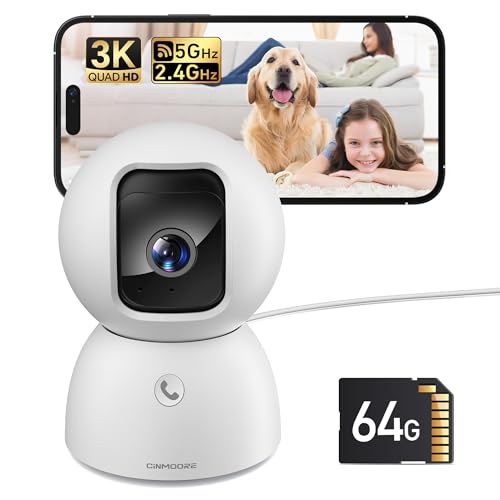
5MP Camera for Home Security, Free 64GB SD Card, Non-Subscription AI Human/Pet/Facial Detection, 3K Dog Cat Pet Camera with Phone APP, 360 Coverage, 2-Way Talk, IR Night Vision, 2.4G 5G Dual Band WiFi
- No Monthly Fees: Includes 64GB SD card for recording
- AI Detection Features: Free human, pet, facial detection alerts
- High-Resolution Video: True 3K UHD clarity for day and night
As an affiliate, we earn on qualifying purchases.
As an affiliate, we earn on qualifying purchases.

blurams 5G Cameras for Home Security, 360° PTZ Pet/Dog Indoor Camera, 2Pack
- Ultra Clear 2K Resolution: Sharp indoor monitoring with full-room coverage
- 360° Pan-and-Tilt Coverage: Complete room visibility with smooth movement
- Hands-Free Alexa & Google Control: Smart voice control for easy operation
As an affiliate, we earn on qualifying purchases.
As an affiliate, we earn on qualifying purchases.