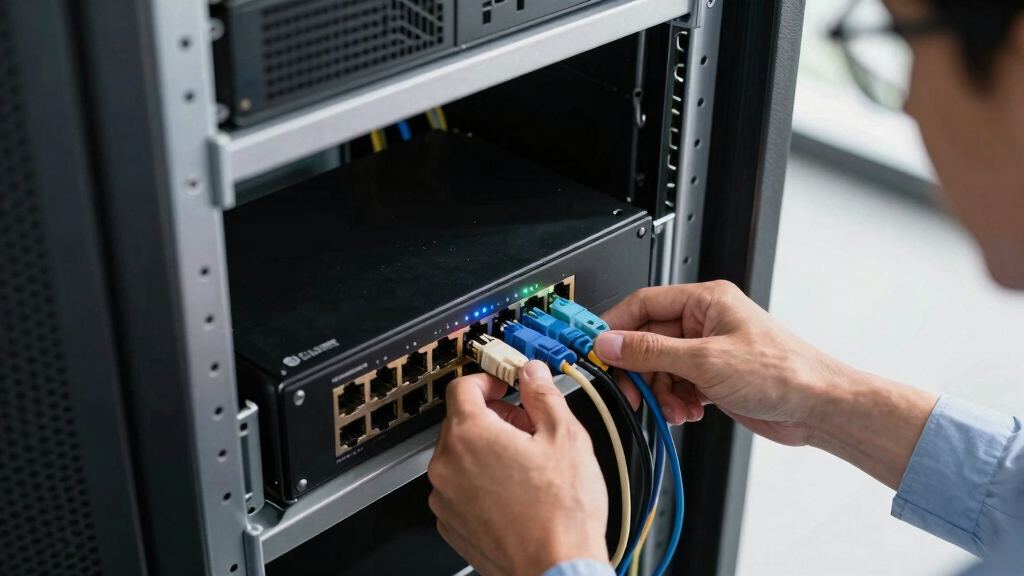

Managing Power over Ethernet (PoE) through a switch simplifies network setups by combining data and power delivery in one device. The best managed switch PoE offers advanced features like VLAN support, QoS, and remote management, making it ideal for business and complex network environments. The top pick for overall performance is the TP-Link SG2428LP, thanks to its combination of port count, management features, and reliability. The NETGEAR GS308EP stands out as a compact, budget-friendly option, while the TP-Link TL-SG1428PE offers extensive port options for larger networks. Tradeoffs often come down to port density, feature set, and price, which can make choosing a switch difficult. Continue reading for a detailed breakdown of each option and what to consider when selecting your managed PoE switch.
Key Takeaways
- Higher port counts generally offer better scalability for growing networks, but often come with increased cost and complexity.
- Managed switches with VLAN, QoS, and LAG features provide greater control, which is essential for business environments.
- Compact, plug-and-play options are suitable for small setups but may lack advanced management features needed for larger deployments.
- Power budgets vary significantly; selecting a switch with sufficient wattage ensures all connected devices receive power without issues.
- Build quality and warranty support are critical to ensure long-term reliability, especially in professional settings.


More Details on Our Top Picks
TP-Link Omada 5 Port Gigabit Easy Managed, PoE Switch, 65W Budget, PoE+ Compliant, Up to 250m PoE Distance, Auto Recovery, VLAN, Auto Loop Prevention, Fanless, Managed by Omada(ES205GP)
This compact switch stands out for its straightforward plug-and-play setup, making it ideal for small-scale surveillance or IoT deployments where simplicity is key. Compared with larger managed switches like the TP-Link TL-SG2428LP, it offers fewer ports but excels in silent, fanless operation and a 250m PoE range, which is perfect for extending camera coverage without noise. Its 65W budget and PoE+ compliance support multiple IP devices reliably, though its limited management features mean it’s not suitable for complex network configurations. The durable metal casing and auto recovery feature add to its reliability, but the limited port count restricts scalability. This model fits best for users needing a silent, easy-to-configure PoE switch for small surveillance or IoT projects without advanced network management requirements.
Pros:- Fanless, silent operation ideal for noise-sensitive environments
- Supports PoE+ with up to 30W per port, suitable for multiple IP devices
- Extended PoE distance up to 250 meters, great for camera placement
Cons:- Limited management features, not suitable for complex network configurations
- Only 5 ports, restricting scalability for growing networks
Best for: Home security setups or small business surveillance systems with minimal network complexity
Not ideal for: Large enterprise networks requiring extensive VLAN, LAG, or advanced management features
- Number of Ports:5
- PoE Power Budget:65W
- PoE+ Compliant:Yes
- PoE Distance:Up to 250m
- Fanless Design:Yes
- Managed by:Omada
Bottom line: This switch is perfect for small, quiet surveillance setups where ease of use and reliable PoE power are priorities.
NETGEAR 8 Port PoE Gigabit Ethernet Easy Smart Managed Essentials Switch (GS308EP) – with 8 x PoE+ @ 62W, Desktop or Wall Mount
This switch makes a strong case for users wanting basic managed features in a compact form. Unlike the TP-Link TL-SG108PE, it offers a slightly higher PoE+ port count with 8 ports, but with a lower total power budget of 62W, which may limit the number of high-power PoE devices. Its easy setup and sturdy metal housing deliver durability and straightforward management, including VLAN and QoS support. While it doesn’t support advanced features like LAG or full Omada cloud control, it provides enough for small office or home surveillance systems. The 3-year warranty and silent operation are added benefits, but its limited power budget and basic management make it less suited for larger, more demanding networks. This pick is ideal for small-scale IP camera or VoIP deployments needing reliable PoE power and easy management.
Pros:- Durable metal casing with silent, fanless operation
- Supports VLAN, QoS, and VLAN for traffic segmentation and quality control
- Flexible mounting options—desktop or wall mount
Cons:- PoE power budget limited to 62W, restricting high-power device support
- Lacks advanced management features like LAG or cloud-based control
Best for: Small office or home surveillance and VoIP projects with up to 8 PoE devices
Not ideal for: Networks requiring advanced management, high PoE budgets, or scalability beyond 8 ports
- Number of Ports:8
- PoE Power Budget:62W
- PoE+ Capable:Yes
- Switch Type:Smart Managed
- Mount Options:Desktop or Wall
- Warranty:3 Years
Bottom line: This switch is a reliable, easy-to-manage solution for small PoE setups like cameras and VoIP phones where simplicity and durability matter.
TP-Link 24 Port PoE Gigabit Switch(SG2428LP) | 16 PoE+ Ports, 8 Non-PoE Ports, 4 SFP Ports | 150W Budget | Omada Full Managed | Fanless | L2 Managed | VLAN, ZTP, LAG, PoE Recovery | 5-Year Warranty
Compared with the smaller NETGEAR GS308EP, the TP-Link SG2428LP offers a higher port count and a more comprehensive feature set, including full Omada cloud management, VLAN, LAG, and PoE recovery. Its 150W PoE budget supports more high-power devices like multiple cameras, access points, and VoIP phones simultaneously. The fanless, silent design and 5-year warranty make it an appealing choice for small to medium enterprise environments. Its advanced security and network management features mean it can handle more complex deployments than simpler unmanaged switches. However, its larger size and higher cost might be overkill for small home setups. It’s best suited for expanding surveillance or Wi-Fi infrastructure in small businesses that need reliable, scalable, and managed PoE solutions.
Pros:- Full Omada cloud management for remote control
- Supports VLAN, LAG, PoE recovery, and advanced security features
- Quiet, fanless design suitable for noise-sensitive locations
Cons:- Larger footprint and higher price point compared to basic switches
- Overkill for small, simple PoE setups with only a few devices
Best for: Small to medium business networks requiring extensive PoE and advanced management
Not ideal for: Home users with limited PoE device count or smaller network needs
- Number of Ports:24
- PoE+ Ports:16
- PoE Power Budget:150W
- Management:Omada Full Managed
- Fanless:Yes
- Warranty:5 Years
Bottom line: This switch is well-suited for growing networks in small businesses that need scalable, managed PoE with comprehensive features.
TP-Link TL-SG108PE V3 | 8 Port Gigabit PoE Switch | Easy Smart Managed | 4 PoE+ Ports @64W | Plug & Play | Sturdy Metal w/ Shielded Ports | Fanless | QoS, Vlan & IGMP | Limited Lifetime Protection
This switch offers a good balance of manageability and affordability, especially compared to the TP-Link TL-SG2428LP. Its 4 PoE+ ports with a total 64W power budget support several IP cameras or VoIP phones, making it suitable for small office or home use. The easy-to-use web interface simplifies setup, and the fanless, sturdy metal case ensures silent, durable operation. Its VLAN and QoS features enable traffic management for small networks, though it lacks the advanced features of higher-end models like Omada cloud control or LAG. The limited PoE budget and port count restrict scalability, but for modest PoE deployments, this switch remains a reliable choice. Its plug-and-play design makes it ideal for users who want managed features without complexity.
Pros:- Plug-and-play setup with web management
- Fanless, silent operation with durable metal housing
- Supports VLAN, QoS, and IGMP for traffic control
Cons:- Limited PoE+ ports and total power budget of 64W
- Lacks advanced features like Omada cloud management or LAG
Best for: Home or small office PoE deployments with up to 4 powered devices
Not ideal for: Larger networks needing more PoE power or extensive management features
- Number of Ports:8
- PoE+ Ports:4
- PoE Power Budget:64W
- Management:Smart Managed
- Fanless:Yes
- Lifetime Warranty:Limited
Bottom line: This switch is a solid, budget-friendly choice for small PoE networks requiring moderate power and simple management.
8 Port Gigabit PoE Switch with 2 Gigabit Uplink, 120W Built-in Power, 802.3af/at Compliant, Managed PoE+ Switch Support VLAN, QoS, Fanless Metal, Plug and Play(Desktop/Wall Mount)
Compared with the TP-Link TL-SG108PE, this switch provides a higher PoE power budget at 120W, supporting more high-power devices like multiple cameras and access points simultaneously. Its managed features, including VLAN and QoS, make it suitable for small business environments that require reliable traffic control and security. The fanless, sturdy metal design ensures quiet, durable operation, and its simple plug-and-play setup makes deployment straightforward. While it doesn’t support full Omada cloud management, its enterprise-level performance and power capacity make it more versatile for demanding small business networks. However, it’s more expensive and larger than basic unmanaged switches, which could be a consideration for very small setups. This switch is ideal for small offices needing reliable, managed PoE with higher power requirements.
Pros:- High PoE power budget of 120W supports multiple high-power devices
- Fanless, durable metal case for silent, reliable operation
- Supports VLAN, QoS, and traffic management features
Cons:- Higher cost compared to unmanaged or smaller smart switches
- Lacks cloud management features like Omada
Best for: Small business networks with multiple PoE devices requiring higher power and manageable traffic
Not ideal for: Home users or networks with minimal PoE device requirements and budget constraints
- Number of Ports:8
- PoE+ Ports:8
- PoE Power Budget:120W
- Management:Managed
- Fanless:Yes
- Uplink Ports:2 Gigabit
Bottom line: This switch is best suited for small business environments needing high PoE capacity and manageable network traffic with reliable, silent operation.
NETGEAR 5 Port PoE Gigabit Ethernet Easy Smart Managed Essentials Switch (GS305EP) – with 4 x PoE+ @ 63W, Desktop or Wall Mount
This compact switch excels in noise-sensitive settings like offices or retail spaces where silence matters, thanks to its silent operation and energy-efficient design. Compared with larger managed switches like the TP-Link TL-SG1428PE, it offers fewer ports but simplifies deployment, especially for small setups. Its uninterrupted PoE feature ensures devices stay powered during firmware updates, a major advantage over basic unmanaged options. The interface supports essential features like VLANs, QoS, and IGMP snooping, but its limited port count and 60°C max temp mean it’s less suited for larger or hotter environments. Tradeoff: fewer ports and no SFP slots, but a great choice for small, noise-sensitive spaces.
Pros:- Silent operation ideal for noise-sensitive spaces
- Energy-efficient design reduces power consumption
- Uninterrupted PoE during firmware updates ensures uptime
- Supports basic managed features like VLANs and QoS
Cons:- Limited to 5 ports, unsuitable for larger networks
- Max operating temperature of 60°C may limit placement options
- No SFP slots for fiber uplinks
Best for: Small offices or retail counters needing quiet, reliable PoE with basic management.
Not ideal for: Large enterprise deployments requiring extensive port density or fiber uplinks.
- Number of Ports:5
- PoE Ports:4
- PoE Power Budget:63W
- Data Transfer Rate:1 Gbps
- Max Temperature:60°C
- Management Software:Web GUI
- Mounting Options:Desktop or Wall Mount
- Warranty:3 Years
Bottom line: This switch suits small, noise-sensitive environments that need straightforward PoE management without extensive port requirements.
TP-Link TL-SG1428PE 24 Port Gigabit PoE+ Switch – Easy Smart Managed, 24 PoE+ Ports @250W, 2 SFP Slots, Auto Recovery, QoS, VLAN, IGMP, LAG
This 24-port switch offers a strong balance of port density and management features, making it ideal for mid-sized offices or retail environments. Compared to the NETGEAR GS305EP, it provides many more ports and SFP slots for fiber uplinks, supporting higher throughput and larger device counts. Its 250W PoE budget supports multiple high-power devices simultaneously, with features like VLAN, QoS, IGMP, and LAG for robust network segmentation and traffic management. However, its slightly larger size and higher power draw mean it’s less suitable for compact or energy-conserving spaces. The device’s auto recovery feature minimizes downtime, but the 80°C max temperature rating requires careful placement in well-ventilated areas. Tradeoff: higher complexity and cost for expanded port density, fiber support, and power capacity.
Pros:- 24 PoE+ ports with 250W budget for high device density
- 2 SFP slots for fiber uplinks
- Advanced features like VLAN, QoS, IGMP, and LAG
- Auto recovery minimizes downtime
Cons:- Larger footprint may be unsuitable for tight spaces
- Higher power consumption and heat generation
- More complex setup for beginners
Best for: Mid-sized businesses needing extensive PoE coverage, fiber uplinks, and advanced network management.
Not ideal for: Small offices or environments with space or power constraints, where a compact switch suffices.
- Number of Ports:24
- PoE+ Ports:24
- PoE Budget:250W
- SFP Slots:2
- Max Temperature:80°C
- Management Features:VLAN, QoS, IGMP, LAG
- Power Supply:240V
- Warranty:3 Years
Bottom line: Ideal for growing networks requiring high PoE capacity, fiber integration, and comprehensive management features.
TP-Link TL-SG1016PE | 16 Port Gigabit PoE Switch | Easy Smart Managed | 8 PoE+ Ports @150W | Plug & Play | Sturdy Metal w/ Shielded Ports | QoS, Vlan, IGMP & LAG, Free Expert Help
This 16-port switch offers a solid mix of manageability and PoE power, suitable for small to medium deployments needing moderate PoE coverage. Compared with the TL-SG1428PE, it has fewer ports and a lower PoE budget (150W), but its shielded ports and sturdy metal chassis make it durable for desk or wall mounting. Its plug & play design simplifies setup, and features like VLAN, QoS, IGMP, and LAG support ensure traffic segmentation and prioritization. The 3-year warranty adds reliability. Limitations include its 150W PoE capacity, which may not support many high-power devices simultaneously, and a maximum operating temperature of 40°C, restricting placement in hotter environments. The device’s auto recovery feature ensures uptime, but its size and power limits make it less ideal for large-scale or fiber-dependent networks.
Pros:- 8 PoE+ ports with 150W total power
- Sturdy metal case with shielded ports
- Supports VLAN, QoS, IGMP, LAG
- Plug & Play for easy setup
Cons:- PoE budget limits high-power device support
- Lower maximum temperature of 40°C
- Fewer ports than larger enterprise switches
Best for: Small to medium offices needing manageable PoE coverage with reliable management and durability.
Not ideal for: Large networks or environments with high PoE power demands or high temperatures.
- Number of Ports:16
- PoE+ Ports:8
- PoE Budget:150W
- Management Features:VLAN, QoS, IGMP, LAG
- Max Temperature:40°C
- Power Supply:100-240V
- Warranty:3 Years
- Form Factor:Sturdy Metal
Bottom line: This switch is well-suited for small to medium networks needing reliable PoE and manageable features without fiber support.
How We Picked
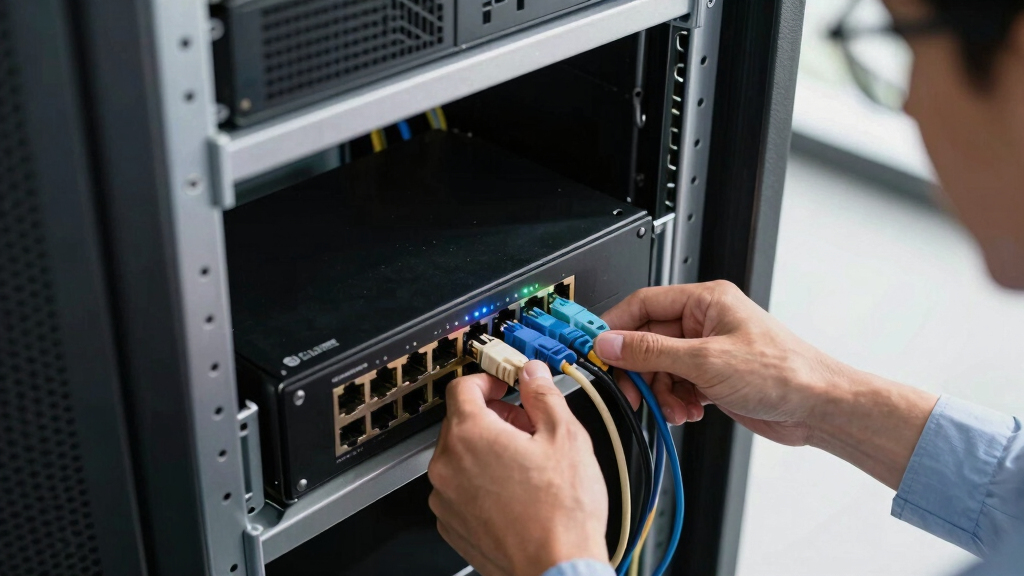
To determine the best managed PoE switches, I evaluated each product based on key factors like port count, PoE power budget, management features, ease of use, build quality, and value for money. Compatibility with common networking protocols and future scalability also played a role. Devices with more advanced management capabilities like VLAN, QoS, and LAG were prioritized for professional use, while simplicity and affordability influenced selections for small or home offices. The ranking reflects a balance between performance, features, and price, aiming to serve different buyer needs from beginners to enterprise users.Factors to Consider When Choosing Managed Switch Poe
Choosing the right managed switch PoE involves understanding your network’s current needs and future growth plans. Beyond basic port counts, consider how management features, power budgets, and physical design impact your setup. Making the wrong choice can lead to limited expandability or insufficient power for connected devices. Here are some key factors to guide your decision-making process.Port Count and Power Budget
The number of ports determines how many devices can connect directly to your switch, with larger networks requiring more ports. The PoE power budget is equally important, as it dictates how much power can be supplied across all ports. Overestimating your needs can increase costs unnecessarily, while underestimating may cause power shortages for devices like IP phones, cameras, or wireless access points. Look for a balance that accommodates future growth without overspending on unused capacity.
Management Features and Protocol Support
Advanced management options such as VLAN, QoS, LAG, and auto-recovery provide greater control, security, and reliability—especially in business environments. These features enable network segmentation, prioritize traffic, and simplify troubleshooting. However, they also add complexity and cost. Small offices or home users might prioritize straightforward, plug-and-play options, while larger setups benefit from rich management capabilities.
Build Quality and Reliability
Durability and quality matter when deploying switches in 24/7 environments. Metal enclosures, fanless operation, and warranties reflect a device’s capacity to withstand continuous use. Cheaper plastic models might save money upfront but could fail sooner, leading to downtime. Investing in a reputable brand with solid support can prevent headaches and ensure network stability over years.
Ease of Setup and Maintenance
For those less familiar with networking, plug-and-play models with minimal configuration can save time. Conversely, managed switches with web interfaces, CLI options, and remote management require some expertise but offer greater flexibility. Consider your comfort level and whether the switch’s management tools align with your skills or support resources.
Price and Total Cost of Ownership
Price varies widely across the spectrum, but a higher initial investment often translates into better reliability, more features, and future-proofing. Cheaper models might seem attractive but could incur costs later due to limited features or early failure. Balance your budget with the potential benefits and long-term savings, especially for critical business networks.
Frequently Asked Questions
Can I use a managed PoE switch in a small home office?
Absolutely. Managed PoE switches are suitable for small home offices that require some network control, such as VLAN segmentation or traffic prioritization. However, for very basic setups, a simpler unmanaged switch may suffice and offer easier setup. Managed switches provide more flexibility and future expansion options but come with a steeper learning curve and higher cost, so evaluate your actual needs before choosing one.
How do I know if a switch has enough PoE power for my devices?
Check the total wattage capacity of the switch’s PoE budget and compare it with the power requirements of all connected devices. For example, IP cameras and phones often specify their power needs, typically between 15W and 30W. Ensure the switch’s total PoE wattage exceeds your cumulative device requirements to avoid power shortages. It’s wise to add some buffer for future device additions.
Are higher port counts always better?
Not necessarily. While more ports offer scalability, they also increase cost and complexity. If your current needs are modest, a smaller switch with fewer ports might be more cost-effective and easier to manage. Larger switches with many ports make sense for growing or enterprise networks, but they’re often overkill for small setups. Match the port count to your immediate and anticipated future needs.
What management features are essential for a small business?
Basic management features like VLAN support, QoS, and remote management are typically enough for small businesses. These tools improve network security, traffic control, and troubleshooting. More advanced features like LAG or auto-recovery are beneficial for larger, more complex networks but might be unnecessary for small operations. Focus on the features that directly support your current setup and future growth plans.
Is it worth paying more for a managed switch with a warranty?
Investing in a switch with a solid warranty can be worthwhile, especially for critical business networks. A warranty provides peace of mind against hardware failures and often includes support options. Cheaper models without warranty might save money initially but could lead to higher costs if replacements or repairs are needed prematurely. Consider your network’s importance and your comfort with potential downtime when evaluating warranty value.