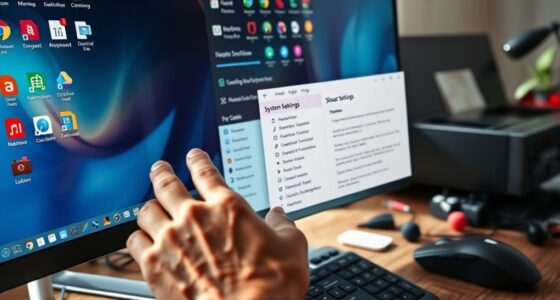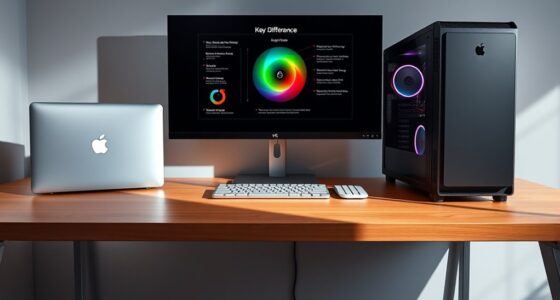
To create a great home office computer setup, focus on ergonomic accessories like adjustable chairs and monitor stands to keep you comfortable all day. Customize your hardware with high-resolution displays and multiple monitors to boost productivity. Keep cables organized using clips and sleeves for a tidy space. Good lighting, both natural and adjustable LED lamps, reduces eye strain and enhances focus. Incorporating these elements will help you work efficiently and comfortably—keep going to discover more tips that make your workspace truly ideal.
Key Takeaways
- Ergonomic accessories like adjustable chairs and monitor stands ensure comfort and reduce fatigue during long work sessions.
- Customized hardware, including high-resolution displays and multiple monitors, enhances productivity for specific tasks.
- Effective cable management keeps the workspace tidy, preventing accidents and simplifying maintenance.
- Proper lighting, especially natural light and adjustable lamps, improves focus and reduces eye strain.
- Maintaining hygiene with regular disinfection and antimicrobial accessories creates a healthier, more inspiring environment.
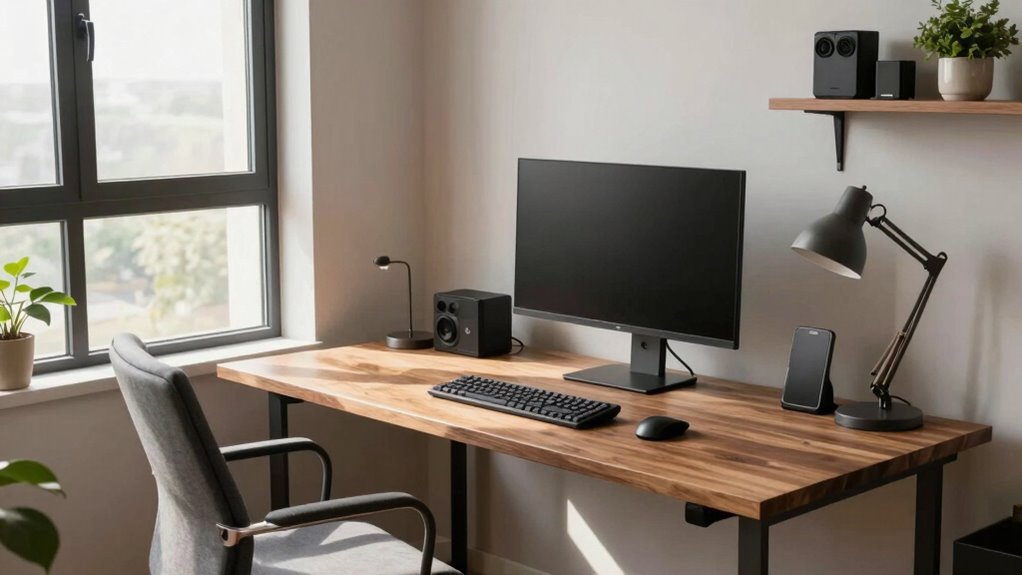
Setting up a home office computer system is essential for creating an efficient and comfortable workspace. When you prioritize the right equipment and organization, you set yourself up for productivity and well-being throughout your workday. One of the first steps is choosing ergonomic accessories that support your posture and reduce strain. Think of adjustable chairs with lumbar support, keyboard trays that keep your wrists straight, and monitor stands that bring screens to eye level. These accessories aren’t just luxuries—they’re investments in your health that help prevent discomfort and fatigue, allowing you to work longer and more comfortably.
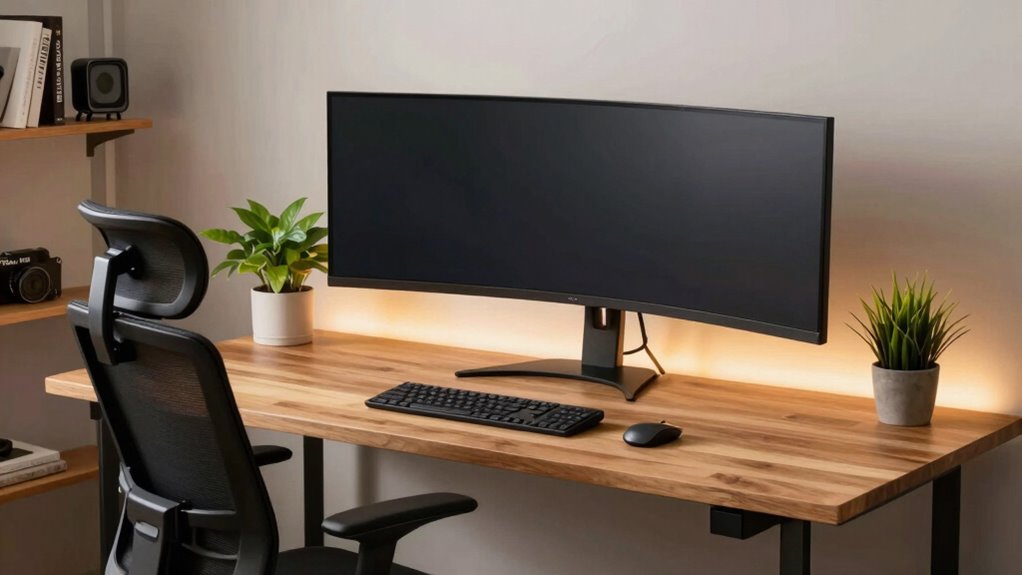
Hardware customization is another pivotal aspect. Instead of settling for a generic setup, consider tailoring your hardware to fit your specific needs. For example, if you handle graphic design or video editing, you might opt for a powerful processor, ample RAM, and high-resolution displays to guarantee smooth performance. If your work involves a lot of multitasking, customizing your setup with multiple monitors can improve your workflow considerably. Customizing your hardware isn’t just about performance; it’s about creating an environment that adapts to how you work best. You can select peripherals like a mechanical keyboard for better typing comfort or a precision mouse that minimizes hand fatigue, making your daily tasks more efficient and enjoyable.
Cable management plays a key role in maintaining an organized workspace. Properly routed cables reduce clutter, prevent accidental disconnections, and make cleaning easier. Use cable clips or sleeves to keep cords tidy and out of the way, which not only improves aesthetics but also enhances safety. Having a clean, organized desk helps you focus and minimizes distractions, making your home office more inviting and functional. Additionally, infection risks and prevention are less of a concern if hygiene is maintained, especially with high-touch items like keyboards and mice. Incorporating antimicrobial accessories or regularly disinfecting your equipment can further promote a healthier workspace. Furthermore, incorporating high-quality accessories like crystal glassware can elevate your workspace ambiance, making it feel more luxurious and inspiring.
Lighting is often overlooked but is indispensable for a great home office setup. Natural light is ideal, so position your desk near a window if possible. Supplement it with adjustable LED desk lamps that reduce eye strain during long work sessions. Good lighting reduces fatigue and boosts your alertness, helping you stay productive. Creating a well-lit environment also aligns with landscaping principles that emphasize the importance of natural surroundings in enhancing overall well-being and comfort in your workspace. Paying attention to lighting quality can significantly improve your focus and overall workspace satisfaction.

MOLENTS Ergonomic Office Chair, Mesh Computer Desk Chairs with Adjustable Lumbar Support, 3D Armrests, Tilt Function, Comfy Wide Seat, Swivel Executive Work Task Chair for Company and Home
【Adjustable Lumbar Support】- The lumbar support of MOLENTS office chair can be adjusted up and down, forward and…
As an affiliate, we earn on qualifying purchases.
As an affiliate, we earn on qualifying purchases.
Frequently Asked Questions
How Important Is Ergonomic Furniture for Home Office Setups?
Ergonomic furniture is essential for your home office setup because it supports your health and productivity. Using adjustable furniture allows you to customize your workspace, reducing strain and preventing discomfort during long work hours. Incorporate ergonomic accessories like lumbar supports and footrests to enhance comfort. Prioritizing ergonomic furniture helps you maintain good posture, avoid injuries, and stay focused, making your home office a more efficient and healthier environment.
What Are the Best Monitors for Multitasking?
Did you know that 86% of users say multiple monitors boost productivity? For multitasking, choose monitors with high resolution, like 4K or ultrawide displays, to keep visuals sharp and clear. Opt for larger screen sizes, around 27 inches or more, to comfortably view multiple windows side by side. This setup minimizes switching between tabs and enhances focus, making your work faster and more efficient.
How Can I Reduce Home Office Computer Noise?
You can reduce home office computer noise by using soundproofing solutions like acoustic panels or desk partitions to dampen sound. Additionally, noise canceling headphones help block out background noise, letting you focus better. Regularly clean your computer’s fans and consider upgrading to quieter models. Placing your workspace away from noisy appliances and using soft furnishings also minimizes ambient noise, creating a quieter, more productive environment for your work.
What Security Measures Protect My Work Data at Home?
Think of your work data as a treasure chest—protect it fiercely. You should implement strong cybersecurity protocols like firewalls, anti-malware, and VPNs, and make certain data encryption is active. Regularly update your software to patch vulnerabilities, use complex passwords, and enable two-factor authentication. These measures create a digital fortress, safeguarding your sensitive information from unauthorized access and cyber threats, giving you peace of mind while working from home.
How Do I Optimize Lighting for a Home Office?
To optimize lighting in your home office, prioritize natural light by placing your desk near windows, but avoid glare on your screen. Use adjustable brightness lamps to control lighting levels throughout the day, reducing eye strain and fatigue. Consider layered lighting with ambient, task, and accent lights, so you can customize the environment for comfort and productivity. Proper lighting boosts focus and creates a more inviting workspace.

Kado Dual Monitor Setup – 2-Pack 22" 1920×1080 Computer Monitor 75Hz VESA Mount HDMI Office Gaming Hybrid Built-in Speakers (E22 Dual Series)
DUAL MONITOR SETUP – Flat monitors in a dual setup provide a seamless viewing experience with reduced peripheral…
As an affiliate, we earn on qualifying purchases.
As an affiliate, we earn on qualifying purchases.
Conclusion
Think of your home office setup as the engine of a smooth-running car. When it’s well-tuned—with the right computer, comfortable chair, and good lighting—your workday flows effortlessly, and productivity soars. Don’t let clutter or outdated gear hold you back. Keep your workspace optimized and inviting, and you’ll find yourself cruising through tasks with ease. A great home office isn’t just a space; it’s the engine that drives your success.

N NOROCME 192 PCS Cable Management Kit 4 Wire Organizer Sleeve,11 Cable Holder,35Cord Clips 10+2 Roll Cable Organizer Straps and 100 Fastening Cable Ties for Computer TV Under Desk, black,clear
Cable Management Kit: 4pcs Cable Sleeves( 20 in L x 0.4 in w), 20pcs reusable wire ties,35Cable Clips…
As an affiliate, we earn on qualifying purchases.
As an affiliate, we earn on qualifying purchases.

LED Desk Lamp with USB Ports,Touch Desk Lamps for Home Office with 5 Color Modes,3 Brightness Desk Light with Small Night Light,Reading Lamp Table Lamp for Bedroom Bedside Study Black (with adapter)
【TOUCH CONTROL DIMMABLE DESK LAMP】 the LED desk light has 5 light colors and 3 brightness levels. You…
As an affiliate, we earn on qualifying purchases.
As an affiliate, we earn on qualifying purchases.