
Ultrawide monitors can boost your productivity by offering more screen space for multitasking, side-by-side comparisons, and complex projects, making workflows smoother. They provide immersive visuals, ideal for gaming and creative work, enhancing your overall experience. However, they cost more and need larger desks, which might be impractical if space or budget is tight. If you keep exploring, you’ll discover how to make this upgrade work for you.

Get the latest gadgets delivered free — and shop member deals
- Fast, free delivery on millions of items
- Access to Prime Big Deal Days deals on October 6–7
- Prime Video, Amazon Music and more included
Key Takeaways
- Ultrawide monitors boost productivity through increased screen space, enabling multitasking and easier management of multiple windows.
- They offer immersive visual experiences ideal for gaming, video editing, and creative tasks, enhancing engagement and detail.
- The high cost and large size may outweigh benefits for users with limited workspace or budgets.
- Compatibility issues and potential distortion from curved screens can affect usability and image quality.
- Effectiveness depends on individual workflow, workspace organization, and whether the immersive features align with user needs.
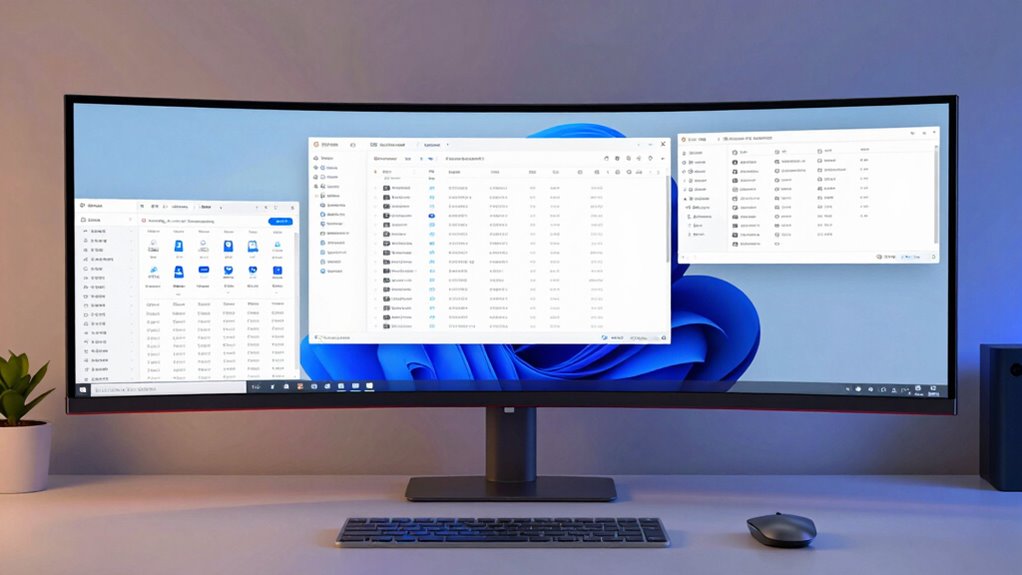
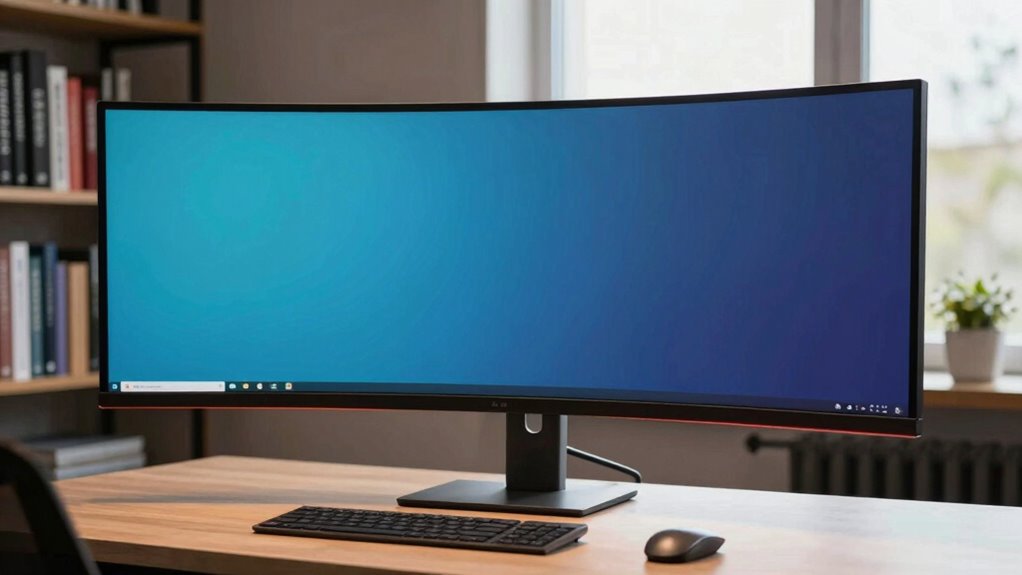
Ultrawide monitors have become a popular choice for those seeking a more immersive and efficient computing experience. If you’re considering upgrading, you’re likely drawn to their promise of enhanced multitasking efficiency and superior visual immersion. These screens, often featuring a 21:9 or even 32:9 aspect ratio, stretch wider than traditional monitors, allowing you to see more at once without needing multiple displays. This increased horizontal space can notably improve how you manage multiple applications, making it easier to drag and drop, compare documents side-by-side, or monitor several windows simultaneously. When you’re working on complex projects, whether editing videos, designing graphics, or coding, this expanded view helps reduce the constant toggling between tabs, streamlining your workflow. The aspect ratio of ultrawide monitors plays a crucial role in their visual impact and usability.
Ultrawide monitors boost multitasking and immersion with expansive screens perfect for complex projects and seamless workflow.
The visual immersion that ultrawide monitors offer is another compelling benefit. Unlike standard screens, which can feel segmented or disconnected, ultrawide displays envelop your peripheral vision, pulling you into your work or entertainment. This immersive quality is especially noticeable when watching movies or playing games designed for wider aspect ratios. You feel less like you’re staring at a small window and more like you’re part of the scene. For creative professionals, this expansive view helps with detail-oriented tasks, giving you a broader canvas to work on and making it easier to see the entire project at once. However, this immersion can sometimes be a double-edged sword. It may lead to distractions if you’re prone to losing focus or if your workspace isn’t well-organized.
While the benefits are clear, you should also weigh the potential downsides. Ultrawide monitors tend to be more expensive than traditional ones, and their size demands more desk space. Not everyone finds the extra width necessary or practical, especially if your workspace is limited. The curvature of many ultrawide screens aims to enhance visual immersion, but it can take some getting used to and might distort certain images or interfaces not optimized for this format. Additionally, compatibility issues with some apps or games can arise, requiring adjustments or workarounds.
In the end, whether an ultrawide monitor is a productivity upgrade or just an expensive distraction depends on how you use your computer. If multitasking efficiency and immersive visuals are priorities, it’s a tool that can genuinely transform your experience. But if you’re on a tight budget or have space constraints, it’s worth considering if the investment aligns with your needs.
ultrawide monitor 34 inch curved
As an affiliate, we earn on qualifying purchases.
As an affiliate, we earn on qualifying purchases.
Frequently Asked Questions
Do Ultrawide Monitors Require Special Graphics Cards?
You don’t necessarily need a special graphics card for ultrawide monitors, but graphics card compatibility is essential. Most modern GPUs can handle ultrawide resolutions like 3440×1440 or 3840×1600, but if you’re using a high refresh rate or multiple displays, hardware upgrades might be necessary to guarantee smooth performance. Check your current graphics card’s specifications and consider upgrading if you experience lag or if your GPU isn’t compatible with the monitor’s resolution.
Are Ultrawide Monitors Suitable for Gaming?
Are you craving an immersive gaming experience that pulls you right into the action? Ultrawide monitors are excellent for gaming, offering a panoramic view that enhances realism. While they provide stunning visuals, watch out for potential visual distortion in some titles. Overall, if you want to elevate your gameplay and enjoy a broader field of view, ultrawide monitors can be a fantastic choice, making every gaming session more engaging.
How Do Ultrawide Monitors Compare to Dual Monitor Setups?
Ultrawide monitors often provide a seamless, immersive experience that outshines dual monitor setups regarding aesthetic appeal. They offer ergonomic benefits by reducing the need to constantly switch between screens, decreasing neck strain. While dual setups allow for flexible workspace organization, ultrawides create a cleaner look and more natural workflow, making them ideal if you prioritize an integrated, streamlined workspace that enhances both productivity and visual appeal.
What Are the Space Requirements for Ultrawide Monitors?
You need ample desk space for an ultrawide monitor, typically 30-34 inches wide, but check your model’s dimensions. Ergonomic considerations include guaranteeing your monitor is at eye level to prevent strain. Wall mounting options can save desk space and improve ergonomics, but you’ll need sturdy mounting hardware and enough clearance behind the monitor. Measure your desk and wall area carefully to ensure a comfortable, clutter-free setup.
Can Ultrawide Monitors Improve Multitasking Efficiency?
Think of your workspace as a busy highway; ultrawide monitors with curved screens and wide aspect ratios streamline your traffic flow. They can considerably improve multitasking efficiency by allowing you to see multiple windows simultaneously without constant window switching. The curved screens help reduce distortion and eye strain, making it easier to focus across different tasks. So, yes, ultrawide monitors can boost your productivity by creating a more seamless, immersive workspace.
As an affiliate, we earn on qualifying purchases.
Conclusion
Ultrawide monitors can truly boost your productivity, giving you more space to work and multitask efficiently. But beware—research shows that 65% of users feel overwhelmed by the extra screen real estate, risking distraction. Before you invest, weigh whether the increased workspace will enhance your focus or just tempt you into multitasking pitfalls. Make a mindful choice that aligns with your work style and helps you stay productive, not overwhelmed.
professional ultrawide monitor for video editing
As an affiliate, we earn on qualifying purchases.
As an affiliate, we earn on qualifying purchases.
ultrawide monitor stand adjustable
As an affiliate, we earn on qualifying purchases.
As an affiliate, we earn on qualifying purchases.
Halloween Picks
halloween
As an affiliate, we earn on qualifying purchases.