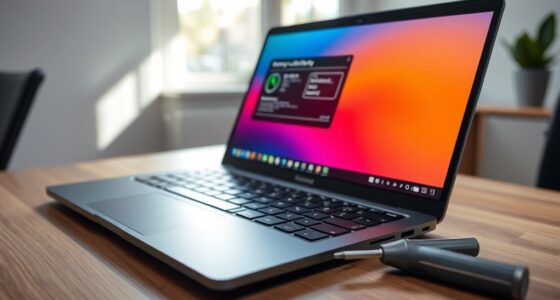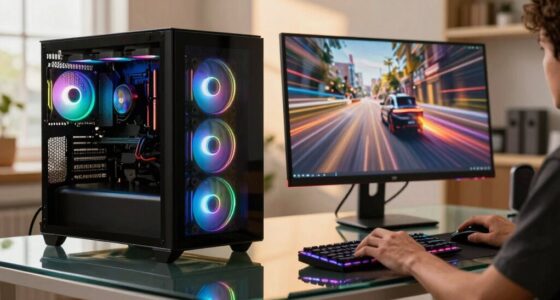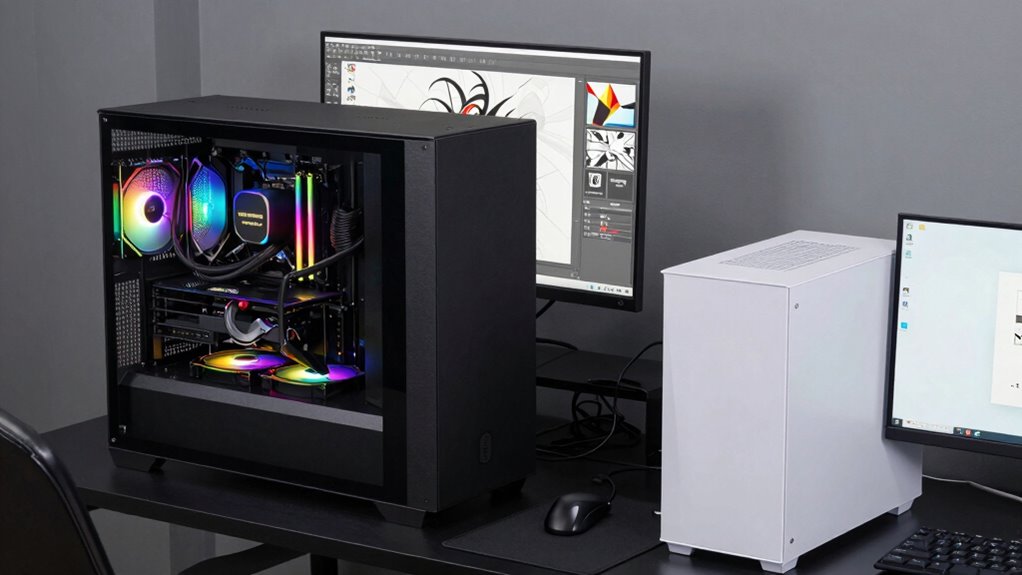

Casual PCs are built for everyday tasks like browsing, streaming, and light photo editing, making them lightweight and portable. Creator workstations, on the other hand, focus on high performance for demanding tasks such as content creation and gaming, with powerful graphics cards, fast processors, and better cooling. These workstations tend to be larger, heavier, and more expensive. If you want to understand how these differences affect your choices and budget, keep exploring further.

Get the latest gadgets delivered free — and shop member deals
- Fast, free delivery on millions of items
- Access to Prime Big Deal Days deals on October 6–7
- Prime Video, Amazon Music and more included
Key Takeaways
- Casual PCs are designed for everyday tasks, while creator workstations are built for professional content creation and demanding applications.
- Workstations feature higher-end GPUs and processors for better performance and longevity compared to casual PCs.
- Casual PCs are lightweight and portable, whereas workstations are larger, heavier, and prioritize performance over mobility.
- High-performance components in workstations increase cost but improve capabilities for gaming, editing, and complex workflows.
- Hardware specifications directly influence system lifespan and ability to handle future, intensive tasks more effectively in workstations.
When choosing a computer, understanding the difference between casual PCs and creator workstations can save you time and money. If you mainly use your computer for everyday tasks like browsing, streaming, or light photo editing, a casual PC might be enough. But if you’re into professional-grade content creation, gaming, or need a machine that handles demanding applications, a creator workstation is worth considering. The key differences lie in their performance capabilities and design focus.
Gaming performance is often a top priority for casual PC users who enjoy gaming as a hobby. These machines typically feature mid-range GPUs, decent processors, and sufficient RAM to run popular games smoothly. However, they’re not built for sustained high-performance gaming sessions or for running the latest AAA titles at maximum settings. If gaming performance is a concern, a creator workstation usually offers more powerful graphics cards, faster processors, and better cooling systems, ensuring you get higher frame rates and more consistent gameplay. But keep in mind, these high-end components can increase the overall cost and weight of the system. Additionally, hardware specifications play a crucial role in determining overall performance and longevity. For example, selecting components with a higher performance level can significantly extend the usable lifespan of your system in demanding tasks.
Casual PCs handle popular games smoothly but aren’t suitable for high-performance or demanding AAA titles.
Portability concerns also come into play when deciding between these two types of computers. Casual PCs tend to be lighter, more compact, and designed for easy transport. If you travel frequently or need a device that you can carry around easily, a casual laptop or mini desktop might be ideal. Creator workstations, on the other hand, are often bigger, heavier, and built with performance in mind rather than portability. They may include larger screens, more extensive cooling, and additional hardware options, which can make them less convenient for on-the-go use. That said, some high-end mobile workstations aim to strike a balance, offering portable designs with workstation-level performance, but they usually come with a higher price tag. Understanding performance capabilities is key to making an informed choice.
high performance creator workstation
As an affiliate, we earn on qualifying purchases.
As an affiliate, we earn on qualifying purchases.
Frequently Asked Questions
Can a Casual PC Handle Basic Video Editing Tasks?
A casual PC can handle basic video editing tasks, but its performance might not be smooth or fast. If you’re doing casual editing, like trimming clips or adding simple effects, it should work fine. However, for more demanding projects, you might experience lag or longer render times. Keep in mind, casual editing is possible, but for better basic performance, a more powerful system is recommended.
How Long Do Creator Workstations Typically Last?
Creator workstations typically last around 3 to 5 years, depending on how well you maintain them. Their hardware durability and component longevity are high due to premium parts designed for intensive tasks. Regular upgrades and proper cooling can extend their lifespan. Keep an eye on component performance and replace parts as needed, ensuring your workstation continues to support demanding creative projects without sacrificing speed or stability.
Are Gaming PCS Suitable as Creator Workstations?
Think of a gaming PC as a sports car—exciting and fast, but not always built for the long haul or heavy-duty tasks. While gaming performance is exceptional, it often lacks the specialized hardware needed for creator workstations. Hardware customization on gaming PCs can help, but they typically don’t match the stability, precision, and multitasking power creators need. For serious work, a dedicated creator workstation is usually a smarter choice.
What Is the Return Policy for High-End Workstations?
High-end workstations typically come with detailed warranty policies, allowing you to return or exchange the device if it doesn’t meet your needs. You should review the vendor’s return procedures, which often include a specified return window and required documentation. Keep in mind, some manufacturers may charge a restocking fee or have restrictions on opened components, so understanding their policies helps guarantee a smooth return process if you’re unsatisfied.
Do Creator Workstations Require Special Software Compatibility?
Like a finely tuned orchestra, creator workstations do require special software compatibility. You need software optimized for high-performance tasks, guaranteeing smooth workflows. They also demand hardware compatibility, with robust graphics cards and powerful processors. This combination allows you to handle demanding creative applications efficiently. Without it, you risk lag or crashes, so choosing the right software and hardware ensures your workstation performs at its best for your creative projects.
gaming desktop with high-end GPU
As an affiliate, we earn on qualifying purchases.
As an affiliate, we earn on qualifying purchases.
Conclusion
Think of casual PCs as trusty road bikes—perfect for quick errands and everyday rides—while creator workstations are like powerful motorcycles built for speed and heavy-duty adventures. If you’re just cruising through casual tasks, a simple bike gets you there smoothly. But if you’re tackling complex projects, a creator workstation is your roaring engine, ready to conquer any terrain. Choose wisely, and let your digital journey be as smooth or as thrilling as you desire.
As an affiliate, we earn on qualifying purchases.
professional content creation PC
As an affiliate, we earn on qualifying purchases.
As an affiliate, we earn on qualifying purchases.
Halloween Picks
halloween
As an affiliate, we earn on qualifying purchases.