To stream games with cloud gaming services without a console, start by choosing a platform like Xbox Cloud Gaming, GeForce NOW, or Stadia based on your favorite games and device compatibility. Make certain you have a fast, stable internet connection—preferably over Ethernet or 5 GHz Wi-Fi—to reduce lag. Set up your account, select your subscription plan, and connect a compatible controller or input device. Fine-tuning these settings and troubleshooting common issues will help you enjoy seamless gaming—if you want more tips, keep exploring how to optimize your experience.
Key Takeaways
- Choose a compatible cloud gaming platform like Xbox Cloud Gaming, NVIDIA GeForce NOW, or PlayStation Plus Premium.
- Ensure a stable, high-speed internet connection (preferably 15 Mbps+ for HD, 35 Mbps+ for 4K).
- Use supported devices such as smartphones, tablets, PCs, or smart TVs with the appropriate app or browser.
- Connect input devices like gamepads or keyboard/mouse via Bluetooth or wired connections for better control.
- Launch the cloud gaming app or website, log in, and select your game to start streaming without a console.
Understanding Cloud Gaming Platforms and Their Offerings
Cloud gaming platforms have revolutionized how you access and play video games by streaming titles directly from powerful servers instead of relying on local hardware. These services come in various forms, each offering unique features. Xbox Cloud Gaming, for example, gives you access to a vast library via Xbox Game Pass Ultimate, streaming on multiple devices with low latency. NVIDIA GeForce NOW lets you stream games you already own from platforms like Steam, including a free tier and high-end RTX 4080 options. PlayStation Plus Premium provides access to over 2,000 titles across different PlayStation generations, supporting 4K at 60 FPS. Amazon Luna offers flexible subscriptions, exclusives, and integration with Amazon devices. Boosteroid supports multiple libraries and a cloud PC model for installing more games. Each platform caters to different gaming needs and device compatibility. Integrating cloud infrastructure can enhance these services’ sustainability and security, ensuring reliable and eco-friendly gaming experiences. Additionally, leveraging cloud infrastructure can improve the overall performance and scalability of these platforms, making gaming more accessible and consistent for users worldwide. Effective cloud architecture also plays a vital role in reducing latency and maintaining high-quality streaming, which is essential for an optimal gaming experience.
Assessing Your Internet Connection for Optimal Streaming
Since a stable, fast internet connection is essential for smooth cloud gaming, evaluating your network’s performance is a vital first step. Start by testing your current download and upload speeds using tools like Speedtest. For HD streaming, you’ll want at least 10-15 Mbps, but for 4K, aim for 35 Mbps or higher. Check your ping and latency—ideally below 20 milliseconds—to minimize lag. Using a wired Ethernet connection provides more stability and lower latency than Wi-Fi, especially on 5 GHz networks. Reduce network congestion by limiting other devices or streaming services during gaming sessions. If your connection falls short, consider upgrading your plan or optimizing your router settings. A reliable, high-speed connection guarantees you’ll enjoy smooth gameplay without frustrating interruptions. Additionally, understanding the evolution of the English language can help you stay updated on terminology and gaming slang that might enhance your communication in multiplayer environments. Properly network optimization can also help prevent buffering issues that disrupt gameplay.
Choosing the Right Device for Cloud Gaming
Choosing the right device depends on your compatibility options, screen size, and control preferences. Consider whether you want to play on a smartphone, tablet, PC, or smart TV, and how each matches your gaming style. Knowing your preferred resolution and input method helps guarantee a smooth, enjoyable cloud gaming experience. Additionally, understanding game-specific requirements can help ensure your device can handle the gameplay without issues. For optimal performance, check that your device supports cloud gaming services and has sufficient processing power. Considering the device’s hardware capabilities can also influence the overall gaming quality and responsiveness, especially when accommodating various device types to meet different user needs.
Device Compatibility Options
Selecting the right device for cloud gaming depends on your gaming habits and the types of games you want to play. Compatibility varies across devices, so choose one that suits your needs. You can stream on:
| Device Type | Best Use Case | Limitations |
|---|---|---|
| Windows PC/Mac | High-performance gaming, multitasking | Requires good internet |
| Smartphones/Tablets | Gaming on the go, casual titles | Small screens, touch controls |
| Smart TVs/Fire TV | Couch gaming, media integration | Limited control options |
Ensure your device supports the streaming app of your chosen service and has a stable internet connection. Compatibility expands your gaming options, making cloud gaming accessible anytime, anywhere. Additionally, choosing a device with adequate hardware capabilities can improve your overall gaming experience. Being mindful of device compatibility can significantly reduce lag and improve stream quality, especially for more demanding titles. Furthermore, software updates ensure your device remains compatible with the latest streaming technologies and security patches. Moreover, selecting a device with up-to-date software can prevent compatibility issues and ensure optimal performance.
Screen Size & Resolution
The size and resolution of your device considerably influence your cloud gaming experience, especially regarding visual clarity and immersion. A larger screen enhances your gameplay, making details more vivid and improving immersion. Higher resolutions like 4K deliver sharper images, ideal for visually stunning titles. Smaller screens, such as smartphones, still work well with lower resolutions but may sacrifice clarity. To optimize your experience:
- Choose a device with a screen size that suits your gaming style and environment
- Opt for higher resolutions if your internet connection and device support 4K streaming
- Consider the device’s display quality—OLED or IPS panels offer better color and contrast
- Balance resolution with internet bandwidth to avoid buffering or lag issues
- Remember that device compatibility plays a crucial role in achieving smooth gameplay with high-resolution settings. Additionally, ensuring your device has a high-performance GPU can significantly improve visual quality and frame rates during cloud gaming sessions. Incorporating visual display technology can further enhance color accuracy and contrast, providing a more immersive gaming experience. A refresh rate of at least 60Hz is recommended for smoother motion rendering, especially in fast-paced games. Moreover, selecting a device with adaptive sync technology can reduce screen tearing and improve gameplay fluidity.
Control Input Preferences
Your preferred control input method can substantially shape your cloud gaming experience, especially as different devices offer varying ways to interact with games. If you enjoy precise controls, a wired or wireless gamepad, like a Xbox or PlayStation controller, often provides the best experience. Touch controls work well for casual gaming on smartphones and tablets but may lack precision for fast-paced games. Keyboard and mouse setups are ideal for strategy or FPS titles on Windows PCs, offering accuracy and responsiveness. Some smart TVs and streaming devices support Bluetooth controllers, giving you more control options. Consider your game style and device compatibility when choosing your input method. The right controller can reduce latency, improve gameplay, and make your cloud gaming sessions more enjoyable. Proper input methods can significantly influence your overall gaming satisfaction, especially when understanding load calculations and setup practices that minimize lag and maximize responsiveness. Additionally, selecting ergonomic controllers can help prevent fatigue during long gaming sessions. Being aware of input device compatibility ensures a seamless connection and smoother gameplay experience, and researching compatibility with your device can help you avoid connection issues.
Setting Up Your Cloud Gaming Account and Subscription

To get started, you need to choose a cloud gaming service that fits your gaming habits and device compatibility. Once you’ve selected a platform, setting up your account is straightforward, often involving linking your existing accounts or payment methods. Managing your subscription options allows you to customize access to game libraries, streaming quality, and additional features to suit your preferences.
Choosing a Cloud Service
Are you ready to choose a cloud gaming service that fits your needs? First, consider what game library suits your interests—whether you want access to a vast library like Xbox Game Pass or prefer streaming games you already own through GeForce NOW. Think about device compatibility—some services work better on certain devices or operating systems. Price and subscription tiers vary, so compare costs and features to find the best value. Also, check regional availability, since some platforms are limited geographically. Finally, evaluate your internet connection requirements—higher-quality streams demand faster, more stable connections.
- Game library and supported titles
- Device compatibility and performance
- Subscription costs and tiers
- Regional availability and restrictions
Subscription Management Options
Setting up a cloud gaming account and managing subscriptions is straightforward, but it’s important to choose the right options to maximize value. First, select a service that matches your gaming preferences and device compatibility. Many platforms, like Xbox Cloud Gaming and PlayStation Plus Premium, offer tiered plans—ranging from basic access to premium features like 4K streaming or extensive libraries. When subscribing, consider trial periods to test performance and game selection. Manage your subscription through the provider’s website or app, where you can upgrade, downgrade, or cancel anytime. Some services bundle subscriptions with other perks, so review these options carefully. Keep track of renewal dates to avoid unintended charges, and adjust your plan as your gaming needs evolve. Proper management guarantees you get the most out of your cloud gaming experience.
Navigating Game Libraries and Accessing Content

Managing game libraries in cloud gaming can seem overwhelming, but most services streamline access by offering curated collections or integration with your existing game libraries. You can browse pre-selected titles or connect platforms like Steam, Epic Games, or PlayStation to access your owned games. This setup saves you time and effort, making gaming more convenient.
Key features include:
- Access to curated libraries or your personal game collections
- Easy linking of external digital libraries like Steam or Epic Games
- Options to purchase or subscribe for additional titles
- Seamless browsing across consoles, PCs, and mobile devices
Connecting Your Device for Seamless Streaming
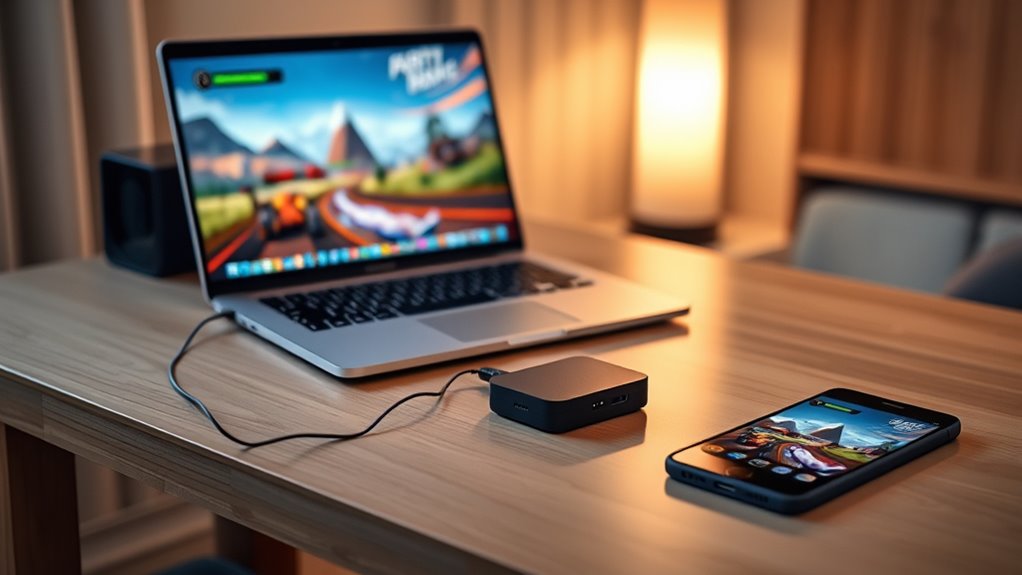
To get the best streaming experience, you need a stable, fast internet connection—preferably wired Ethernet or 5 GHz Wi-Fi—to minimize lag. Make sure your device is compatible and properly set up, whether it’s a PC, smartphone, or smart TV. Proper connection and device setup are key to enjoying seamless, responsive gameplay.
Stable Internet Connection
A stable internet connection is essential for enjoying seamless cloud gaming, as fluctuations or interruptions can cause lag, buffering, and input delays. To guarantee smooth gameplay, prioritize a reliable connection that minimizes latency and packet loss. Use a wired Ethernet connection when possible, as it offers more stability than Wi-Fi. If you rely on Wi-Fi, connect to a 5 GHz network for faster speeds and less interference. Close background applications that consume bandwidth, and position your device close to your router to improve signal strength. Regularly test your connection speed to confirm it meets the recommended requirements. A consistent, high-quality internet connection guarantees optimal streaming performance, reducing frustrating disruptions during intense gaming moments.
- Use wired Ethernet over Wi-Fi when possible
- Connect to a 5 GHz Wi-Fi network for better speed
- Keep your device close to the router
- Test your internet speed regularly
Compatible Device Setup
Connecting your device properly is essential for a smooth cloud gaming experience, as compatibility and setup directly impact streaming quality and responsiveness. First, verify your device meets the platform’s requirements, such as having a compatible operating system and sufficient hardware. For the best experience, use a wired Ethernet connection or connect via a 5 GHz Wi-Fi network to minimize latency and buffering. Update your device’s software and the cloud gaming app or browser regularly. Adjust display settings to match your device’s resolution capabilities, like enabling 4K if supported. Make sure your controller or input device is compatible and properly paired. Finally, disable unnecessary background apps to optimize device performance and reduce potential interruptions during gameplay. Proper setup ensures seamless streaming and an enjoyable gaming session.
Optimizing Settings for Better Performance and Visuals
Optimizing your cloud gaming settings is essential for achieving smoother performance and better visuals. Adjusting your options allows you to reduce lag, improve image quality, and enjoy a seamless experience. Start by selecting the highest possible resolution your internet can handle without buffering. Enable hardware acceleration if available, which offloads processing to your device’s GPU. Lower your stream’s bitrate slightly if you experience stuttering. Finally, tweak the in-game graphics settings, such as shadows and effects, to balance quality and performance.
Optimize cloud gaming by selecting the best resolution, enabling hardware acceleration, and adjusting bitrate for smooth performance.
- Set the streaming resolution to match your display for sharper visuals
- Enable hardware acceleration to reduce latency
- Adjust bitrate settings for smoother streaming
- Disable unnecessary in-game effects to improve performance
Playing Multiplayer and Co-op Games in Cloud
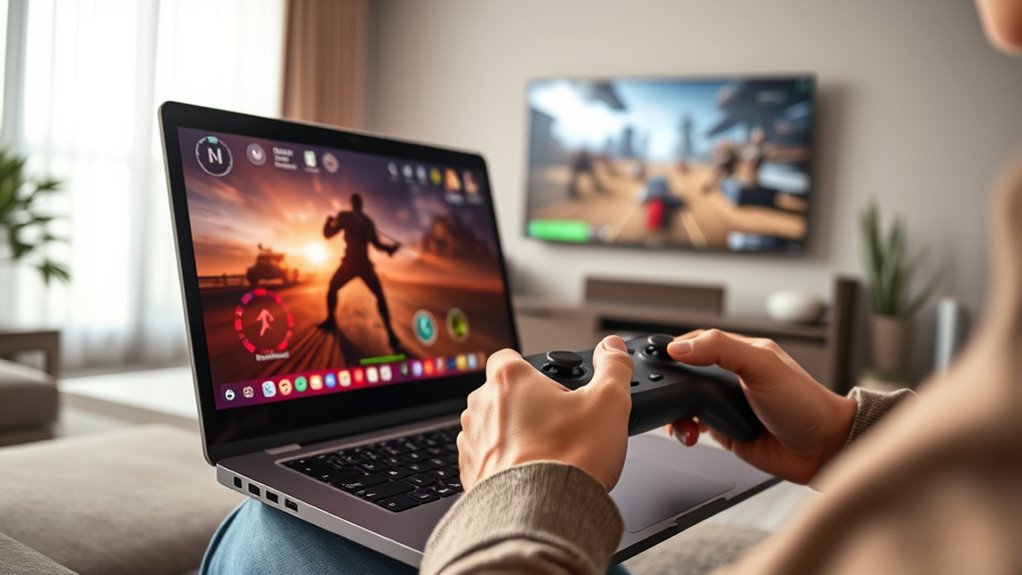
Playing multiplayer and co-op games in cloud requires a stable, low-latency internet connection to guarantee smooth gameplay. Without it, you’ll experience lag, input delay, or disconnections that ruin the experience. To optimize your connection, use a wired Ethernet cable or connect via 5 GHz Wi-Fi to reduce latency and packet loss. Make certain your bandwidth exceeds 15 Mbps for HD multiplayer and 35 Mbps for 4K co-op gameplay. Close background apps or downloads that may consume bandwidth, and prioritize your network traffic if possible. Keep your device close to your Wi-Fi router to improve signal strength. A consistent, fast connection helps keep gameplay responsive during fast-paced battles or cooperative missions, ensuring you stay synchronized with teammates and enjoy seamless multiplayer experiences.
Troubleshooting Common Connectivity and Performance Issues

Connectivity and performance issues are common hurdles when streaming games via cloud services, but many can be resolved with targeted troubleshooting. First, check your internet speed—aim for at least 15 Mbps for HD and 35+ Mbps for 4K. Use a wired Ethernet connection or switch to a 5 GHz Wi-Fi network to reduce lag. Close background apps that might hog bandwidth or CPU resources. If you experience input lag, lower the streaming quality or switch to a server closer to your location. Restart your device, router, and the cloud app to clear temporary glitches. Consider updating your device’s firmware or network drivers for better stability.
Troubleshoot cloud gaming issues by checking internet speed, switching to wired or 5 GHz Wi-Fi, closing background apps, and restarting devices.
- Improve your internet connection with wired Ethernet or higher bandwidth.
- Reduce network congestion by closing unnecessary apps.
- Switch to a lower streaming quality setting.
- Restart your device and networking equipment regularly.
Exploring Future Trends and Expanding Your Cloud Gaming Experience
As cloud gaming continues to evolve, industry experts anticipate significant advancements that will reshape how you access and enjoy games. Look forward to higher streaming fidelity, with 4K resolution and up to 240 FPS supported on premium tiers like GeForce NOW RTX 4080. Device support will expand, making gaming possible on tablets, smartphones, and smart TVs without needing a console. Subscription models will grow, blending gaming into familiar media streaming formats for easier access. Smaller indie developers will reach broader audiences without high-end hardware. These trends aim to enhance your experience, offering seamless cross-platform play and instant access to vast libraries.
| Future Trend | Impact on Your Experience |
|---|---|
| Higher streaming fidelity | Smoother, more immersive visuals |
| Expanded device support | Gaming anywhere, on any device |
| Subscription model growth | Easier, more affordable access |
Frequently Asked Questions
Can I Use Cloud Gaming Services Without a Subscription?
You generally need a subscription to access most cloud gaming services, as they operate on a paid model that grants you access to libraries or streaming capabilities. However, some platforms like NVIDIA GeForce NOW offer free tiers with limited features, allowing you to play supported games without paying. Keep in mind, free options might have restrictions such as session length or lower priority, but they’re a good way to try cloud gaming without committing financially.
Are There Age Restrictions for Accessing Certain Cloud Gaming Platforms?
Yes, there are age restrictions for accessing certain cloud gaming platforms. You need to meet minimum age requirements set by each service, often aligning with local laws and content ratings. These restrictions aim to safeguard younger users from inappropriate content, ensure legal compliance, and maintain responsible gaming environments. You should verify each platform’s age policies before signing up or accessing specific game libraries, especially for mature or rated-R titles.
How Secure Is Cloud Gaming Regarding Data Privacy?
Cloud gaming providers prioritize data privacy but your security depends on their measures and your habits. They use encryption and secure servers to protect your data, but you should use strong, unique passwords and enable two-factor authentication where available. Be cautious with public Wi-Fi and keep your devices updated. Regularly review privacy policies and account settings to understand what data is collected and how it’s used, ensuring your gaming experience stays safe.
Do I Need a Controller or Special Peripherals to Play?
Yes, you’ll need a controller or peripherals to play. Perfectly paired, a controller provides precise, comfortable control, whether you prefer a classic Xbox or PlayStation pad. Some services support keyboard and mouse for PC-style play, while others work seamlessly with touchscreens or smart device controls. Check your device’s compatibility, and keep peripherals close—playing becomes smoother, more responsive, and more fun when your gear is geared for gaming greatness.
Can I Cancel My Subscription Anytime Without Penalties?
Yes, you can cancel your subscription anytime without penalties. Most cloud gaming services offer flexible cancellation policies, allowing you to end your plan whenever you choose. Just log into your account, navigate to the subscription settings, and follow the cancellation instructions. Keep in mind, you’ll lose access to the game library or features once your subscription ends, so make sure to do it before your billing cycle renews if you don’t want to be charged again.
Conclusion
Now that you’ve opened the gateway to endless gaming adventures, you’re the captain steering through a sea of pixels and possibilities. With the right setup and a steady connection, your gaming universe expands beyond consoles, transforming your device into a portal of limitless worlds. Embrace the future of gaming—where every click and stream is a wave carrying you deeper into the exhilarating tide of cloud gaming’s boundless horizon. Plunge in and let the games begin!