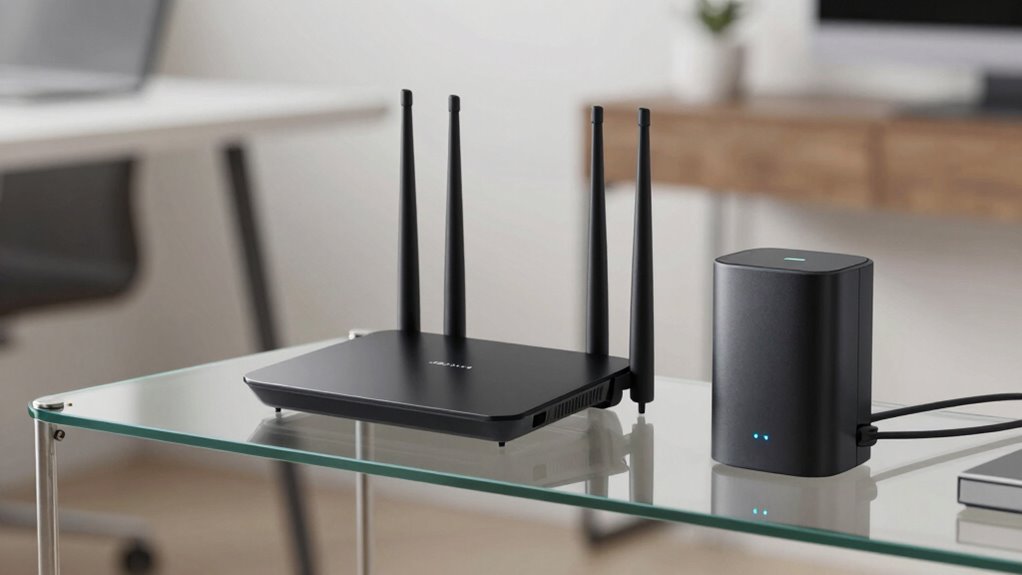

An access point extends your wireless network’s coverage by broadcasting existing network signals, but it doesn’t manage traffic or assign IP addresses like a router does. A router acts as the central hub, controlling traffic, managing security, and directing data flow. In contrast, an access point simply creates additional wireless coverage without handling network management. To understand how these devices work together and improve your network, keep exploring the differences in their roles.

Get the latest gadgets delivered free — and shop member deals
- Fast, free delivery on millions of items
- Access to Prime Big Deal Days deals on October 6–7
- Prime Video, Amazon Music and more included
Key Takeaways
- A router manages network traffic, IP addresses, and security; an access point extends wireless coverage without handling traffic or IP assignment.
- Routers support multiple wireless standards (Wi-Fi 5, Wi-Fi 6), while access points mainly broadcast existing signals.
- Routers serve as central network controllers with security features; access points lack independent security functions.
- Routers create and manage the main network; access points simply expand coverage within that network.
- Proper placement of access points optimizes coverage; routers are typically positioned centrally for network management.
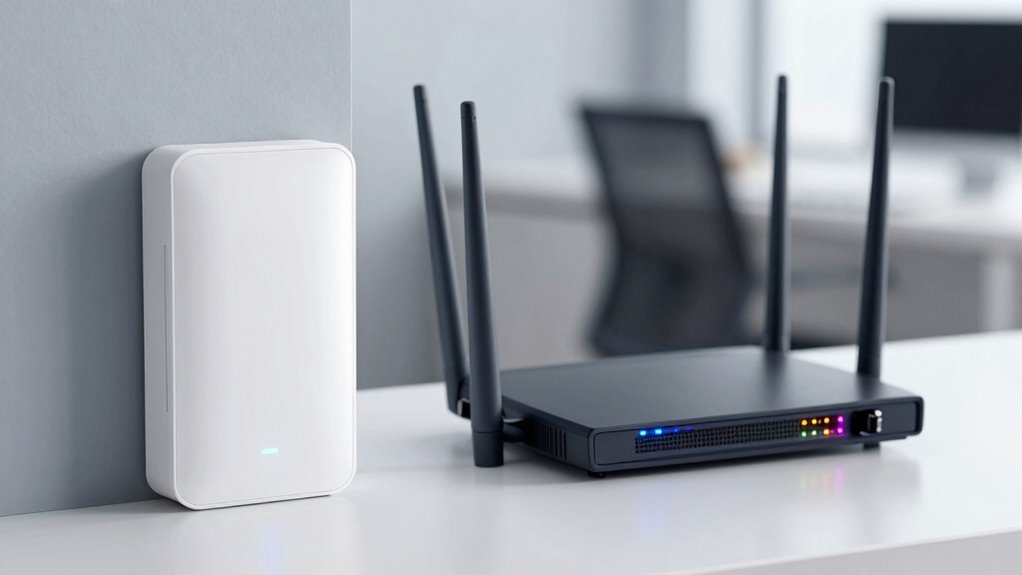
Ever wondered what sets an access point apart from a router? While both devices help you connect to the internet, they serve different purposes and operate in unique ways. A router acts as the central hub, managing your network traffic, assigning IP addresses, and connecting multiple devices to the internet. It often includes built-in capabilities like network security, firewall protection, and wireless standards to guarantee your connection is both fast and safe. On the other hand, an access point primarily extends your existing network, creating additional wireless coverage without managing network traffic or assigning IP addresses. It acts as a bridge, allowing devices to connect to the main network seamlessly. Understanding wireless standards is key when differentiating these devices. Routers often support a range of wireless standards, such as Wi-Fi 5 (802.11ac) or Wi-Fi 6 (802.11ax), which influence speed, range, and overall performance. These standards ensure compatibility with various devices, making your network versatile and future-proof. Access points also support these standards, but their main role is to broadcast the existing network’s wireless signal, expanding coverage. They typically do not manage network traffic or security features independently but rely on the router to handle these aspects. This design makes access points ideal for large spaces where a single router’s signal might be insufficient. Additionally, the use of astrological signs in some security protocols shows how diverse influences can shape network technology. Network security is another critical aspect that differentiates these devices. Modern routers often come equipped with built-in security features such as WPA3 encryption, firewalls, and guest network options. They serve as gatekeepers, controlling who can access your network and protecting against external threats. Access points, meanwhile, generally do not include advanced security features on their own. Instead, they rely on the router’s security protocols, forwarding the wireless signals without adding extra layers of protection. This means that while access points extend your network, the main security measures should still be managed through your router. Recognizing the role of network infrastructure helps in understanding how these devices work together to create a reliable and secure wireless environment. As technology continues to evolve, the integration of wireless standards ensures networks remain compatible and efficient. For example, the performance capabilities of these devices can vary significantly depending on the hardware and firmware updates they receive. It’s also important to consider proper placement within your space to optimize coverage and performance. In essence, your choice depends on what you need. If you’re looking to establish a secure, managed, and centralized network, a router is your primary device. If you want to extend your existing network’s coverage without complex configurations, an access point is the better choice. Both devices work together in many setups to provide detailed wireless connectivity, but understanding their differences helps you optimize your home or business network effectively.
As an affiliate, we earn on qualifying purchases.
Frequently Asked Questions
Can an Access Point Replace a Router Entirely?
No, an access point can’t replace a router entirely. It mainly extends your network, providing additional Wi-Fi coverage, but doesn’t handle network integration or manage device compatibility on its own. You need a router to assign IP addresses, connect to the internet, and control network traffic. Using an access point alone leaves your network incomplete, so both devices work together for seamless connectivity and peak performance.
Do Access Points Support Wired and Wireless Connections Simultaneously?
Yes, access points support both wired connectivity and wireless compatibility simultaneously. You can connect devices directly through Ethernet cables for a stable, wired connection, while also providing wireless access for mobile devices and laptops. This dual functionality helps expand your network’s coverage and performance without sacrificing wired reliability. Simply put, access points are designed to handle wired and wireless connections at the same time, making your network more versatile and efficient.
How Many Devices Can an Access Point Handle at Once?
An access point can handle dozens to hundreds of devices simultaneously, depending on its capacity and network configuration. You should consider network redundancy to prevent downtime and Power over Ethernet (PoE) for simplified installation and power management. By supporting multiple connections, your access point guarantees smooth network performance, especially in busy environments. Proper setup and choosing a high-capacity device help maintain peak connectivity for all your devices at once.
Are Access Points Secure for Sensitive Data Transmission?
Access points are generally secure for sensitive data transmission when they use strong encryption protocols. You should guarantee they support data encryption standards like WPA3, which protect your information from unauthorized access. Regularly update firmware and change default passwords to enhance security. By doing so, you minimize vulnerabilities and ensure your sensitive data remains protected during wireless transmission. Proper security measures are essential to keep your network safe.
Can an Access Point Extend Wi-Fi Range Without Affecting Speed?
Yes, an access point can extend your Wi-Fi range without considerably affecting speed. It boosts wireless coverage and maintains signal strength by creating a seamless network extension. Proper placement helps guarantee consistent performance, so you don’t experience dead zones or drops in connection quality. By strategically positioning your access point, you enhance overall network reliability while preserving fast, stable internet access across larger areas.
wireless access point for large homes
As an affiliate, we earn on qualifying purchases.
As an affiliate, we earn on qualifying purchases.
Conclusion
Understanding the difference between an access point and a router helps you set up your network effectively. Did you know that, according to a 2022 survey, over 60% of home networks use both devices to optimize coverage? By knowing their roles, you can improve your Wi-Fi experience and troubleshoot issues more easily. So, next time you’re upgrading your network, remember that combining these devices can give you faster, more reliable connectivity for all your devices.
As an affiliate, we earn on qualifying purchases.
network access point with Ethernet ports
As an affiliate, we earn on qualifying purchases.
As an affiliate, we earn on qualifying purchases.
Fall Picks
fall essentials
As an affiliate, we earn on qualifying purchases.