
Your Alexa device is always listening for its wake word, but it only records and sends audio to Amazon once it hears that trigger. Microphones are muted when you turn off the device or press the mute button. You can manage, delete, or review your voice data at any time to protect your privacy. If you’d like to discover more about controlling your voice data and addressing privacy concerns, keep exploring these tips.
Key Takeaways
- Alexa devices continuously listen locally for the wake word but only transmit audio to servers after activation.
- Microphones can be physically muted at any time to prevent listening or recording.
- Voice recordings are stored only after wake word detection and can be reviewed, deleted, or managed by users.
- Users can control privacy with settings to delete recordings automatically and disable voice data sharing.
- Regular privacy management, such as muting microphones and reviewing permissions, helps address concerns about constant listening.
How Always-On Listening Works in Alexa Devices
Alexa devices are designed to listen constantly for their wake word, enabling hands-free use. They process audio locally to detect the wake word without sending everything to Amazon servers. When you speak, the device’s microphone captures sound, and an onboard system analyzes it immediately. If it recognizes the wake word, it activates and begins recording your command, sending that audio to Amazon’s servers for processing. If no wake word is detected, the device’s local buffers are deleted within seconds, protecting your privacy. Sometimes, background sounds or similar words can trigger false activations, but these are typically short-lived. You can also mute the microphone physically at any time, ensuring the device doesn’t listen or record. This setup balances convenience with privacy, but awareness of its functioning remains essential. Additionally, local automation features help keep some processes within your home network, reducing external data transmission. Understanding how voice recognition technology works can further help users manage their privacy preferences effectively. Being aware of privacy settings options allows you to customize the level of data sharing and recording according to your comfort. Moreover, understanding the data processing involved can help users make informed decisions about their privacy. Recognizing data security measures provided by Amazon can also enhance your understanding of how your information is protected during processing.
When and How Your Voice Data Is Stored
Your voice data is stored only after the wake word is recognized and your command is sent to Amazon’s servers for processing. Once detected, the device transmits the audio to Amazon, where it’s converted into text for analysis. If no wake word is detected, local buffers are deleted within seconds, keeping your environment private. However, false triggers may activate the device unexpectedly, capturing unintended sounds. To better understand this process, consider:
- Audio is stored linked to your account for personalized experiences.
- Recordings can be reviewed, downloaded, or deleted at any time.
- Data helps improve Alexa’s accuracy and features.
- Voice recordings are retained until you delete them or they auto-delete based on your settings.
- Vetted information indicates that retention policies and user controls are in place to ensure privacy. Furthermore, understanding how voice data is managed can help users make informed decisions about their privacy. It is important to note that privacy policies are regularly updated to reflect the latest security measures. Additionally, data encryption is employed during transmission and storage to protect your information.
Understanding Third-Party Data Sharing Practices
Once voice data is stored in your Amazon account, it doesn’t stay solely within your private space. Amazon shares certain information with up to 41 advertising partners to deliver targeted ads and measure campaign effectiveness. This sharing often involves anonymized or aggregated data, ensuring your identity remains protected. Additionally, some third-party skills you enable may collect and use your data according to their privacy policies. It’s essential to review permissions regularly and understand what data each skill accesses. While Amazon states it doesn’t sell voice recordings directly, the sharing with third parties for advertising and analytics raises privacy concerns. Being aware of these practices helps you make informed decisions about your privacy and control what information is shared beyond your device. Understanding third-party data sharing practices is crucial in safeguarding your privacy online. Furthermore, the use of cookies for analytics and advertising purposes contributes to the extent of data sharing and user tracking. Staying informed about data collection methods can help you better manage your privacy settings across devices and platforms, especially considering the role of privacy policies in outlining data handling procedures. Additionally, reviewing advanced filtration systems can help reduce exposure to targeted advertising and protect your personal information.
Protecting Your Privacy With Device Settings
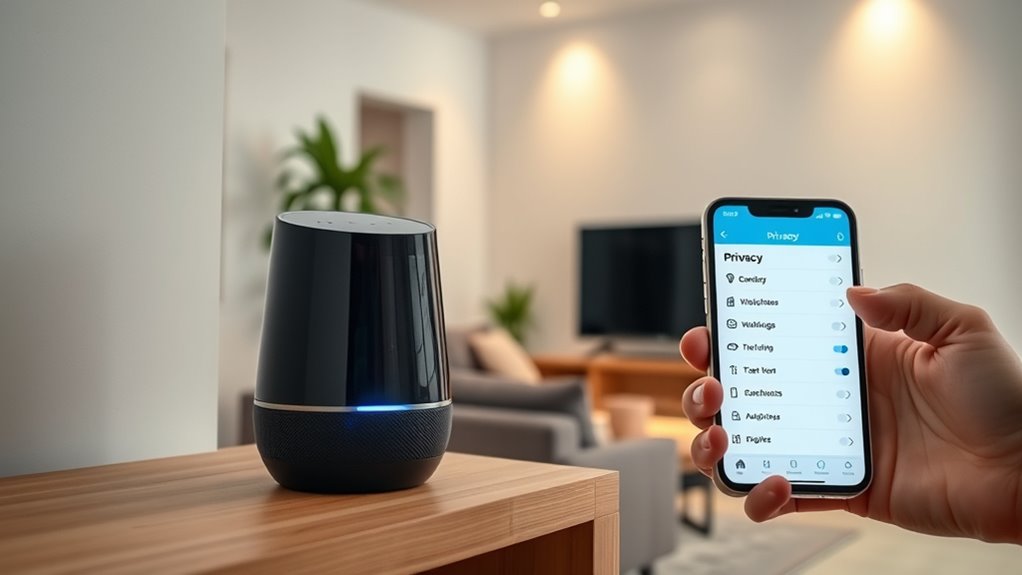
You can protect your privacy by managing your voice recordings and adjusting your device settings. Regularly review and delete recordings you no longer need, and customize privacy options to suit your comfort level. Taking these steps helps keep your personal information secure and under your control. Additionally, research companies thoroughly before investing, especially if you plan to use voice assistants for financial or sensitive information, to avoid potential scams and protect your assets. Being aware of privacy policies helps ensure you understand how your data is used and stored. Understanding data security practices can further enhance your privacy. Knowing about smart device features enables you to optimize privacy settings on your voice assistant and related devices. Incorporating European cloud solutions can also provide an added layer of security and compliance with data protection standards.
Manage Voice Recordings
Managing voice recordings on your Alexa device is a key step in protecting your privacy. You can review, delete, or download your recordings through your Amazon account settings, giving you control over your data. Regularly managing these recordings helps prevent sensitive information from lingering. To stay in control, consider these actions:
- Delete recordings manually after review
- Set automatic deletion for 3 or 18 months
- Disable voice recording improvements for added privacy
- Remove permissions for unused or unknown skills
- Be aware of privacy-preserving features enabled by default in nanotechnology devices to enhance user data security and ensure your device’s firmware is up to date. Additionally, understanding the intricacies of each type and model of voice assistants can help you make informed decisions about device usage and privacy settings.
Adjust Privacy Settings
How can you effectively protect your privacy using Alexa’s device settings? First, set automatic deletion for your voice recordings—choose 3 or 18 months to limit stored data. Disable voice recording improvements and targeted ads in your account settings to reduce data collection. Use the physical mute button to instantly stop recordings during sensitive conversations. Review app permissions regularly and revoke access for skills or connected services you no longer use. Consider disabling features that aren’t necessary, like voice shopping or drop-in. Keep your device firmware updated to patch security vulnerabilities. For added protection, connect your device through a VPN or encrypted network. Regularly auditing your privacy settings helps keep your personal data secure and minimizes potential risks. Additionally, understanding security best practices can further enhance your overall privacy protection. Staying informed about privacy regulations and how they impact your data can also help you make better decisions about your device usage. Employing home automation integration thoughtfully can help balance convenience with security.
Recognizing and Preventing False Activations
False activations occur when Alexa mistakenly interprets background sounds or speech as the wake word, causing it to start listening and recording unintentionally. To reduce these incidents, you can:
False activations happen when Alexa misinterprets sounds as the wake word, leading to unintended recording.
- Mute the microphone when not using Alexa, ensuring it doesn’t activate unexpectedly.
- Adjust sensitivity settings through the app, making the device less prone to false triggers.
- Minimize background noise in your environment, especially during quiet moments or sensitive conversations.
- Be mindful of similar-sounding words or phrases that might trigger Alexa accidentally.
Best Practices for Securing Your Voice Data
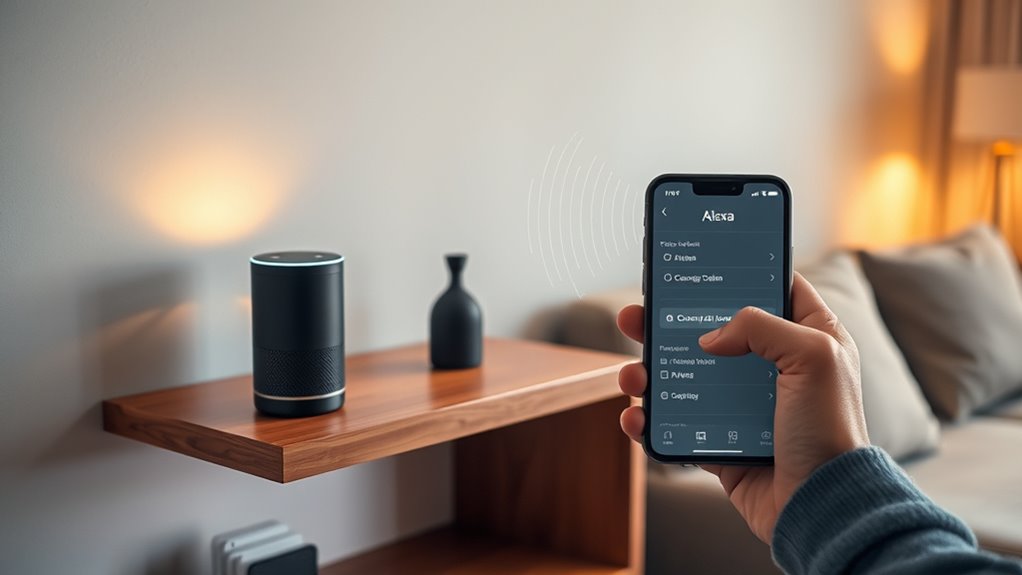
To better protect your voice data, start by regularly reviewing your privacy settings and deleting old recordings. Manage app permissions carefully, only granting access to trusted skills and services. Using a secure network, like a VPN, adds an extra layer of protection against potential cyber threats.
Regular Privacy Audits
Regular privacy audits are essential for keeping your voice data secure and maintaining control over your Amazon Alexa device. These audits help you stay aware of what data’s stored, how it’s used, and whether your privacy settings are up-to-date. During an audit, you should review your voice recordings, delete any unnecessary files, and confirm that permissions are only granted to trusted skills. It’s also smart to check your account settings regularly to adjust privacy preferences.
Consider these actions:
- Review and delete stored voice recordings
- Revoke permissions for unused skills
- Update device firmware and software
- Adjust auto-delete settings for recordings
Manage Voice Permissions
Managing voice permissions is vital for protecting your privacy and controlling how your Alexa device interacts with third-party skills. Regularly review the permissions you’ve granted to these skills to guarantee they only access necessary data. Disable permissions for skills you no longer use or trust. When enabling new skills, read their privacy policies carefully and limit access to sensitive information. You can revoke permissions anytime through the Alexa app or website, giving you full control over your data. Be cautious about granting permissions for microphone access, location, or contact lists unless absolutely needed. By managing permissions proactively, you reduce the risk of unauthorized data collection and help keep your voice data secure. This ongoing vigilance forms a critical part of your overall privacy strategy.
Use Secure Network Connections
Securing your network connection is vital for protecting your voice data from unauthorized access. A strong, encrypted connection helps prevent hackers from intercepting sensitive information transmitted between your Alexa device and servers. To enhance security, consider using a trusted VPN to encrypt all network traffic or enable WPA3 encryption on your Wi-Fi router. Regularly update your router’s firmware to patch vulnerabilities. Additionally, avoid public Wi-Fi networks for voice commands that contain personal details.
- Use a password-protected, encrypted Wi-Fi network
- Enable network encryption protocols like WPA3
- Connect only to trusted, secure networks
- Keep firmware and device software up to date
Implementing these steps ensures your voice data stays confidential and reduces the risk of unauthorized access. Regularly reviewing your network security settings is a vital part of protecting your privacy.
The Risks of Data Breaches and How to Mitigate Them
Data breaches pose a significant risk because hackers target smart speakers like Alexa to access personal information stored in recordings. If your device isn’t properly secured, cybercriminals can exploit vulnerabilities to steal sensitive data, such as routines, contacts, or financial info. While Amazon has avoided exposing voice recordings in breaches, stored data remains attractive to hackers. To mitigate these risks, keep your device updated with the latest security patches, and use strong, unique passwords for your Amazon account. Enable two-factor authentication if available. Consider disabling voice recordings for sensitive conversations or regularly deleting stored recordings. Using a VPN and securing your home Wi-Fi adds extra layers of protection. Regularly review your privacy settings and permissions to minimize data exposure. Taking these steps helps guard your personal information from potential breaches.
Making Informed Decisions About Voice Assistant Use
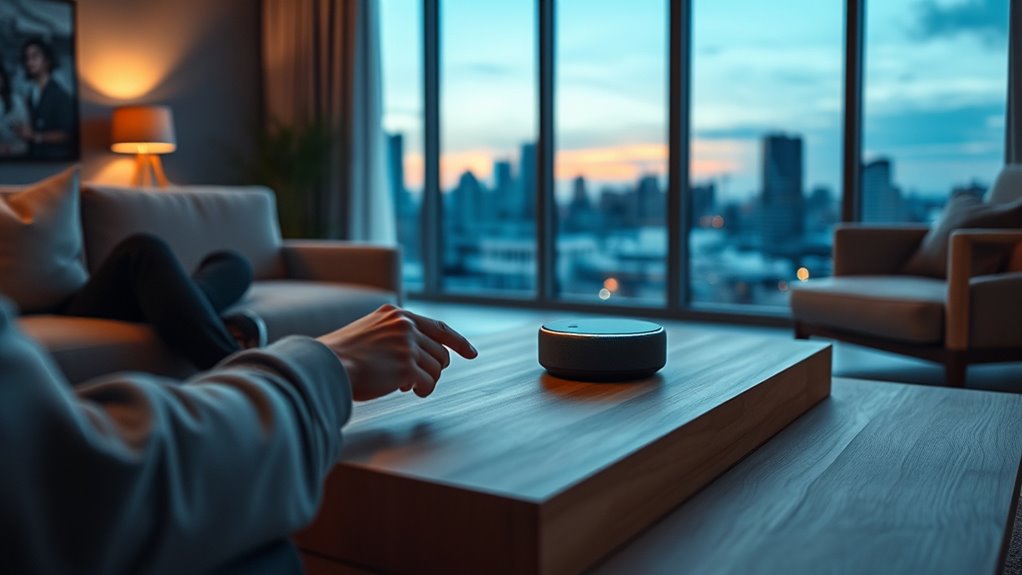
Deciding whether to use a voice assistant like Alexa involves weighing its convenience against potential privacy risks. To make informed choices, consider how you manage your device’s settings and data. First, always mute your microphone when not in use or during sensitive conversations. Second, regularly review and delete your voice recordings in your account settings to control stored data. Third, limit third-party skill installations and scrutinize their privacy policies. Fourth, enable automatic deletion features for older recordings to reduce stored information. Understanding how your data is collected, shared, and protected helps you assess risks. By staying proactive—reviewing permissions, updating firmware, and using secure networks—you can enjoy the benefits of voice assistants while safeguarding your privacy.
Frequently Asked Questions
Can I Completely Disable Alexa’s Listening Feature?
Yes, you can completely disable Alexa’s listening feature by pressing the microphone mute button on your device, which electronically turns off the microphone. When muted, Alexa won’t listen or respond to voice commands. You can also turn off voice recordings and disable related features in your privacy settings. Remember, muting the microphone is the most effective way to ensure Alexa isn’t listening during sensitive moments.
Does Muting the Microphone Stop All Data Collection?
Muting the microphone is like flipping a switch to silence a conversation; it stops all recording. When you mute your device, it disables the microphone entirely, preventing Alexa from capturing any audio. This means no data is sent to Amazon, and voice recordings aren’t stored or used. However, be aware that some data sharing with third parties may still occur for ads or analytics, even when muted.
How Secure Are Stored Voice Recordings Against Hacking?
Stored voice recordings are vulnerable to hacking if your device isn’t properly secured. Cybercriminals may target these files for valuable personal data, especially during data breaches. To protect yourself, keep your device’s software up to date, use strong, unique passwords, and consider network encryption like VPNs. Regularly review and delete recordings, and enable security features like two-factor authentication, to minimize risks and keep your data safer.
Are My Voice Commands Shared With Third-Party Companies?
Yes, your voice commands can be shared with third-party companies. Amazon may share certain user data, including voice recordings, with advertising partners and third-party skills, often in anonymized or aggregated form. To protect your privacy, review permissions regularly, disable skills you don’t use, and be cautious about what you say around your device. Using the mute button and deleting recordings frequently also helps keep your data more private.
How Often Should I Review and Delete My Voice Data?
You should review and delete your voice data monthly to maintain privacy. Regularly check your account settings to delete recordings, revoke permissions, and update preferences. Doing this monthly helps prevent unwanted data buildup and guarantees you control what’s stored. Also, consider deleting old recordings and disabling features like voice improvement options. Making these small, consistent checks keeps your information secure and reduces privacy risks with your voice assistant.
Conclusion
While it might feel unsettling to think Alexa is always listening, understanding how it works helps you stay in control. By adjusting settings and practicing good security habits, you can protect your privacy without giving up the convenience of voice assistants. Don’t let fears of data breaches or false activations stop you—stay informed and proactive. With the right precautions, you can enjoy Alexa’s benefits while keeping your personal information safe and private.