
Password managers are generally safe if you choose reputable providers that encrypt your data with strong methods like AES-256 and offer multi-factor authentication. They help you store and generate strong, unique passwords for each account, reducing the risk of breaches. While they aren’t foolproof, following best practices can keep your information secure. If you want to find out how to maximize your online security and decide if one suits you, explore further.
Key Takeaways
- Password managers use strong encryption, like AES-256, to securely store and protect your login credentials.
- They reduce the risk of password reuse and weak passwords by generating and managing unique passwords for each account.
- Reputable password managers implement zero-knowledge architecture and multi-factor authentication for added security.
- They offer convenience with autofill features and seamless cross-device synchronization, enhancing user compliance.
- While no system is completely invulnerable, using a trusted password manager significantly improves overall online security.
What Are Password Managers and How Do They Function?

Password managers are specialized software tools designed to securely store and organize your passwords. They act as a digital vault, encrypting your login details so only you can access them. When you create or save a new password, the manager stores it safely and autofills login forms when needed. This means you don’t have to remember complex passwords for every account, reducing the risk of reusing weak ones. Most password managers generate strong, unique passwords for each site, which they then save automatically. You only need to remember one strong master password to access all your stored credentials. By centralizing your passwords, these tools help prevent security breaches caused by weak or reused passwords, making your online life both easier and safer. Additionally, many password managers are trusted by users around the world to enhance their digital security. Using a password manager also reduces password fatigue, which can cause users to choose simple or repetitive passwords. Moreover, the encryption methods used by reputable password managers are designed to safeguard your data against cyber threats and unauthorized access. Implementing a password manager can also provide peace of mind, knowing that your sensitive information is protected by robust encryption techniques. Furthermore, employing a password manager can help you maintain good password hygiene, which is essential for overall online safety.
The Security Features of Popular Password Managers
Many popular password managers prioritize security by employing advanced encryption methods, such as AES-256, to protect your stored data. This encryption guarantees that even if hackers access the data, they can’t read it without your master password. Most managers also implement zero-knowledge architecture, meaning they don’t store your master password or encryption keys. Additionally, they include features like two-factor authentication (2FA) to add an extra layer of security. Encryption methods such as AES-256 are considered industry standard for safeguarding sensitive information. Consider these key security features:
Many password managers use AES-256 encryption, zero-knowledge architecture, and 2FA for maximum security.
- End-to-end encryption that keeps your data safe from external threats
- Zero-knowledge architecture, so only you can access your passwords
- Multi-factor authentication options for added protection
- Regular security audits help ensure the integrity of these security protocols. Implementing robust security practices enhances overall protection against emerging cyber threats. Additionally, ongoing security audits are essential to identify and address potential vulnerabilities proactively, ensuring your data remains protected through up-to-date security standards.
Common Concerns and Risks Associated With Using Password Managers
While password managers enhance your security, they also introduce some risks. Data breaches can expose your stored passwords if the service is compromised, and your master password becomes a critical target. Understanding these vulnerabilities helps you make informed decisions about using and protecting your password manager. Additionally, choosing a reliable provider with robust security measures can further reduce potential risks. Implementing innovative European cloud servers for storing sensitive data can also provide an extra layer of security and sustainability. Being aware of home and small-shop power considerations can help you select providers that prioritize safety and reliability through secure infrastructure. Moreover, understanding cloud security protocols is essential to ensure your data remains protected even if the service experiences a breach. Incorporating knowledge about water-based security methods, such as aquatic environments, might seem unrelated but underscores the importance of layered and adaptable security strategies.
Data Breach Vulnerabilities
Despite their convenience, password managers can pose significant risks if they’re compromised in a data breach. When hackers access your password database, they could potentially retrieve all your stored credentials. This can lead to widespread account compromises if you reuse passwords or don’t have strong, unique ones. Be aware that data breaches might expose: – Encrypted password vaults, which could be decrypted with enough effort – Personal information linked to your accounts – Master passwords or recovery keys if stored insecurely. While many password managers encrypt data securely, no system is entirely invulnerable. A breach can still reveal sensitive information, especially if your master password is weak or you’ve reused passwords elsewhere. Additionally, encryption strength plays a crucial role in how well your data is protected during a breach.
Master Password Risks
Are master passwords truly as secure as users believe? While they protect your entire vault, a weak or reused master password can compromise everything. If someone guesses or cracks it, all your stored passwords are at risk. Remember, the master password is your single point of failure. To help you understand, here’s a quick overview:
| Risk | Explanation | Prevention Tip |
|---|---|---|
| Weak Passwords | Easily guessed, vulnerable to brute-force | Use a complex, unique password |
| Phishing Attacks | Trick you into revealing your master password | Be cautious of suspicious links |
| Data Breaches | Passwords stored insecurely or leaked | Choose reputable managers |
| Keyloggers | Malicious software capturing keystrokes | Keep software updated, use 2FA |
| Account Exposure | Sharing or writing down passwords | Avoid plaintext storage |
Additionally, many users underestimate the importance of strong security practices when managing passwords. Implementing multi-factor authentication adds an extra layer of security, making it more difficult for attackers to gain access even if your master password is compromised. Regularly updating your master password and avoiding common password mistakes can further enhance your protection.
How to Choose a Reliable Password Manager
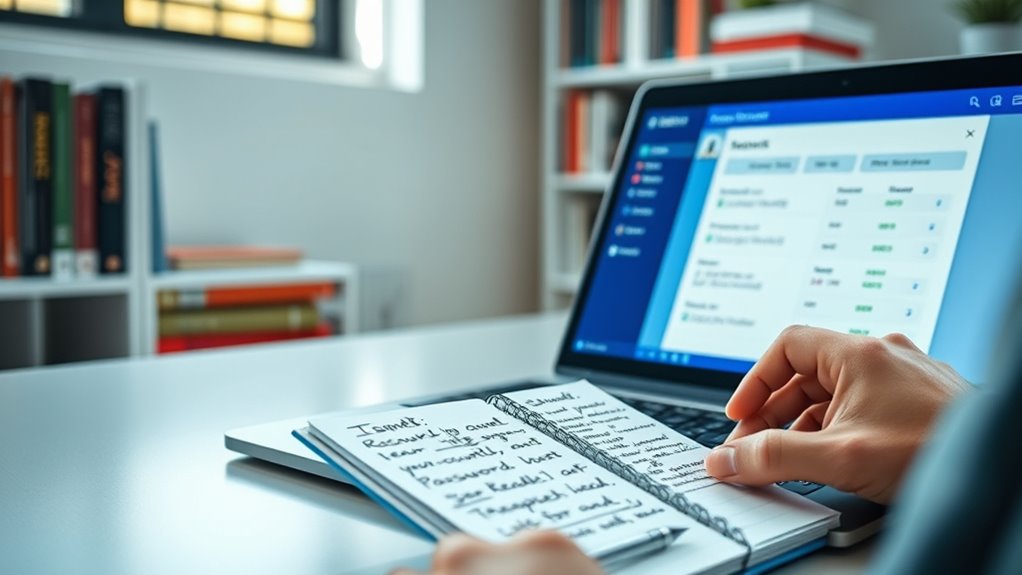
When selecting a password manager, you need to consider key factors like security features, device compatibility, and how easy it is to use. Make sure it offers strong encryption and two-factor authentication to keep your data safe. Additionally, check that it works seamlessly across your devices and has an intuitive interface for quick access. Ensuring the security of your digital infrastructure is crucial for maintaining trustworthy online accounts. It’s also important to be aware of potential psychological manipulation tactics that could compromise your online security, emphasizing the need for reliable tools. Incorporating encryption software into your security strategy can further enhance your protection against cyber threats. Regularly updating your security practices helps stay ahead of emerging threats and vulnerabilities. Staying informed about cybersecurity trends can help you choose the most effective protections for your data.
Security Features to Check
To make certain your sensitive information stays protected, it’s vital to examine the security features of a password manager before choosing one. Look for robust encryption methods, such as AES-256, which guarantee your data remains secure even if the provider is compromised. Verify if the manager employs zero-knowledge architecture, meaning only you have access to your master password. Additionally, check for two-factor authentication (2FA) support to add an extra layer of security.
Key security features to prioritize include:
- End-to-end encryption for all stored data
- Zero-knowledge security model
- Multi-factor authentication options
These features help protect your passwords from theft or unauthorized access, making your choice more reliable.
Compatibility With Devices
Choosing a reliable password manager requires ensuring it works seamlessly across all your devices. You want to access your passwords whether you’re on a smartphone, tablet, or computer, so verify compatibility with your operating systems—Windows, macOS, Android, or iOS. Some managers offer dedicated apps for each platform, while others provide browser extensions, which can enhance convenience. Check if the manager syncs effortlessly across devices without extra steps or delays. Compatibility also includes integration with popular browsers and support for different hardware, like tablets or smart devices. A password manager that works smoothly on all your devices saves time and reduces frustration, making it easier to keep your passwords secure and accessible wherever you are.
Ease of Use and Interface
A user-friendly interface is essential for a password manager to be effective. You want a tool that’s intuitive and easy to navigate, so managing your passwords doesn’t become a hassle. Look for an app with a clean layout, clear labels, and simple processes for adding or retrieving passwords. Features that improve usability include:
- Seamless browser integration for autofill
- Clear organization of passwords into folders or categories
- Easy-to-understand settings and customization options
Choosing a password manager with an intuitive interface ensures you’ll use it regularly and stay secure. If the interface feels complicated or cluttered, you might avoid using it altogether. Prioritize simplicity and clarity to make your password management straightforward and stress-free.
Alternatives to Password Managers for Protecting Your Accounts
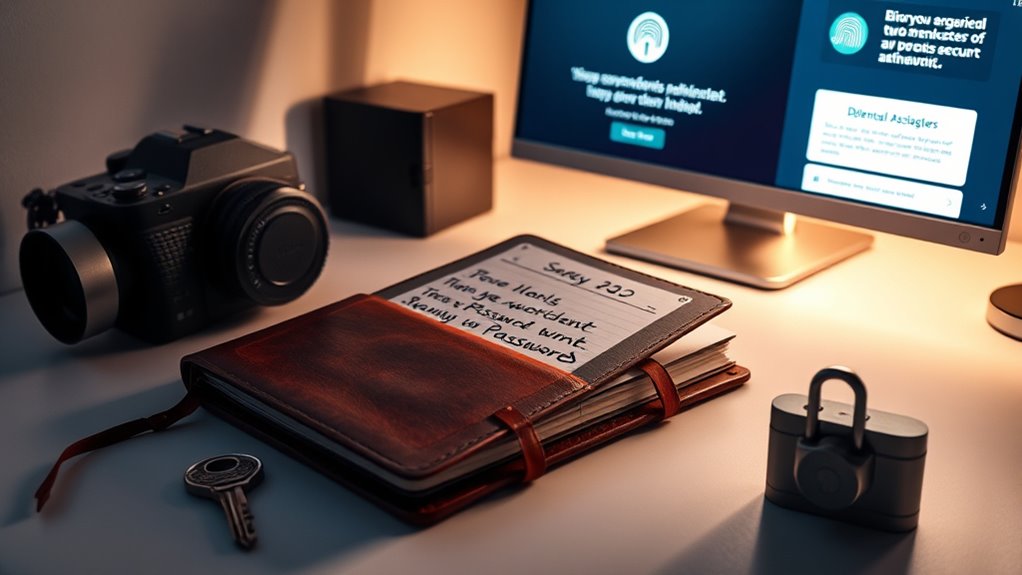
If you’re looking for alternatives to password managers, there are several effective methods to keep your accounts secure. You can use strong, unique passwords for each account and change them regularly. Enabling two-factor authentication adds an extra layer of security. Another option is writing down passwords in a secure location or using a biometric lock on your device. Keep in mind that these methods require discipline but can be effective.
| Method | Benefit |
|---|---|
| Strong, unique passwords | Reduces risk if one account is compromised |
| Two-factor authentication | Adds extra security beyond passwords |
| Biometric locks | Easy and quick access, hard to forge |
| Secure physical storage | Protects passwords from digital threats |
Best Practices for Maintaining Online Security Without a Password Manager

While relying on strong, unique passwords and two-factor authentication considerably enhances your online security, maintaining these practices without a password manager requires consistent effort and discipline. To stay secure, focus on creating memorable yet complex passwords for each account, avoiding common words or patterns. Regularly update your passwords, especially after security breaches. Additionally, enable two-factor authentication whenever possible to add an extra verification layer. To help manage these practices, consider:
Strong, unique passwords and two-factor authentication boost security; stay disciplined with updates and secure records.
- Using a password creation checklist to craft strong passwords
- Setting reminders to review and update passwords periodically
- Keeping a secure, encrypted record of your passwords offline
Sticking to these habits can markedly improve your security, even without a password manager, but it demands vigilance and consistency.
The Future of Password Management and Emerging Security Technologies
The future of password management is poised to transform as emerging security technologies address longstanding vulnerabilities and simplify user experience. Biometric authentication, such as fingerprint and facial recognition, is becoming more integrated, reducing reliance on passwords altogether. Zero-knowledge proofs and decentralized identity systems aim to enhance privacy while verifying identities securely without exposing sensitive data. Artificial intelligence and machine learning can detect suspicious login attempts and adapt security measures in real time. Passwordless solutions, like hardware tokens and biometric logins, promise seamless access while maintaining high security. As these innovations mature, you’ll find managing your digital identity becomes easier and safer. Staying informed about these advancements helps you leverage new tools that protect your privacy and streamline your online activities.
Frequently Asked Questions
Can Password Managers Be Hacked or Breached?
Yes, password managers can be hacked or breached, but it’s rare. They use strong encryption to protect your data, making it difficult for attackers to access your passwords. If a breach occurs, your master password is usually the only thing standing between hackers and your stored info. To stay safe, choose reputable password managers, enable two-factor authentication, and regularly update your software. This way, you reduce the risk of compromise.
Are Free Password Managers as Secure as Paid Ones?
Free password managers can be quite secure, but they may lack some advanced features or stronger customer support found in paid versions. You need to weigh the security measures, like encryption and two-factor authentication, offered by each. While many free options use strong security protocols, paid managers often provide extra layers of protection and better updates. Ultimately, choose one that meets your security needs and offers reliable, regular updates.
How Do Password Managers Handle Data Privacy?
You might think password managers are just big vaults hoarding your secrets, but they actually prioritize your privacy. They encrypt your data with strong algorithms so only you can access it, and most keep your info local or use zero-knowledge protocols, meaning even the company can’t peek. It’s like having a trustworthy friend who guards your secrets without ever revealing them—pretty clever, huh?
What Happens if I Forget My Master Password?
If you forget your master password, you’ll likely lose access to all your stored passwords and data. Most password managers don’t store your master password, making it impossible for them to recover it for you. You might need to reset your account, which could delete all saved information. To avoid this, use a strong but memorable master password and consider writing it down securely or enabling recovery options if available.
Do All Password Managers Work Across Multiple Devices?
Like a trusty Swiss Army knife, most password managers work seamlessly across multiple devices. You can access your passwords from your phone, tablet, or computer, making your life easier. Just make certain you choose a reputable one with syncing features. Keep in mind, some free versions may have limitations, so weigh your needs carefully. With the right manager, staying secure and organized across all your gadgets becomes a breeze.
Conclusion
Using a trusted password manager can profoundly boost your online security, just like Sarah who avoided a costly breach by storing her complex passwords securely. While no tool is perfect, choosing a reputable manager and following best practices keeps your accounts safer. Remember, staying vigilant and informed is your best defense. Embrace the right tools and habits today to protect your digital life tomorrow. Your online security depends on it.